Video Translator Online
Make your videos accessible to a global audience by translating them into multiple languages with our AI-powered tool. Ideal for tutorials, marketing, and more.
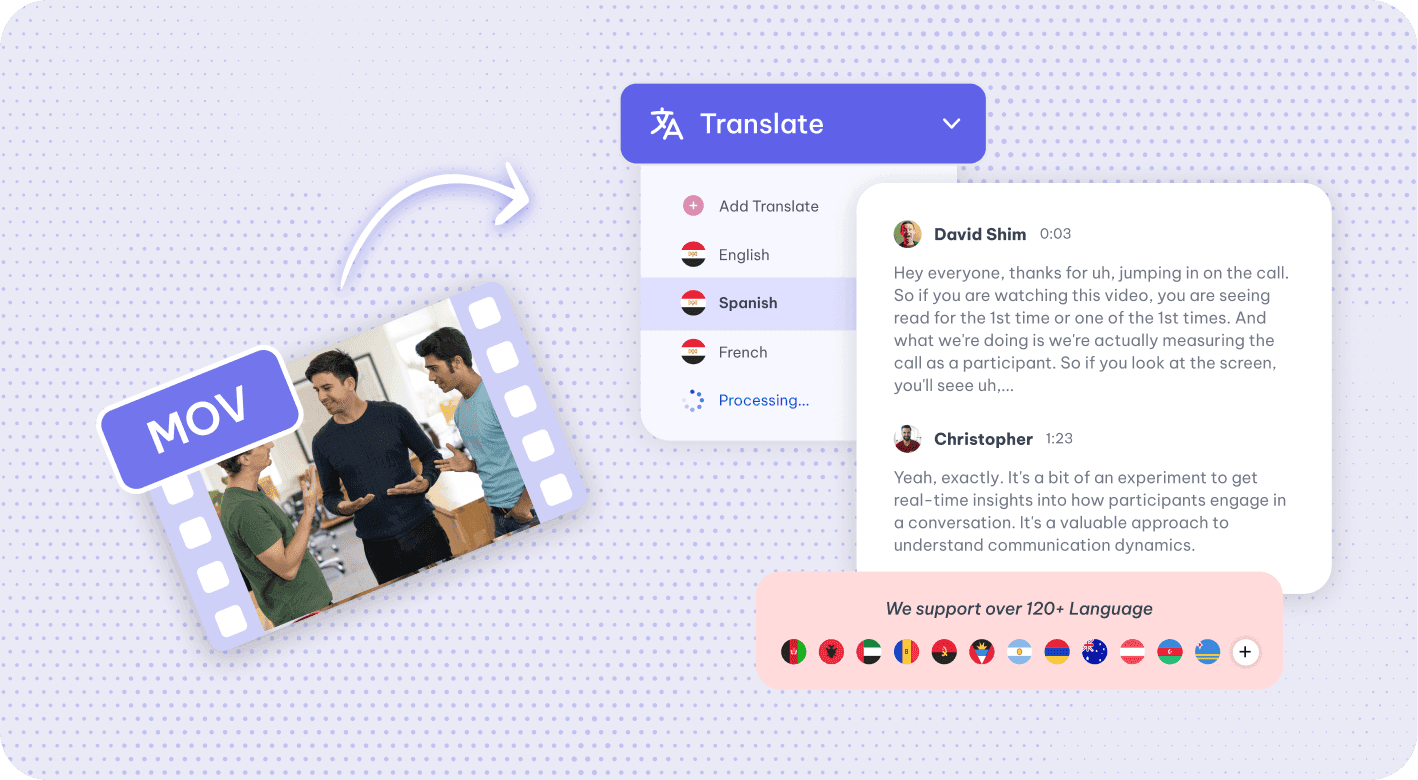
Why Use Exemplary AI's Video Translator?
Exemplary AI's Video Translator allows you to easily translate your video content into multiple languages, helping you reach a broader audience.
Multi-Language Support
Translate your videos into a wide range of languages, making them accessible to viewers around the world.
Accurate AI Translation
Our AI ensures accurate translations, maintaining the original tone and context of your video content.
Transcript and Subtitle Downloads
Download the translated transcript or subtitles as DOCX, TXT, SRT or VTT.
How to Translate Your Video?
Upload Your Video File
Start by uploading the video file you want to translate.
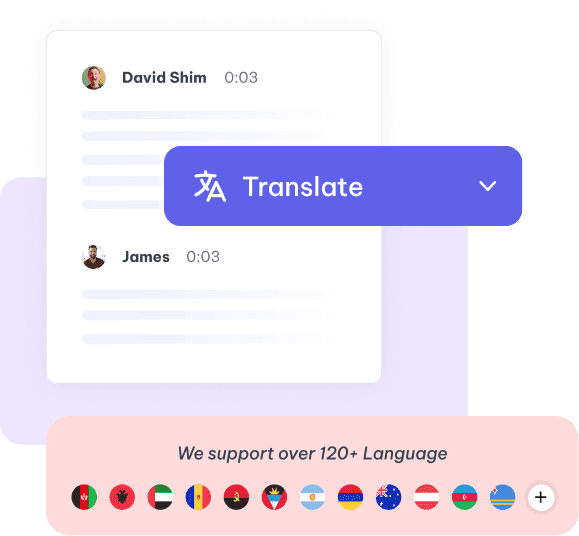
Select Target Language
Choose the language you want to translate your video into. Our AI will handle the translation.
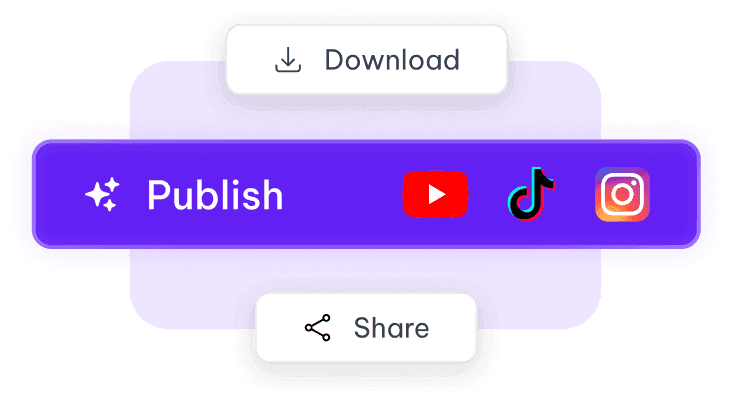
Export and Share
Once satisfied with the result, download the translated transcript or subtitles as DOCX, TXT, SRT or VTT.
See it in action
Tools that work on the same file
You have already uploaded it. These run on the same transcript, so there is nothing to redo.

Video to Text
Convert video to text online: upload MP4, WEBM, MOV or MKV or paste a YouTube link, edit the…
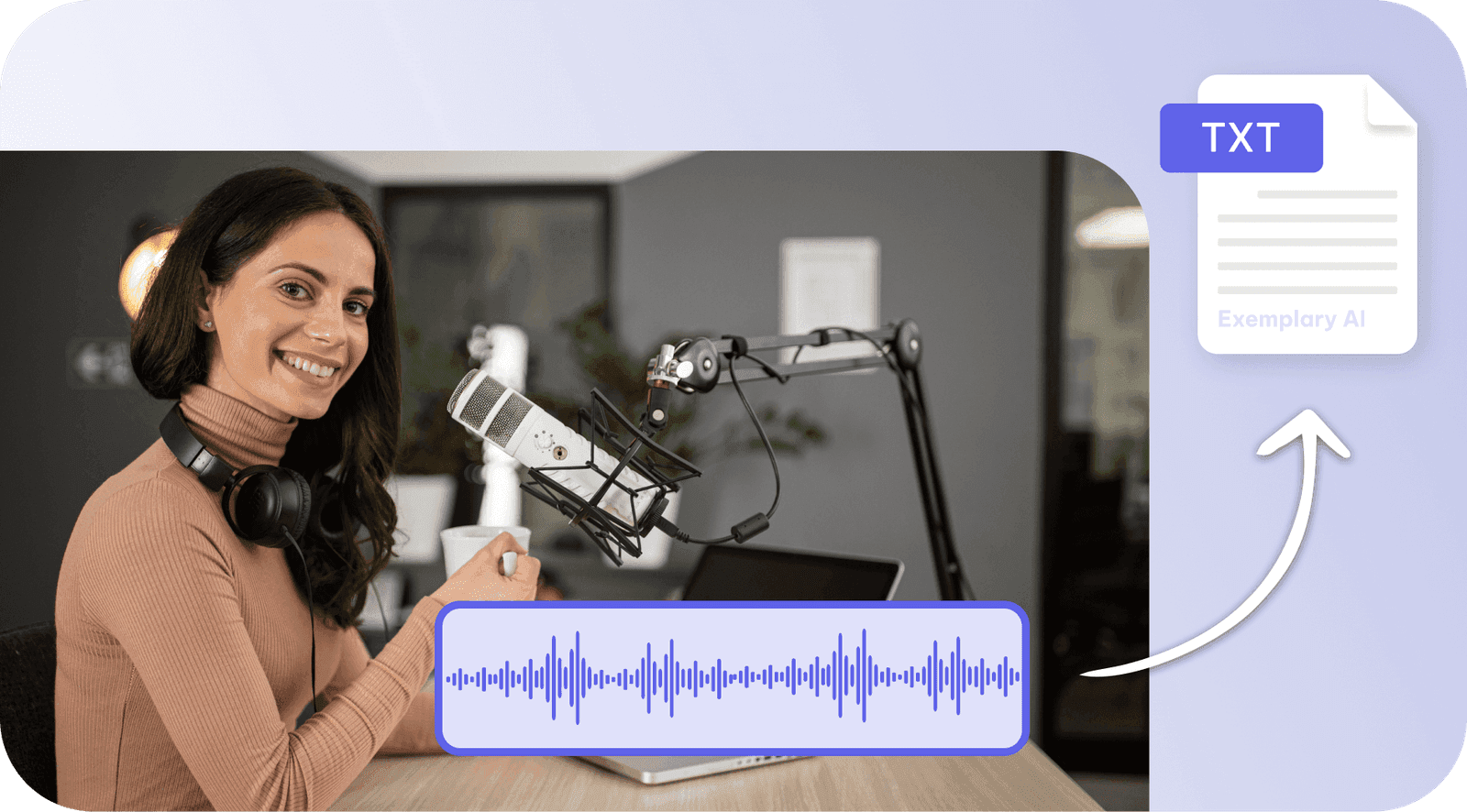
Audio to Text
Convert audio to text online: upload MP3, WAV or M4A, get an editable transcript, and download…
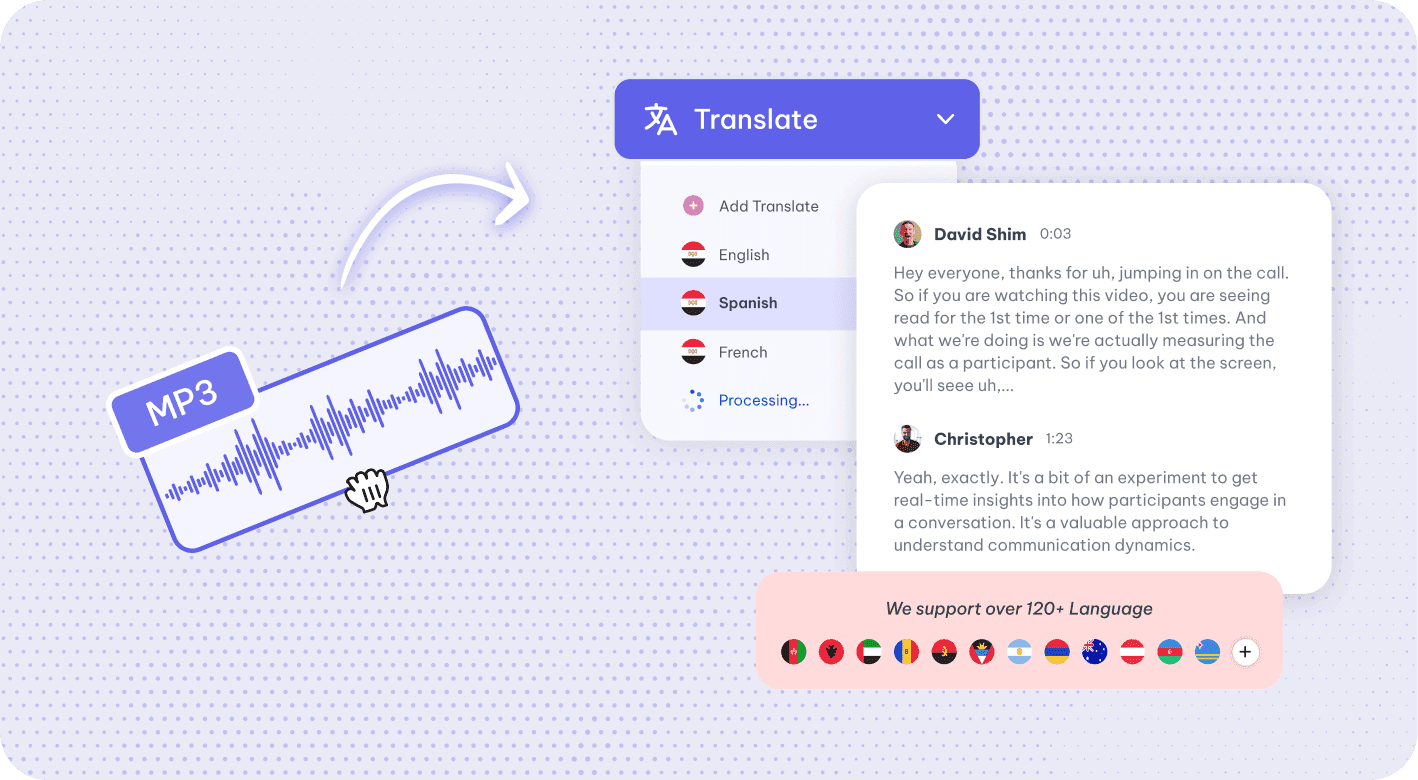
Audio translator
Translate audio online: AI transcribes your recording, then translates the transcript into 116…
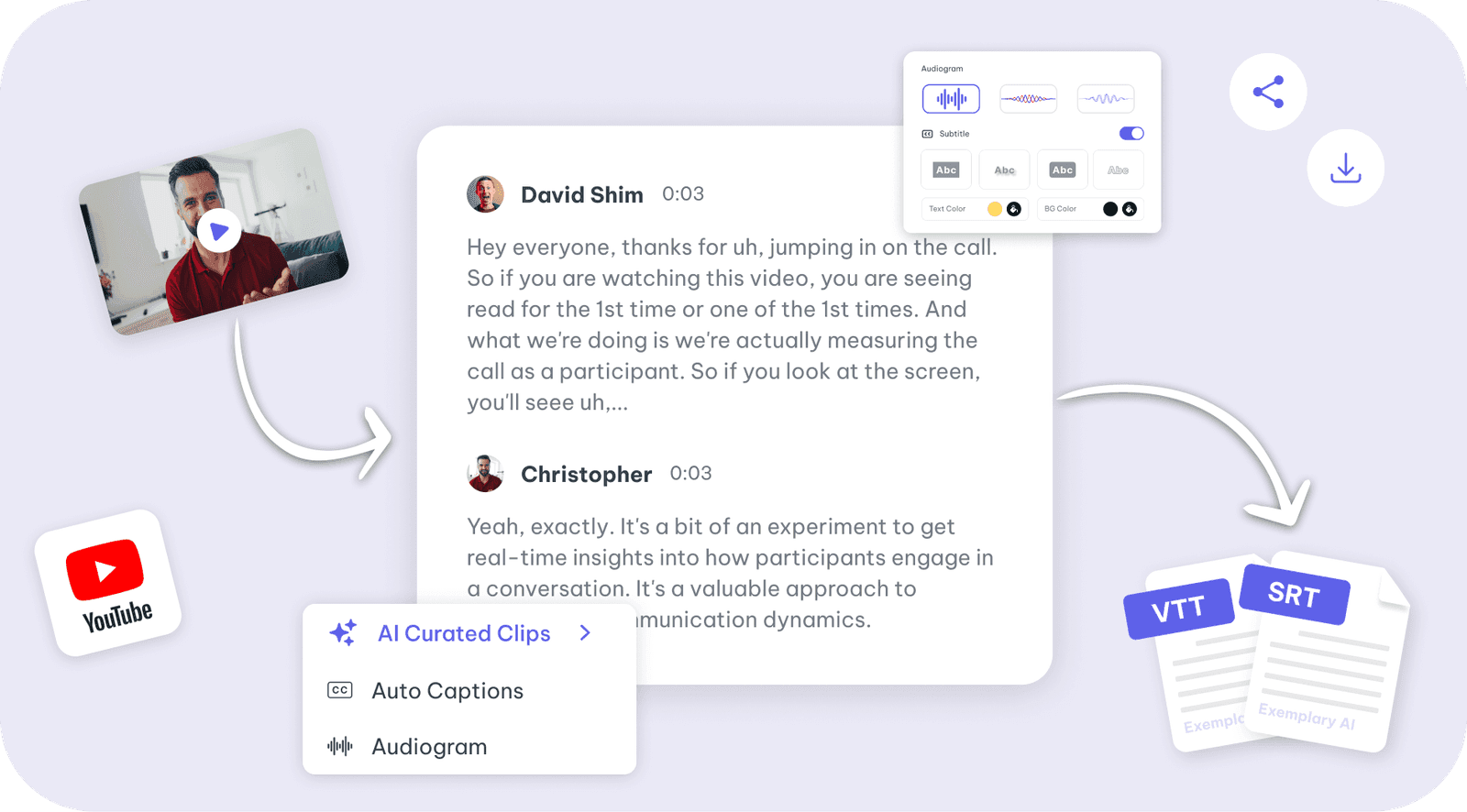
Youtube video
Paste a YouTube link or upload a video for a transcript in 99 languages.
Video translator is one part of one workspace
Video translator is one door into the same workspace. Whatever you came here to make, the rest is already available from the file you just uploaded.
Upload once
The same recording feeds every tool on the site. Nothing needs uploading twice to get a second format out of it.
Caption and translate
Burned-in captions or subtitle files, in the spoken language or translated with the timings kept intact.
Repurpose without re-editing
Clips, chapters, show notes, blog drafts and social posts all come off the one transcript.
Discover more Transcription
- Video to Text
- Audio to Text
- Audio translator
- Youtube video
- Vimeo video
- Google meet
- Instagram video
- Zoom recording
- MP4 to Text
- MP3 to Text
- TikTok Transcript Generator
- Facebook Video to Text
- Podcast Transcript Generator
- Interview Transcription
- Sermon Transcription
- WhatsApp Audio to Text
- Transcribe Google Drive Video
- Online voice recorder
- Translate Spanish audio to English
- Translate Japanese audio to English
- Translate Korean audio to English
- Translate Chinese audio to English
- Translate French audio to English
- Translate German audio to English
- Translate Portuguese audio to English
- Translate Russian audio to English
- Translate Arabic audio to English
- Translate Hindi audio to English
- Tamil Transcription
- French Transcription
- Japanese Transcription
- Hindi Transcription
- Spanish Transcription
- Arabic Transcription
- Chinese Transcription
- Turkish Transcription
- Hebrew Transcription
- Greek Transcription
- Bengali Transcription
- Tagalog Transcription
- Urdu Transcription
- Swahili Transcription
- Afrikaans Transcription
- Albanian Transcription
- Georgian Transcription
- Armenian Transcription
- Uzbek Transcription
- Nepali Transcription
- Sinhala Transcription
- Pashto Transcription
- Amharic Transcription
- Somali Transcription
- Yoruba Transcription
- Hausa Transcription
One upload. Every format you need.
Drop in a recording and work from the transcript — clips, captions, chapters, show notes and posts all come from the same file.