Viral Clip Finder for Long Videos
Paste a link or upload a long video. AI reads what is said, finds the moments that work on their own, and gives every clip a virality score so you know which to open first.
Free to start — no credit card required.
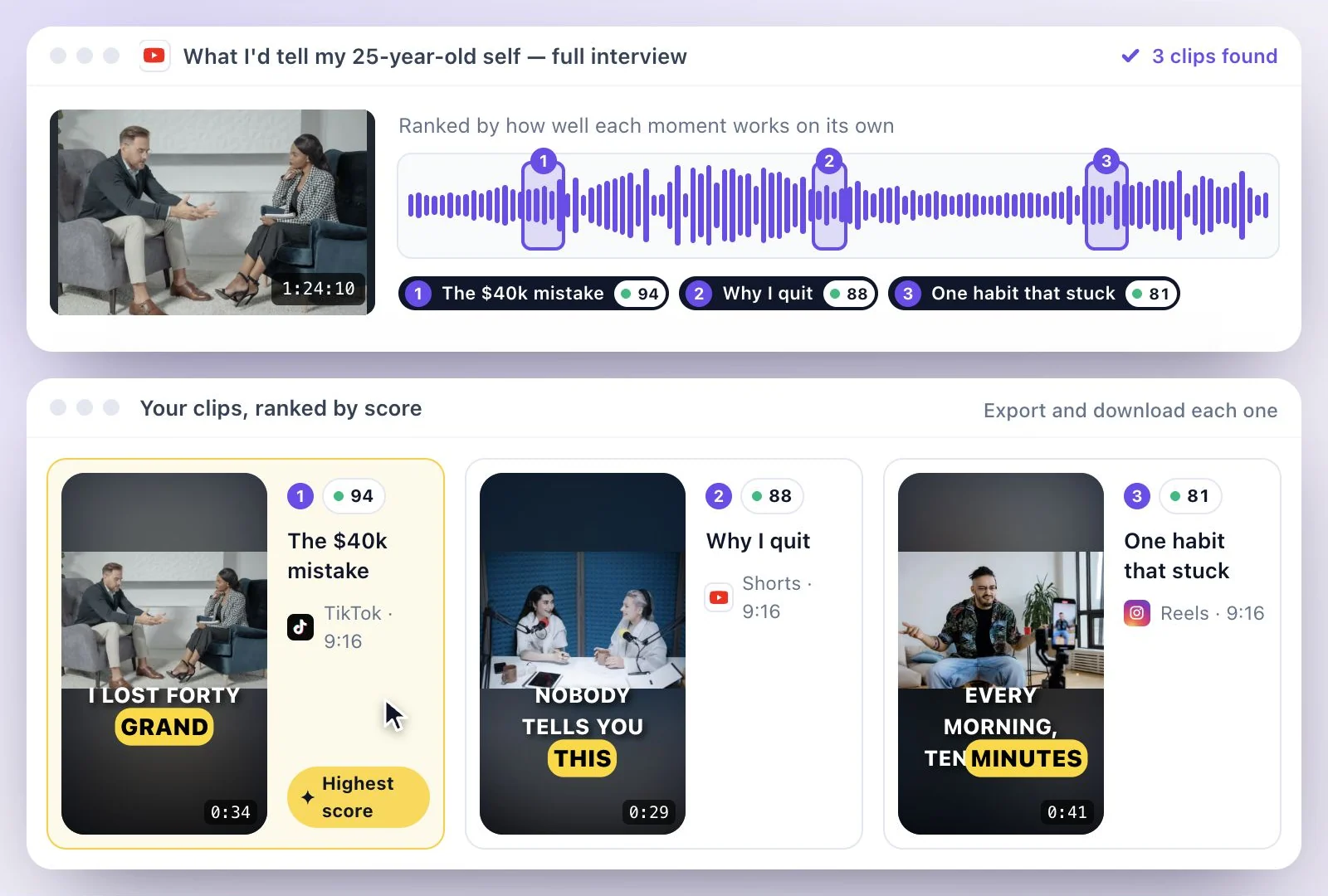
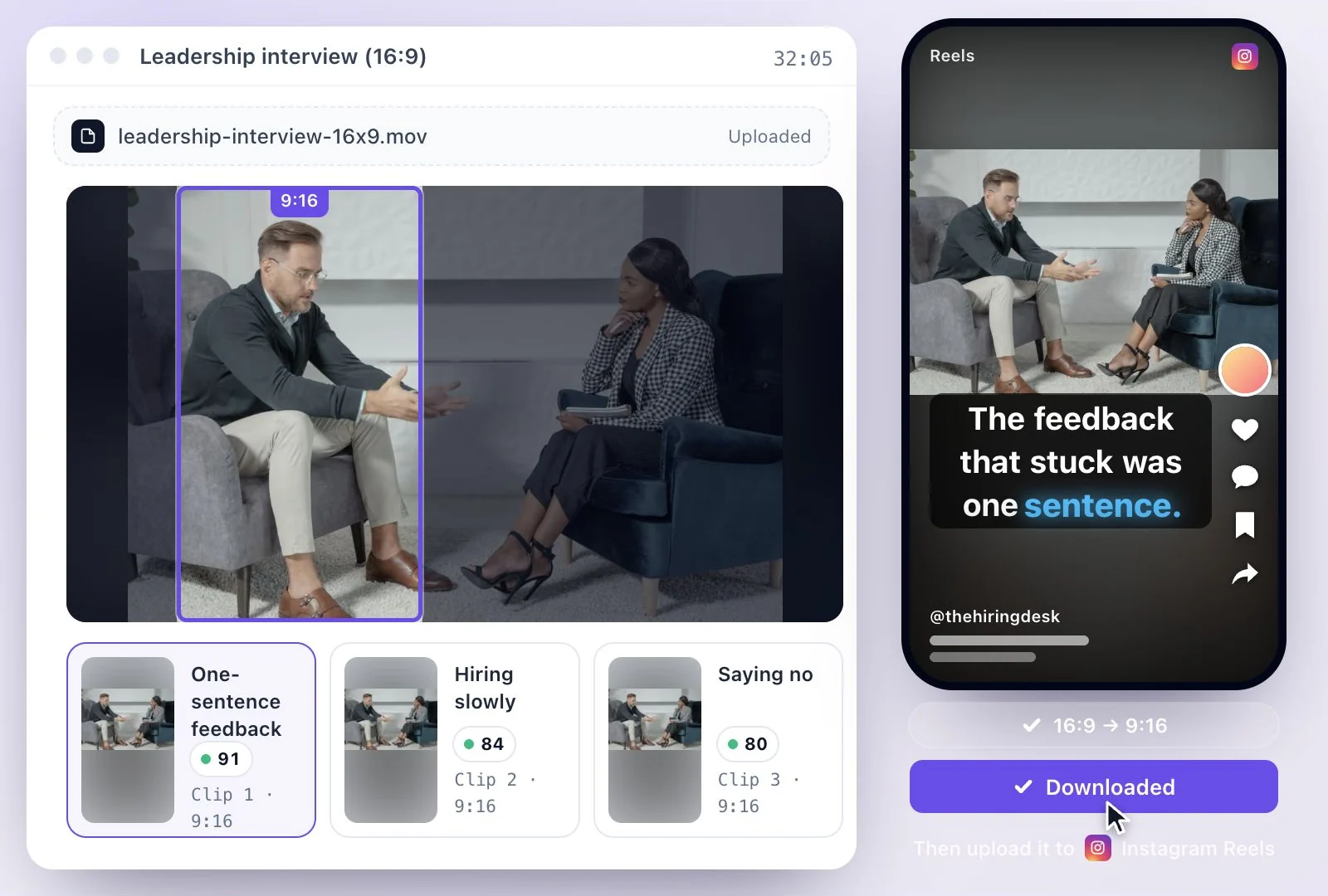
Exemplary AI's viral clip finder reads the transcript of a long video, picks the stretches that make sense without the rest of it, and cuts each one into a captioned vertical 9:16 clip with a virality score out of 100.
Sort by Highest score to open the strongest first. The score is the AI's read on how well a moment stands on its own, not a forecast of views. Free plan: 500 one-time credits; files up to 500 MB and 30 min long; 720p video exports with a watermark.
Viral clip finder at a glance
Facts checked .
- What it reads
- The transcript: what is said in the video, not the picture or the music
- Score
- A virality score out of 100 on every clip: how well the moment stands on its own
- Sorting
- Newest, Highest score or Longest
- Sources
- YouTube, TikTok, Instagram, Facebook, Vimeo or X links (single videos), or MP4, MOV or WEBM uploads
- Clip lengths
- Targets of 15, 30, 45, 60, 90 or 120 seconds; 30 seconds unless you pick another
- Shapes
- 9:16, 16:9, 1:1, 4:5 or Original; Original keeps the source's own shape
- Free plan
- 500 one-time credits; files up to 500 MB and 30 min long; 720p video exports with a watermark
How to find the most clippable moments in a video
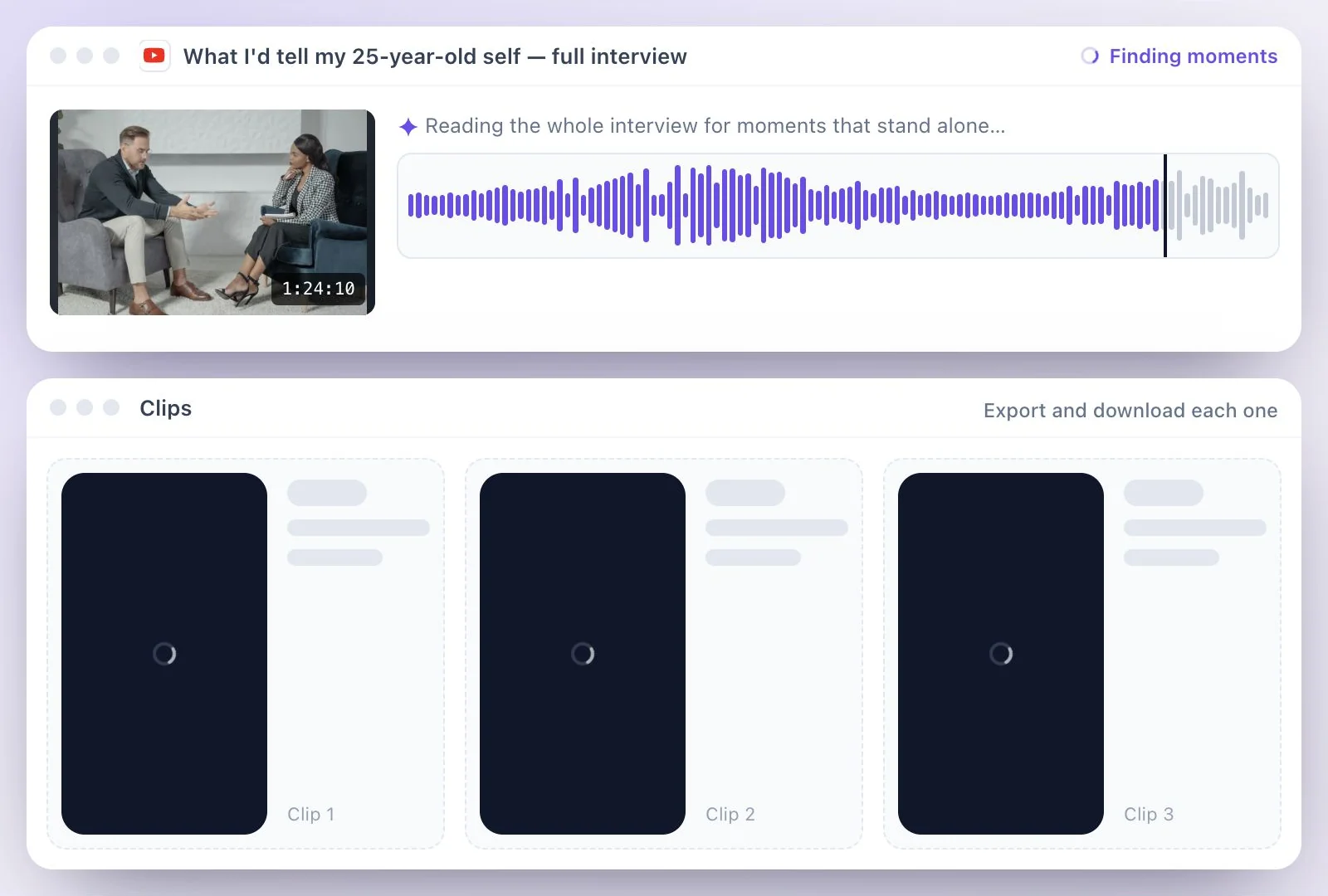
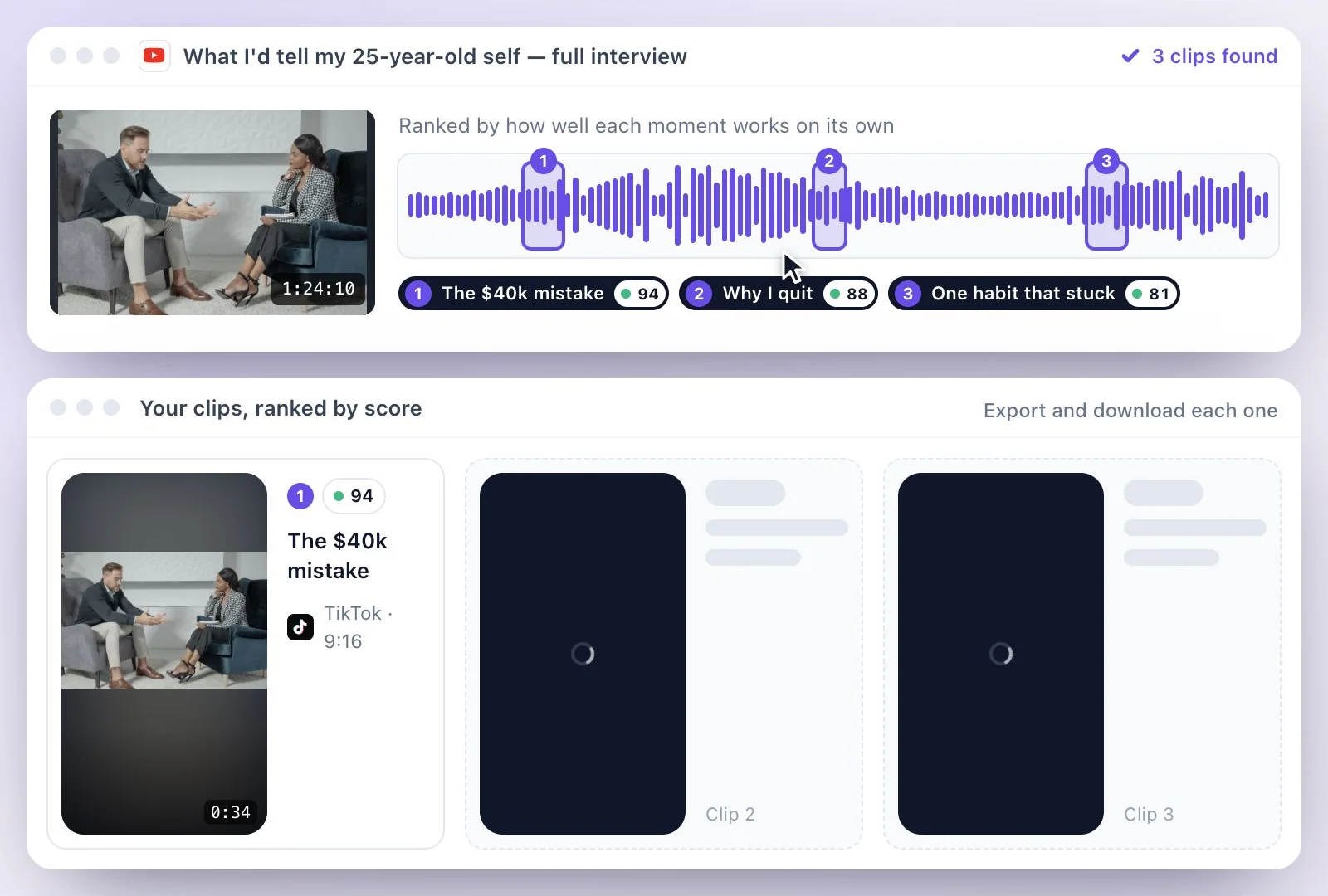
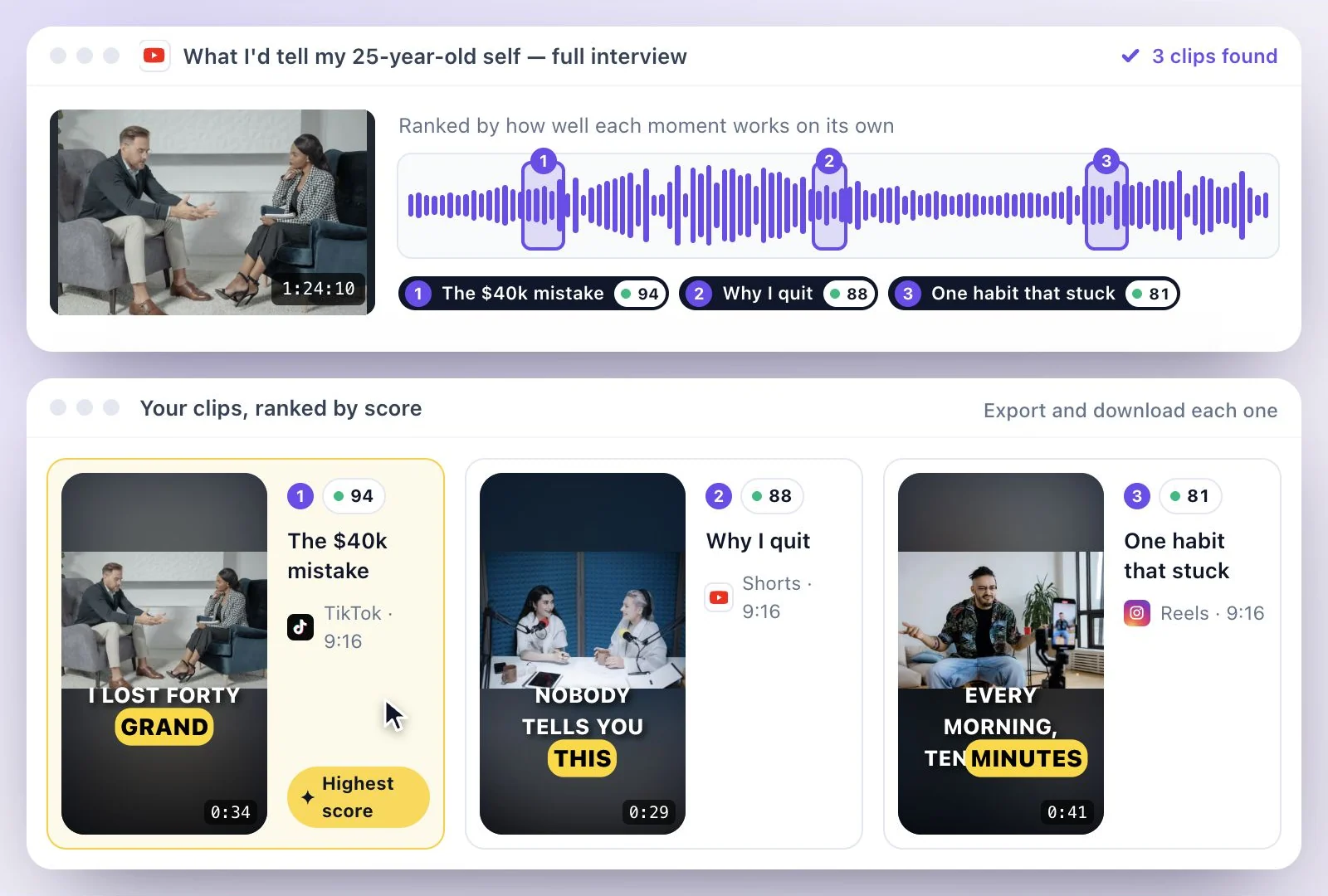
What a virality score means, and what it does not
The score comes from reading the transcript: a clip scores higher when its opening grabs attention and makes sense without anything earlier in the video, and when the moment is a complete thought, such as a story, a surprising fact or a strong opinion. Open a clip to read the one-line reason behind its score. It does not look at trends, at your channel or at past views, so treat it as an order to review clips in, and keep the final call on what fits your audience.
Because it reads words, it finds moments people talk through: a story, a strong opinion, a punchline, an answer to a good question. A visual gag or a silent highlight with nobody speaking will not be picked, and a video with no speech at all cannot be clipped; the run stops without using credits.
Want the whole process from one long video, framing and captions included? See long video to short video, or AI Clips for everything the clip maker does. Everything else the same video can become is on repurpose a video.
Moments Found in What Is Said
AI reads the whole transcript, so the clips come from the parts of the video that work on their own.
Moments that stand on their own
Clips start and end on whole lines of the transcript, and the opening has to make sense without what came before, so a viewer who never saw the full video can follow it.
A score on every clip
Every clip gets a virality score out of 100 with a one-line reason, and the gallery sorts by Highest score, Newest or Longest.
Captions included
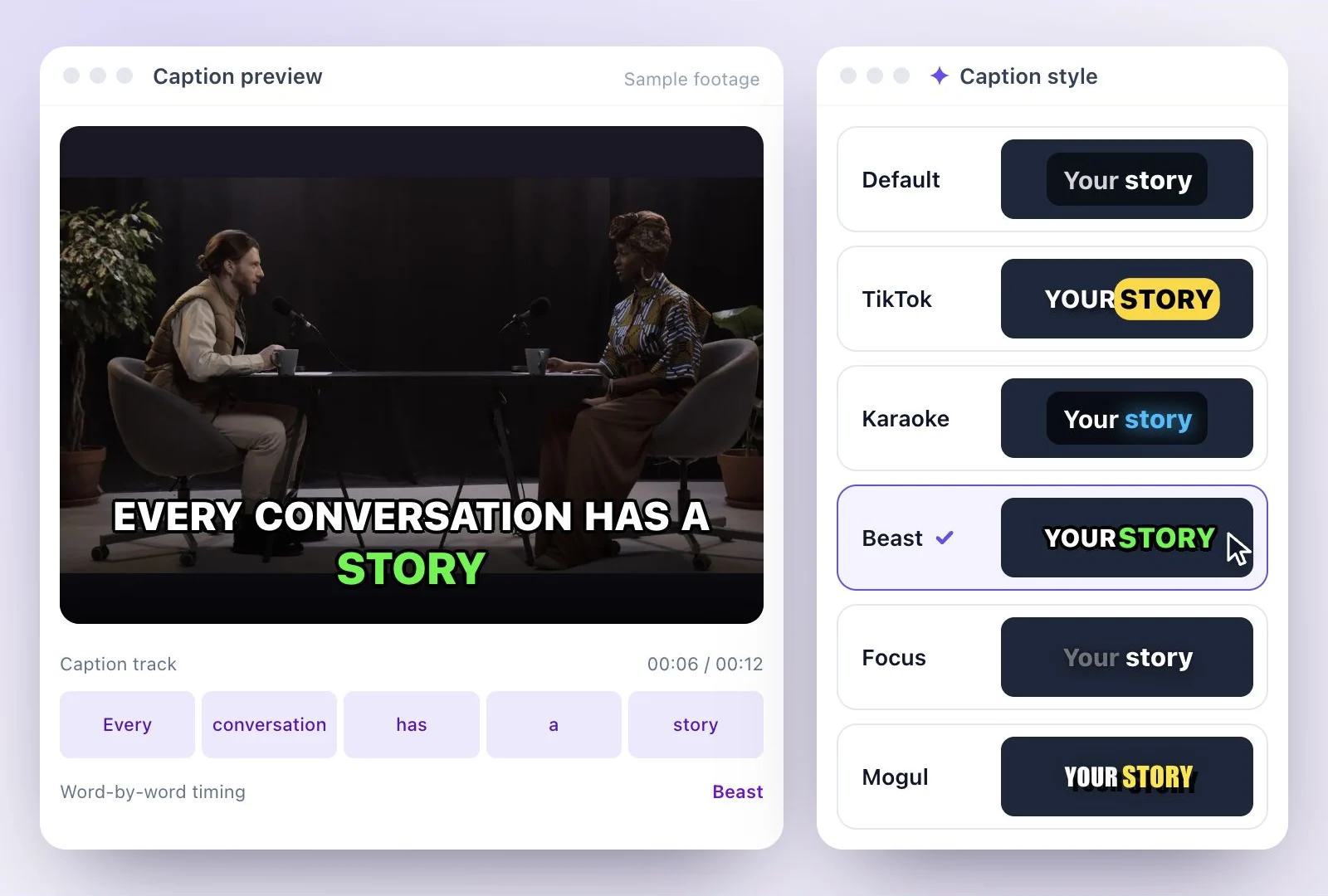
Each clip comes captioned from the transcript. All 26 styles, when you start a shorts project, in the Generate shorts dialog and in the editor; new clips start on Beast.
Framing that follows the speaker
The vertical crop follows the people on camera. Auto splits the frame when two people are on camera and keeps one pane when they are not, Split gives two people a pane each, and Speaker keeps one pane on whoever is talking.
Common questions
What is a viral clip finder?
How is the virality score worked out?
Will it find funny or visual moments where nobody talks?
Which links can I paste?
Can I choose how many clips I get and how long they are?
Is the viral clip finder free?
Discover more Clips & Shorts
- Video trimmer
- YouTube Shorts Maker
- AI podcast clips generator
- Instagram reel maker
- Resize videos
- Auto video editor
- Crop video
- Add image to video
- Add text to video
- Remove filler words
- Add emoji to subtitle
- Silence remover
- Add watermark to video
- Add b-rolls
- Word highlight in subtitle
- AI video editor
- Long video to short video
- Twitch clip maker
- YouTube to TikTok
- Sermon clips
- Horizontal to vertical video
- Screen and webcam recorder
- Online screen recorder
- Kick clip maker
- YouTube Shorts size
- TikTok video size
- Instagram Reels size
- LinkedIn video specs
Make something worth watching
Start with a recording, choose the moments to keep, and finish your clip with captions.