WhatsApp Audio to Text
Turn a WhatsApp voice message into text you can edit, copy, translate or keep, from a file saved on your phone or computer.
Free to start — no credit card required.
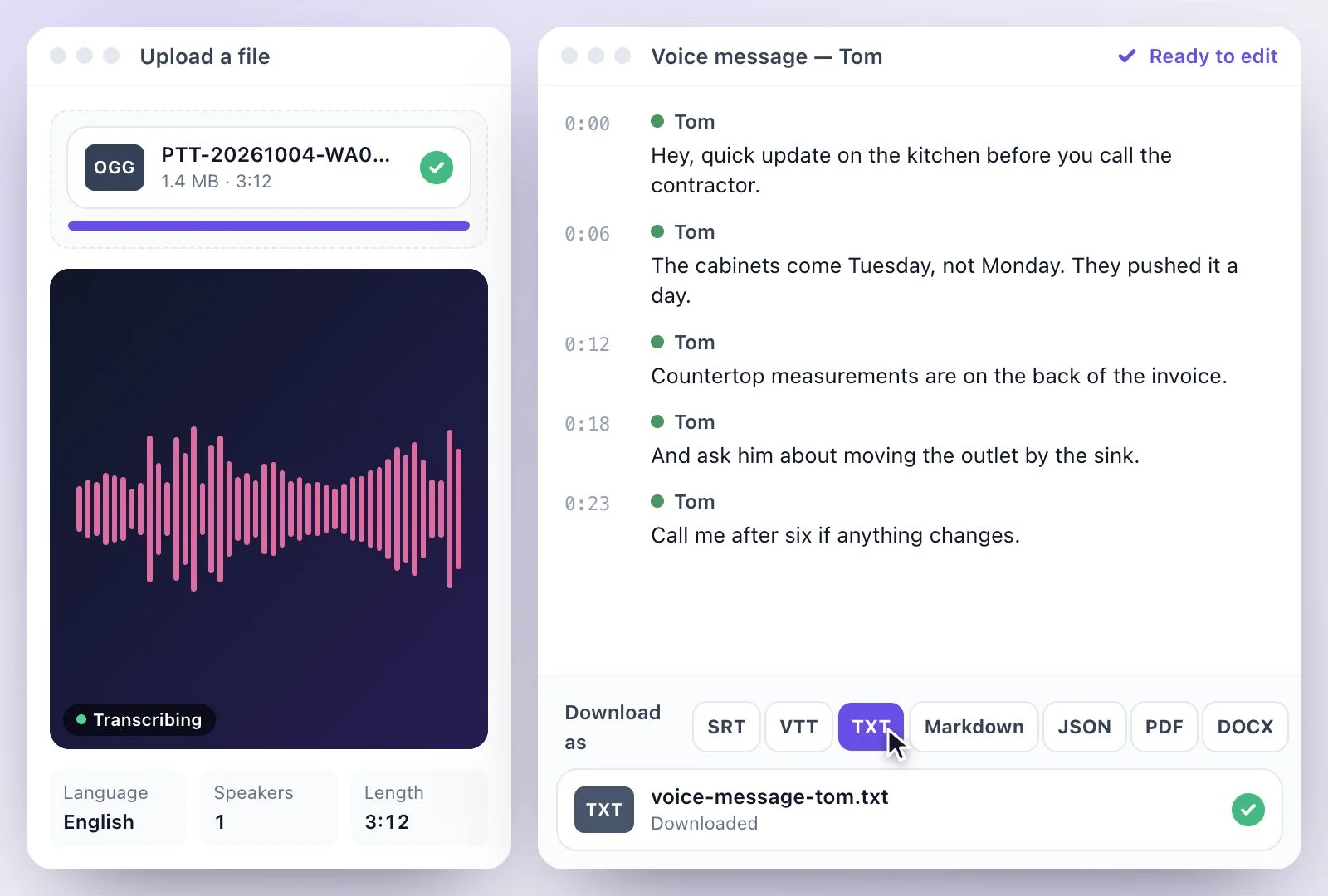
WhatsApp can transcribe voice messages on your phone: turn on Voice Message Transcripts in Settings → Chats, then press and hold a message and tap Transcribe.
That works in the languages WhatsApp supports on your device, and the text stays in the chat. To keep the text, edit it or translate it, save the voice message as a file and upload it here. Voice messages are Opus audio, and OGG files upload as they are. Free plan: 500 one-time credits; files up to 500 MB and 30 min long; 720p video exports with a watermark.
WhatsApp voice notes at a glance
Facts checked .
- WhatsApp's own transcripts
- On your phone, off by default, in the languages WhatsApp supports on your device
- Voice message files
- Opus audio, saved as .opus or .ogg files
- Uploads
- OGG files; rename a refused .opus file to .ogg
- Translation
- Into any of 116 languages, as subtitles on the player or downloads
- Transcript downloads
- PDF, SRT, VTT, TXT, Markdown, JSON and DOCX
- Free plan
- 500 one-time credits; files up to 500 MB and 30 min long; 720p video exports with a watermark
How to convert a WhatsApp voice message to text
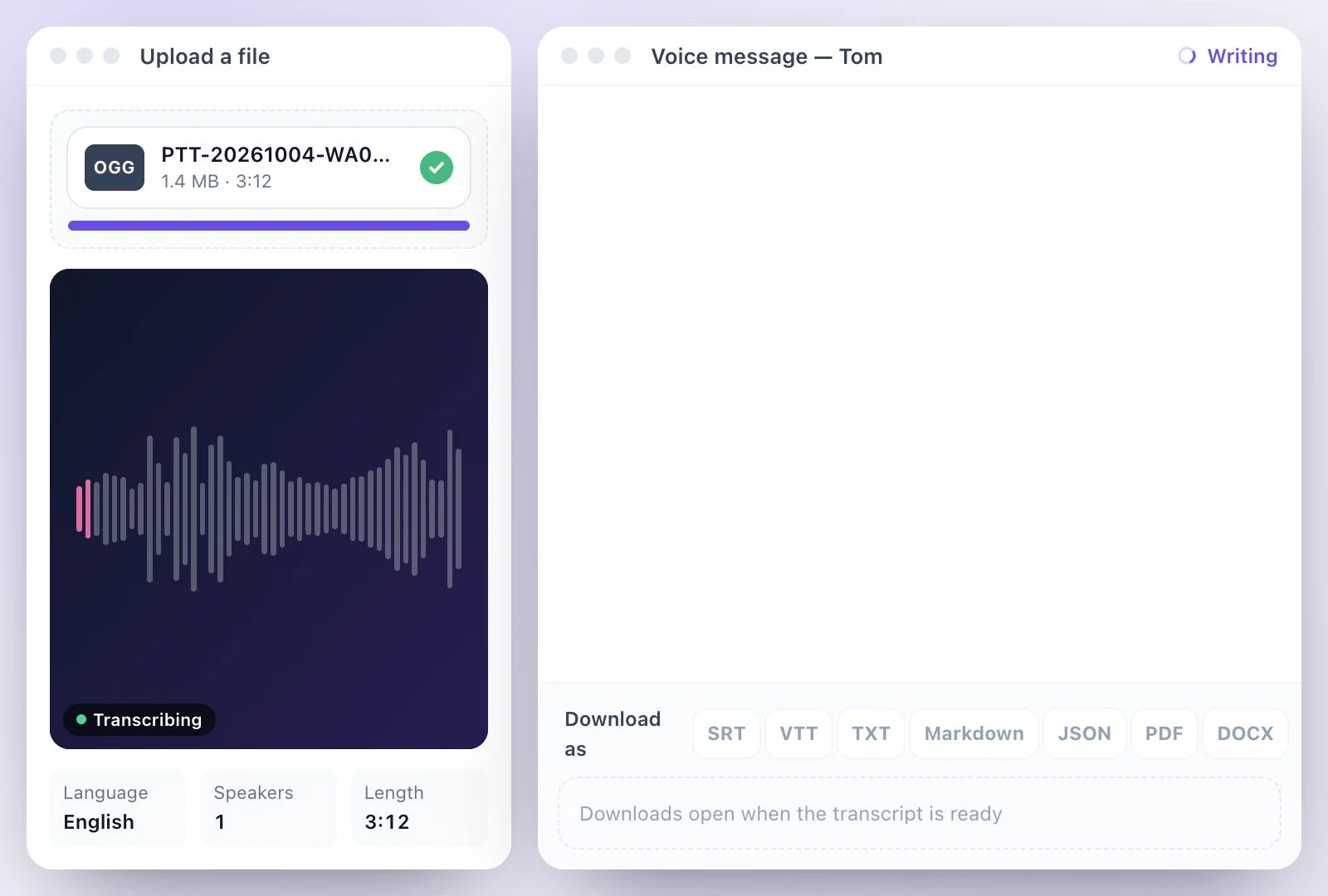
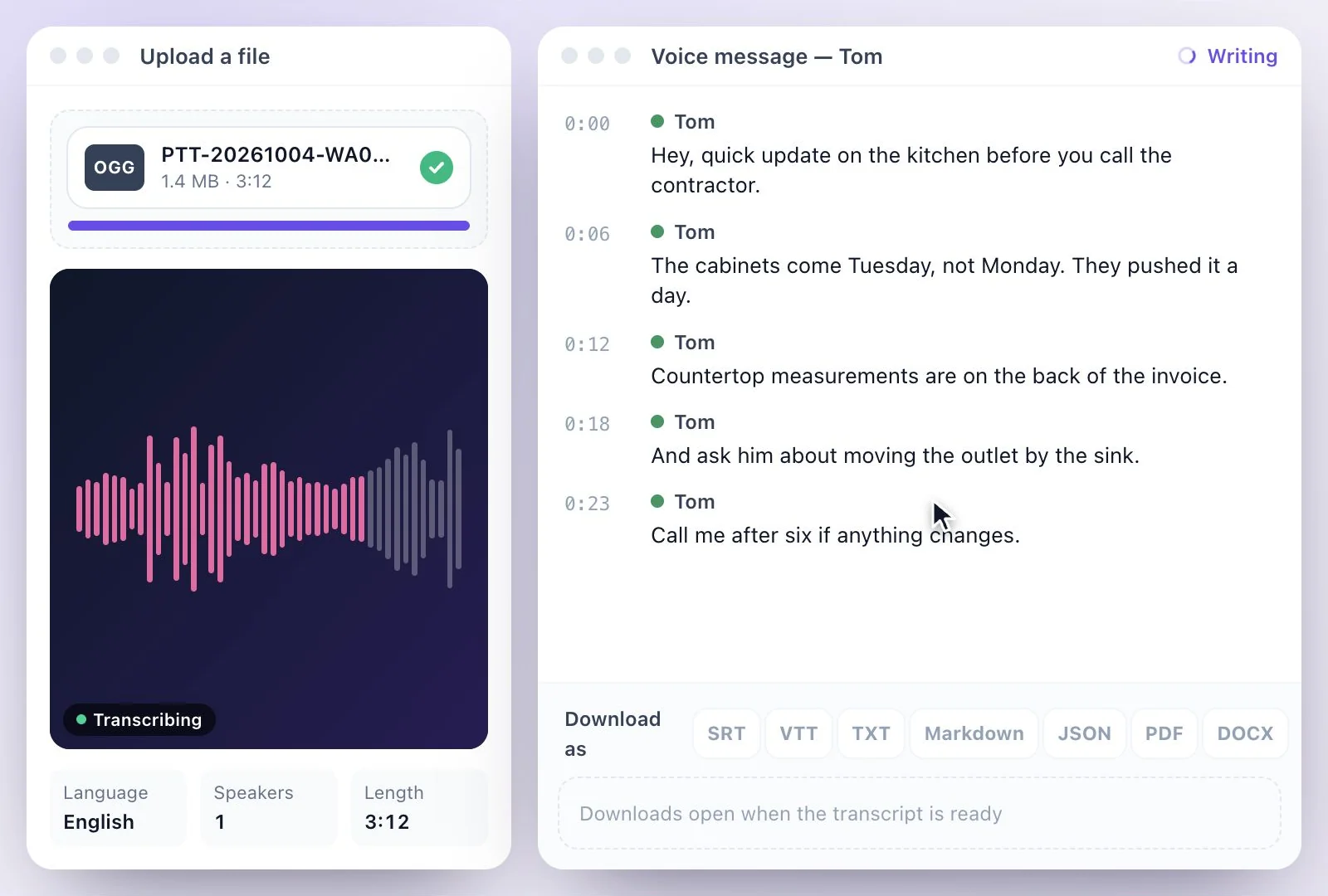
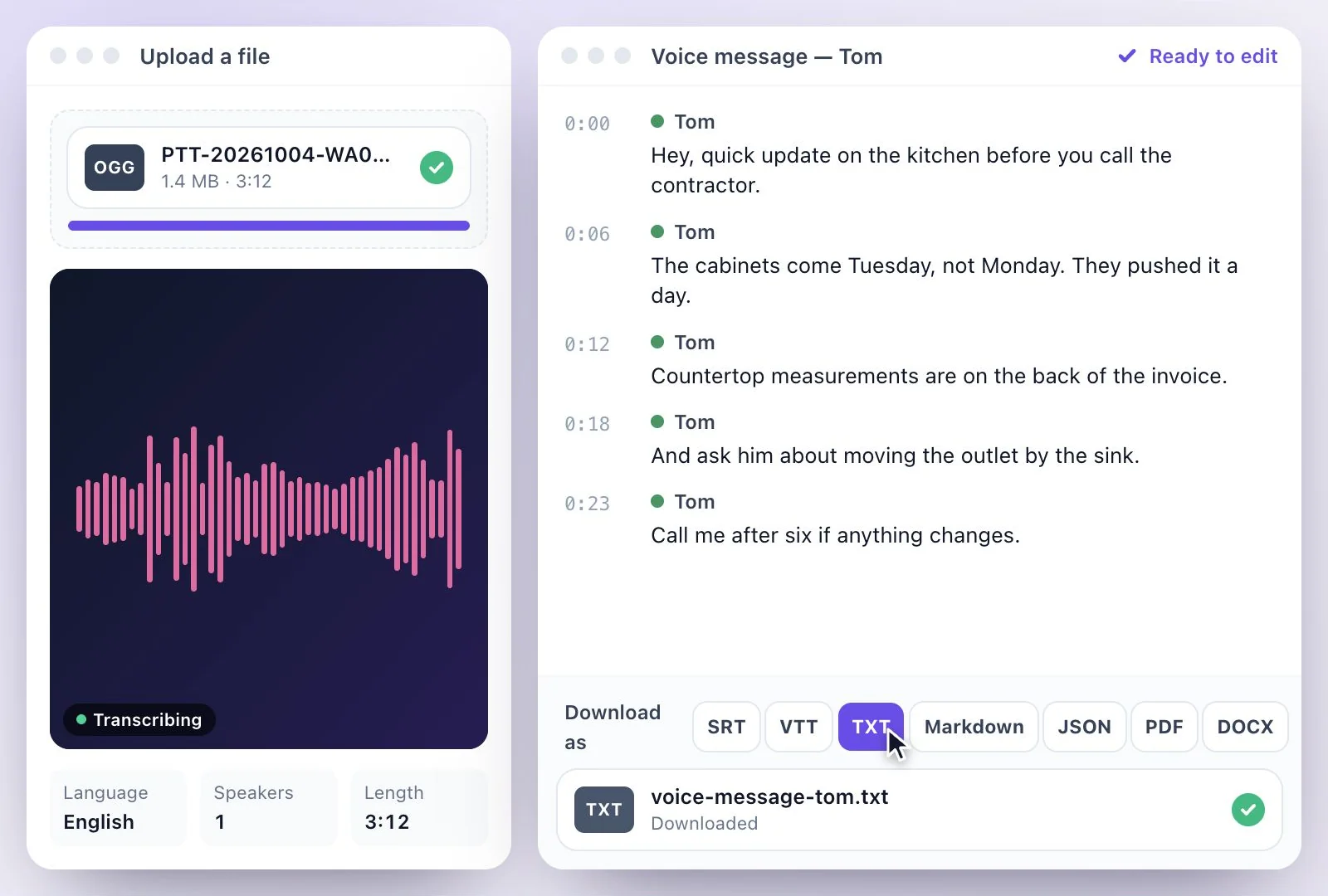
When a voice note needs to be more than a chat bubble
WhatsApp's own transcripts are handy for a quick read, but they stay on your phone and in the chat. Long voice notes from clients, interviews sent as a string of messages, voice notes in a language you don't speak, or messages you need on record are easier to deal with as text you can edit, translate, search and keep.
Several voice notes can be uploaded at once, and each becomes its own transcript. For other phone recordings, see voice memo to text; for audio files in general, MP3 to text.
Voice Messages into Text You Can Keep
Upload the file once and the words are yours to edit, translate and file.
Ogg voice notes upload as they are
WhatsApp's voice notes are Ogg Opus audio; a .ogg file uploads without converting.
Translate a voice note
Got a voice note in a language you don't speak? Translate the transcript into any of 116 languages.
Several at once
Upload a batch of voice notes together and each one gets its own transcript.
Copy, edit, download
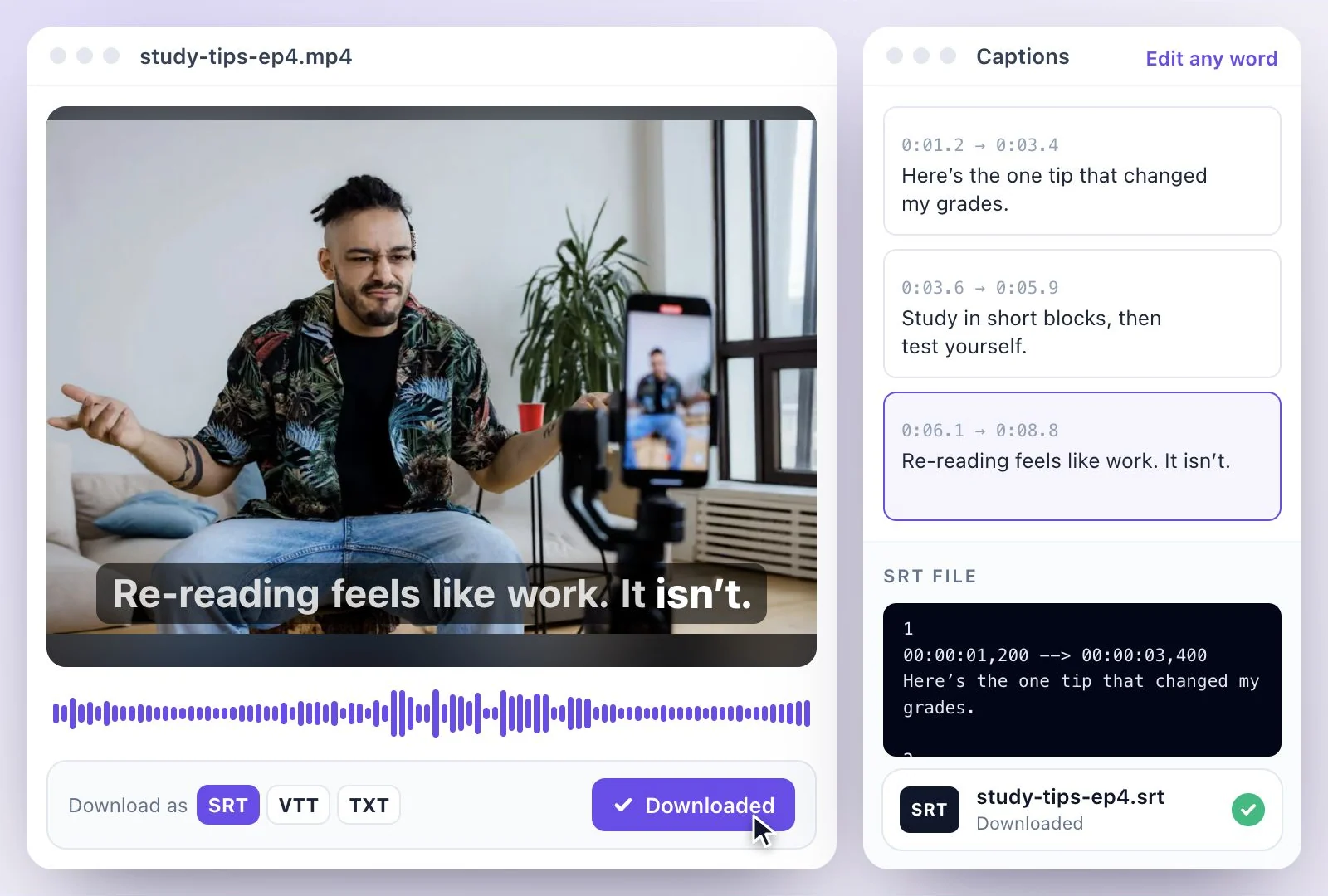
Copy the text into a reply or a document, or download PDF, SRT, VTT, TXT, Markdown, JSON and DOCX.
Common questions
How do I convert a WhatsApp voice message to text?
Does WhatsApp transcribe voice messages itself?
Why won't my .opus file upload?
Can I translate a WhatsApp voice message into English?
Can I transcribe several voice notes at once?
Is converting WhatsApp audio to text free?
Discover more Transcription
- Video to Text
- Audio to Text
- Audio translator
- Video translator
- Youtube video
- Vimeo video
- Google meet
- Instagram video
- Zoom recording
- MP4 to Text
- MP3 to Text
- TikTok Transcript Generator
- Facebook Video to Text
- Podcast Transcript Generator
- Interview Transcription
- Sermon Transcription
- Transcribe Google Drive Video
- Online voice recorder
- Translate Spanish audio to English
- Translate Japanese audio to English
- Translate Korean audio to English
- Translate Chinese audio to English
- Translate French audio to English
- Translate German audio to English
- Translate Portuguese audio to English
- Translate Russian audio to English
- Translate Arabic audio to English
- Translate Hindi audio to English
- Tamil Transcription
- French Transcription
- Japanese Transcription
- Hindi Transcription
- Spanish Transcription
- Arabic Transcription
- Chinese Transcription
- Turkish Transcription
- Hebrew Transcription
- Greek Transcription
- Bengali Transcription
- Tagalog Transcription
- Urdu Transcription
- Swahili Transcription
- Afrikaans Transcription
- Albanian Transcription
- Georgian Transcription
- Armenian Transcription
- Uzbek Transcription
- Nepali Transcription
- Sinhala Transcription
- Pashto Transcription
- Amharic Transcription
- Somali Transcription
- Yoruba Transcription
- Hausa Transcription
Start with the words in your recording
Upload your audio or video, check the transcript, and choose the output you need.