YouTube Shorts Size, Dimensions and Safe Zone
Make Shorts at 1080 × 1920 px (9:16) and keep text inside the 900 × 1160 px safe area. Check a frame of your own video against the overlay, then download it.
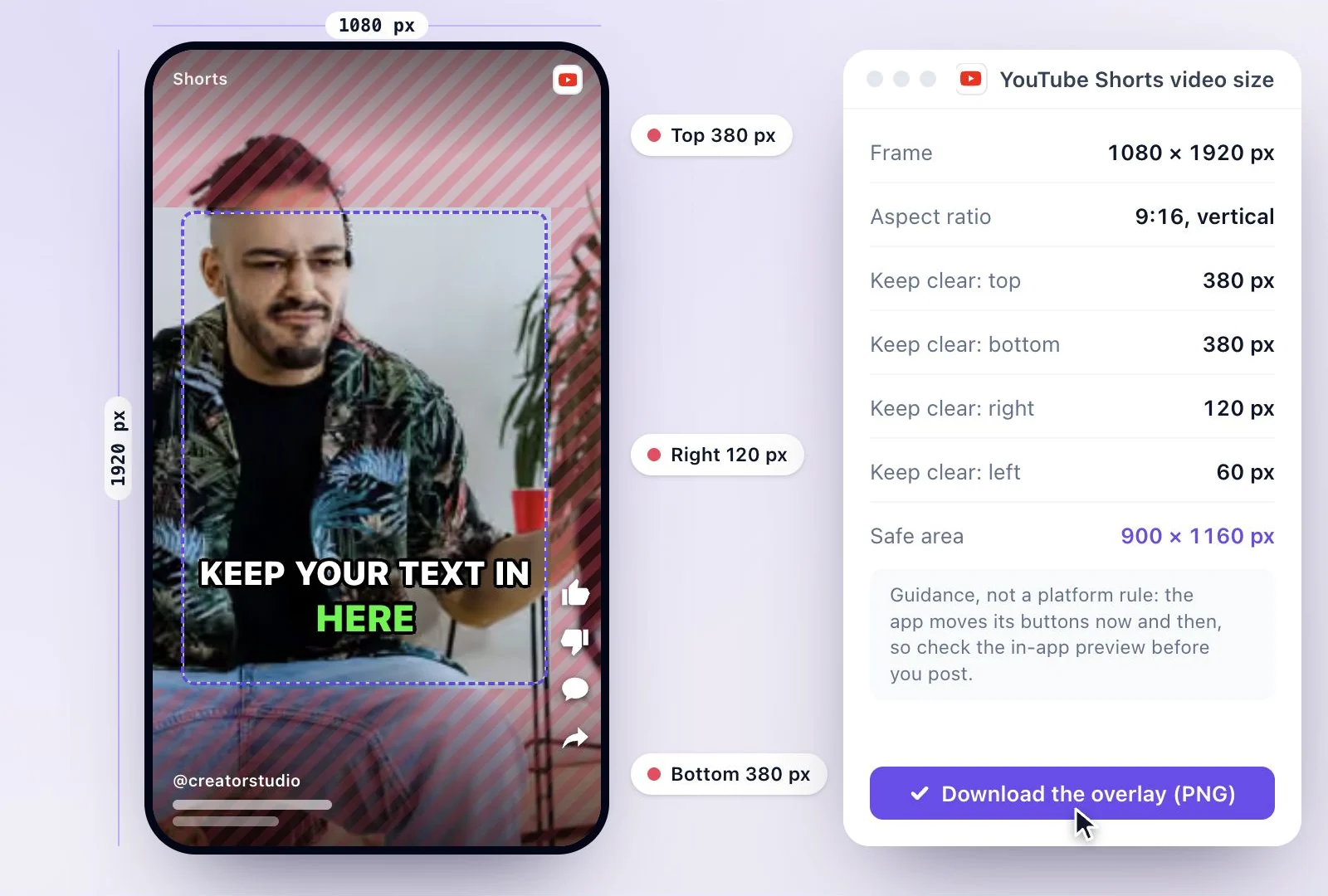
The standard YouTube Shorts size is 1080 × 1920 px: a 9:16 vertical frame, the shape YouTube needs (square or vertical) for a video up to 3 minutes to count as a Short.
Keep text and faces out of the top 380 px, the bottom 380 px and the right 120 px, where the Shorts player puts its own controls. To cut Shorts from a long video, Exemplary AI's free plan includes 500 one-time credits.
YouTube Shorts dimensions at a glance
Facts checked .
- Resolution
- 1080 × 1920 px
- Aspect ratio
- 9:16 vertical (square also counts as a Short)
- Length
- Up to 3 minutes
- Keep clear: top
- 380 px: the search and navigation controls at the top of the Shorts player
- Keep clear: bottom
- 380 px: the title, channel name, Subscribe button, sound and progress bar
- Keep clear: right
- 120 px: the like, dislike, comment, share and remix buttons
- Safe area
- 900 × 1160 px
How to size a video for YouTube Shorts
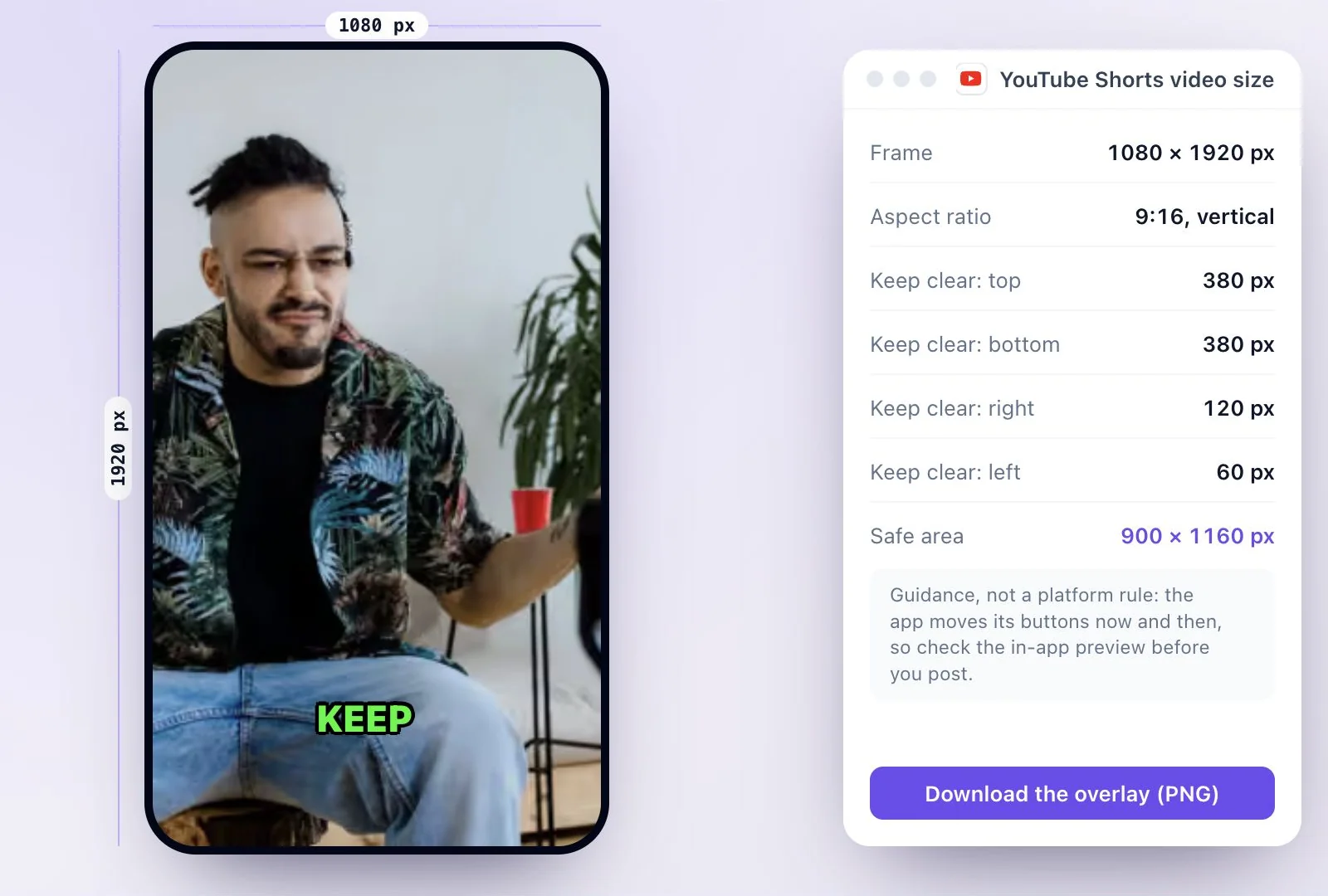
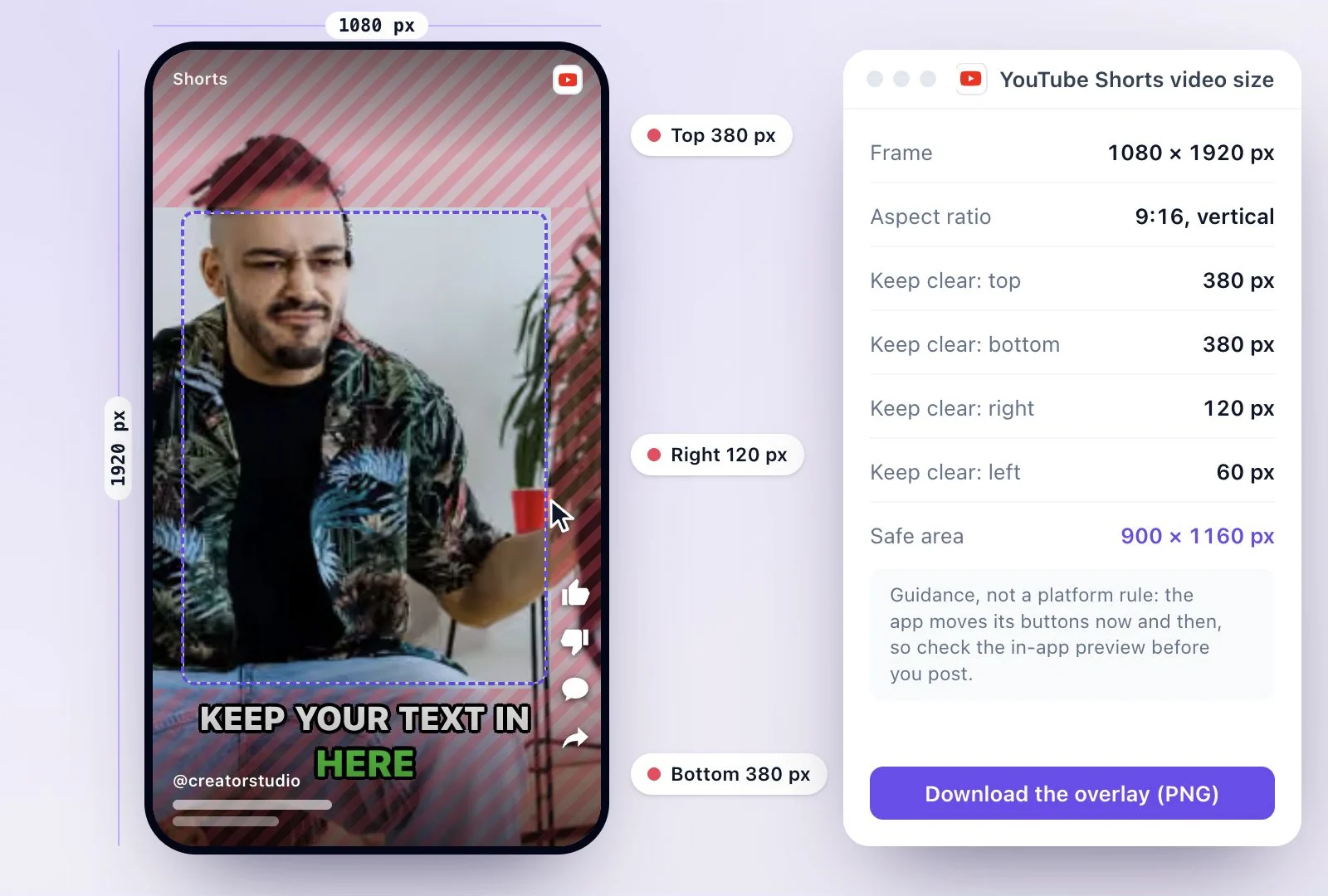
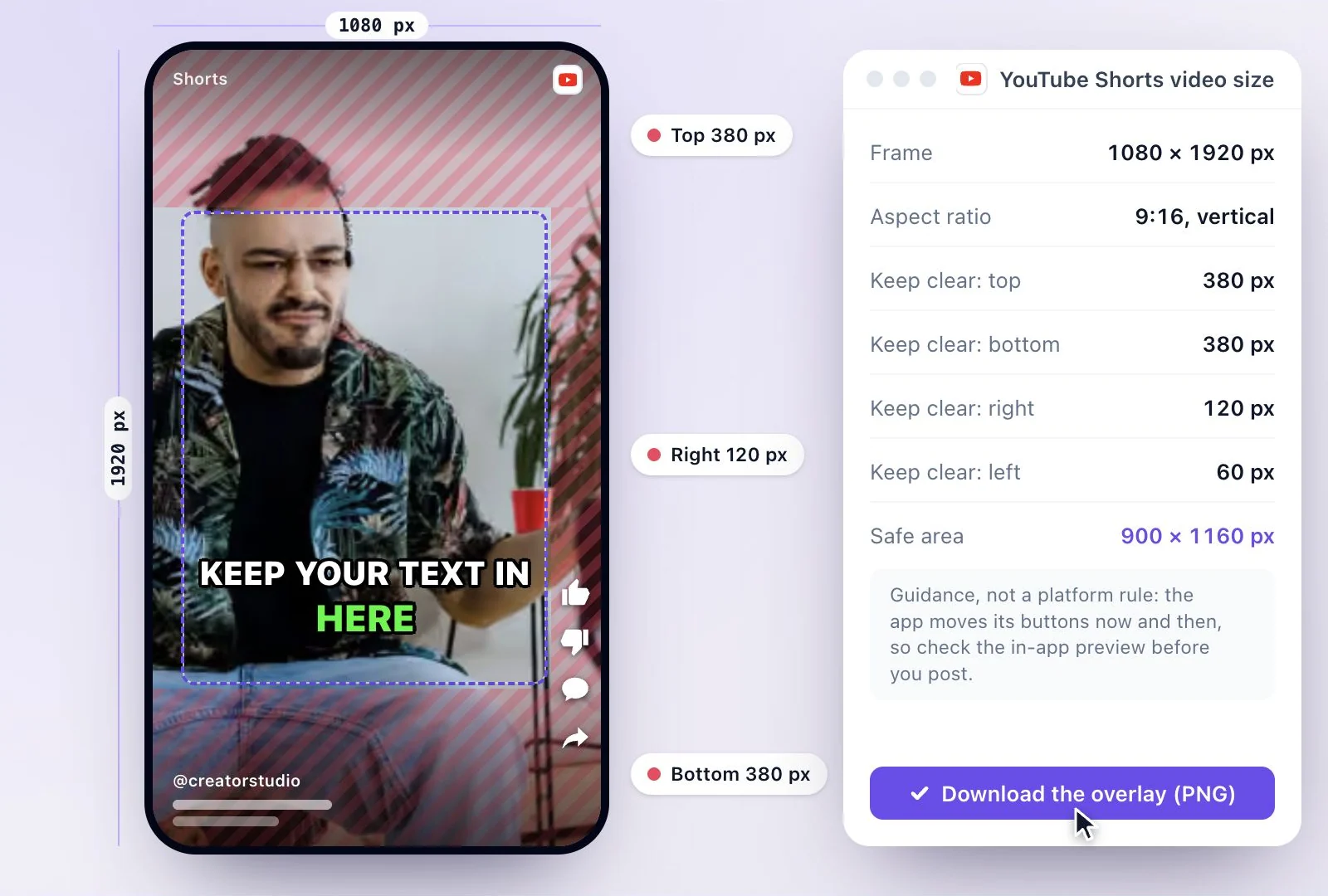
YouTube's definition of a Short
- A video up to 3 minutes long with a square or vertical aspect ratio is categorized as a Short.
- This applies to videos uploaded on or after October 15, 2024 (December 8, 2025 for Official Artist Channels).
- A landscape (16:9) video does not meet that definition.
Source: Understand three-minute YouTube Shorts - YouTube Help, checked September 26, 2026.
Where the safe-zone numbers come from
YouTube publishes the rule for what counts as a Short (the shape and the length) but not pixel margins for the player. The margins here are the ones creator guides measure from the Shorts player, and they are generous on purpose: the controls move a little between the app, the mobile site and different phones. Before you post, play the video in the YouTube app and check that nothing you care about sits under a button.
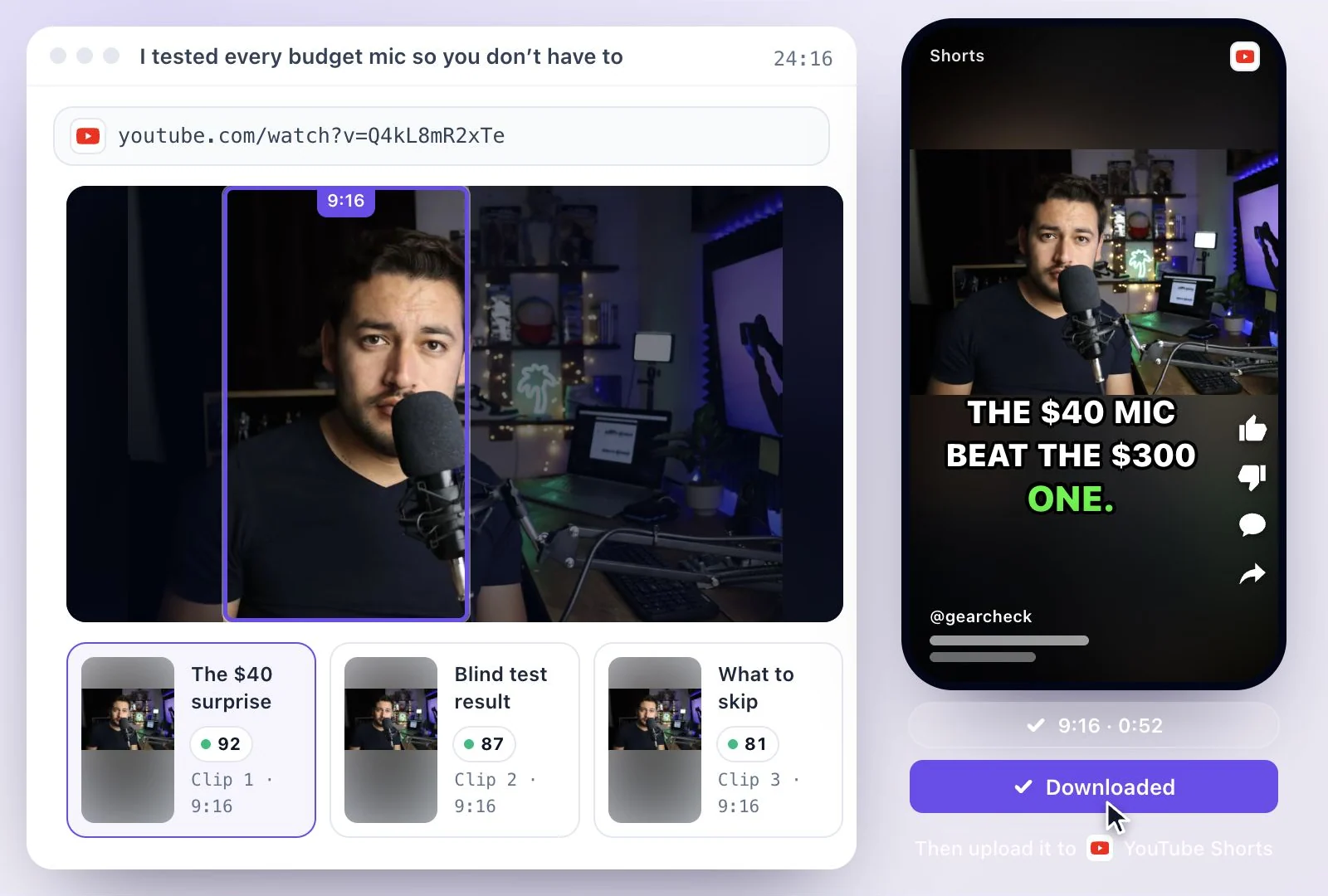
Making Shorts from a longer video? The YouTube Shorts maker turns a long video or a YouTube link into vertical clips with captions. If a TikTok version is next, the TikTok video size guide has that app's margins.
Shorts at the right size, without the guesswork
Start from the frame YouTube expects and keep your words where viewers can read them.
A free overlay to check against
A 1080 × 1920 px transparent PNG with the covered margins hatched and the safe area outlined. Drop a frame of your own video into the checker first to see what would be hidden.
Vertical clips from a long video
Exemplary AI cuts a long video into clips in 9:16, 16:9, 1:1 and 4:5, with captions burned in, ready to upload as Shorts.
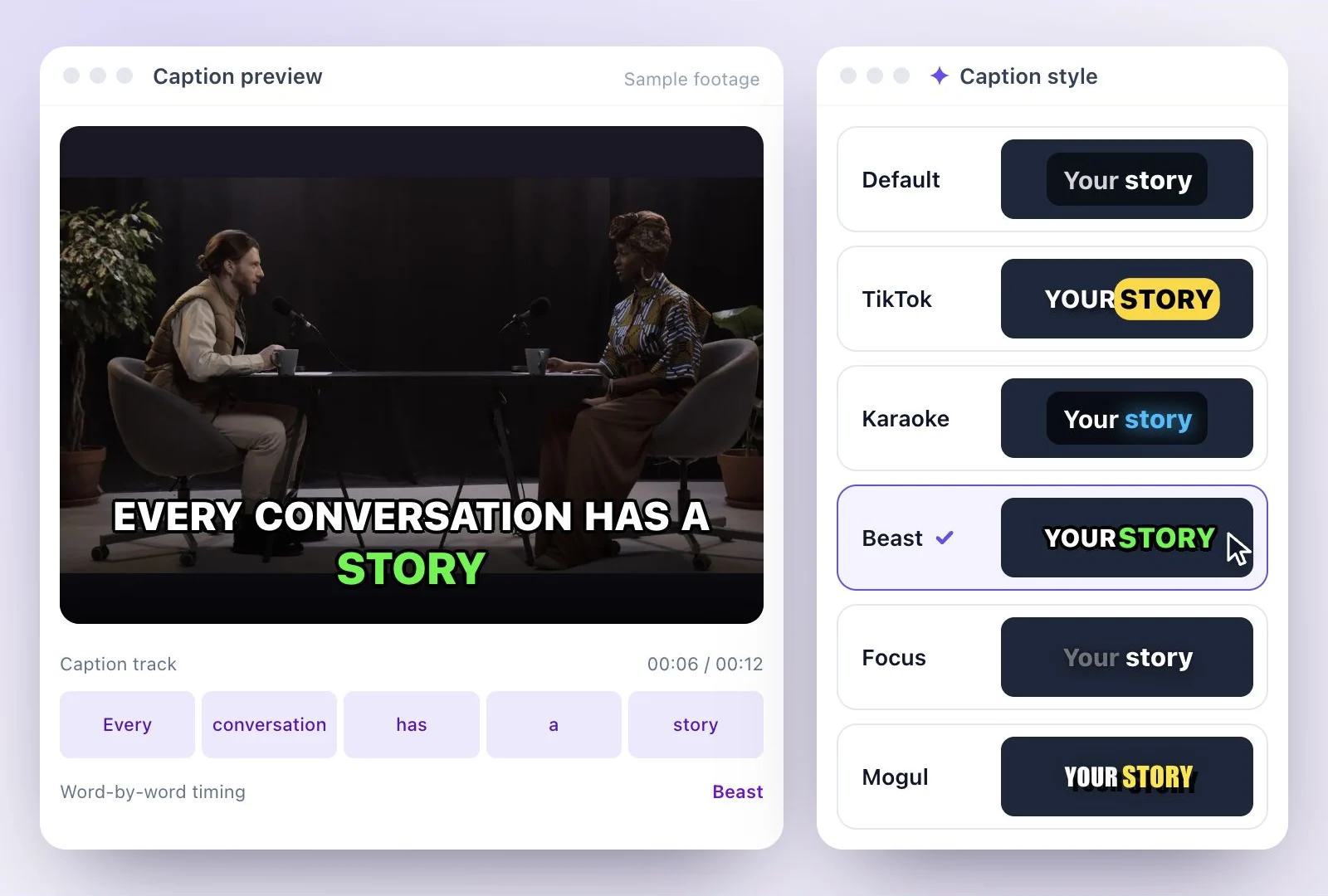
Captions above the player controls
Burned-in captions can sit at the top, center or bottom of the frame. Center keeps them clear of the title and channel name at the bottom.

Common questions
What size is a YouTube Short?
What is the YouTube Shorts safe zone?
Can I upload a 16:9 video as a Short?
Where should captions go on a YouTube Short?
How do I use the safe zone overlay?
Can Exemplary AI make Shorts at this size for free?
Discover more Clips & Shorts
- Video trimmer
- YouTube Shorts Maker
- AI podcast clips generator
- Instagram reel maker
- Resize videos
- Auto video editor
- Crop video
- Add image to video
- Add text to video
- Remove filler words
- Add emoji to subtitle
- Silence remover
- Add watermark to video
- Add b-rolls
- Word highlight in subtitle
- AI video editor
- Long video to short video
- Twitch clip maker
- YouTube to TikTok
- Sermon clips
- Horizontal to vertical video
- Screen and webcam recorder
- Online screen recorder
- Kick clip maker
- Viral clip finder
- TikTok video size
- Instagram Reels size
- LinkedIn video specs
Turn a longer video into your next Short
Choose a moment, review the vertical framing, and export it with readable captions.