YouTube Tags Generator
Paste a YouTube link and get keywords, long-tail phrases and hashtags taken from what the video actually says, to pick your tags from.
Free to start — no credit card required.
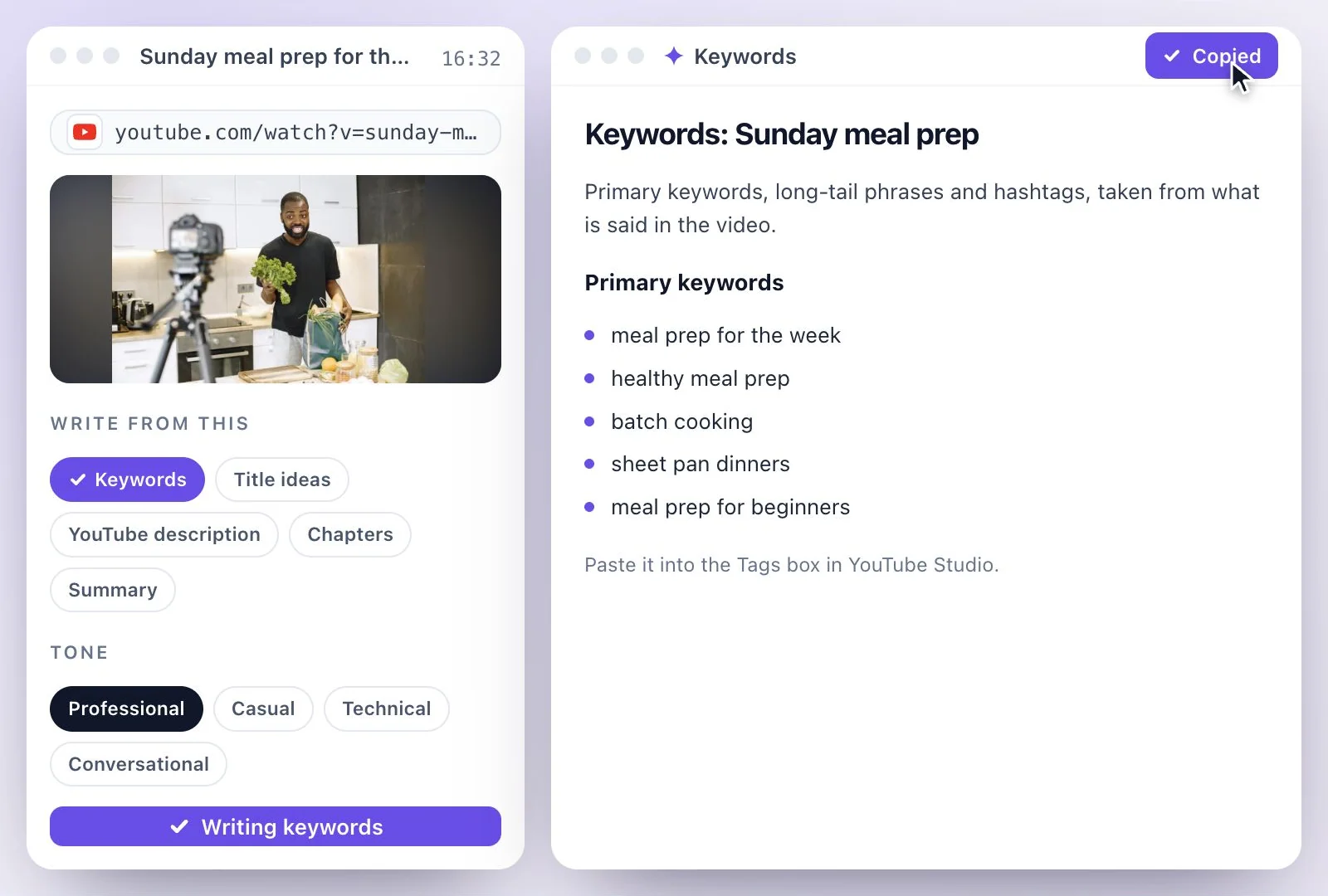
Exemplary AI's YouTube tags generator works from what the video says: paste the link, and AI Writer's Keywords document lists primary keywords, long-tail phrases and hashtags from the transcript.
YouTube's own help says tags "play a minimal role" in discovery and help most with words people often misspell, so pick a few that fit, within the 500-character limit for all tags together. The Free plan includes 500 one-time credits; files up to 500 MB and 30 min long; 720p video exports with a watermark. Credits are used by the tasks you run, rather than a fixed number of generations.
YouTube tags generator at a glance
Facts checked .
- Document
- Keywords: primary keywords, long-tail phrases and hashtags
- Written from
- The transcript: what is said in the video
- Input
- A single YouTube, TikTok, Instagram, Facebook, Vimeo or X link, or an uploaded file
- YouTube's tag limit
- 500 characters for all tags together
- Hashtags
- Up to 3 show above the title; with more than 60, YouTube ignores them all
- Copy and export
- Copy it as Markdown, or download it as Text (.txt), Markdown (.md) or Word (.docx); you can also save it as a PDF from your browser's print dialog
- Free plan
- The Free plan includes 500 one-time credits; files up to 500 MB and 30 min long; 720p video exports with a watermark. Credits are used by the tasks you run, rather than a fixed number of generations.
How to generate tags for a YouTube video
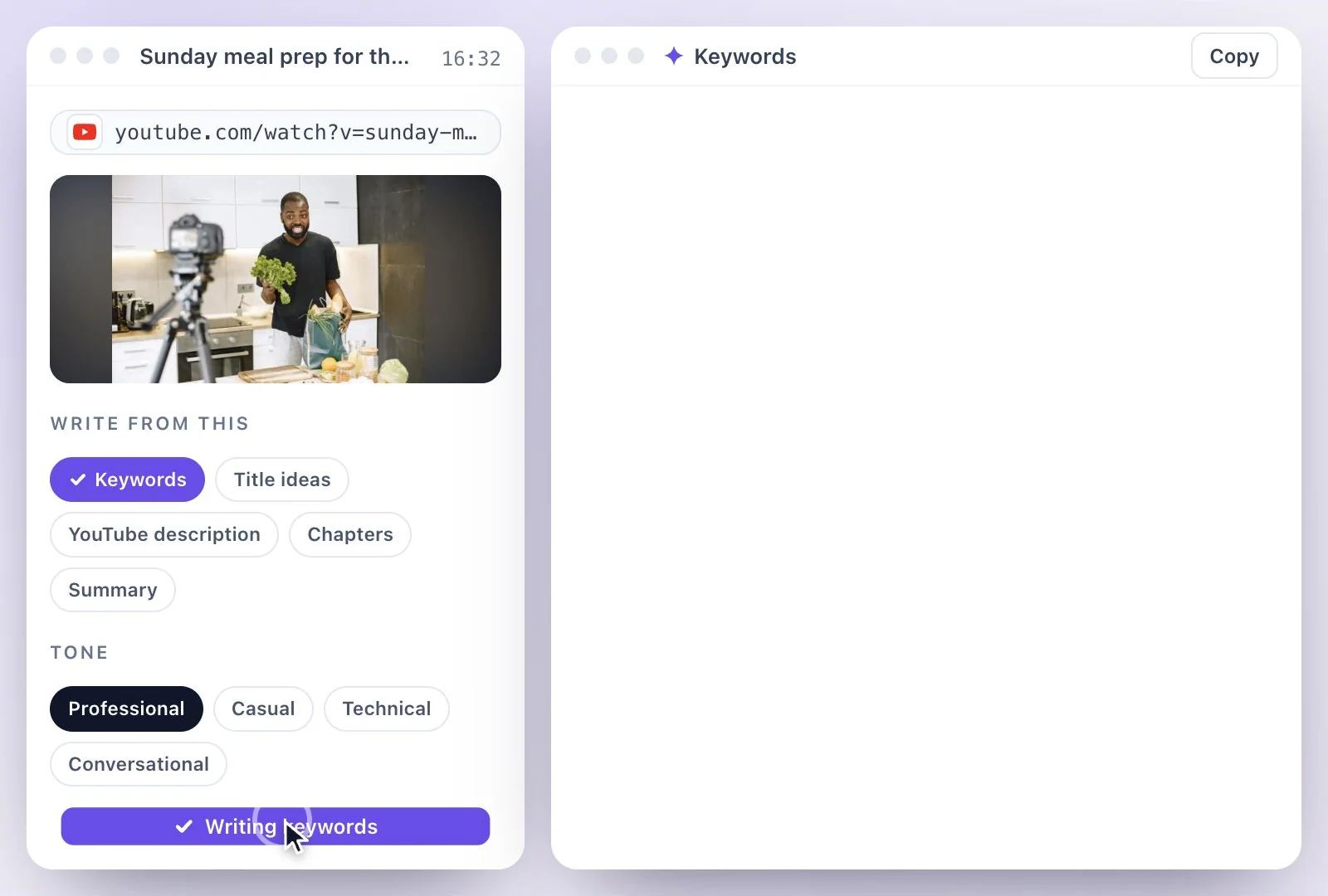
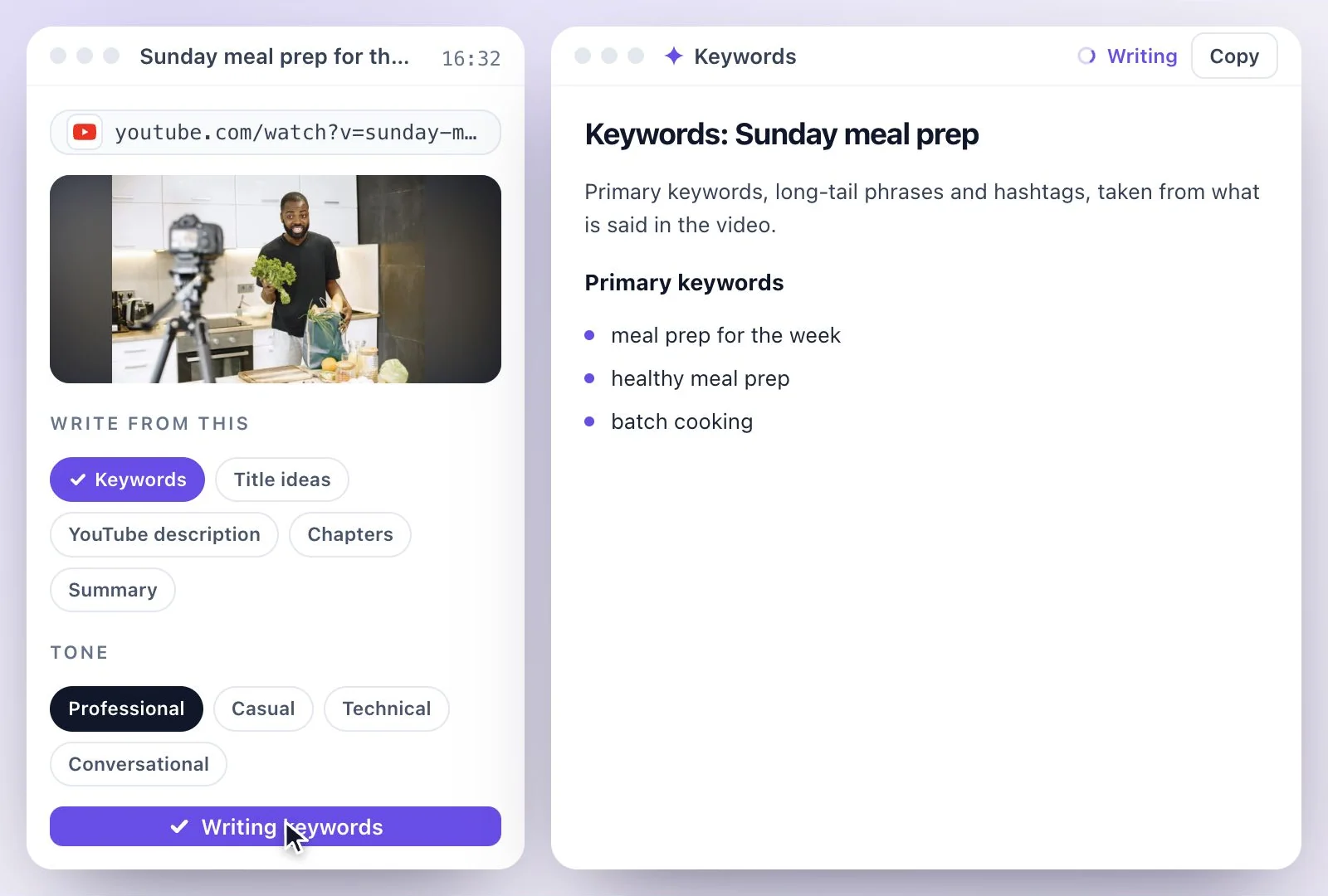
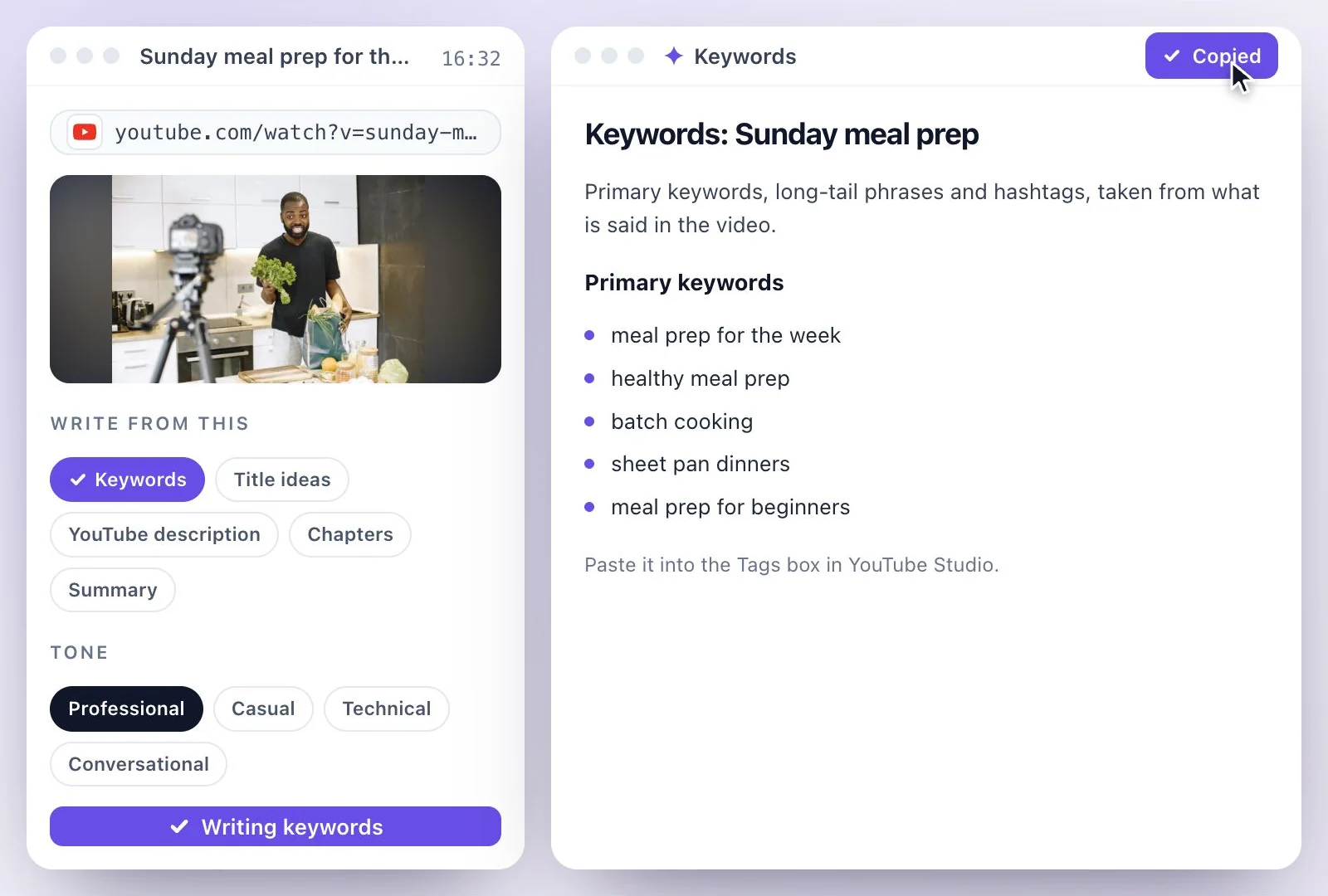
YouTube's rules for hashtags
- Up to 3 of the hashtags in your description, the ones YouTube considers most engaging, appear by the video title.
- If a video has more than 60 hashtags, YouTube ignores all of them.
- A hashtag cannot contain spaces: join the words, as in #TwoWords.
- Don't add too many: the more tags you add, the less relevant they become, and over-tagging may result in the removal of a video from your uploads or from search.
Source: Find playlists & videos using hashtags - YouTube Help, checked September 26, 2026.
How much YouTube tags matter
YouTube's help is plain about it: tags "play a minimal role in your video's discovery", behind the title, thumbnail and description, and they help most when people often misspell what the video is about. A short, accurate list does the job, and the Keywords document gives you words that come from the video itself rather than guesses.
The same document's hashtags belong in the description, where YouTube shows up to 3 of them above the title. For the rest of the upload page, see the title generator, the description generator and the hashtag generator, or every one of them on YouTube tools.
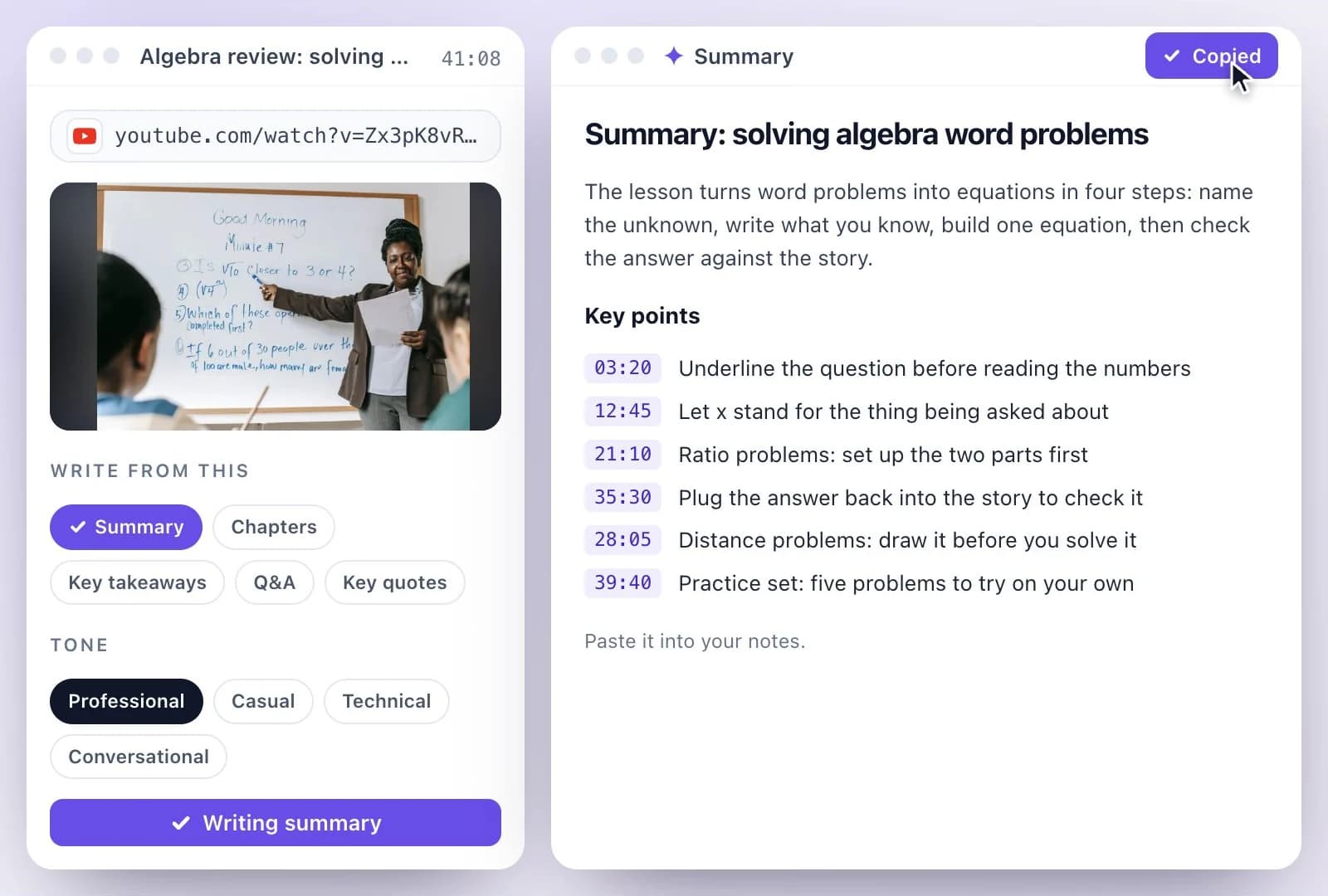
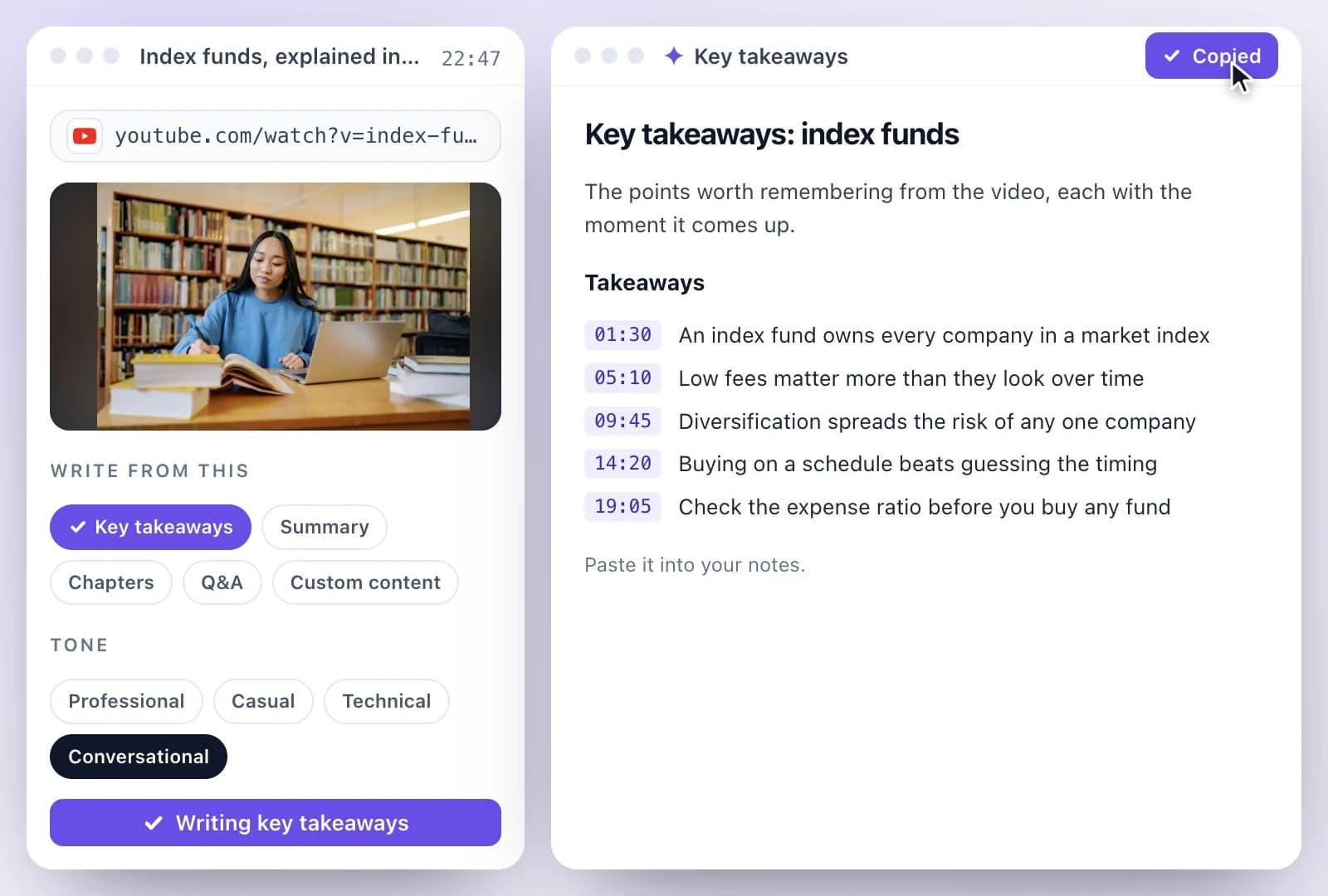
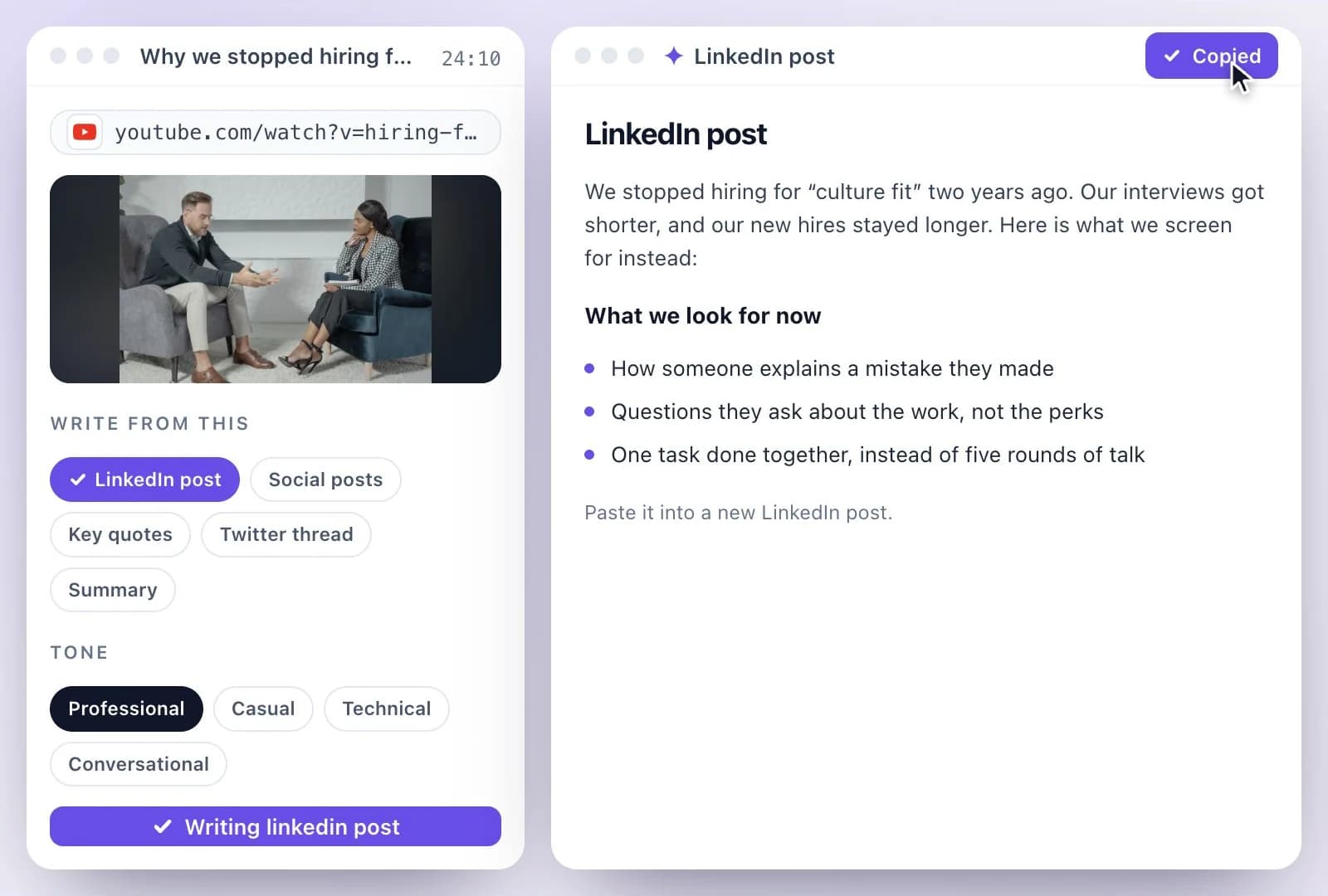
Tags from What the Video Says
One link, and the keywords come from the transcript, so they describe the video rather than a topic it might be about.
Keywords from what is said
Every keyword comes from the transcript, so the tags match what a viewer actually hears.
Long-tail phrases
Longer phrases, the way people type them into search, taken from how the video talks about its subject.
Hashtags for the description
A set of hashtags in the same document, to paste into the description.
The rest of the upload page
Add Title ideas and YouTube description in the same run; each is its own document from the same transcript.
Common questions
How do I generate tags for a YouTube video?
How many characters can YouTube tags be?
Do YouTube tags still matter?
Does the YouTube tags generator give hashtags too?
Can I get YouTube tags before the video is published?
Is the YouTube tags generator free?
Discover more AI Content
- Summary Generator
- YouTube Video Summary Generator
- Video Chapter Generator
- Podcast Show Notes Generator
- Lecture to Notes Generator
- YouTube to Notes Generator
- YouTube to LinkedIn Post Generator
- TikTok Caption Generator
- Chat with YouTube Video Generator
- Video Hook Generator
- Emmy Generator
- YouTube Description Generator
- YouTube Timestamp Generator
- YouTube Video Title Generator
- Hashtag Generator
- Social Media Post Generator
- Blog Post Generator
- Meeting Minutes Generator
Turn a recording into your next draft
Start with your source, generate a draft, and review it before you share.