YouTube to LinkedIn Post
Turn a talk, interview or webinar on YouTube into a LinkedIn post written from what was said: a hook, a few short paragraphs and hashtags.
Free to start — no credit card required.
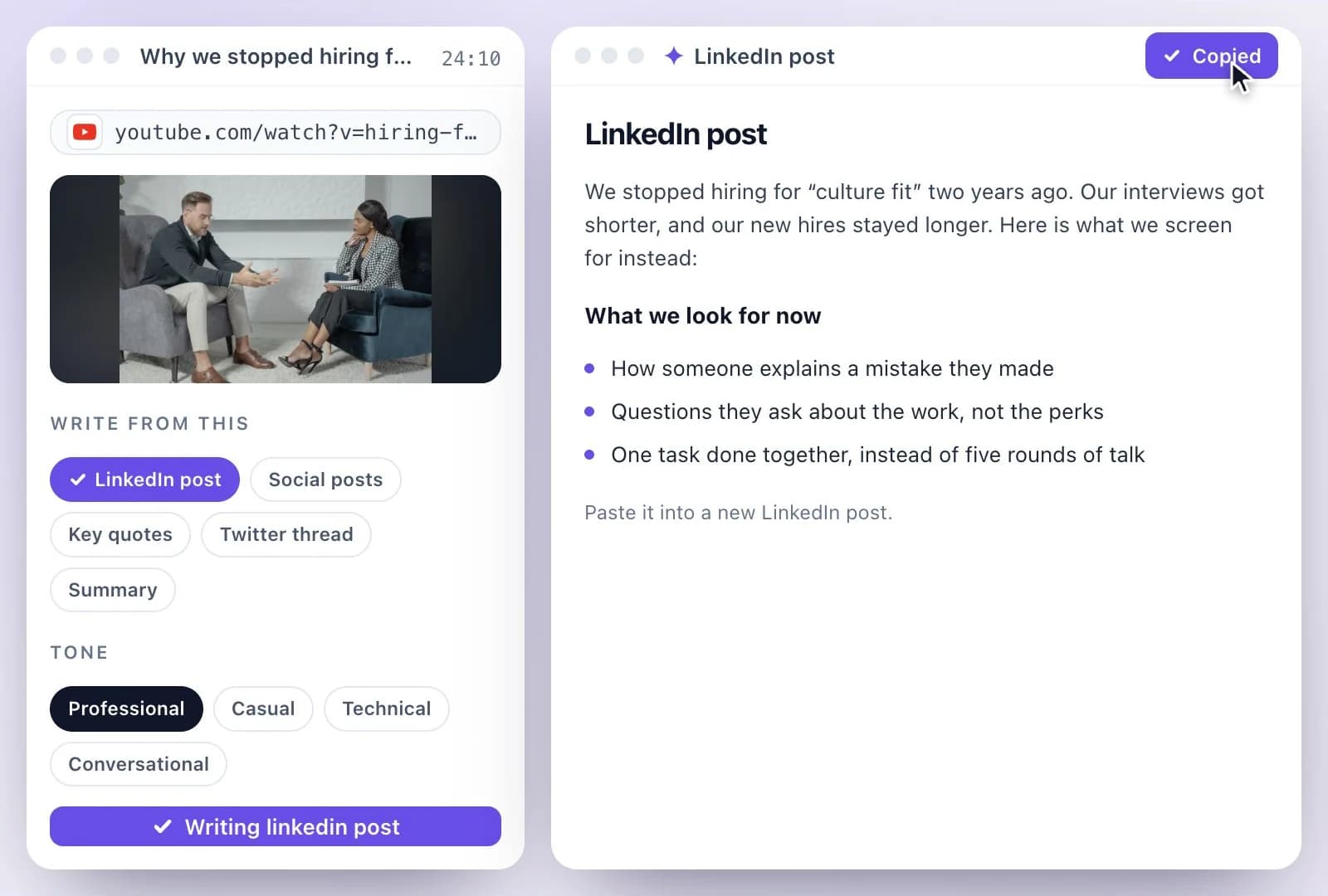
Paste a YouTube link and AI Writer writes a LinkedIn post from the video's transcript: a first line that hooks, a few short paragraphs in the first person, and hashtags on the last line, in a professional, casual, technical or conversational tone.
Edit it, then post it on LinkedIn yourself; LinkedIn allows 3,000 characters a post. The Free plan includes 500 one-time credits; files up to 500 MB and 30 min long; 720p video exports with a watermark. Credits are used by the tasks you run, rather than a fixed number of generations.
YouTube to LinkedIn at a glance
Facts checked .
- Document
- LinkedIn post: a hook line, short paragraphs, hashtags on the last line
- Tone
- professional, casual, technical or conversational
- Input
- A single YouTube, TikTok, Instagram, Facebook, Vimeo or X link, or an uploaded recording
- Editing
- Polish, Shorten, Expand or Change tone with Ask Emmy
- LinkedIn's limit
- 3,000 characters a post
- Posting
- You post it yourself; nothing is posted to LinkedIn for you
- Free plan
- The Free plan includes 500 one-time credits; files up to 500 MB and 30 min long; 720p video exports with a watermark. Credits are used by the tasks you run, rather than a fixed number of generations.
How to turn a YouTube video into a LinkedIn post
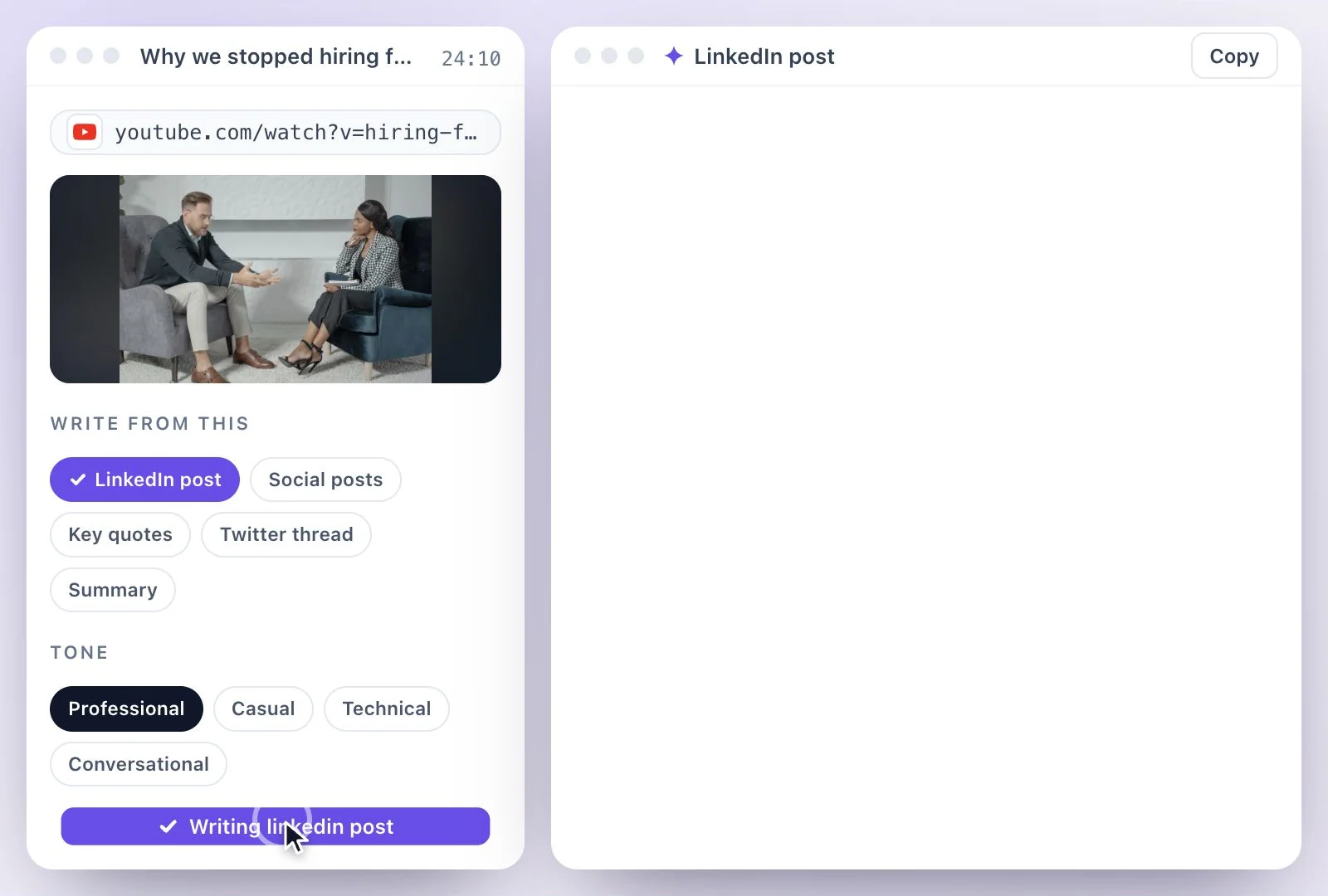
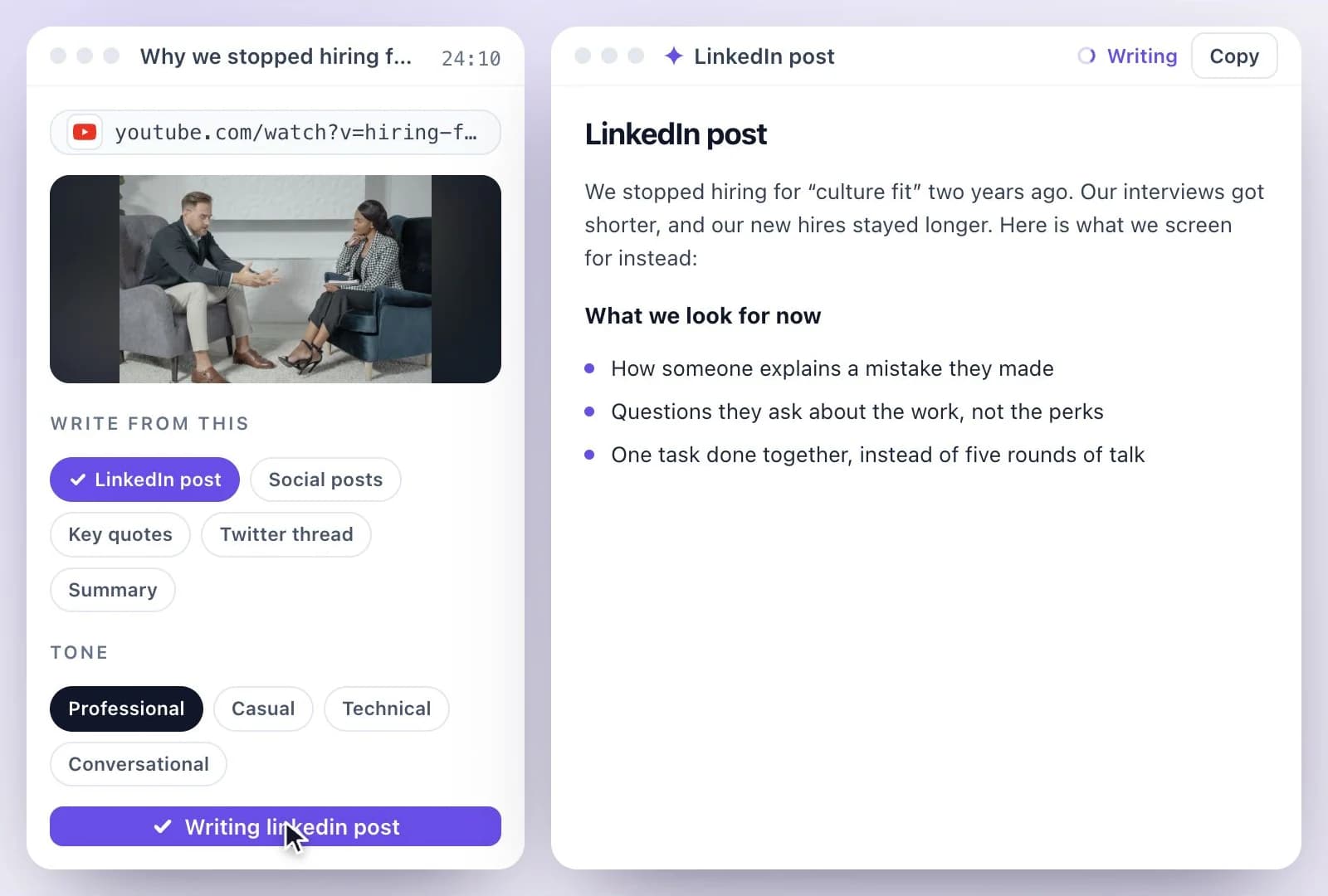
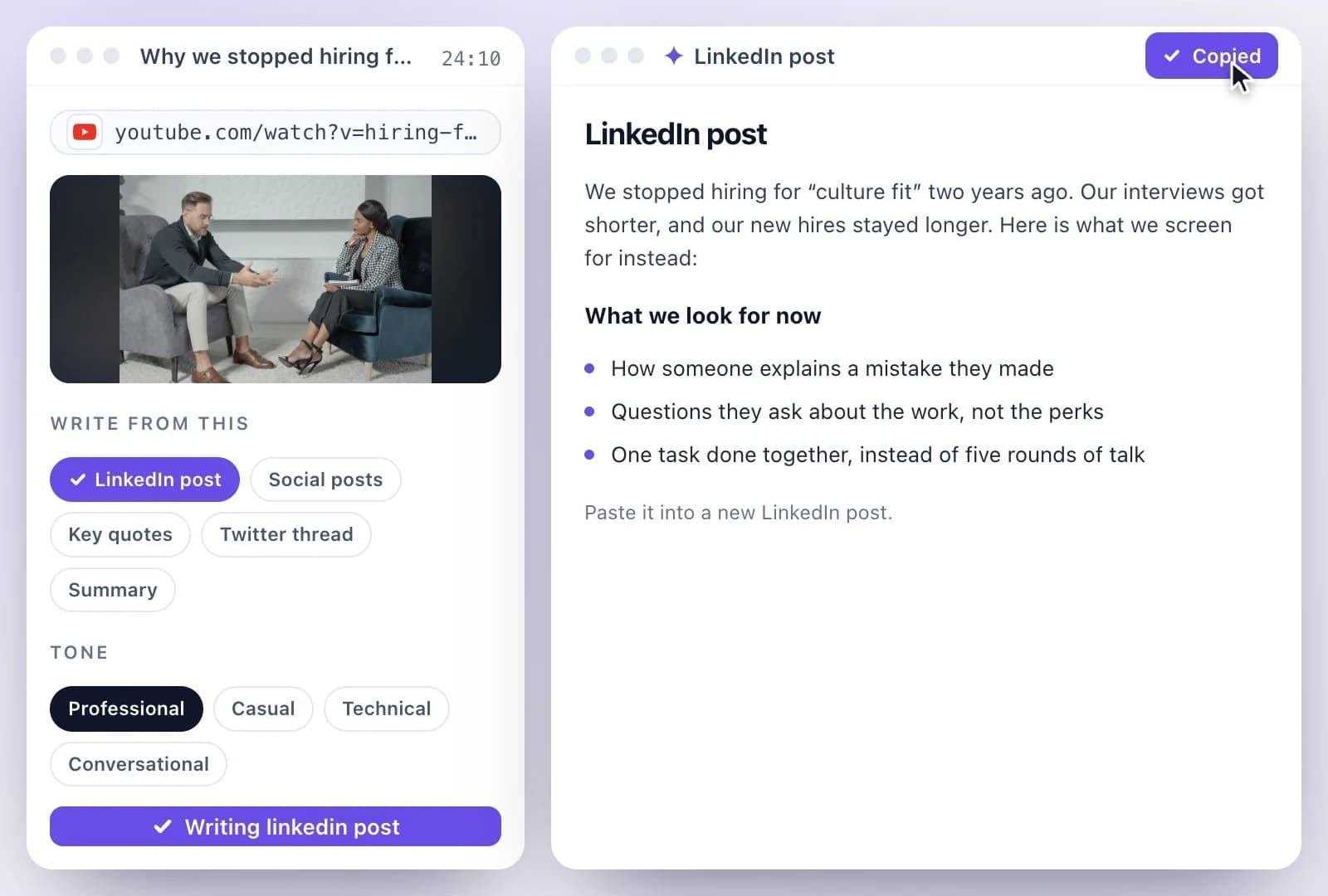
From a video people skip to a post people read
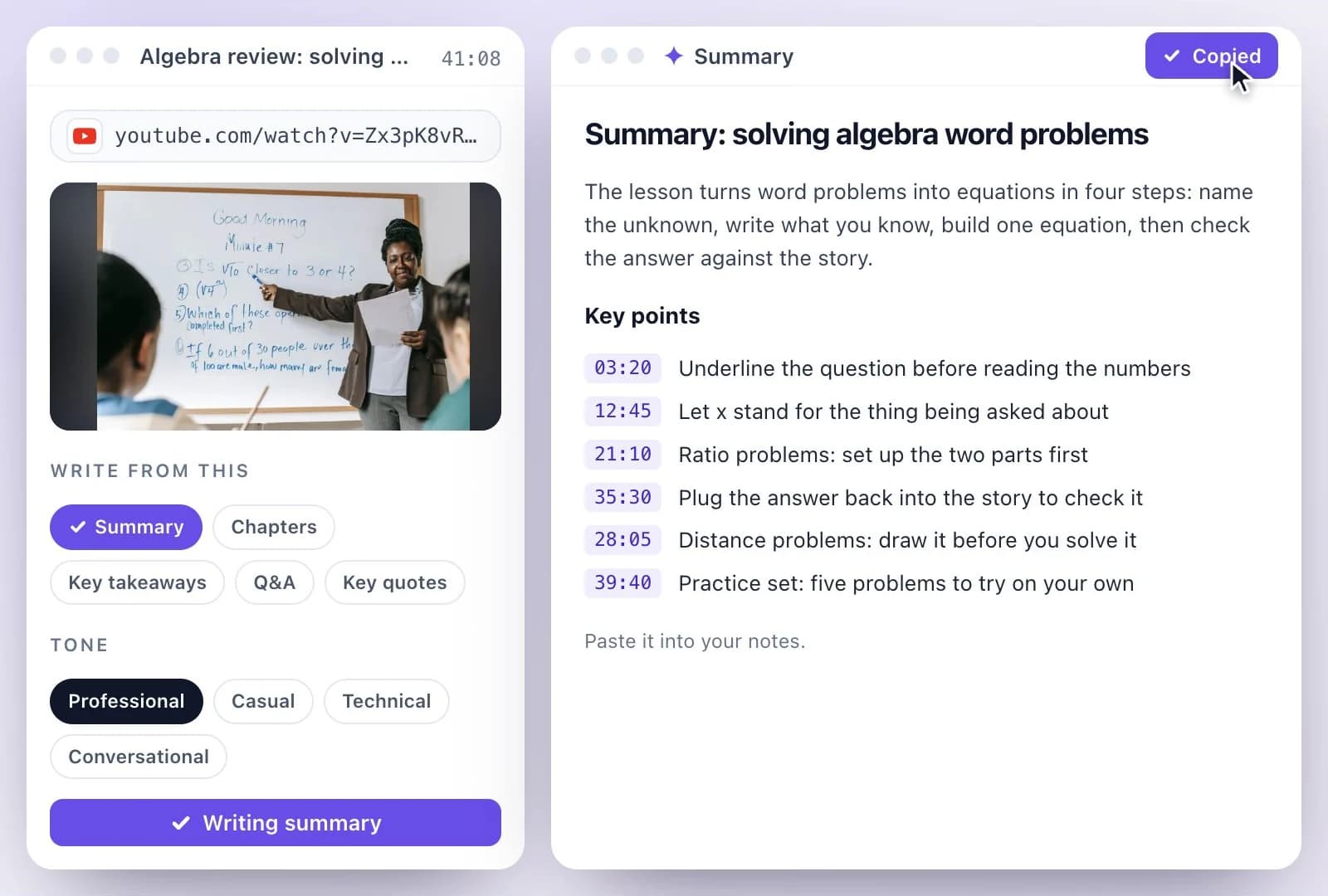
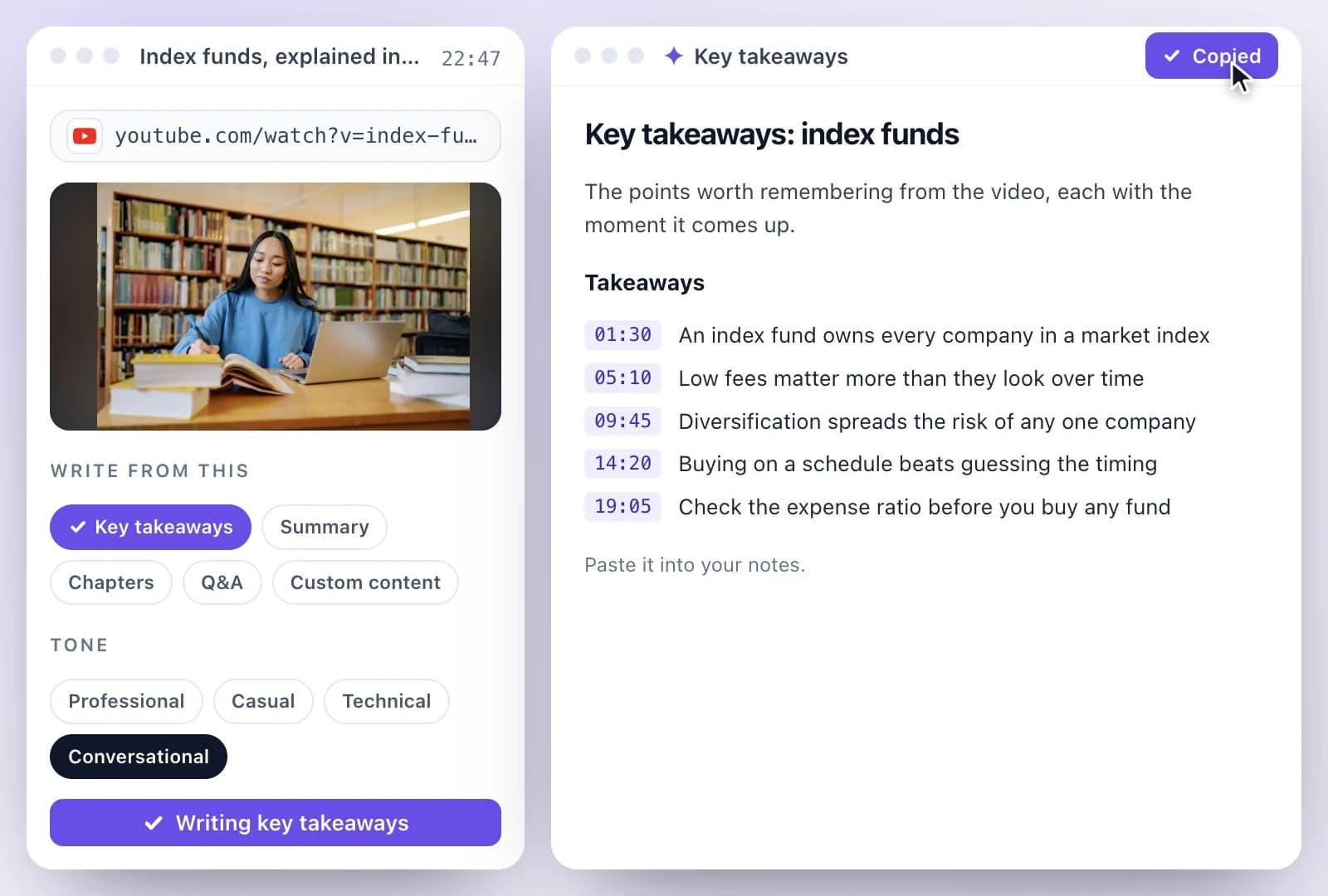
A talk, a podcast interview or a webinar holds the points your network would read, but few will watch 40 minutes to find them. The post is written from the transcript, so it says what was actually said, in the first person, with the strongest line first.
Need more than LinkedIn? Social posts writes X, LinkedIn and Instagram versions together, and the blog post generator covers a long-form article. See every YouTube tool on YouTube tools, and every format one video can become on repurpose a video.
A LinkedIn Post Written from the Video
Paste the link once; the post comes from everything said in the video.
A hook on the first line
The post opens on its strongest line, the one that shows before LinkedIn's "see more".
Written from what was said
Points and quotes come from the transcript, so the post matches the video.
Your tone
Pick professional, casual, technical or conversational, and the post is written that way.
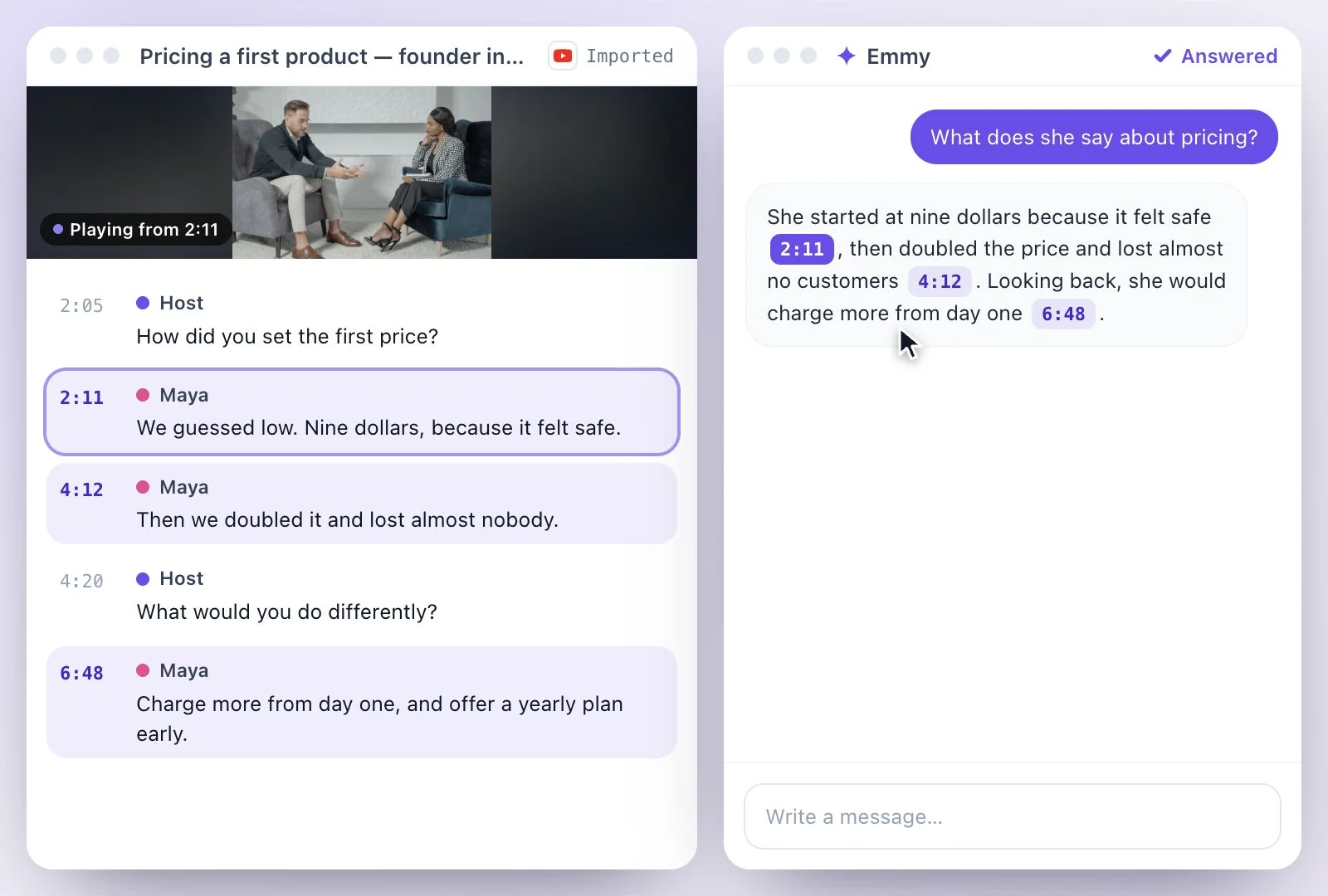
Edit it with Ask Emmy
Select text and ask to polish, shorten, expand or change the tone, without starting over.
Common questions
How do I turn a YouTube video into a LinkedIn post?
How long can a LinkedIn post be?
Can it post to LinkedIn for me?
Can I get another version of the LinkedIn post?
What kind of videos make a good LinkedIn post?
Is YouTube to LinkedIn post free?
Discover more AI Content
- Summary Generator
- YouTube Video Summary Generator
- Video Chapter Generator
- Podcast Show Notes Generator
- Lecture to Notes Generator
- YouTube to Notes Generator
- YouTube Tags Generator
- TikTok Caption Generator
- Chat with YouTube Video Generator
- Video Hook Generator
- Emmy Generator
- YouTube Description Generator
- YouTube Timestamp Generator
- YouTube Video Title Generator
- Hashtag Generator
- Social Media Post Generator
- Blog Post Generator
- Meeting Minutes Generator
Turn a recording into your next draft
Start with your source, generate a draft, and review it before you share.