YouTube to Notes
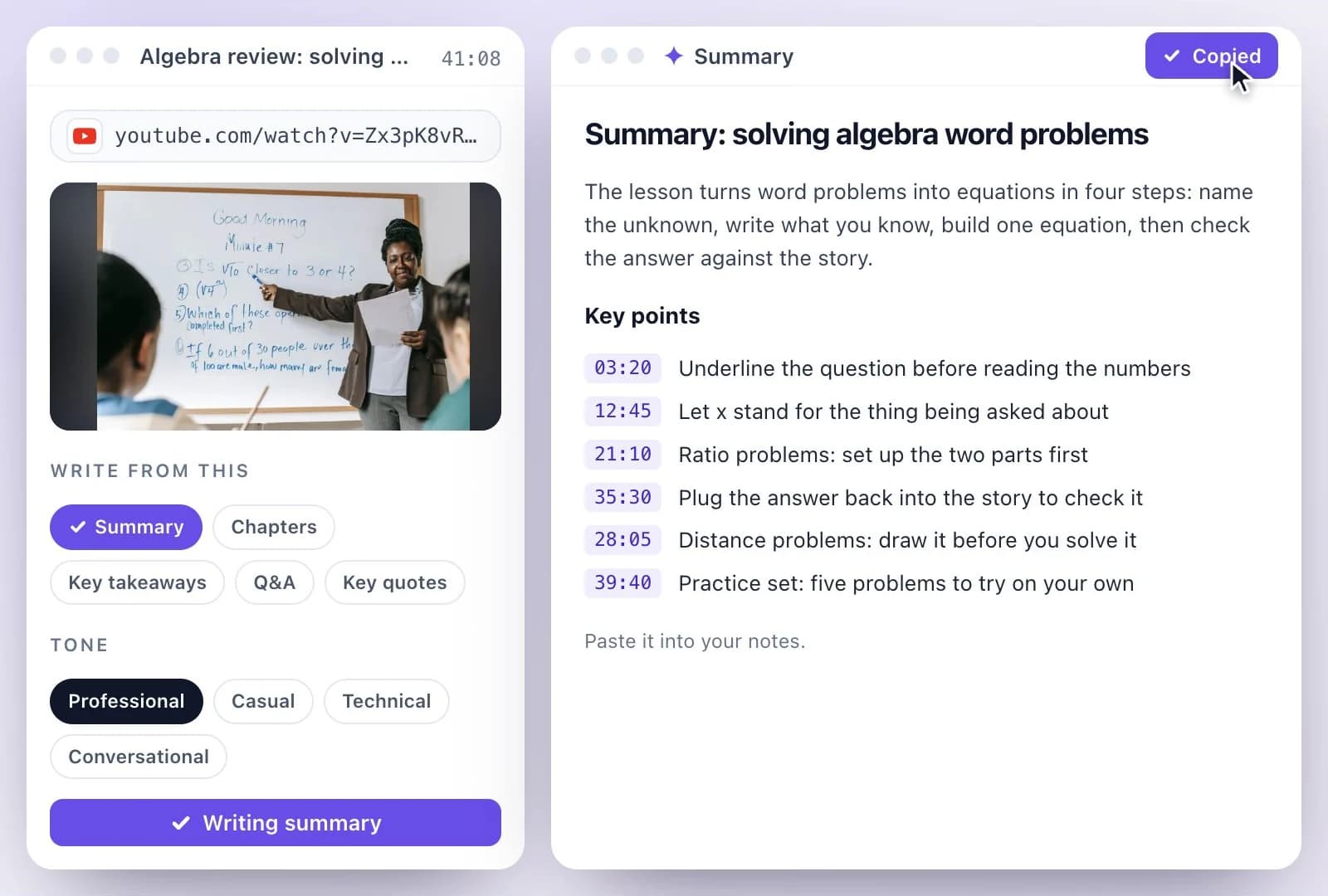
Paste a YouTube link and get notes you can study from: key takeaways, a summary, chapters with start times, and questions with answers.
Free to start — no credit card required.
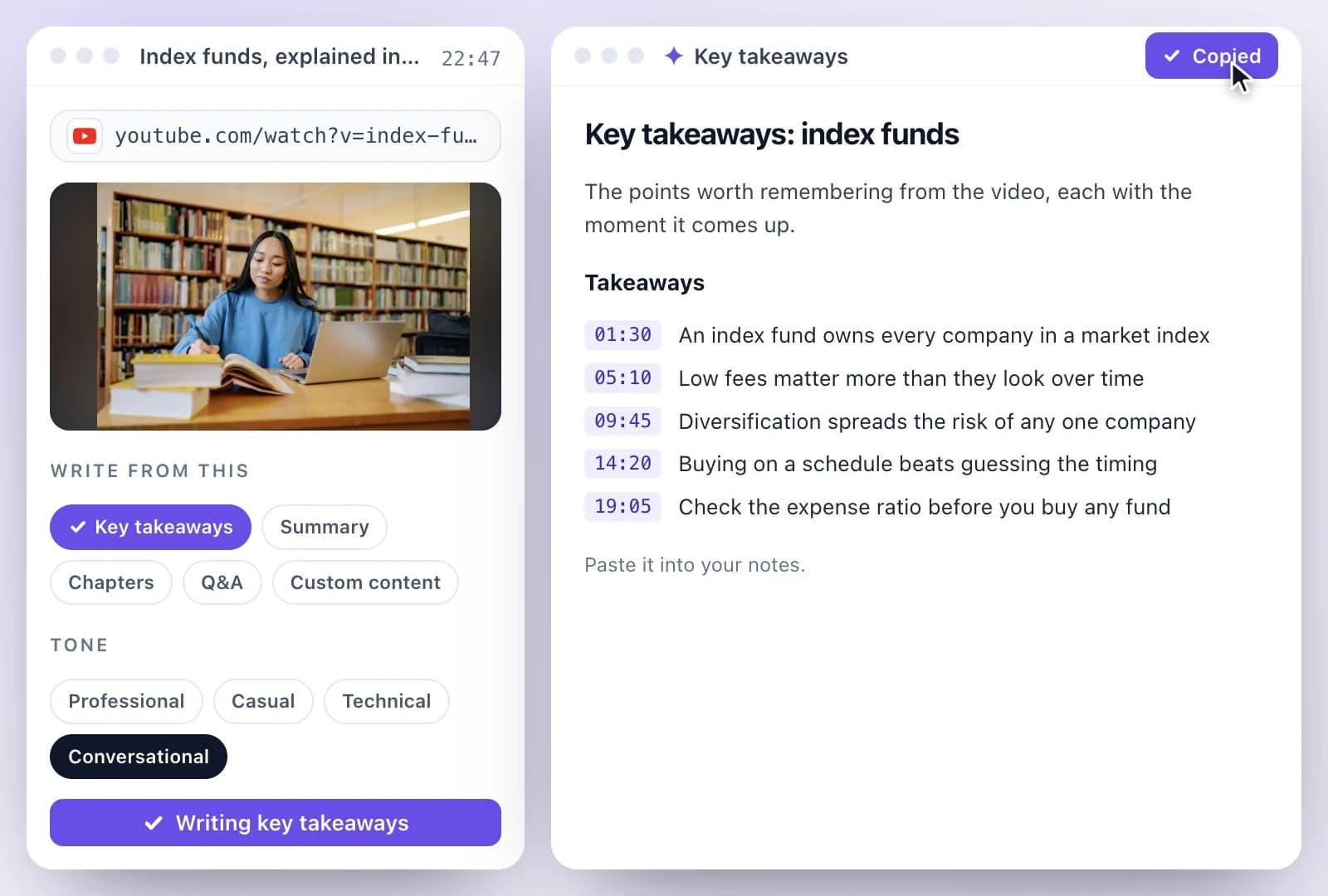
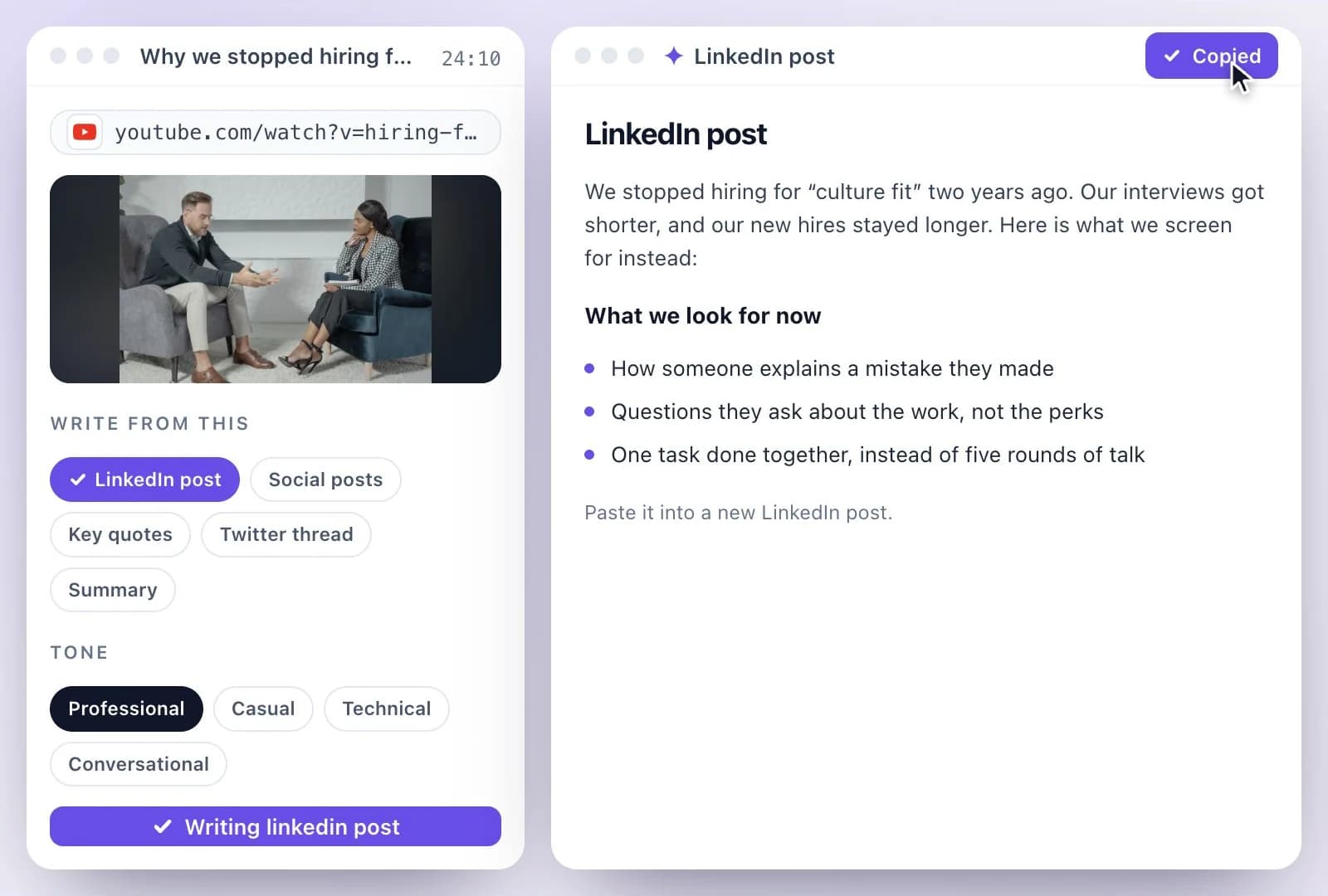
Paste a YouTube link and Exemplary AI transcribes the video, then AI Writer writes notes from it as Key takeaways, Summary, Chapters and Q&A; Custom content follows a format of your own.
YouTube's Show transcript panel lists a video's captions when it has them. Here the transcript comes from the video's audio, so videos without captions work too, and the notes are documents you can edit and keep. The Free plan includes 500 one-time credits; files up to 500 MB and 30 min long; 720p video exports with a watermark. Credits are used by the tasks you run, rather than a fixed number of generations.
YouTube notes at a glance
Facts checked .
- Input
- A single YouTube, TikTok, Instagram, Facebook, Vimeo or X video link; playlists and channels are not supported
- Notes as
- Key takeaways, Summary, Chapters and Q&A
- Your own format
- Custom content, written to your instructions
- Captions needed?
- No: the video's audio is transcribed
- Questions about the video
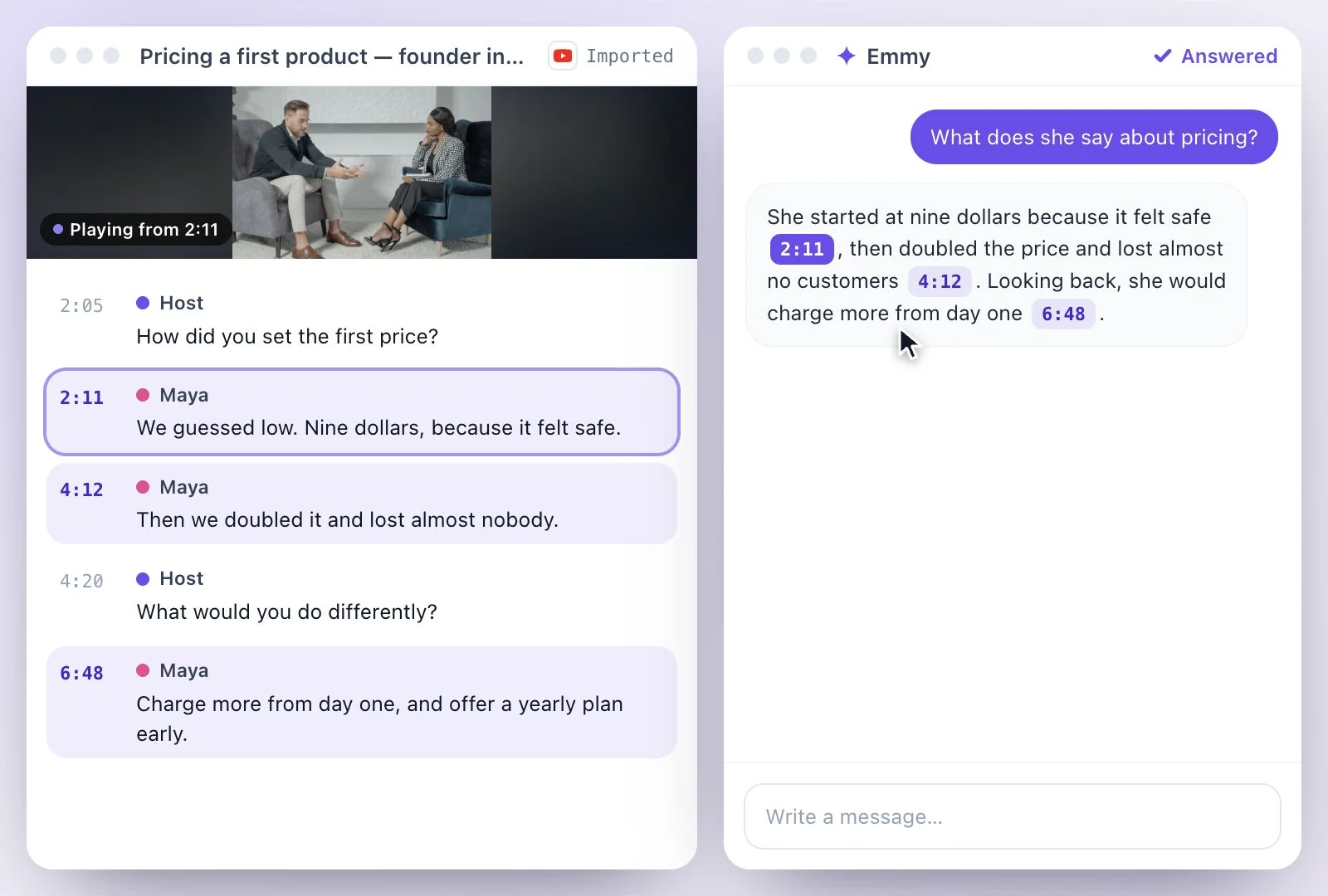
- Ask Emmy; answers cite the moment they came from
- Copy and export
- Copy it as Markdown, or download it as Text (.txt), Markdown (.md) or Word (.docx); you can also save it as a PDF from your browser's print dialog
- Free plan
- The Free plan includes 500 one-time credits; files up to 500 MB and 30 min long; 720p video exports with a watermark. Credits are used by the tasks you run, rather than a fixed number of generations.
How to take notes from a YouTube video
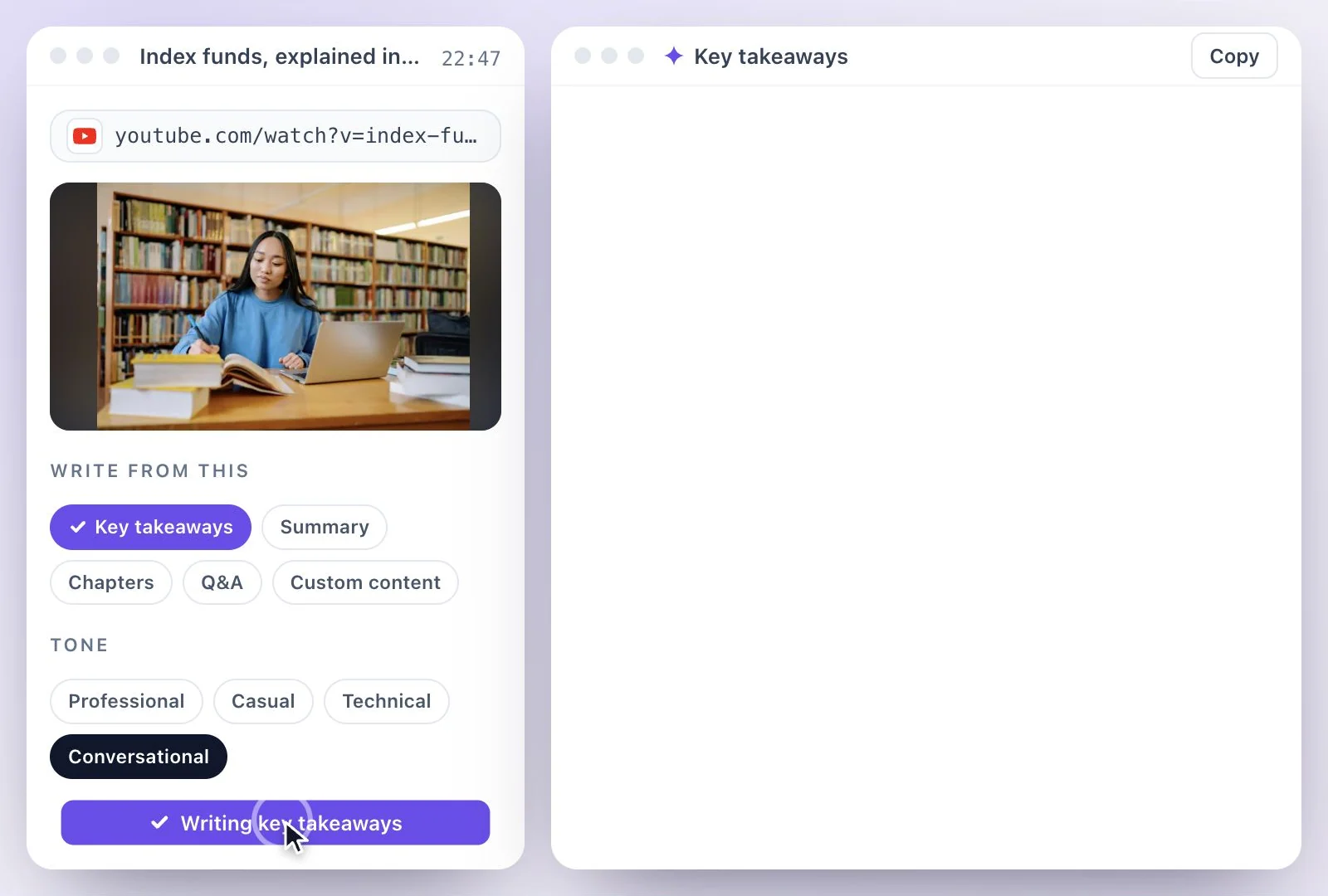
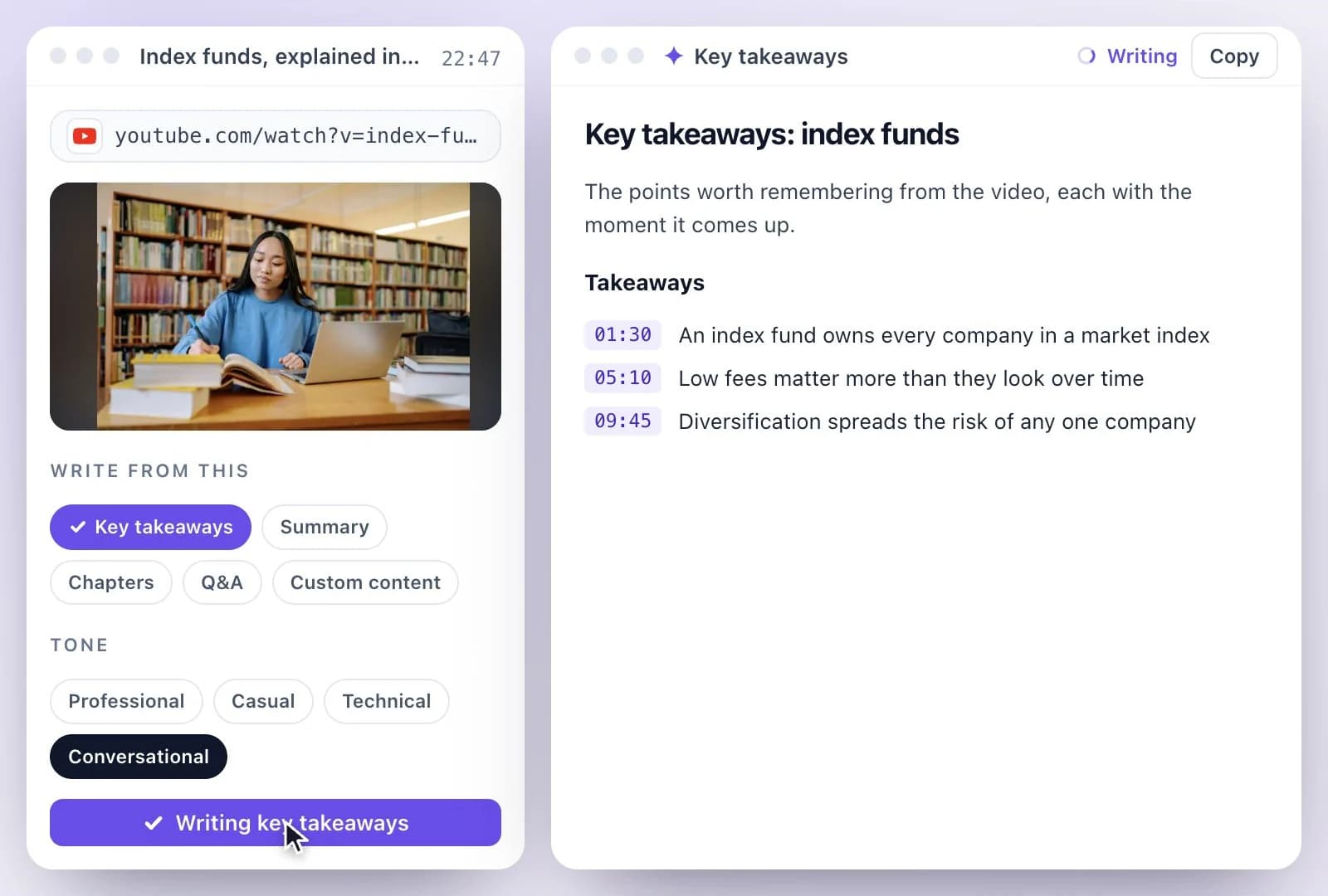
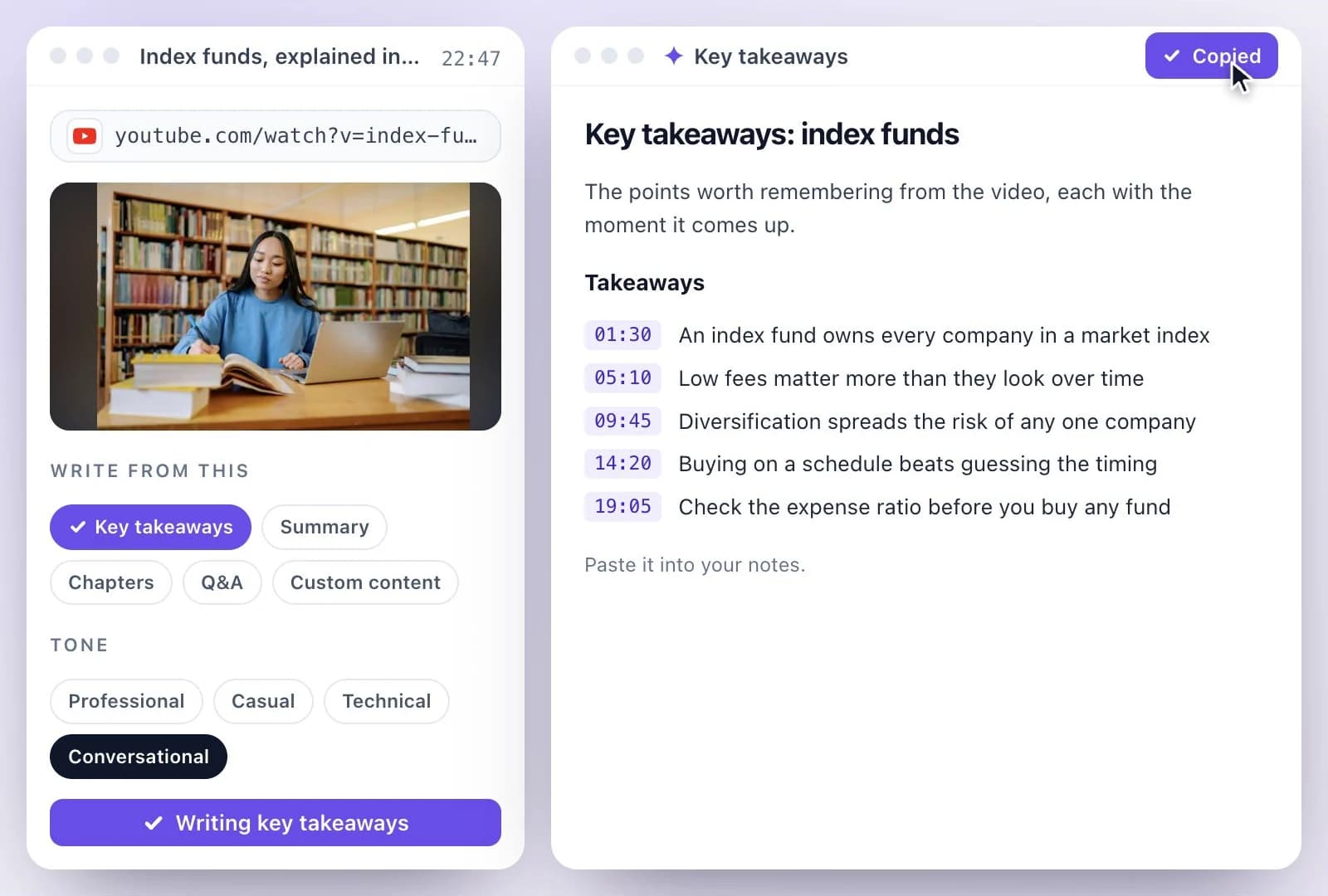
Notes for courses, research and how-to videos
Key takeaways is the list to revise from, Chapters gives every topic a start time to jump back to, and Q&A turns the video into questions with answers for self-testing. Because each note is its own document, you can edit it, add your own points and keep it next to the transcript.
For a quick overview rather than study notes, the YouTube video summarizer writes a summary and chapters. For your own recordings, see lecture to notes; for the full text of a video, YouTube video transcription, and our roundup of YouTube transcript generators.
Study Notes from a YouTube Link
Paste the link once; the notes are written from everything said in the video.
Key takeaways
A bullet list of the points worth remembering, one sentence each.
Chapters with start times
The video's topics with their start times, to rewatch the part you need.
Questions with answers
Q&A writes questions and answers from the video, for review and self-testing.
Ask about the video
Ask Emmy anything about the transcript; answers link to the moment in the video they came from.
Common questions
How do I take notes from a YouTube video with AI?
Does the video need captions?
Can I get notes from a whole playlist?
Can I ask questions about the video?
How is this different from the YouTube video summarizer?
Is YouTube to notes free?
Discover more AI Content
- Summary Generator
- YouTube Video Summary Generator
- Video Chapter Generator
- Podcast Show Notes Generator
- Lecture to Notes Generator
- YouTube Tags Generator
- YouTube to LinkedIn Post Generator
- TikTok Caption Generator
- Chat with YouTube Video Generator
- Video Hook Generator
- Emmy Generator
- YouTube Description Generator
- YouTube Timestamp Generator
- YouTube Video Title Generator
- Hashtag Generator
- Social Media Post Generator
- Blog Post Generator
- Meeting Minutes Generator
Turn a recording into your next draft
Start with your source, generate a draft, and review it before you share.