YouTube to TikTok Converter
Paste a YouTube link and get vertical clips with captions sized for TikTok. Download the MP4s and post them from TikTok.
Free to start — no credit card required.
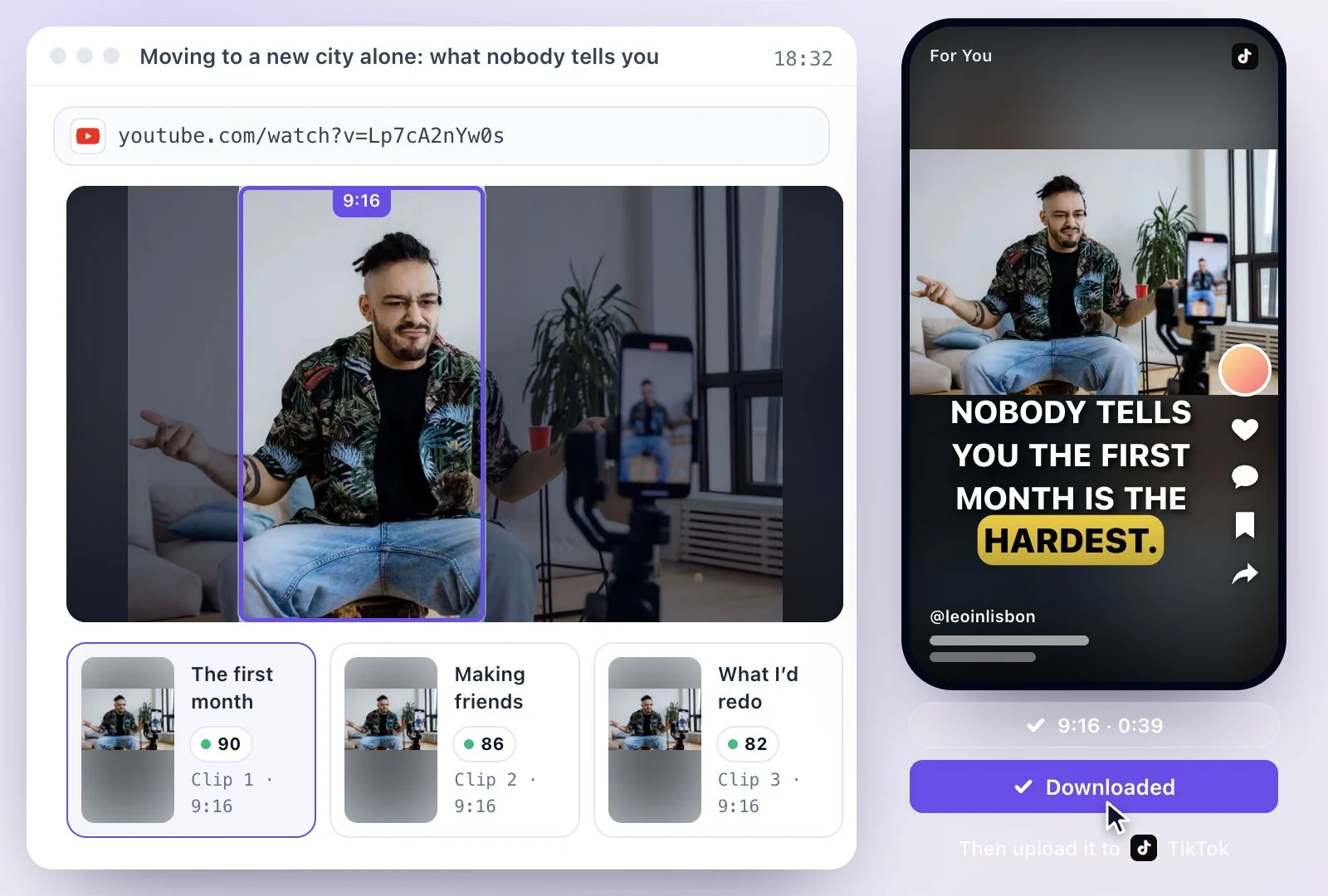
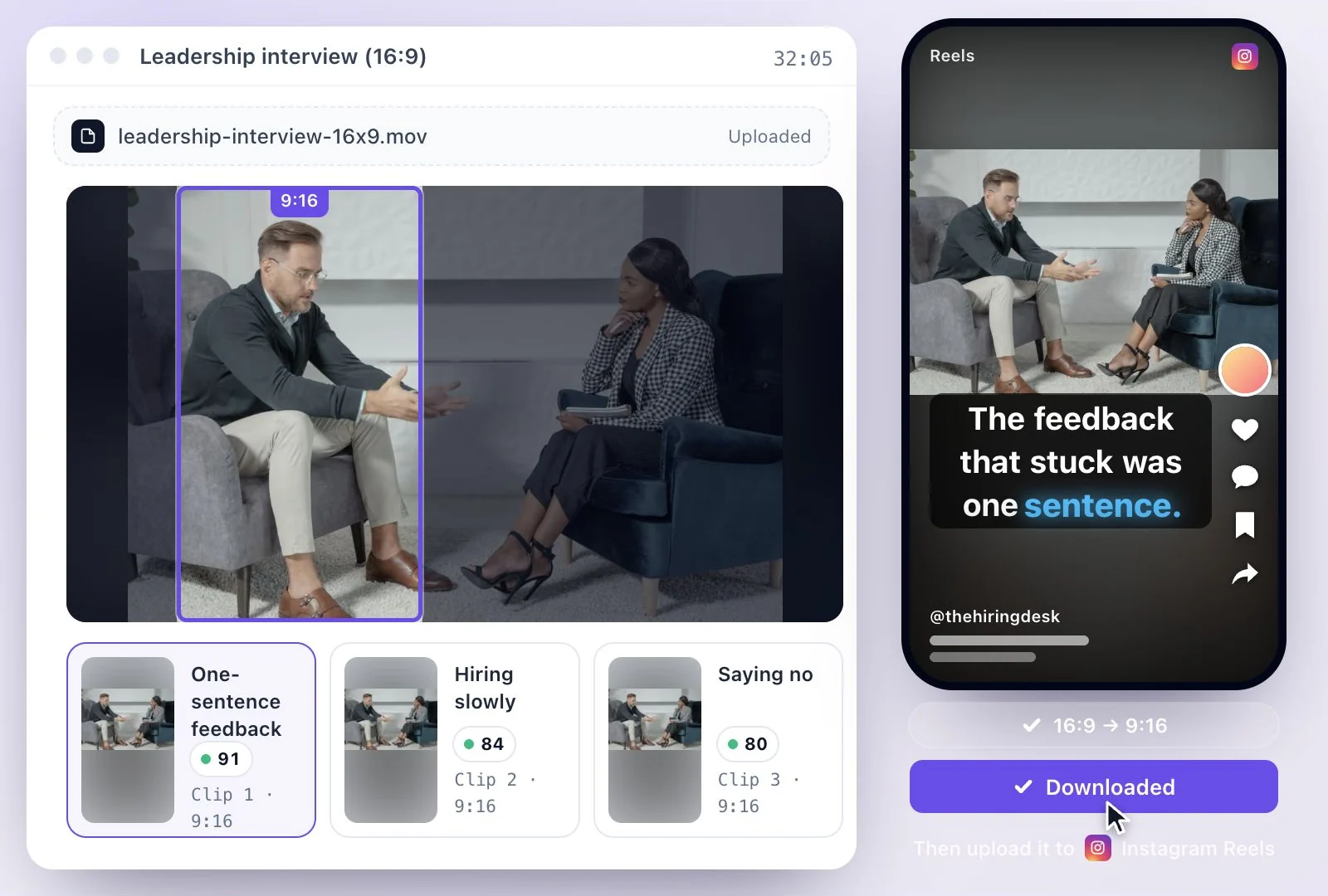
YouTube to TikTok in Exemplary AI is link in, clips out: paste the link to a YouTube video, and AI Clips cuts it into vertical 9:16 clips with captions, framed on whoever is speaking.
You download each clip as an MP4 (H.264) file and upload it to TikTok yourself. Free plan: 500 one-time credits; files up to 500 MB and 30 min long; 720p video exports with a watermark.
YouTube to TikTok at a glance
Facts checked .
- Input
- A YouTube link; TikTok, Instagram, Facebook, Vimeo and X links and MP4, MOV or WEBM uploads work too
- Shape for TikTok
- Vertical 9:16
- Framing
- Auto unless you pick another in the Generate shorts dialog. Auto splits the frame when two people are on camera and keeps one pane when they are not, Split gives two people a pane each, and Speaker keeps one pane on whoever is talking
- Caption styles
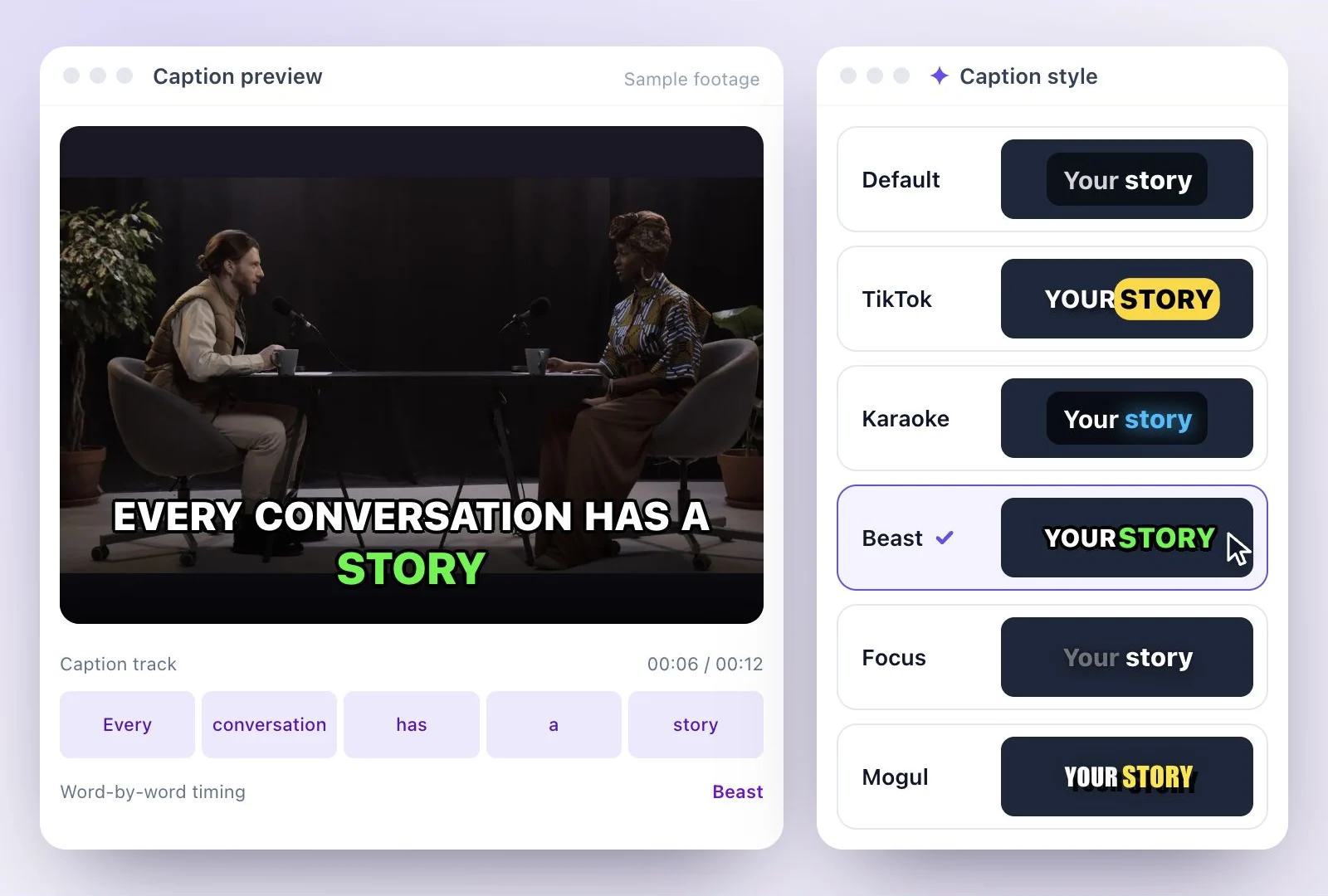
- All 26 styles, when you start a shorts project, in the Generate shorts dialog and in the editor; new clips start on Beast
- Export
- MP4 (H.264) download; nothing is posted to TikTok for you
- Free exports
- Carry a watermark
How to convert a YouTube video to TikTok clips
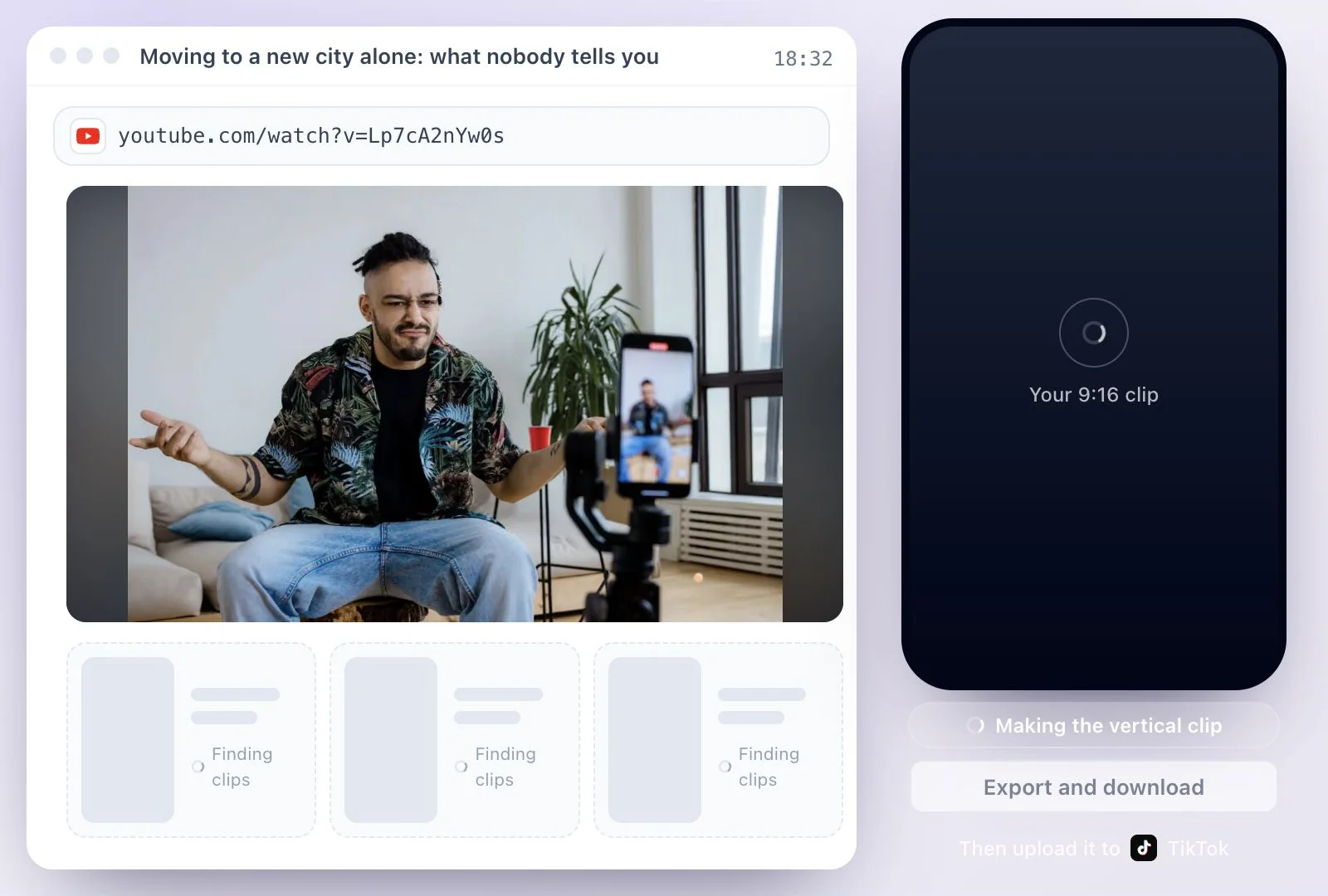
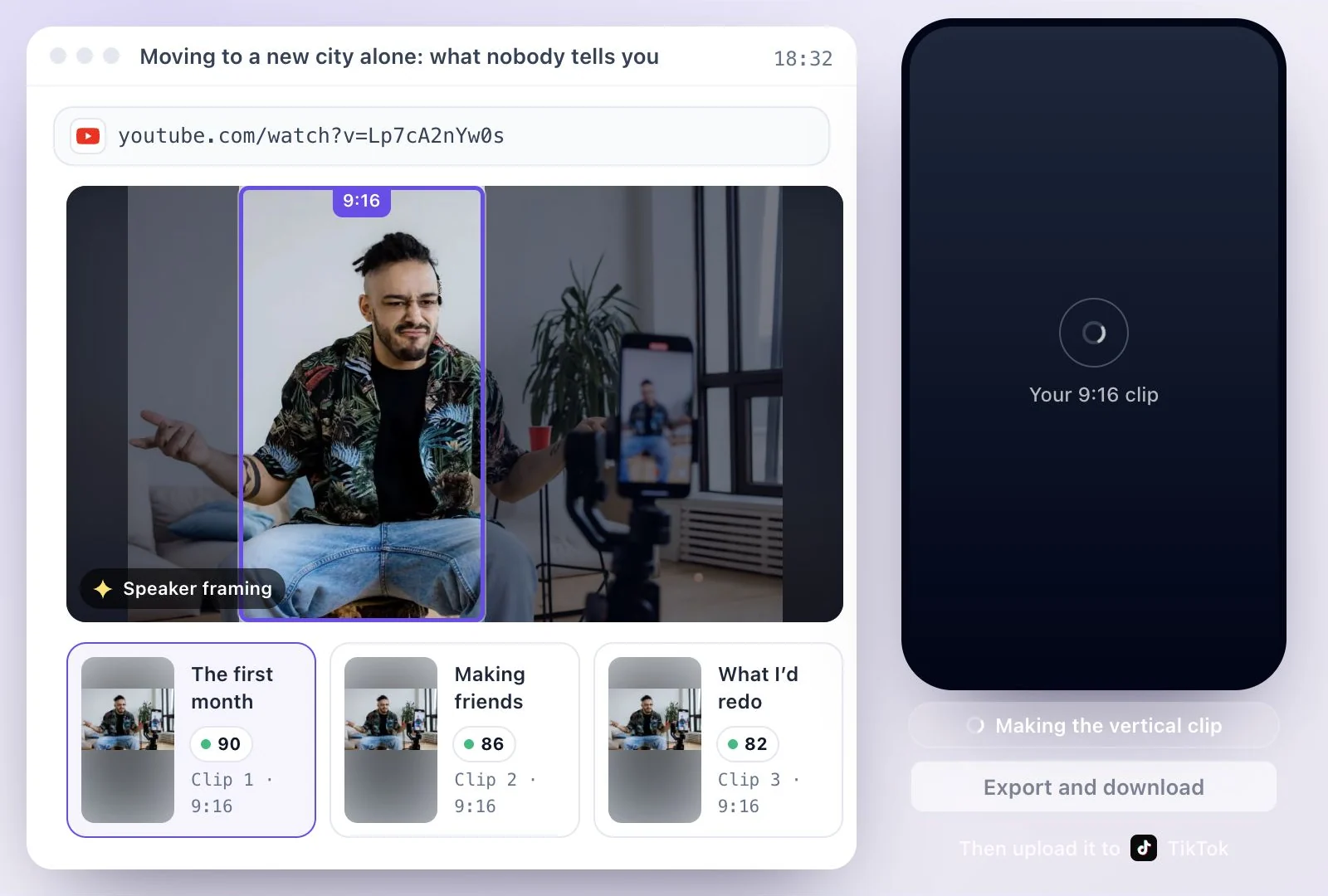
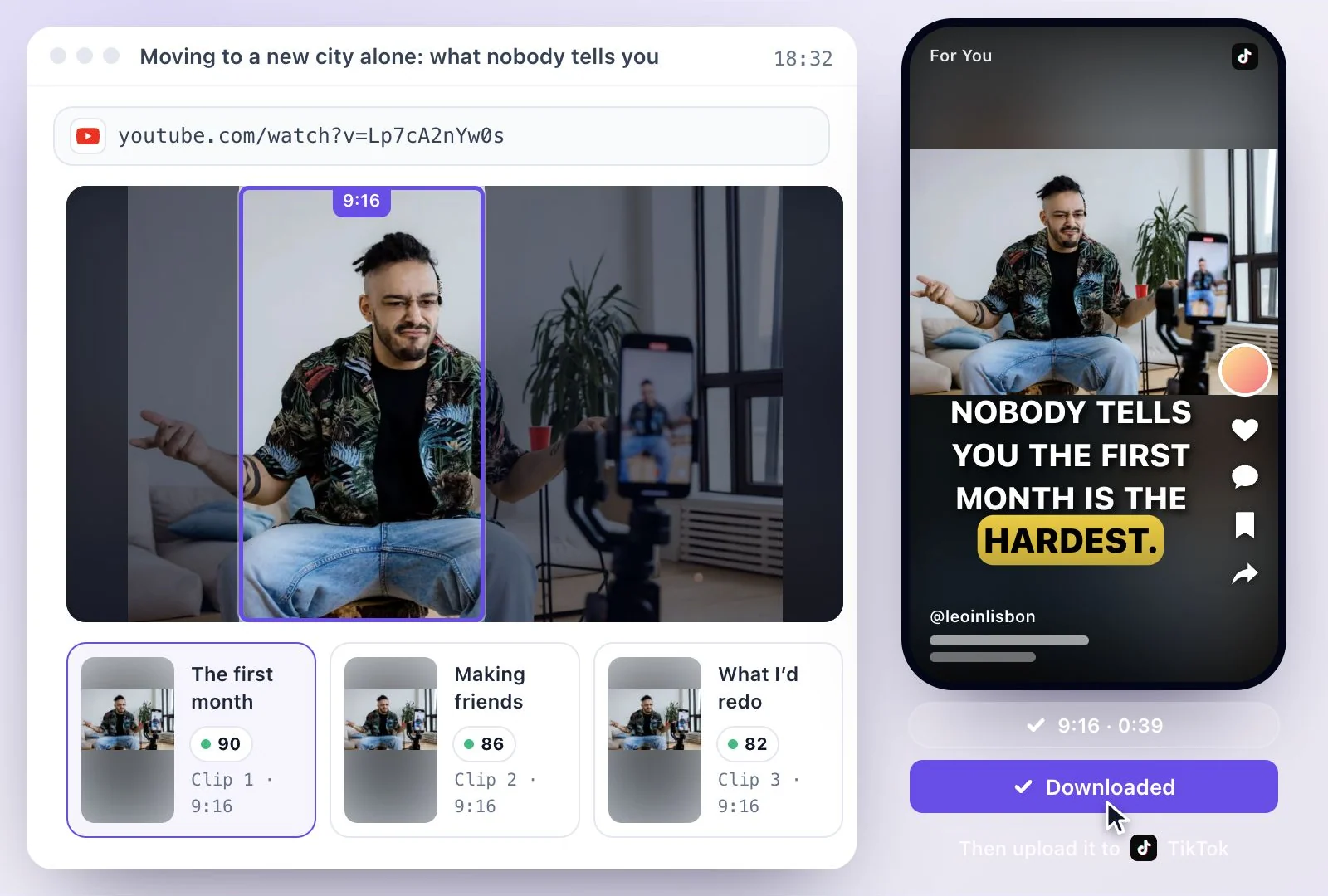
Reposting YouTube videos on TikTok
Repost only videos you own or have permission to use. If the YouTube video is yours, short clips bring it to TikTok viewers without recording anything new. Our guide to clipping YouTube videos for TikTok covers checking rights, picking moments and uploading.
The same vertical clips work elsewhere: the YouTube Shorts maker covers YouTube's rules for Shorts, and the Instagram Reel maker covers Reels.
Why Convert YouTube to TikTok Here
One long YouTube video becomes a set of TikToks, without exporting the source from YouTube or editing it frame by frame.
Clips cut for a vertical feed
Each clip is reframed from 16:9 to 9:16 with the speaker kept in view, so it fills a phone screen.
A TikTok caption look
Choose the TikTok caption style or any of the other 25 when you start the project or in the editor, and correct words before you export.
Moments chosen for you
AI picks passages that stand alone and ranks them by virality score, so you know which to post first.
You keep control of the post
You upload the file yourself, so the TikTok caption, hashtags and posting time stay your call.
Common questions
Can I convert a YouTube video to TikTok without downloading it first?
What size should a YouTube clip be for TikTok?
Can I repost YouTube videos on TikTok?
Does the YouTube to TikTok converter post to my TikTok account?
Can I convert a YouTube video that is only a few minutes long?
Can I get several TikToks from one YouTube video?
Will my TikTok clips have a watermark?
Discover more Clips & Shorts
- Video trimmer
- YouTube Shorts Maker
- AI podcast clips generator
- Instagram reel maker
- Resize videos
- Auto video editor
- Crop video
- Add image to video
- Add text to video
- Remove filler words
- Add emoji to subtitle
- Silence remover
- Add watermark to video
- Add b-rolls
- Word highlight in subtitle
- AI video editor
- Long video to short video
- Twitch clip maker
- Sermon clips
- Horizontal to vertical video
- Screen and webcam recorder
- Online screen recorder
- Kick clip maker
- Viral clip finder
- YouTube Shorts size
- TikTok video size
- Instagram Reels size
- LinkedIn video specs
Make something worth watching
Start with a recording, choose the moments to keep, and finish your clip with captions.