YouTube Tools for Creators
Everything here starts from one YouTube link: paste it, and the video is transcribed. From that transcript you get the words, the metadata you upload with a video, and Shorts cut from it.
Get the words
The transcript first, then what you can do with it: a summary, notes, or questions answered with the timestamp they came from.
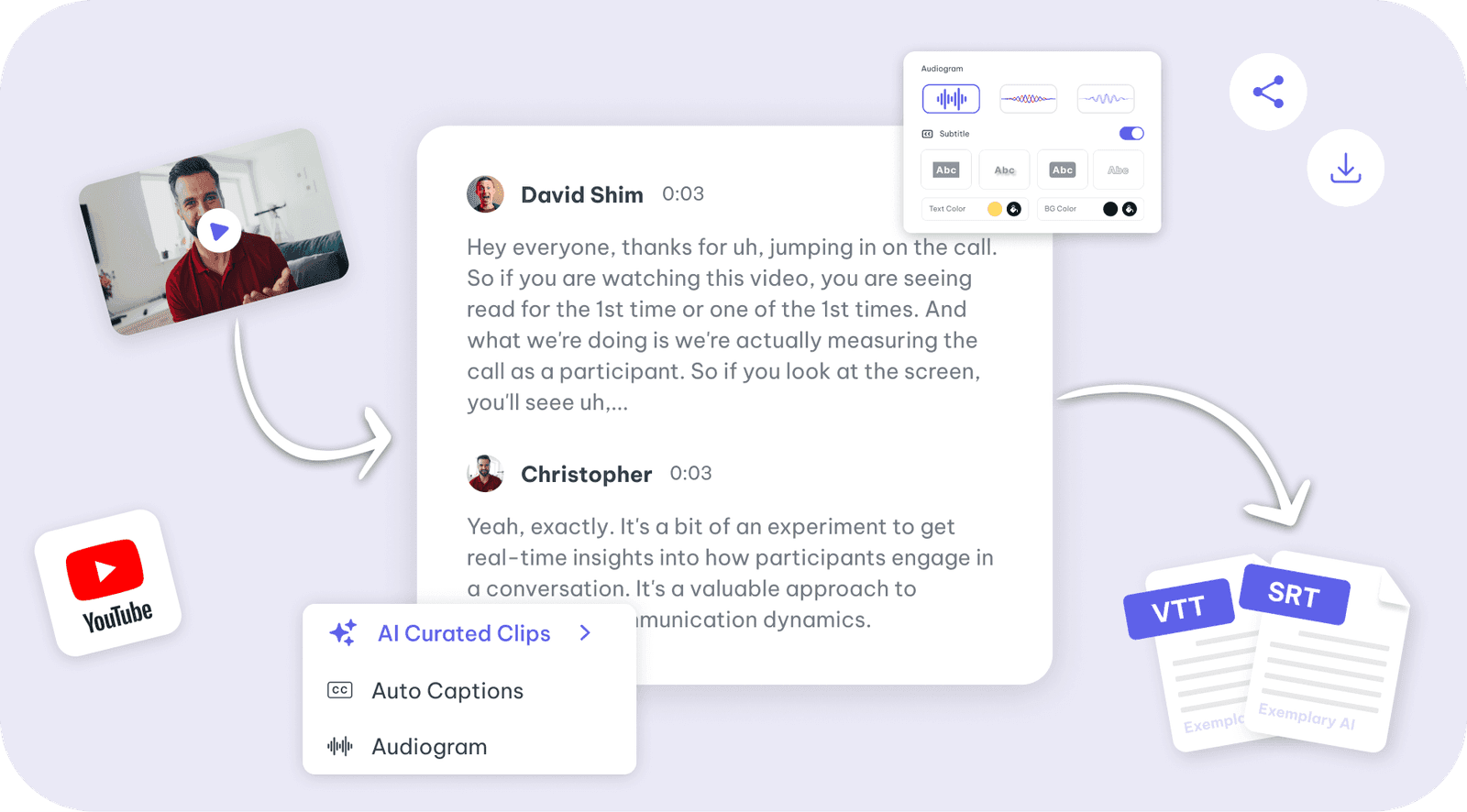
Youtube video
Paste a YouTube link or upload a video for a transcript in 99 languages.
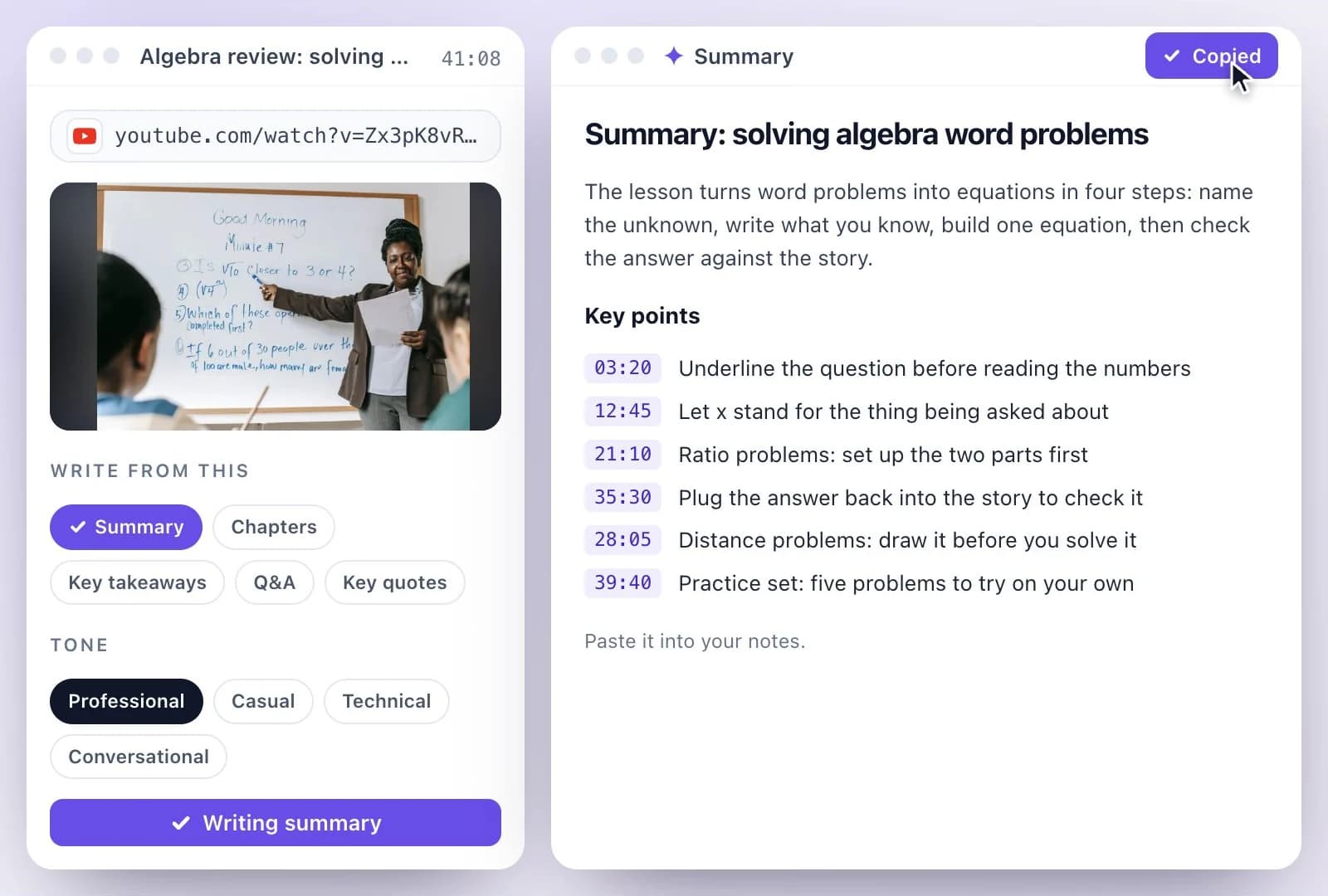
YouTube Video Summary Generator
Get the main ideas and chapters from a YouTube video.
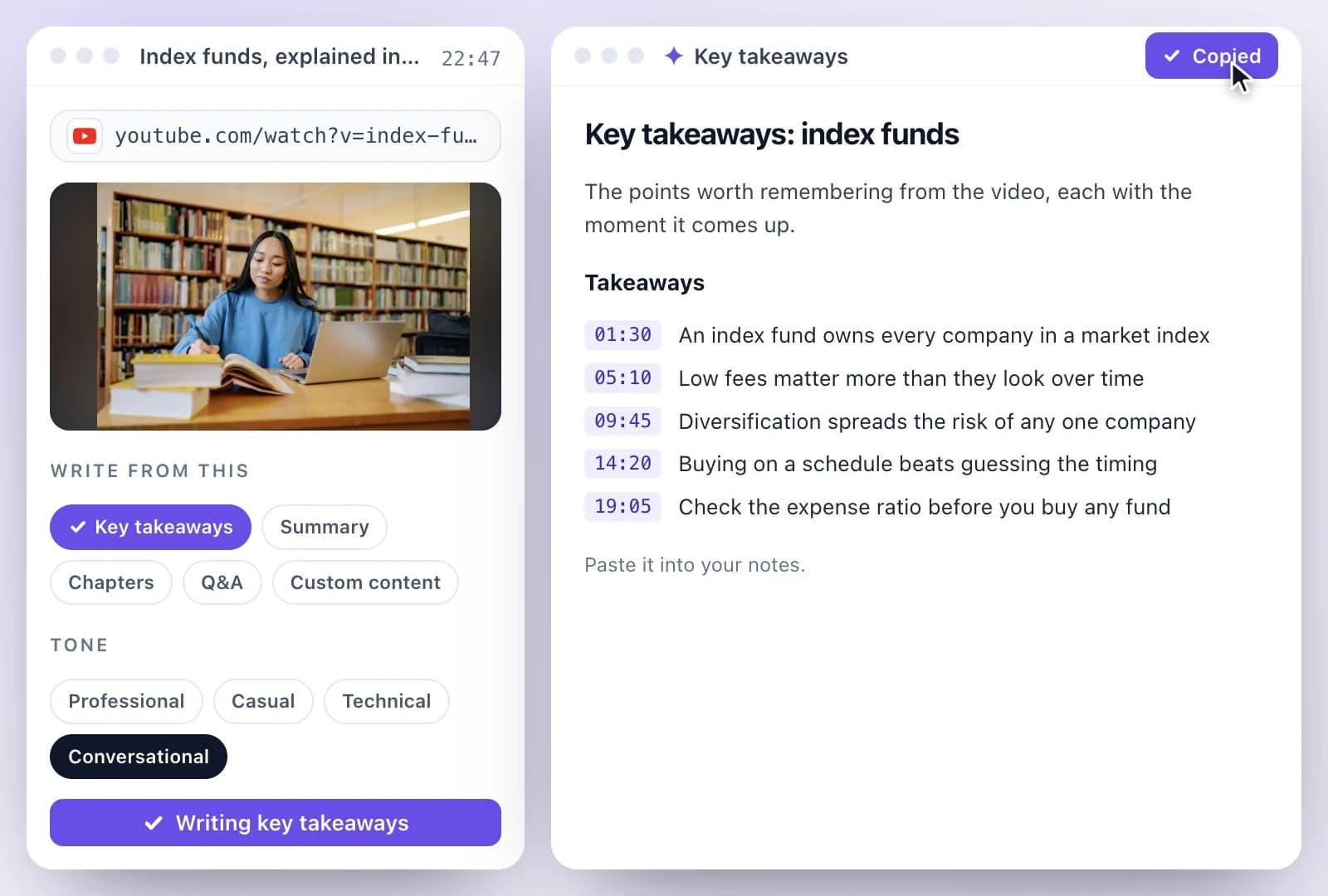
YouTube to Notes Generator
Keep the key takeaways from a video in readable notes.
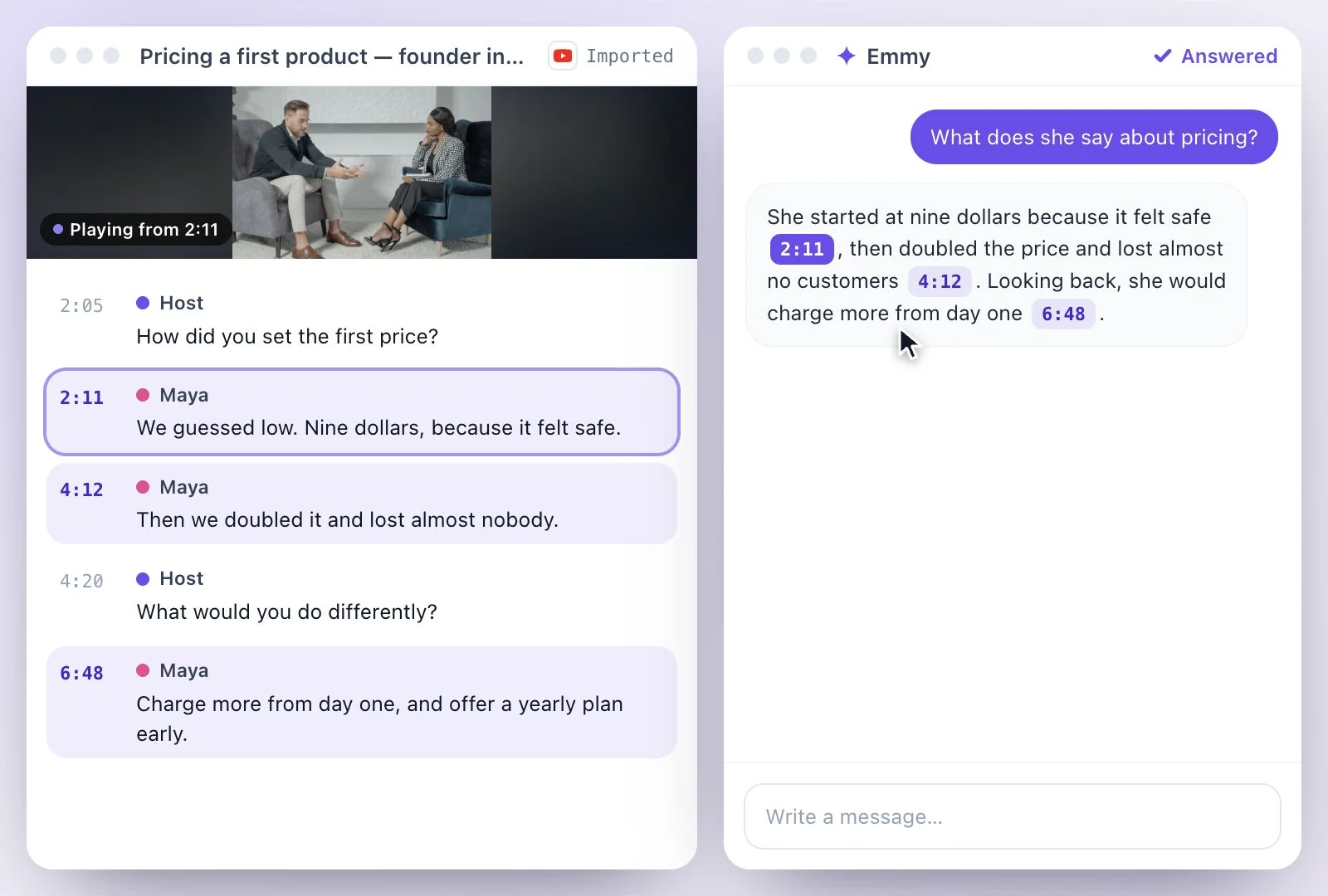
Chat with YouTube Video Generator
Ask questions about the content of a YouTube video.
Write for YouTube
Titles, the description, chapters and tags for the upload page, written from what is said in the video.
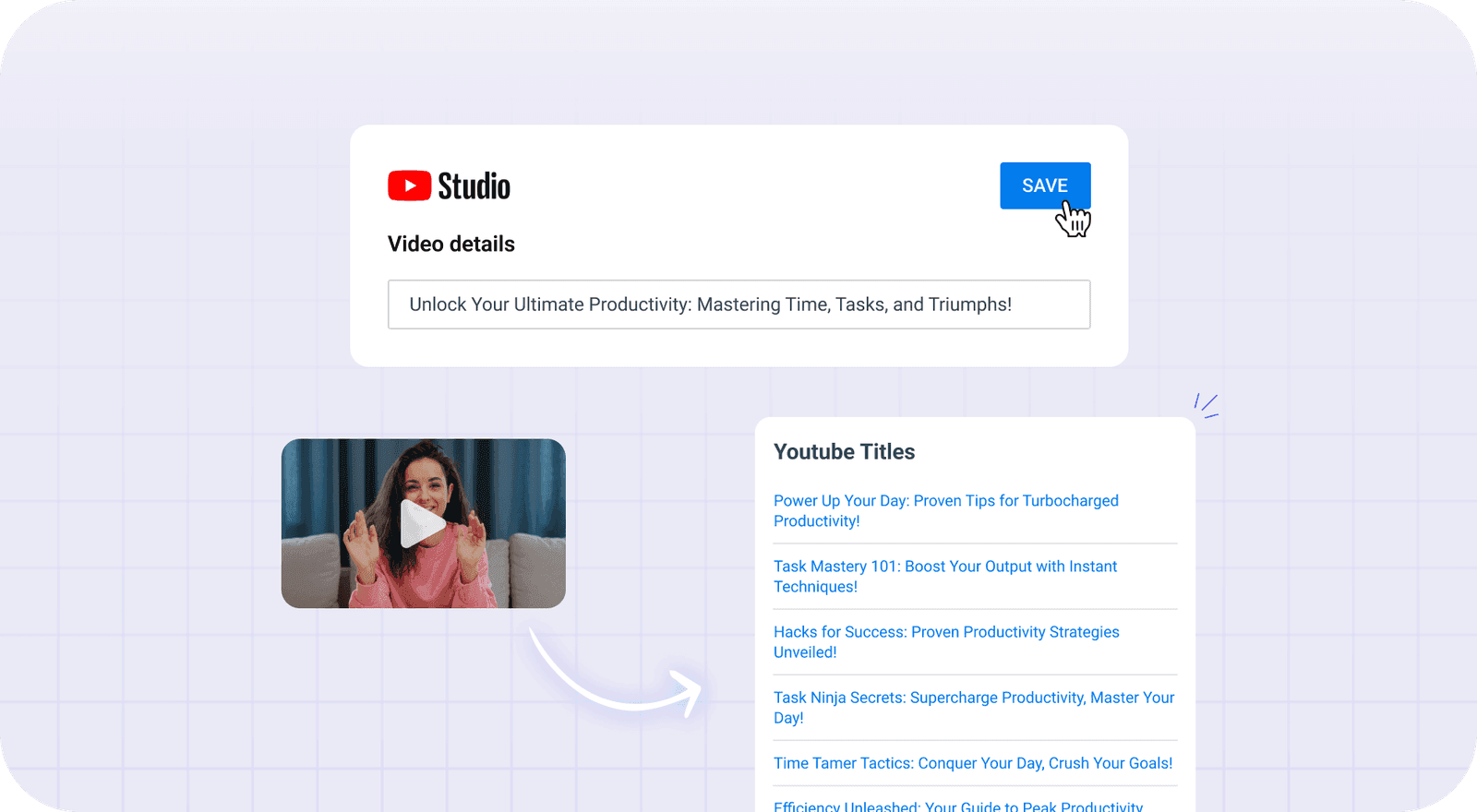
YouTube Video Title Generator
Get YouTube title ideas from your video's transcript, then pick one that fits YouTube's 100…
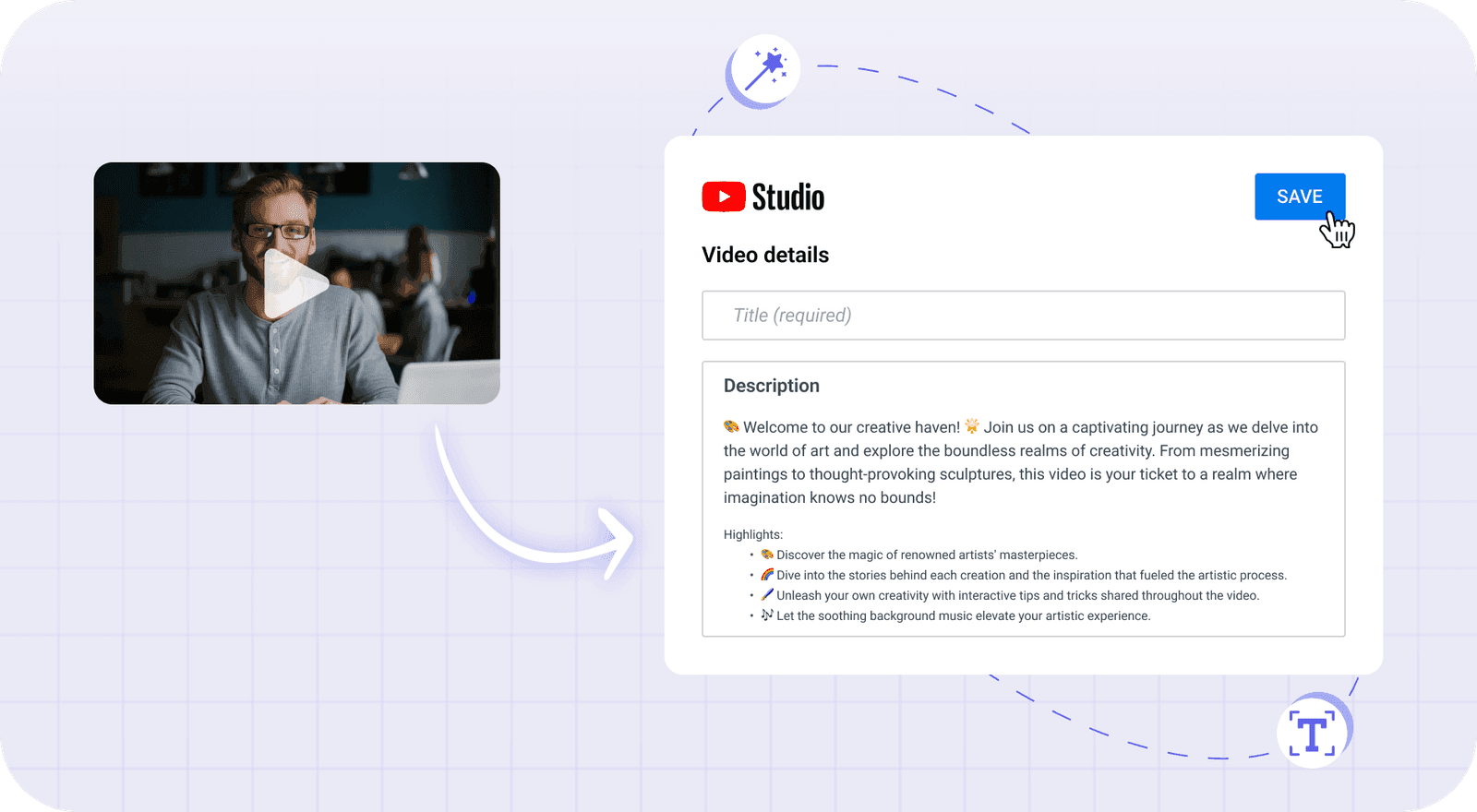
YouTube Description Generator
Write a YouTube description from your video's transcript: an intro, key-topic bullets and…
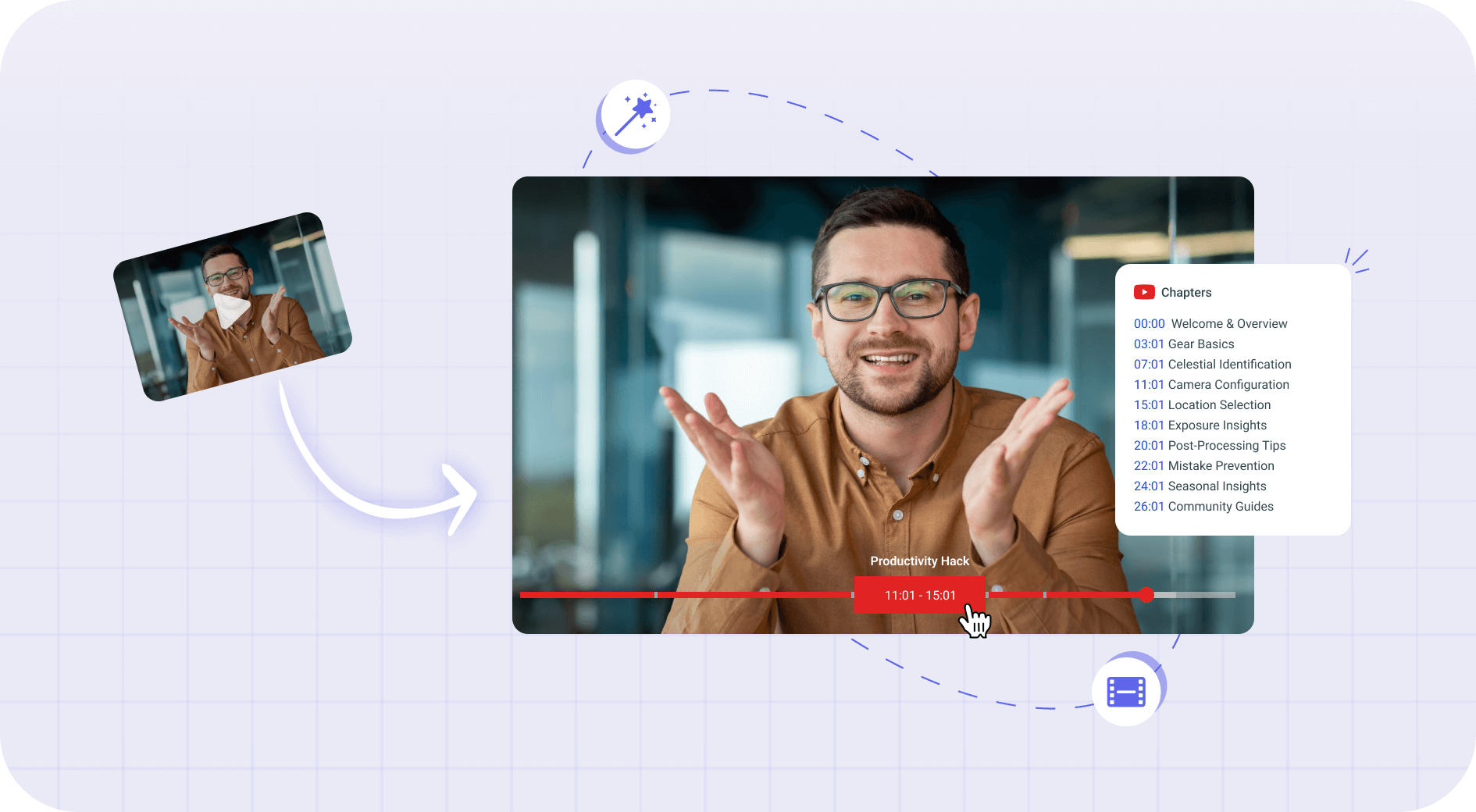
YouTube Timestamp Generator
Generate YouTube timestamps from your video's transcript: up to 10 chapter start times with…
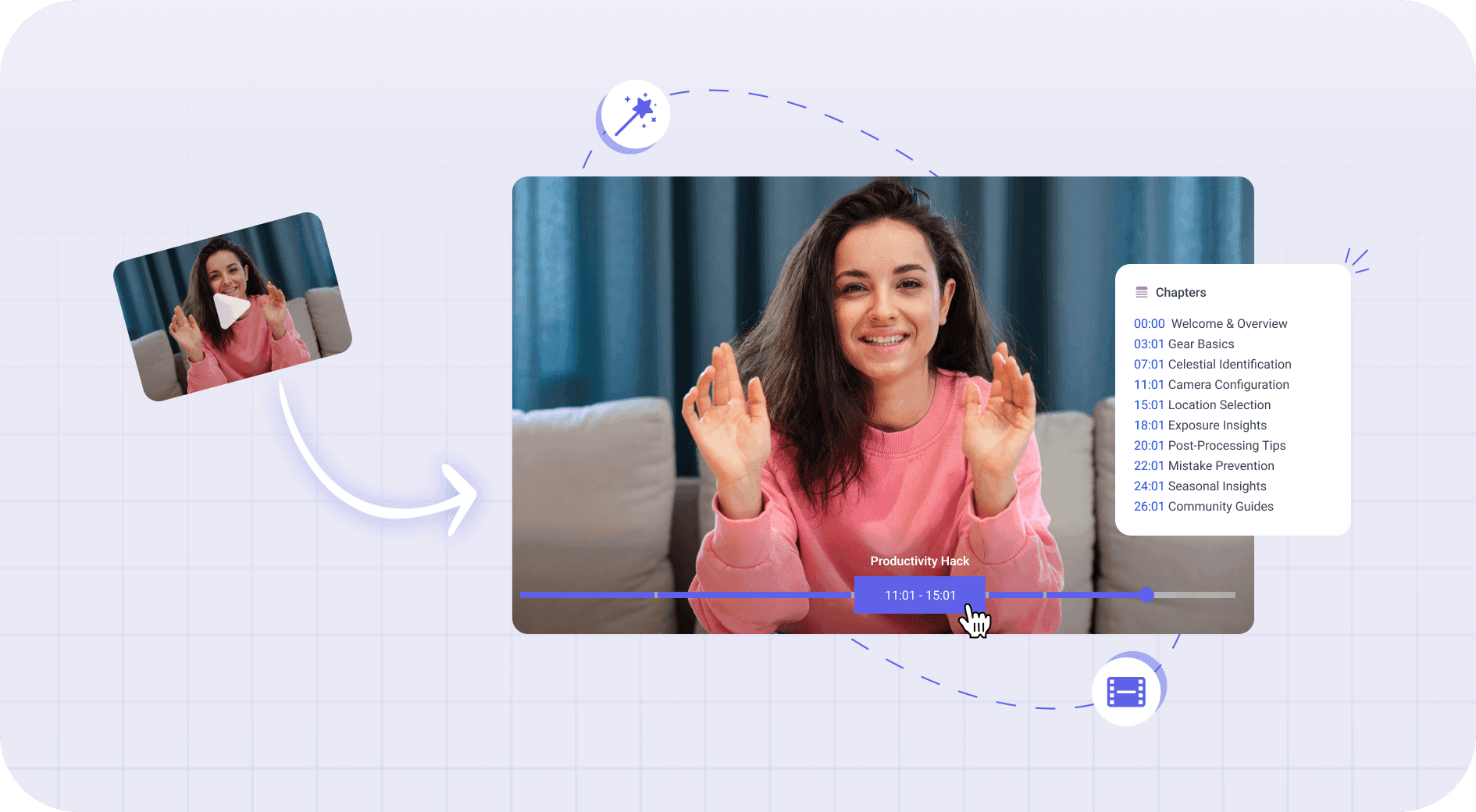
Video Chapter Generator
Video chapter generator: AI splits your video's transcript into up to 10 chapters, each with a…
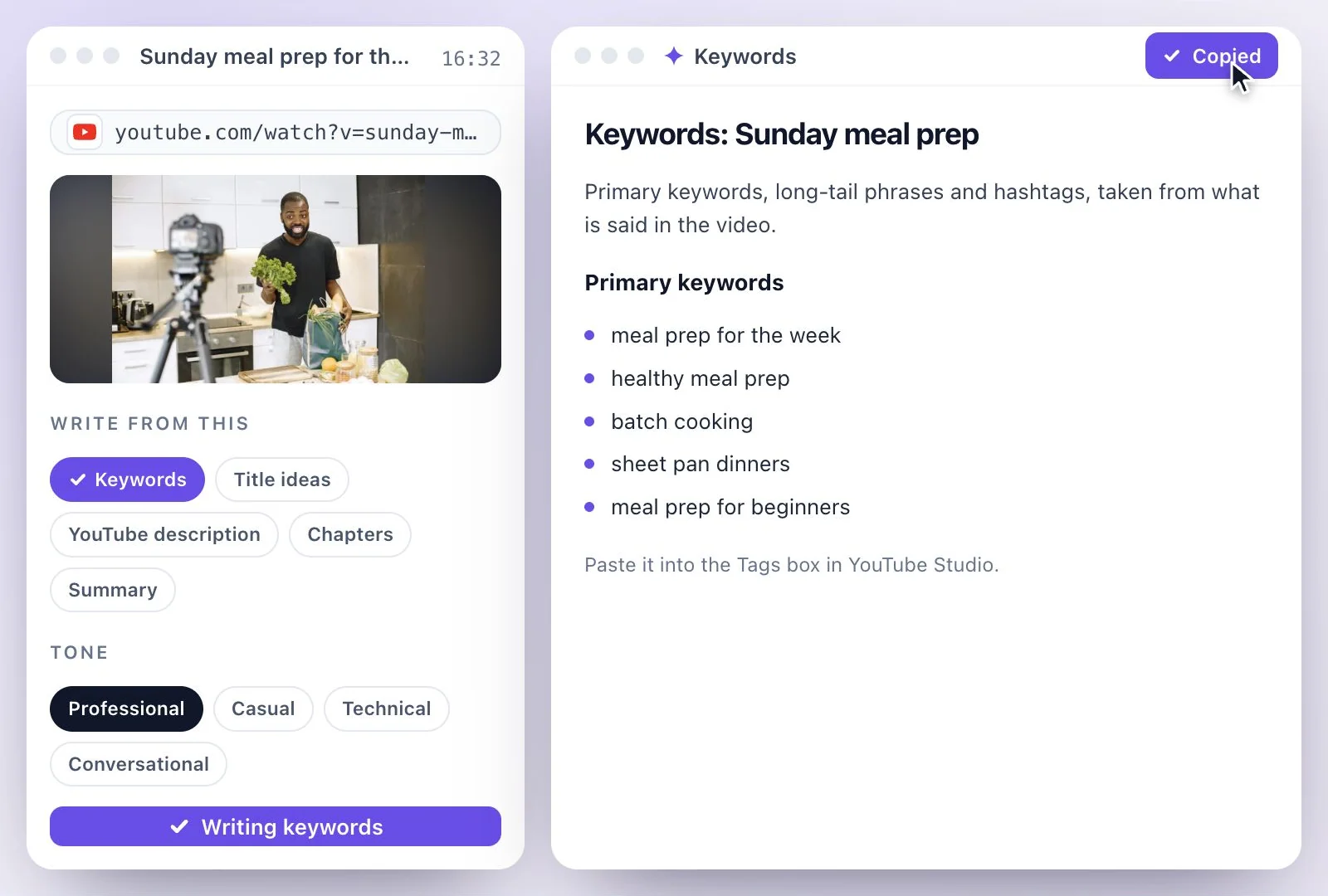
YouTube Tags Generator
Paste a YouTube link and get keywords, long-tail phrases and hashtags from what is said in the…
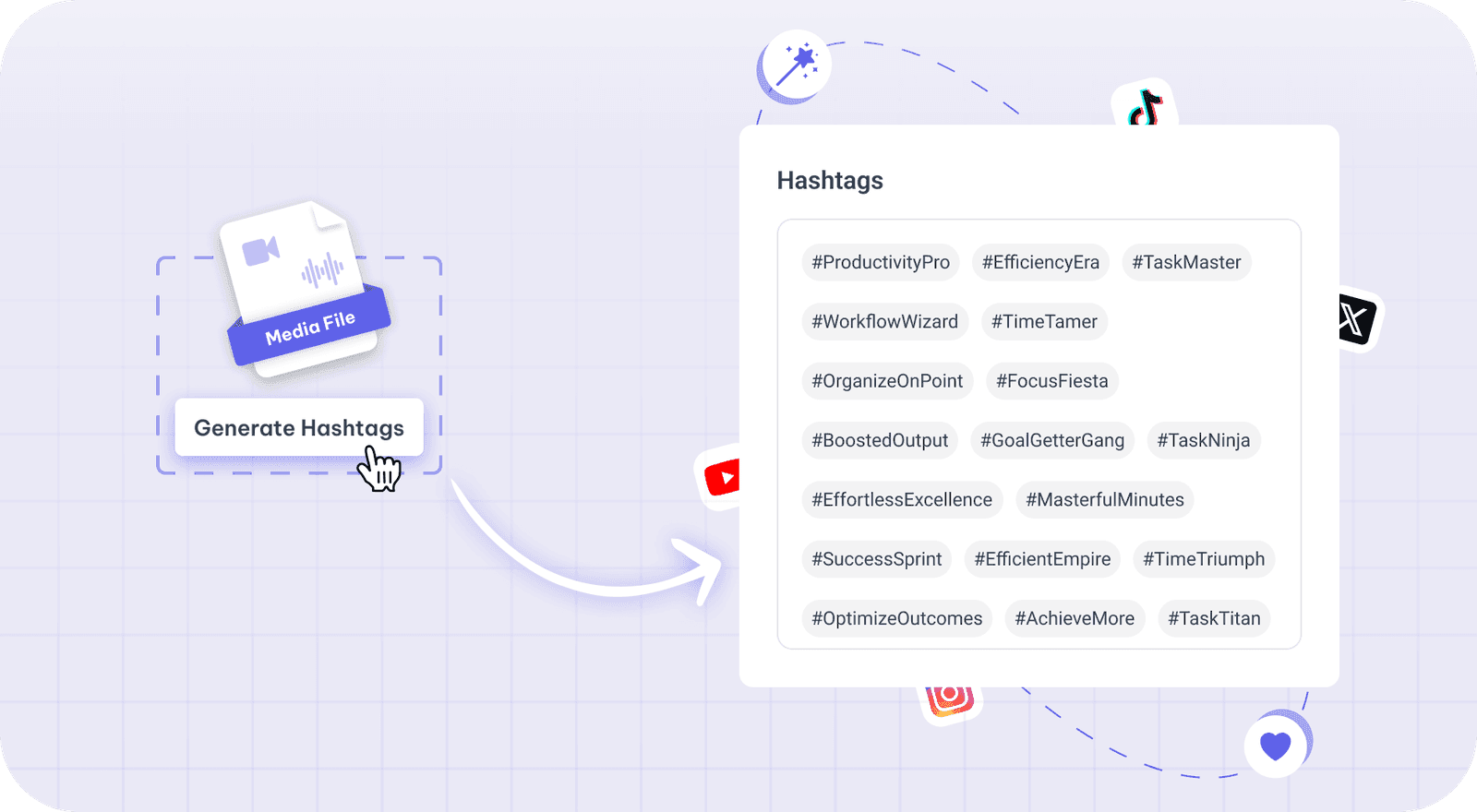
Hashtag Generator
Get hashtags from what your video actually says: upload or paste a YouTube link, then copy them…
Turn videos into Shorts and posts
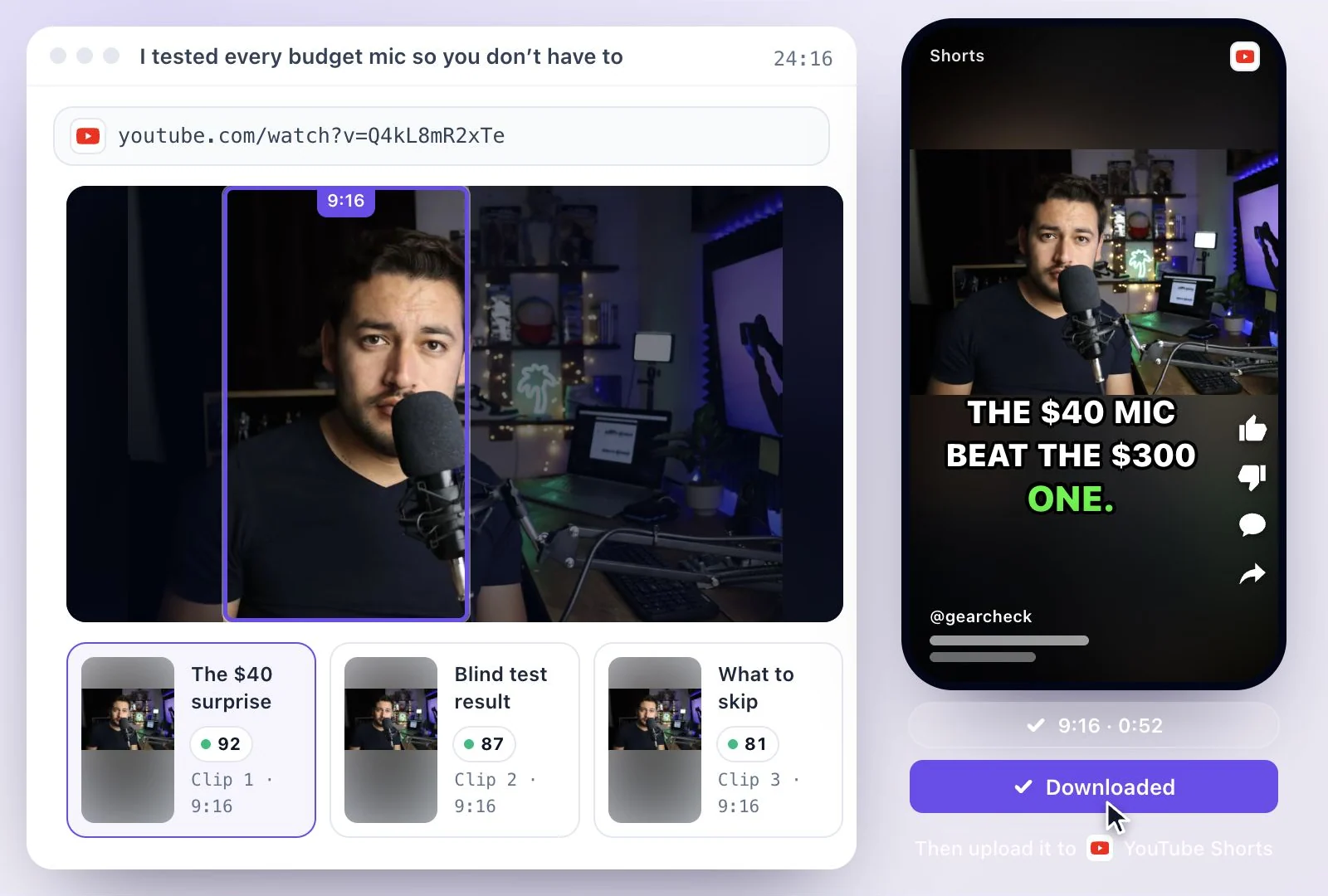
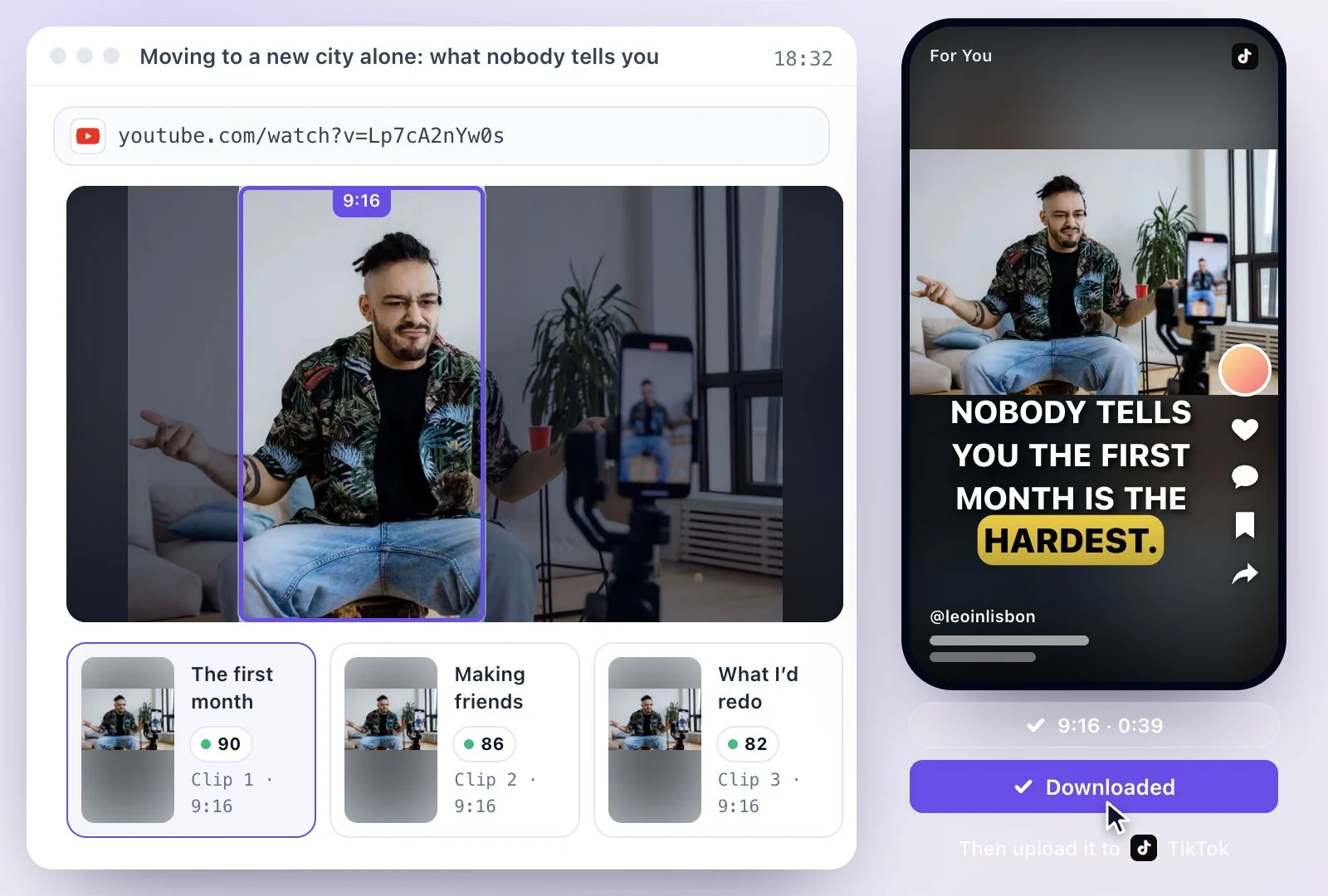
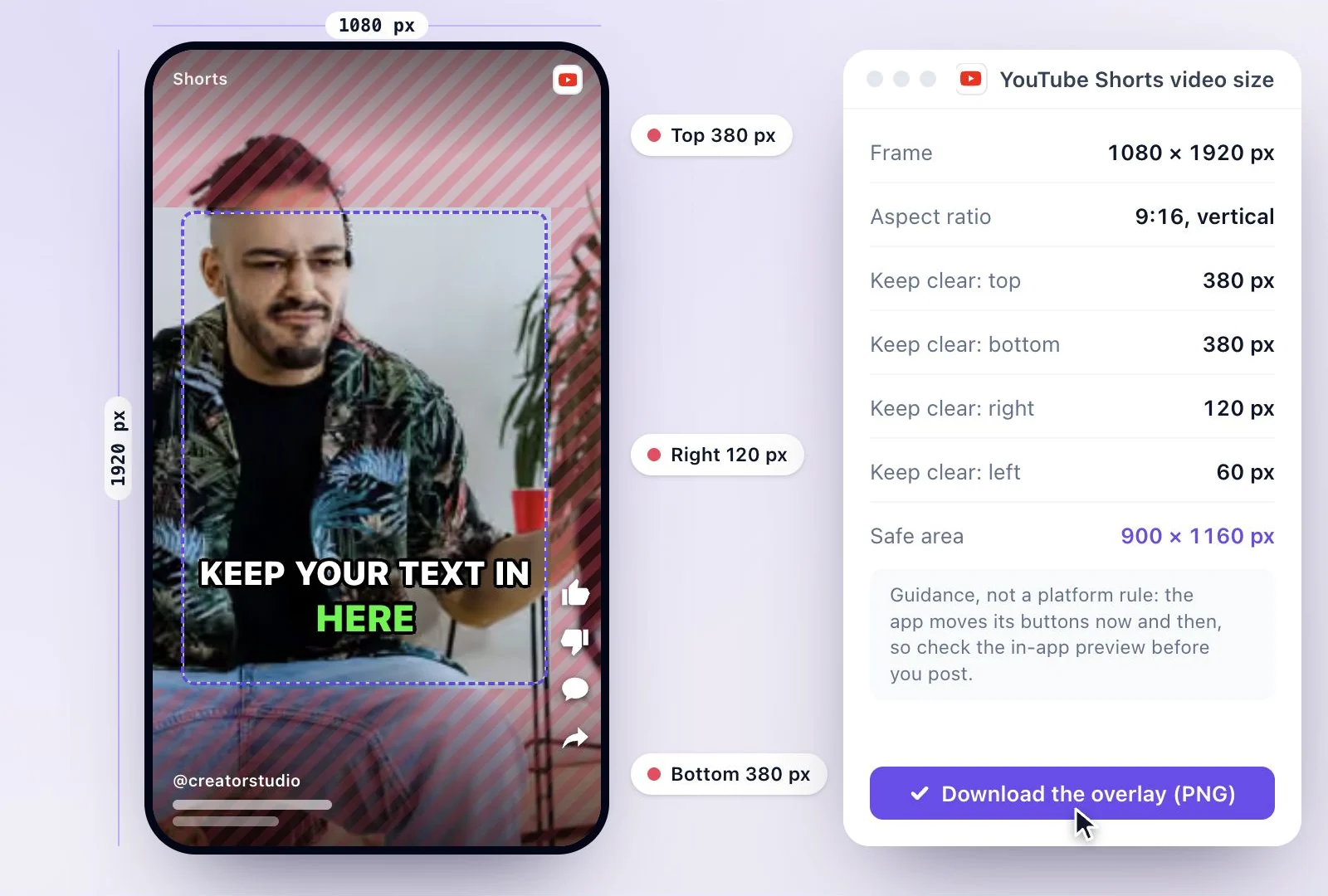
Vertical clips for Shorts and TikTok, the frame size to make them in, and posts for other places.
One link, one transcript, every piece
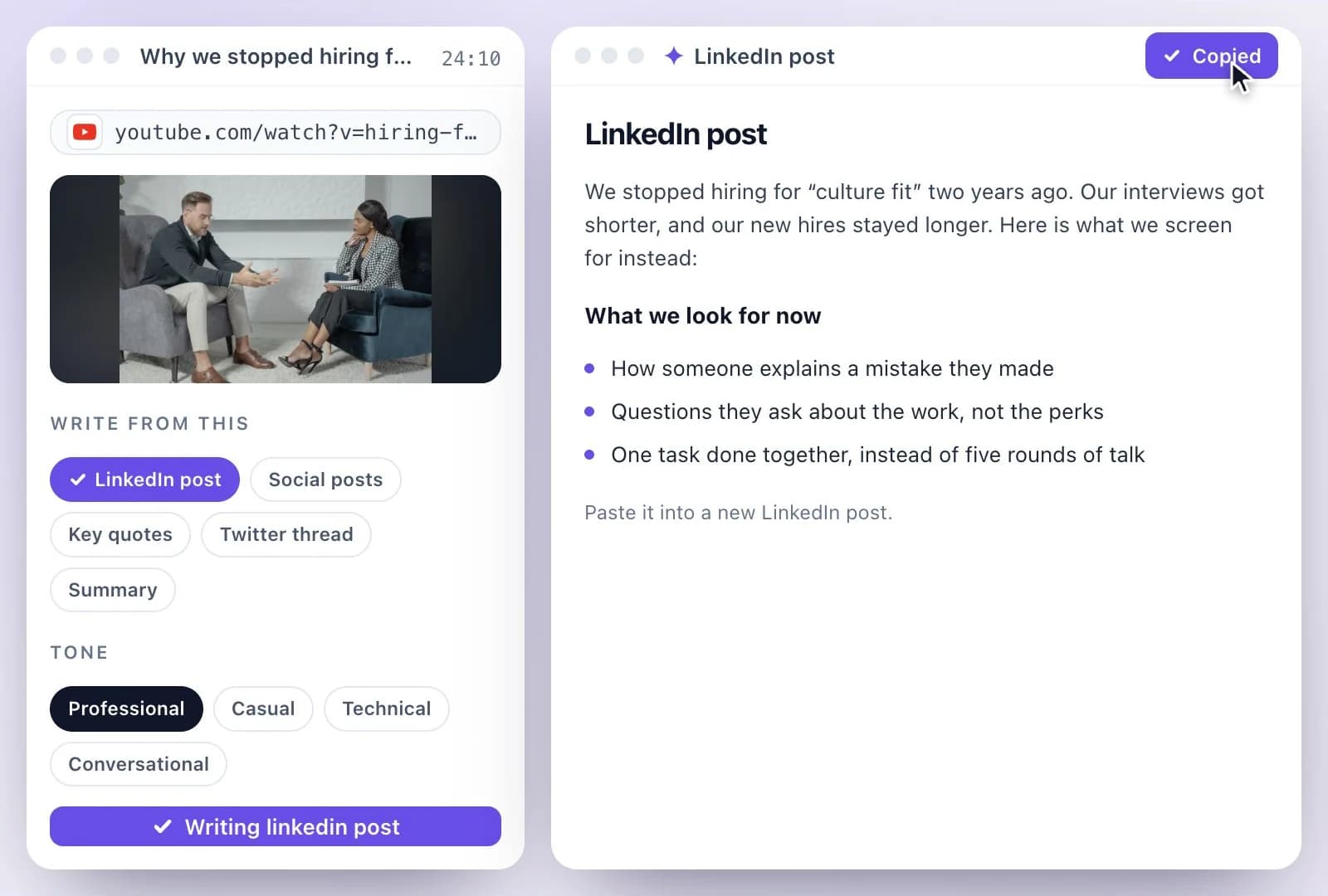
Every tool on this page works from the same transcript, so you only paste the link once. The AI Writer makes 17 kinds of documents from it, including a title list, a YouTube description and chapters, and AI Clips cuts it into Shorts. You upload the results to YouTube yourself: nothing is posted to your channel for you.