YouTube Video Summarizer
Paste a YouTube link and get a written summary of the video, with its key points and a list of chapters with start times.
Free to start — no credit card required.
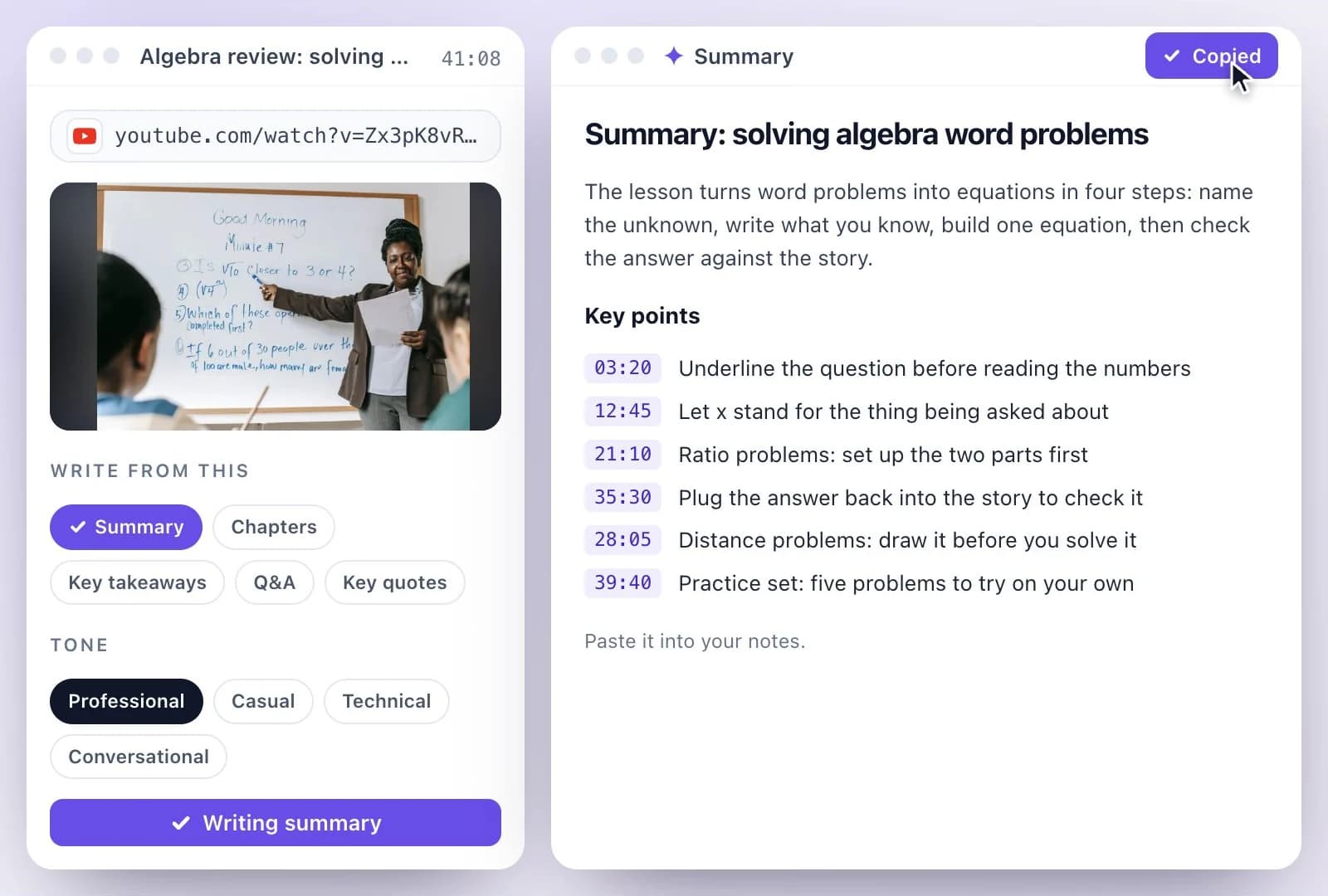
Exemplary AI's YouTube video summarizer turns a video into a short read: paste the YouTube link, and it transcribes the video and writes a summary with the key points.
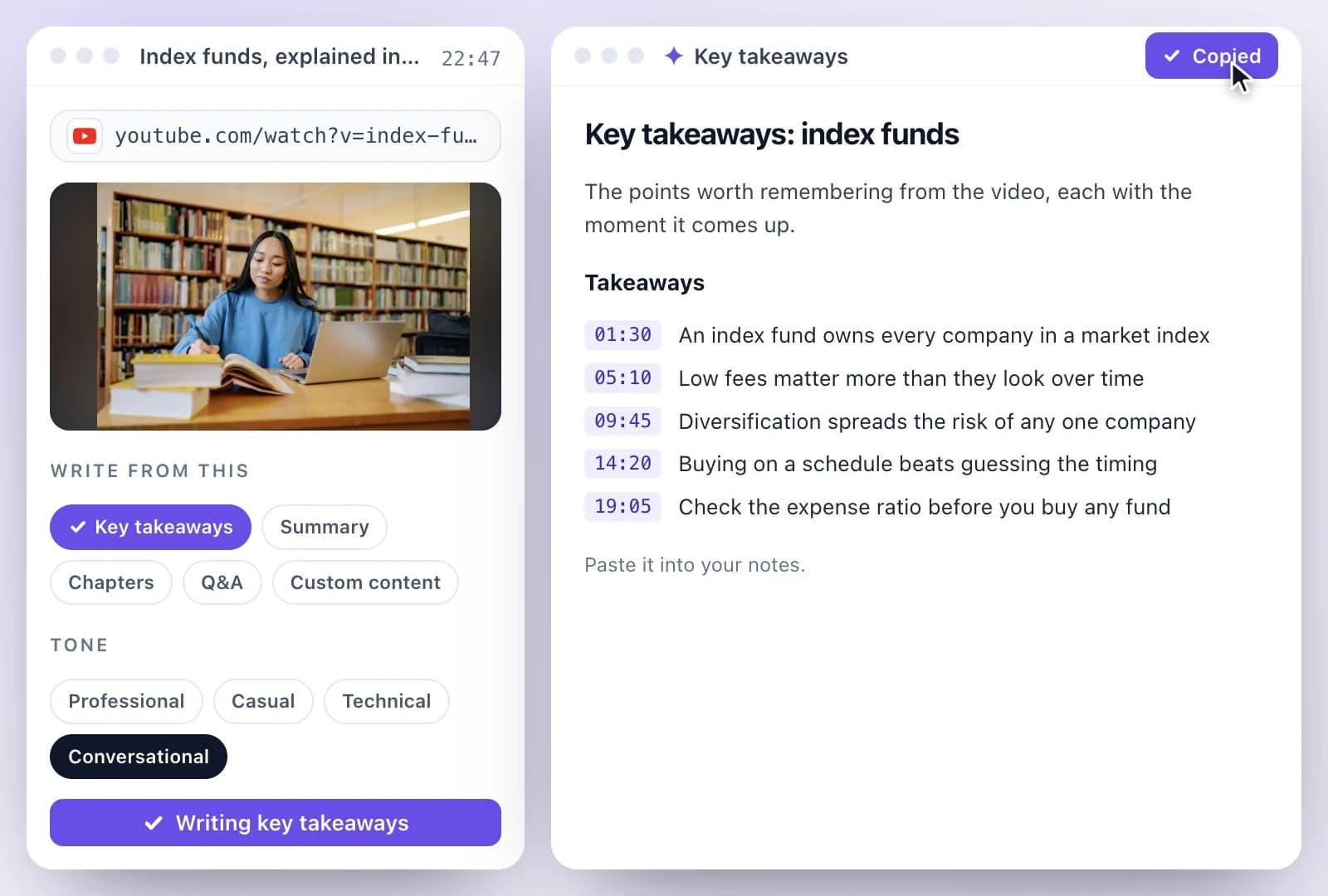
Select Chapters as well for the video's sections with their start times, and Key takeaways for a bullet list of what to remember. Free plan: 500 one-time credits.
What the YouTube video summary generator gives you
Facts checked .
- Summary
- A written summary of the video, with its key points
- Chapters
- The video's sections, each with a start time and a short title
- Key takeaways
- A bullet list of the points worth remembering
- From the same transcript
- Key quotes, Q&A, title ideas, keywords, a blog post, social posts and a newsletter
- Input
- A YouTube, TikTok, Instagram, Facebook, Vimeo or X link, or an audio or video file (MP3, WAV, M4A, AAC, FLAC, OGG, MP4, MOV or WEBM)
- Languages
- Transcripts in 99 languages
- Copy and export
- Copy it as Markdown, or download it as Text (.txt), Markdown (.md) or Word (.docx); you can also save it as a PDF from your browser's print dialog
- Free plan
- The Free plan includes 500 one-time credits; files up to 500 MB and 30 min long; 720p video exports with a watermark. Credits are used by the tasks you run, rather than a fixed number of generations.
How to summarize a YouTube video
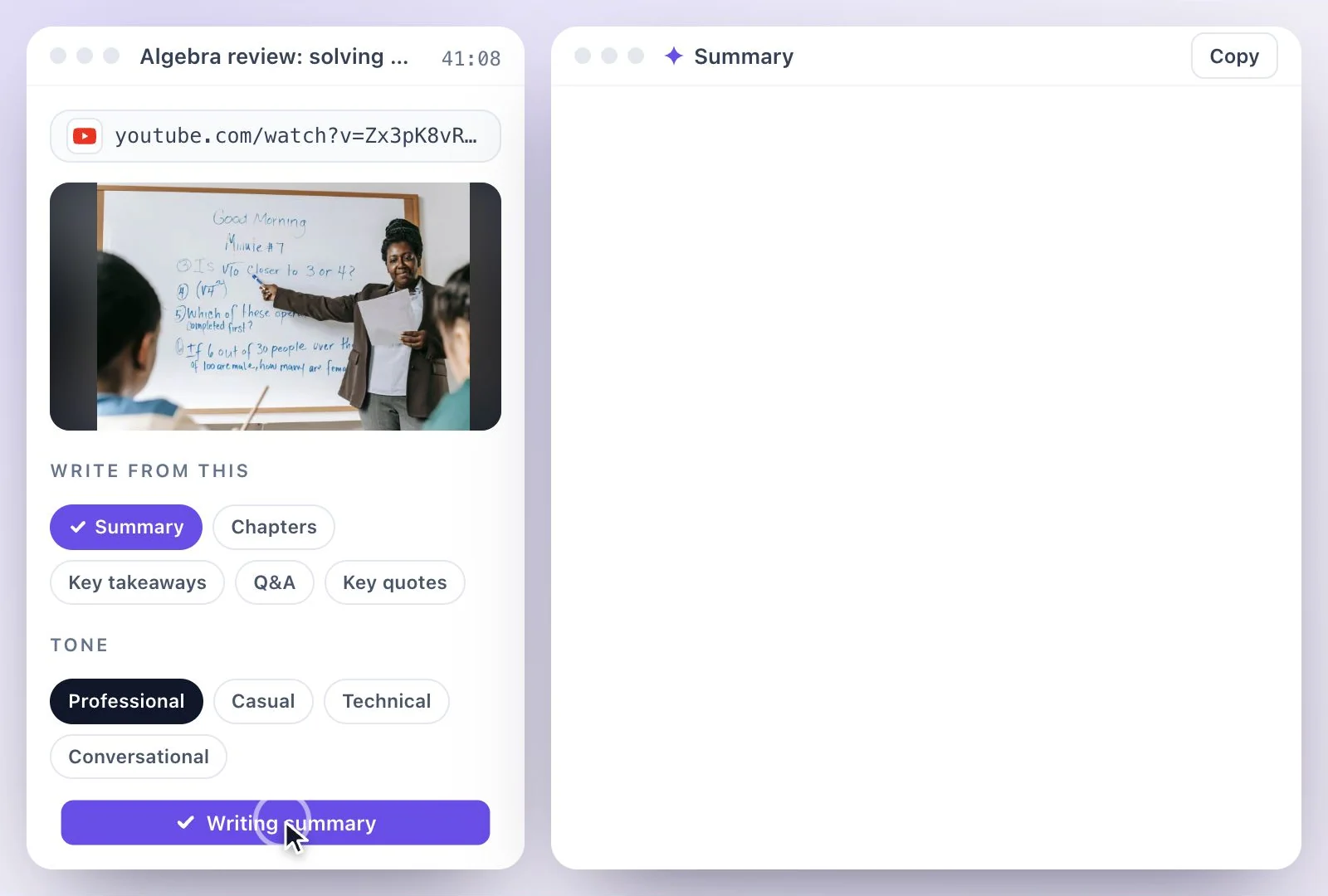
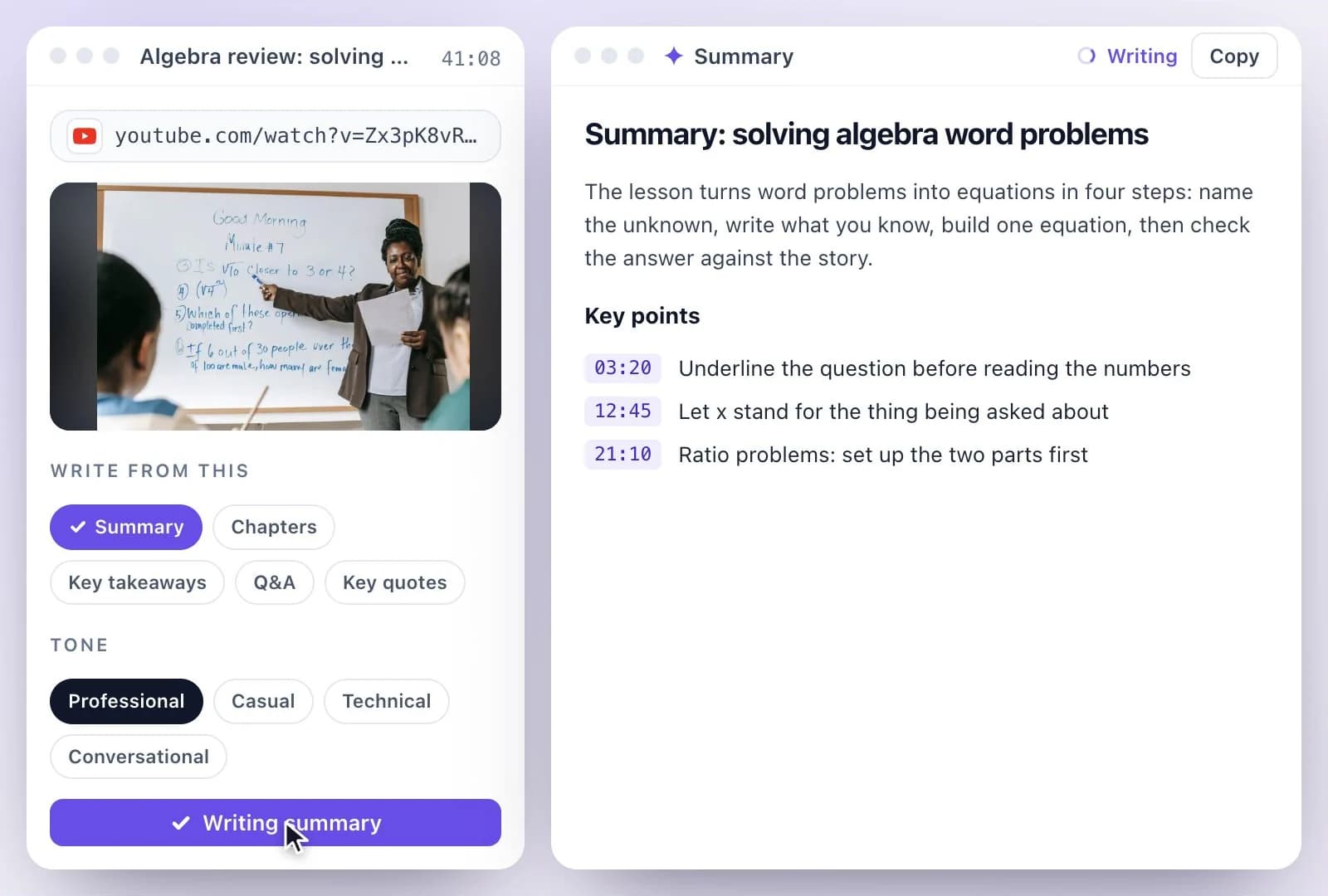
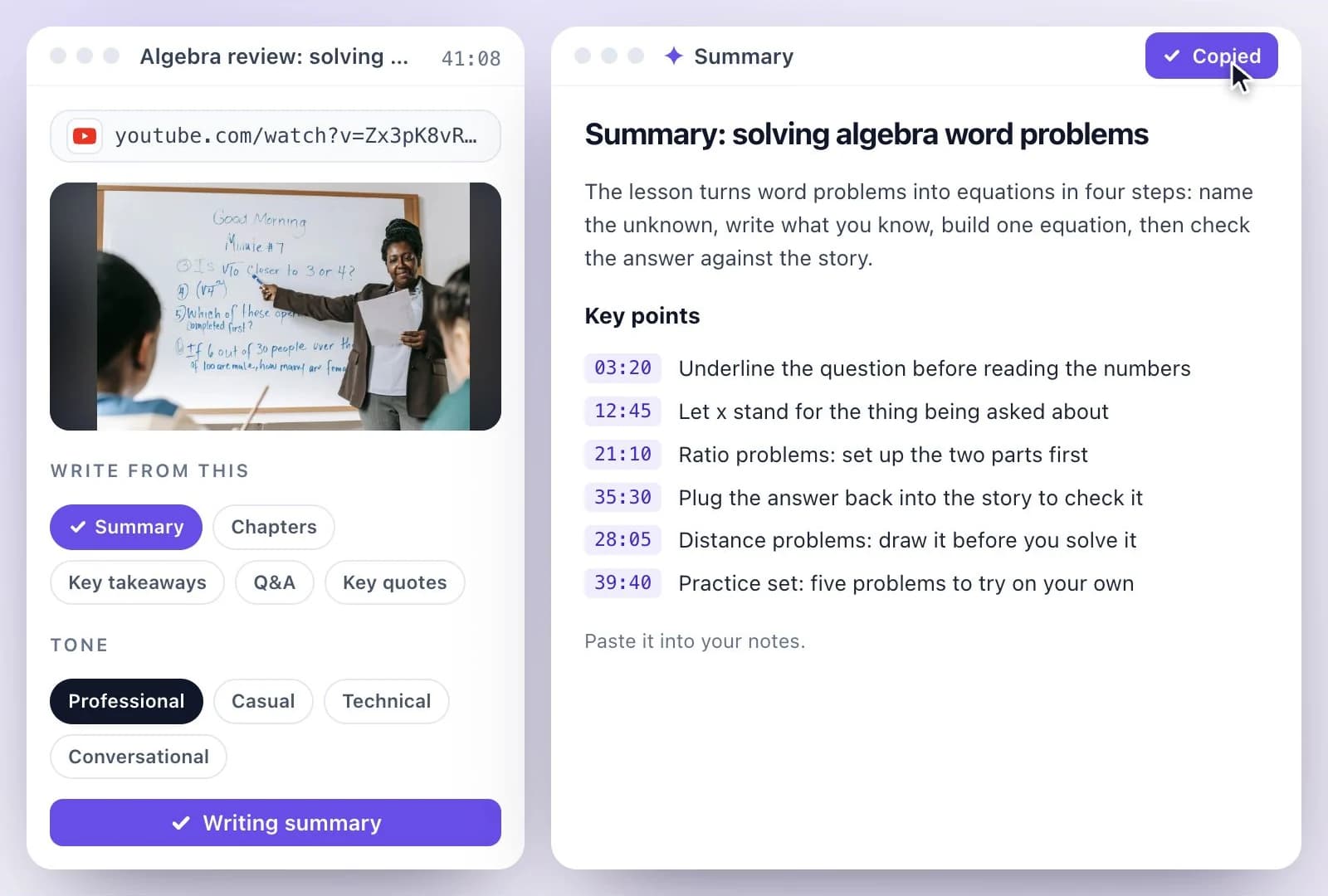
Summaries of podcasts, lectures and meetings
The AI summarizer works on any recording, not only YouTube. Upload a podcast episode for a podcast summary, or a lecture for study notes. For meetings, the meeting minutes generator covers notes and a follow-up email, and for a podcast you publish, the show notes generator writes the episode description.
To do it by hand instead, summarizing a YouTube video with ChatGPT walks through the prompts, and getting the transcript of a YouTube video shows where YouTube keeps its own.
Read the video before you watch it
The YouTube summary is written by AI from what is said in the video, so you can see what it covers, and where, before you spend the time on it.
Summary with key points
A few paragraphs on what the video covers, followed by its key points, written from the transcript rather than the title or thumbnail.
Chapters with timestamps
The video's sections with their start times, so you can skip to the part you need on YouTube.
Key takeaways
Short takeaways in a bullet list, for notes, a study guide or a message to a colleague.
Turn it into something new
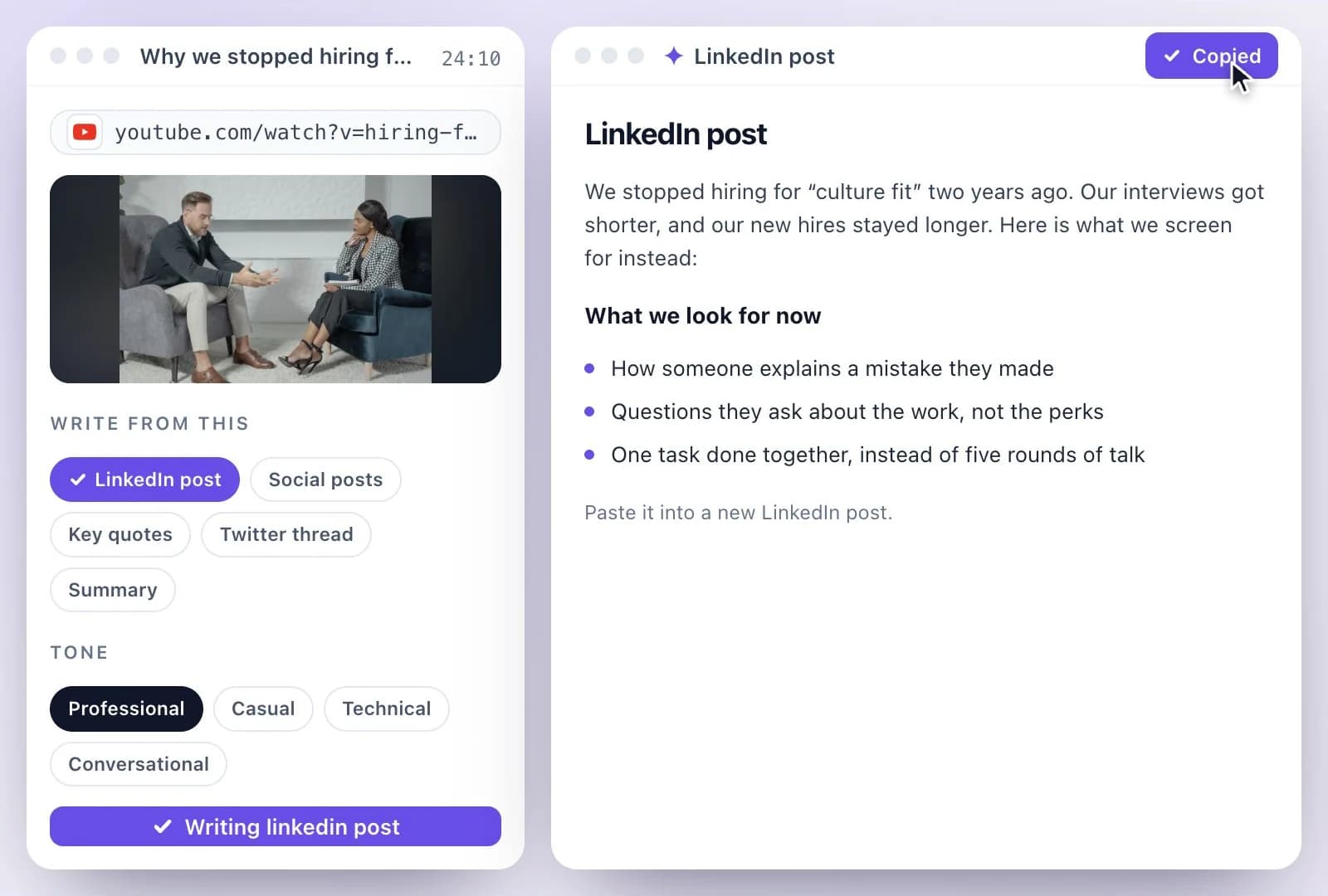
Write a blog post, social posts or a newsletter from the same transcript, without pasting the link again.
Common questions
How do I summarize a YouTube video?
Is the YouTube video summarizer free?
Can I summarize a YouTube video with timestamps?
Does it work on videos that don't have captions?
How long a YouTube video can it summarize?
Can I summarize a podcast or a video that is not on YouTube?
What is the difference between the summary and key takeaways?
Discover more AI Content
- Summary Generator
- Video Chapter Generator
- Podcast Show Notes Generator
- Lecture to Notes Generator
- YouTube to Notes Generator
- YouTube Tags Generator
- YouTube to LinkedIn Post Generator
- TikTok Caption Generator
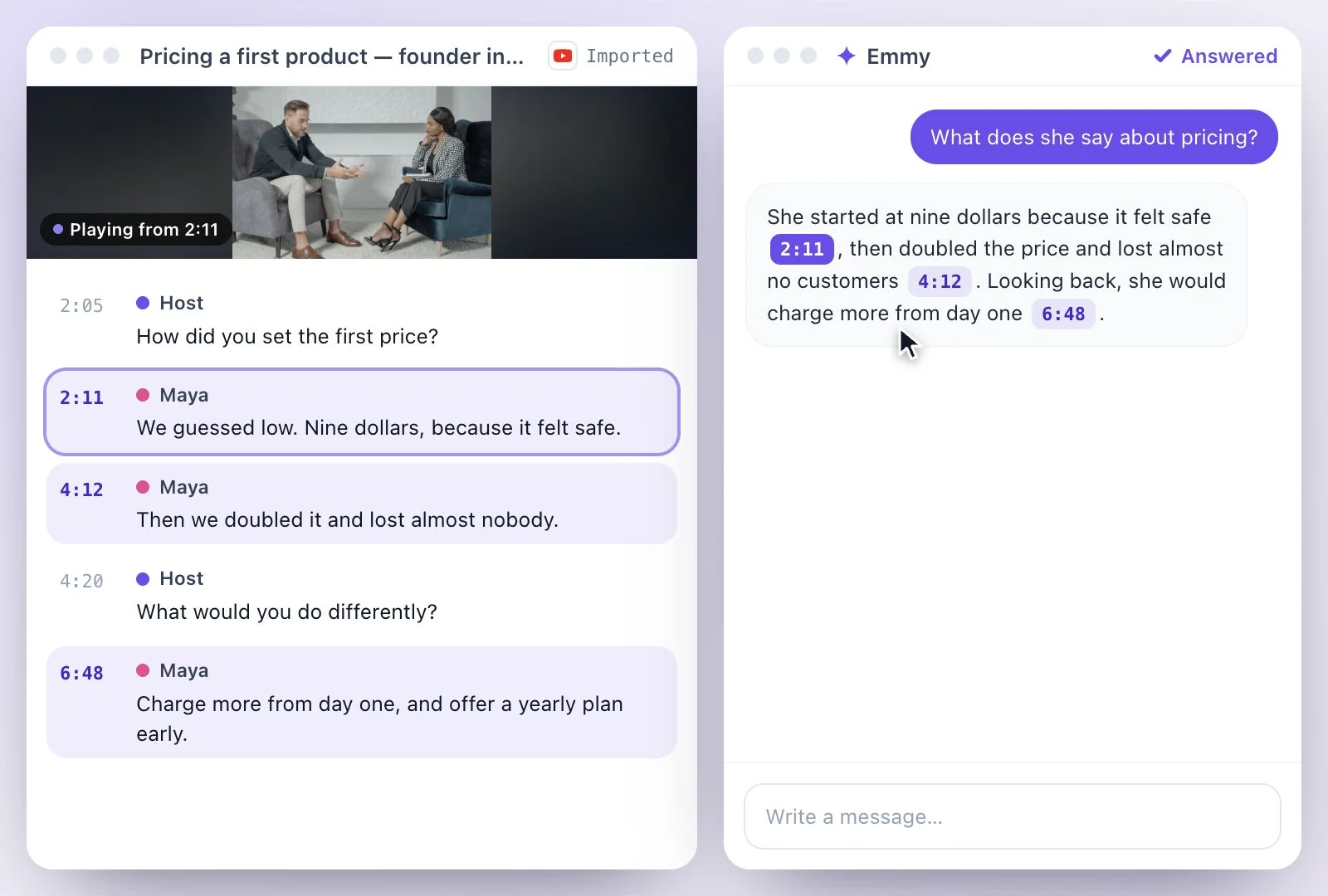
- Chat with YouTube Video Generator
- Video Hook Generator
- Emmy Generator
- YouTube Description Generator
- YouTube Timestamp Generator
- YouTube Video Title Generator
- Hashtag Generator
- Social Media Post Generator
- Blog Post Generator
- Meeting Minutes Generator
Turn a recording into your next draft
Start with your source, generate a draft, and review it before you share.