Best AI tools for e-learning
Five AI tools for e-learning compared on free access and best use: Gemini Notebook (ex-NotebookLM), Khanmigo, Grammarly, Quillbot and Exemplary AI.


The best AI tools for e-learning depend on the job. For studying from your own course materials, Gemini Notebook (Google's tool, called NotebookLM until July 2026) is a strong free option. For a guided AI tutor and teacher assistant, Khanmigo is built by Khan Academy and is free for U.S. teachers. For writing feedback, Grammarly and Quillbot both have free plans. For turning lecture recordings into transcripts, captions and clips, a video-focused tool such as Exemplary AI (our product) fits. Each tool below was checked on the vendor's own site in September 2026. Free tiers and prices change often, so confirm before you commit.
Disclosure: we make Exemplary AI. It's listed last, and we note where other tools do a job better.
How we chose
We looked for tools that:
- Help learning directly, whether that's studying, tutoring, writing or making course content accessible. General chatbots were left out.
- Have a free tier or free access for students or teachers.
- Are actively maintained and documented on the vendor's own site.
- Keep the learner doing the thinking. Tools that guide or give feedback ranked above tools that simply produce the answer.
We removed tools from the earlier version of this list that we couldn't verify on a primary source.
Comparison at a glance
| Tool | Best for | Free access (as of September 2026) | Paid option |
|---|---|---|---|
| Gemini Notebook (formerly NotebookLM) | Studying from your own sources | Free "Standard" tier with daily limits | Higher limits on Google's paid plans |
| Khanmigo | AI tutoring and teacher prep | Free for U.S. teachers | $4/month or $44/year for learners and parents |
| Grammarly | Grammar and clarity feedback | Free plan with 100 AI prompts | Paid plan adds plagiarism/AI detection and more prompts |
| Quillbot | Paraphrasing, summarizing, citations | Free tools with word limits | Premium raises limits and unlocks modes |
| Exemplary AI (ours) | Transcripts, captions, clips from lecture video | Free plan | See pricing |
1. Gemini Notebook (formerly NotebookLM): best for studying from your own materials
Google renamed NotebookLM to Gemini Notebook on July 16, 2026. It's the same product, and existing notebooks carried over (Google blog). You add your own sources, such as lecture notes, PDFs and readings, and ask questions that are answered from those sources. It can also generate audio summaries of the material.
- Why it's useful: answers are grounded in the materials you uploaded, not the open web, which suits revision.
- Free tier: Google lists the free "Standard" tier at 100 notebooks, 50 sources per notebook, 50 chats per day and 3 Audio Overviews per day, with higher limits on paid plans (Gemini Notebook Help).
- Watch out for: it's only as good as the sources you give it. Check important answers against the original text.
2. Khanmigo: best AI tutor and teacher assistant
Khanmigo is Khan Academy's AI tutor for learners and teaching assistant for educators. It's designed to guide students toward answers rather than hand them over, and helps teachers with lesson planning, rubrics and summaries of student work.
- Why it's useful: built by an education nonprofit around tutoring, not general chat.
- Pricing: free for teachers. Khan Academy announced in May 2024 that Khanmigo is free for every U.S. educator, through a partnership with Microsoft (Khan Academy blog). Learners and parents pay $4/month or $44/year (Khanmigo pricing).
- Watch out for: free teacher access is framed around U.S. educators. Check eligibility where you are.
3. Grammarly: best for writing feedback
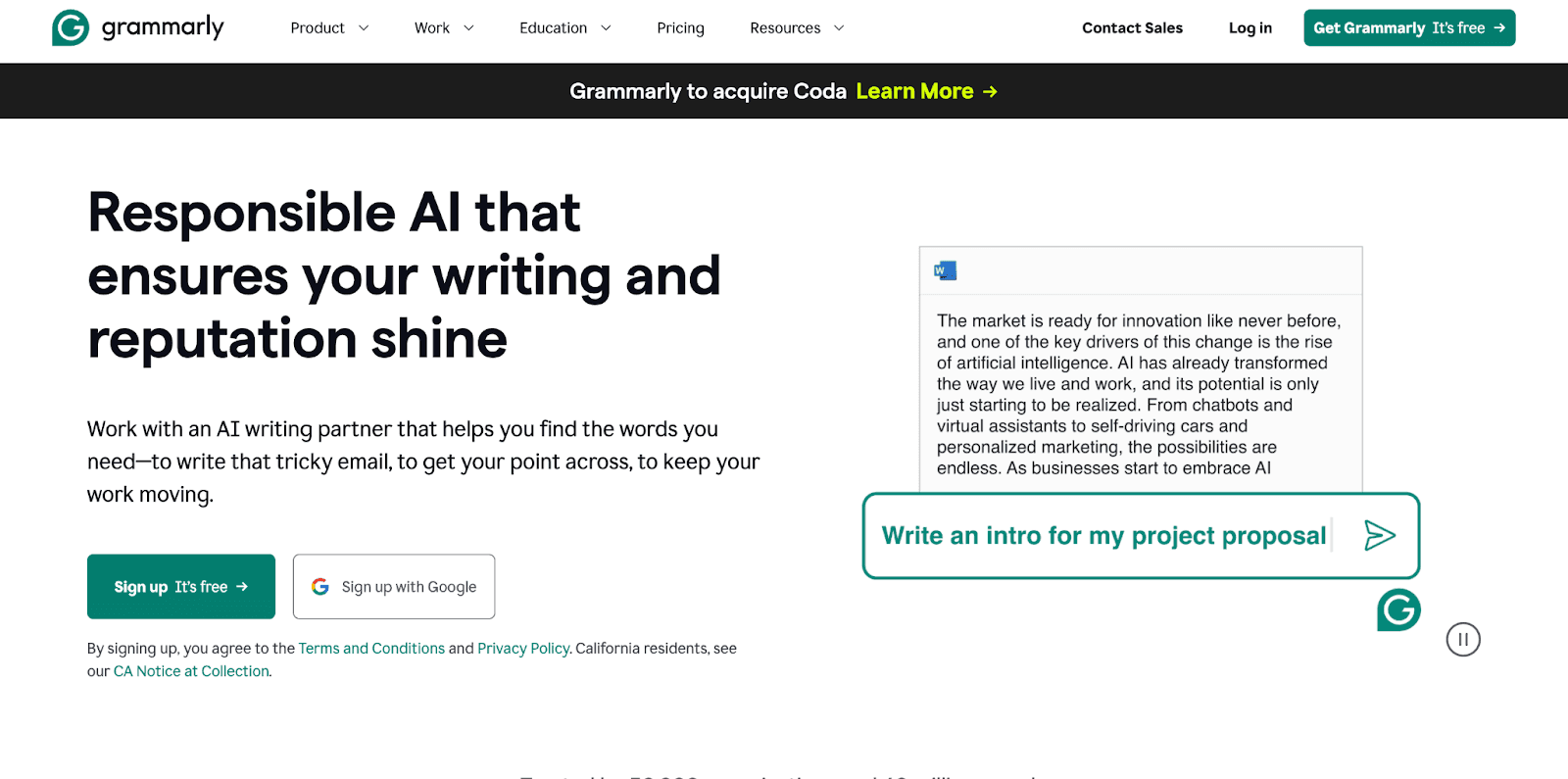
Grammarly checks spelling, grammar and tone as you write, and includes generative AI prompts.
- Free plan: spelling and grammar corrections, tone detection, and 100 AI prompts (Grammarly plans).
- Paid plan: full-sentence rewrites, plagiarism and AI-text detection, citation consistency, and more AI prompts.
- Watch out for: schools have different rules on AI writing help. Check your course policy before using its generative features on graded work.
4. Quillbot: best for paraphrasing, summaries and citations
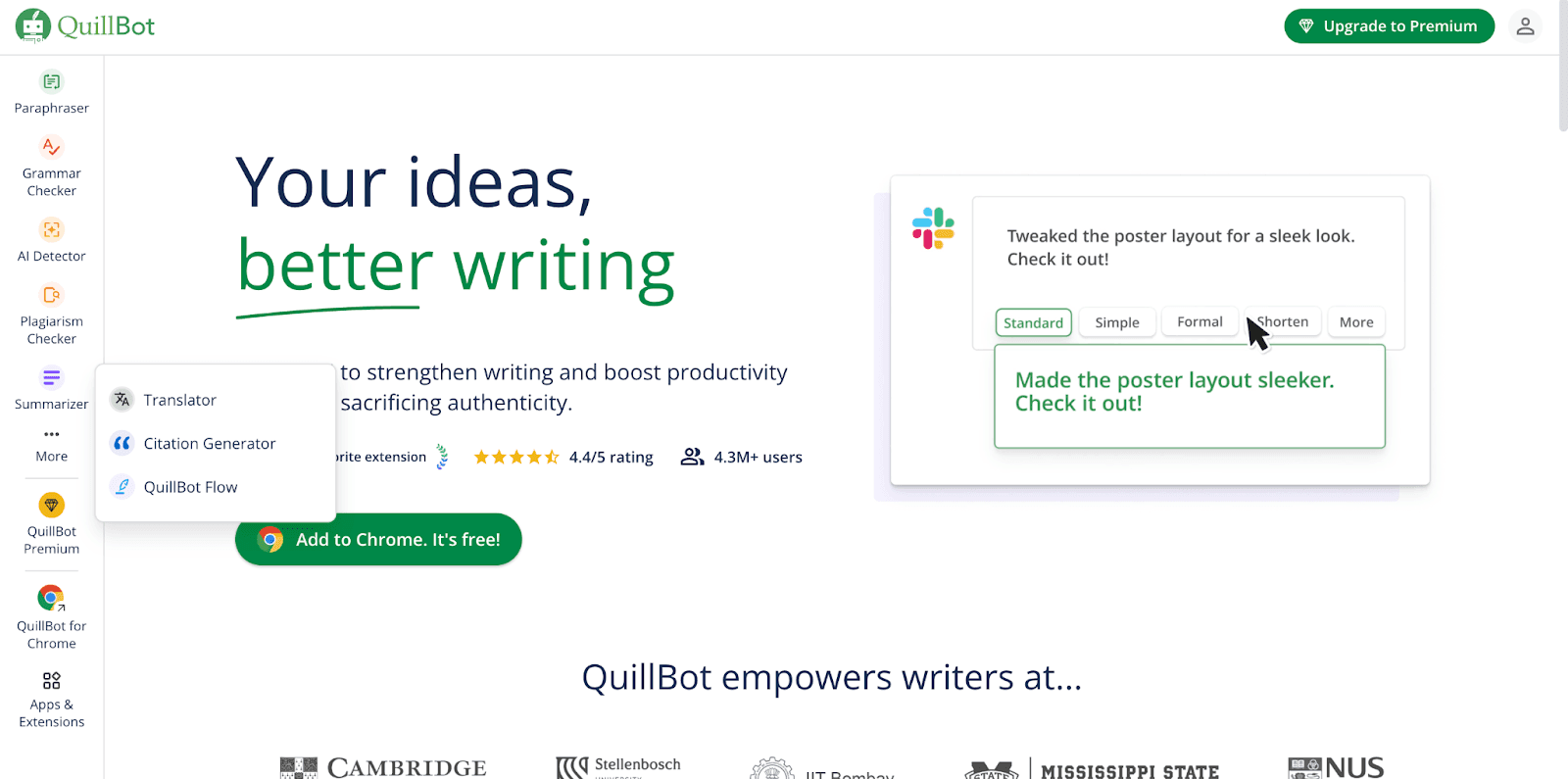
Quillbot bundles a paraphraser, grammar checker, summarizer, translator, citation generator (APA, MLA, Chicago) and AI detector.
- Free access: Quillbot says its Paraphraser, Grammar Checker, AI Detector, Summarizer, Citation Generator and Translate can be used for free, with higher word limits and more tools on Premium (Quillbot).
- Best use for learning: summarizing a long reading to check your understanding, and formatting citations.
- Watch out for: paraphrasing someone else's work without citing it is still plagiarism. Use it to understand and cite sources, not to disguise them.
5. Exemplary AI (our product): best for lecture video and audio
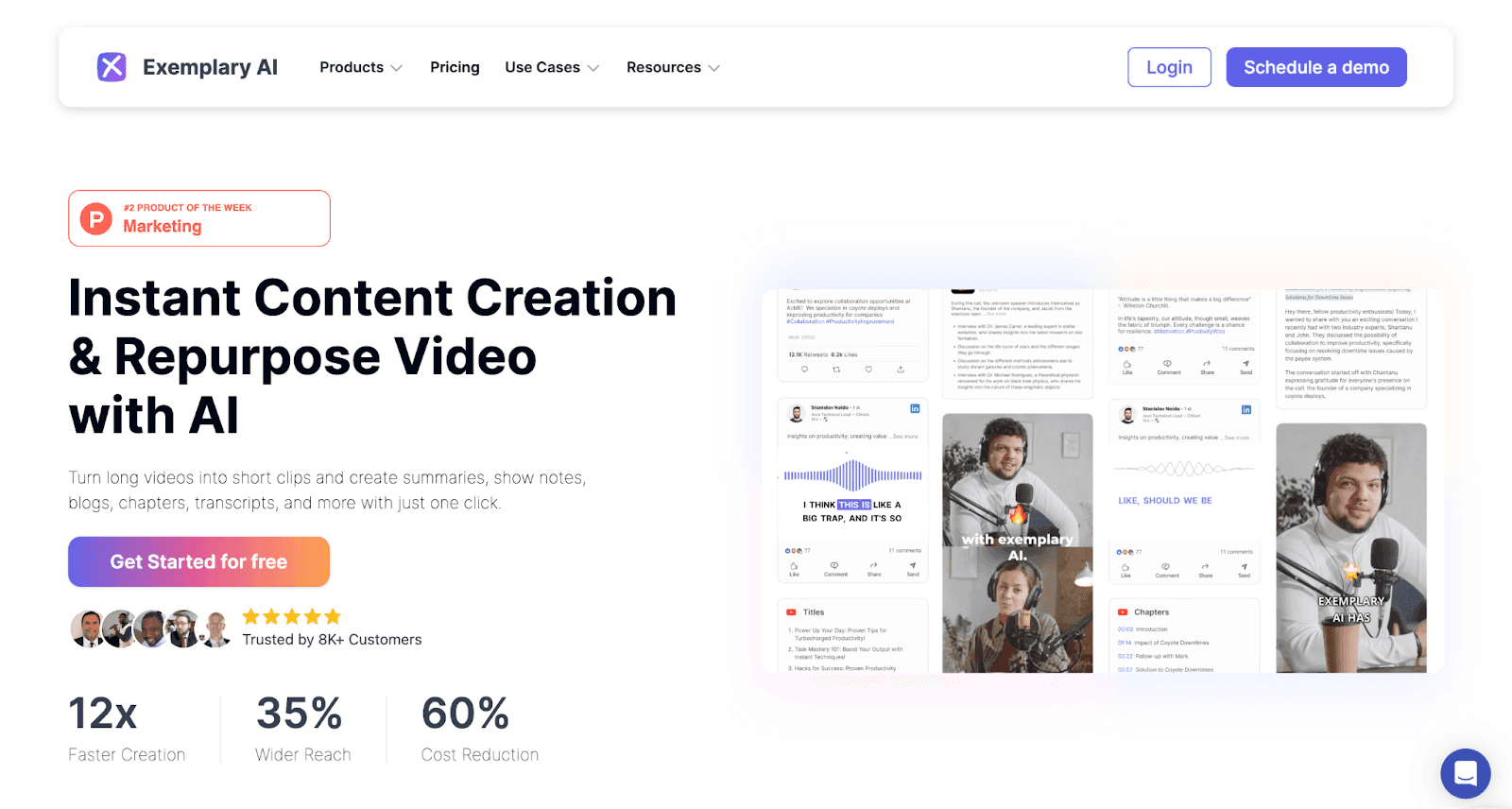
Exemplary AI works on recordings rather than text. It's useful for instructors and course teams who need to make video content accessible and reusable.
- Transcription in 99 languages, and subtitles exported as .srt or .vtt for an LMS or video player
- Translation of subtitles for learners in other languages
- AI Clips to cut long lectures into short, captioned revision or promo clips
Where others are better: Exemplary AI isn't a tutor or a writing checker. For studying across many readings, Gemini Notebook is the better fit. For guided tutoring, Khanmigo is. There's a free plan. See pricing for paid plans.
Transcribe and caption your lectures
Turn lecture recordings into searchable transcripts and subtitles.
Using AI tools well in learning
- Follow your institution's AI policy. Rules differ between courses and schools.
- Use AI for feedback and explanation, not to replace your own work. Tools that ask you questions or explain your mistakes build understanding. Tools that just produce the answer don't.
- Verify facts. Every tool here can make mistakes. Check important claims against your course materials.
- Mind your data. Read how each tool stores and uses what you upload, especially for student work.
For more on how AI is changing course creation, see AI for e-learning platforms.
FAQ
What is the best free AI tool for students?
For studying from your own notes and readings, Gemini Notebook (formerly NotebookLM) has a free tier with generous daily limits. For writing, the free plans of Grammarly and Quillbot cover grammar checks, summaries and citations. The best choice depends on whether you need study help, writing feedback or tutoring.
Is NotebookLM still available?
Yes. Google renamed NotebookLM to Gemini Notebook on July 16, 2026. It's the same product, and existing notebooks and shared links carried over.
Is Khanmigo free?
Khanmigo is free for teachers, and Khan Academy made it free for all U.S. educators in May 2024. Learners and parents pay $4 a month or $44 a year, according to Khanmigo's pricing page.
Can teachers use AI tools to make course videos accessible?
Yes. Transcription and subtitle tools generate captions from lecture recordings, which teachers can correct and upload to their LMS or video player. Captions for prerecorded video are a Level A requirement under WCAG success criterion 1.2.2.