01 / 03
The shortlist is the time saved
Choosing what to post is a judgement call; finding the candidates is not. Only the second one gets automated.
Use Exemplary AI to effortlessly generate visually engaging videos that resonate with your audience on any platform.
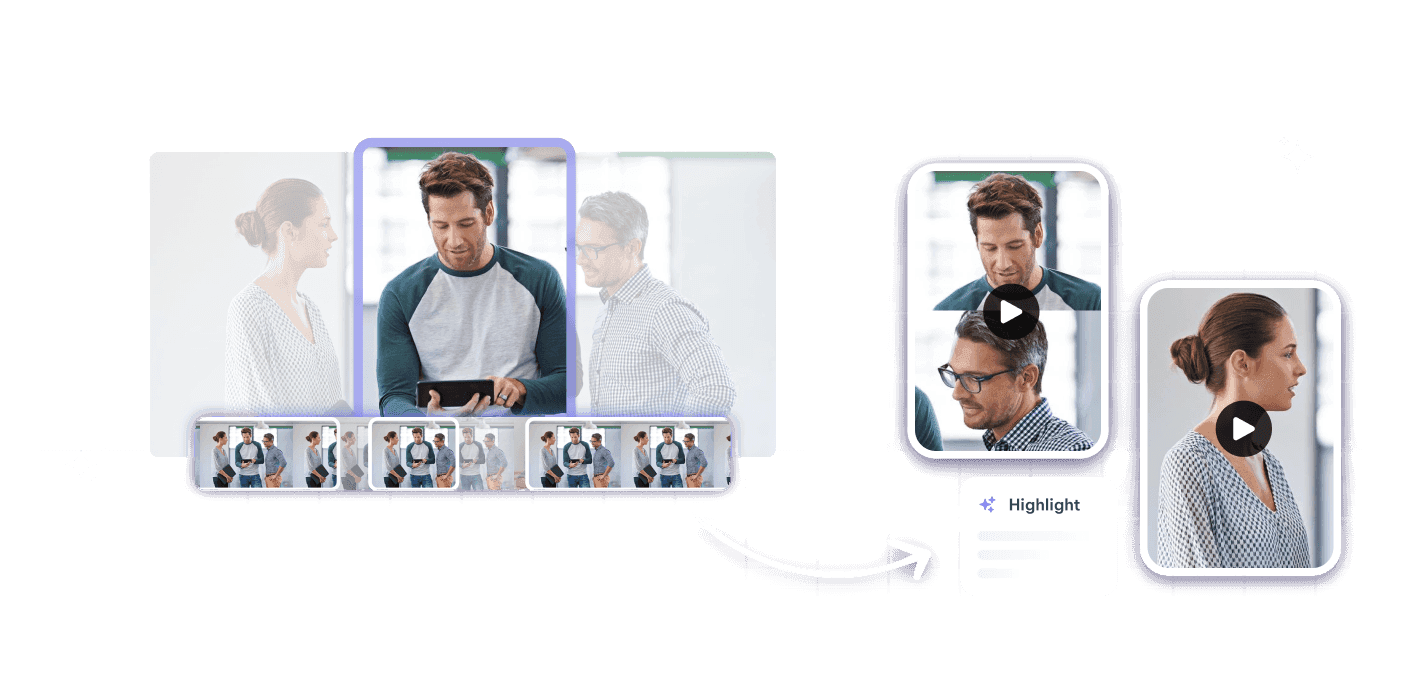
Every platform wants a different shape, a different length and a different caption. That is where the day goes.
The same moment has to be re-framed vertical, re-timed, re-captioned and re-titled before it can be posted anywhere.
Somewhere in ninety minutes there are six good thirty-second clips. Scrubbing for them is the actual job.
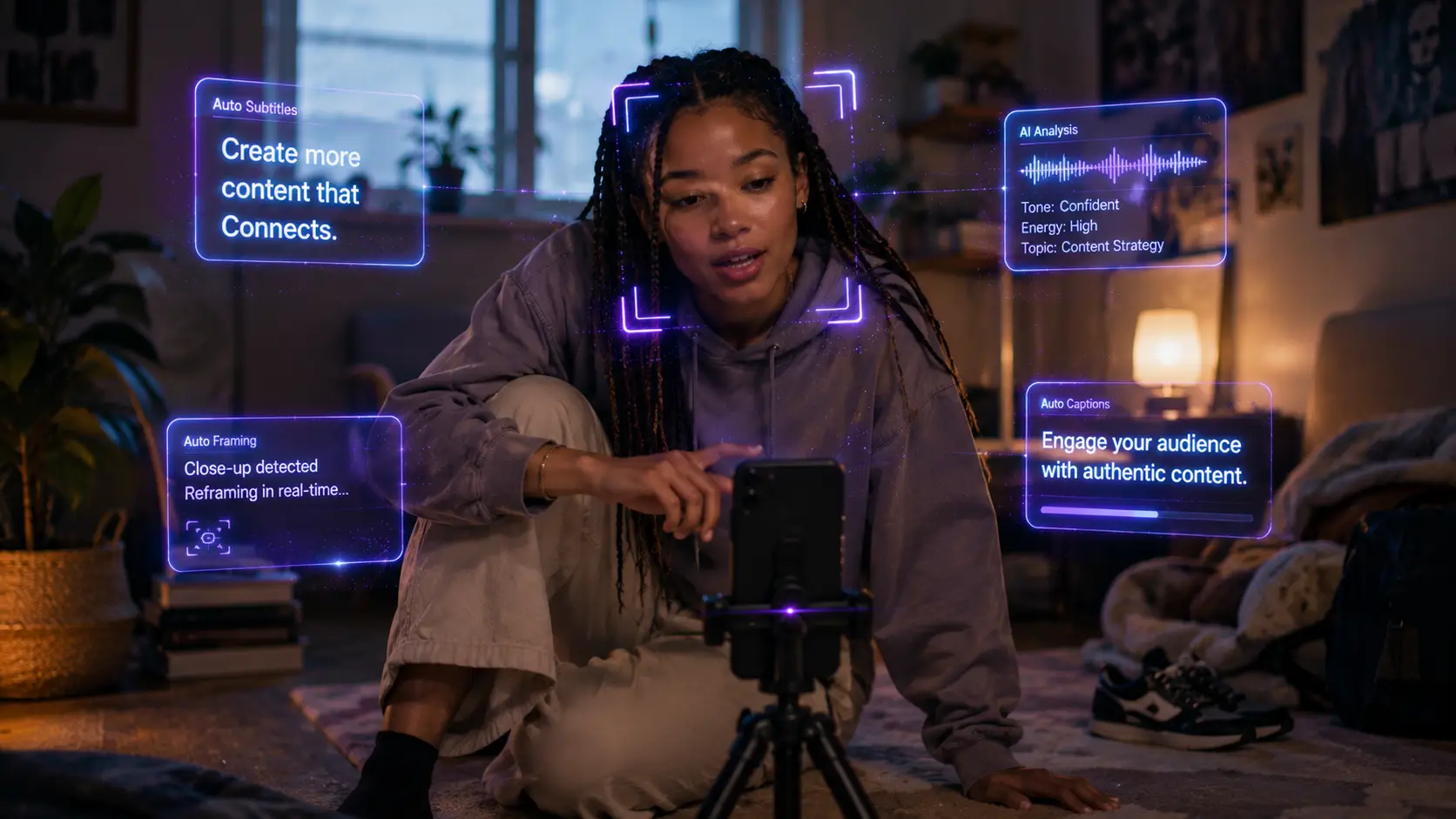
Most of the feed watches with the sound off, so a clip without captions is a clip nobody finishes.
Exemplary finds the moments worth posting and formats them for wherever they are going.
Generate your social media content in multiple languages to reach a global audience.
Expand your reach with viral short clips tailored for your target audience.
Use AI to create visually engaging videos that foster deeper connections with your followers.
Long recording in the morning, a week of posts by the afternoon.
A stream, a podcast, an interview — anything with someone talking in it.
Exemplary reads the transcript and proposes the segments that stand on their own, so you start from a shortlist rather than a scrub bar.
Vertical for Shorts and Reels, square for the feed, with the speaker kept centred as they move.
Word-level timing, your fonts and colours, ready for a feed that plays on mute.
Hashtags, titles and descriptions are generated from the same transcript, so the post ships complete.
Posting daily breaks most workflows. These are the parts that do not.
Choosing what to post is a judgement call; finding the candidates is not. Only the second one gets automated.
They come from the real transcript, so names and product terms are right rather than approximately right.
Translate the subtitle track and the same cut serves another audience without re-shooting anything.
Drop in a recording and work from the transcript — clips, captions, chapters, show notes and posts all come from the same file.