01 / 03
Anyone on the team can produce
Editing from a transcript needs no video training, so producing a campaign stops being one person’s bottleneck.
Create impactful videos that drive awareness, support and reach out to a larger audience. Repurpose your impactful stories using AI to generate reports, social media post videos and campaigns.
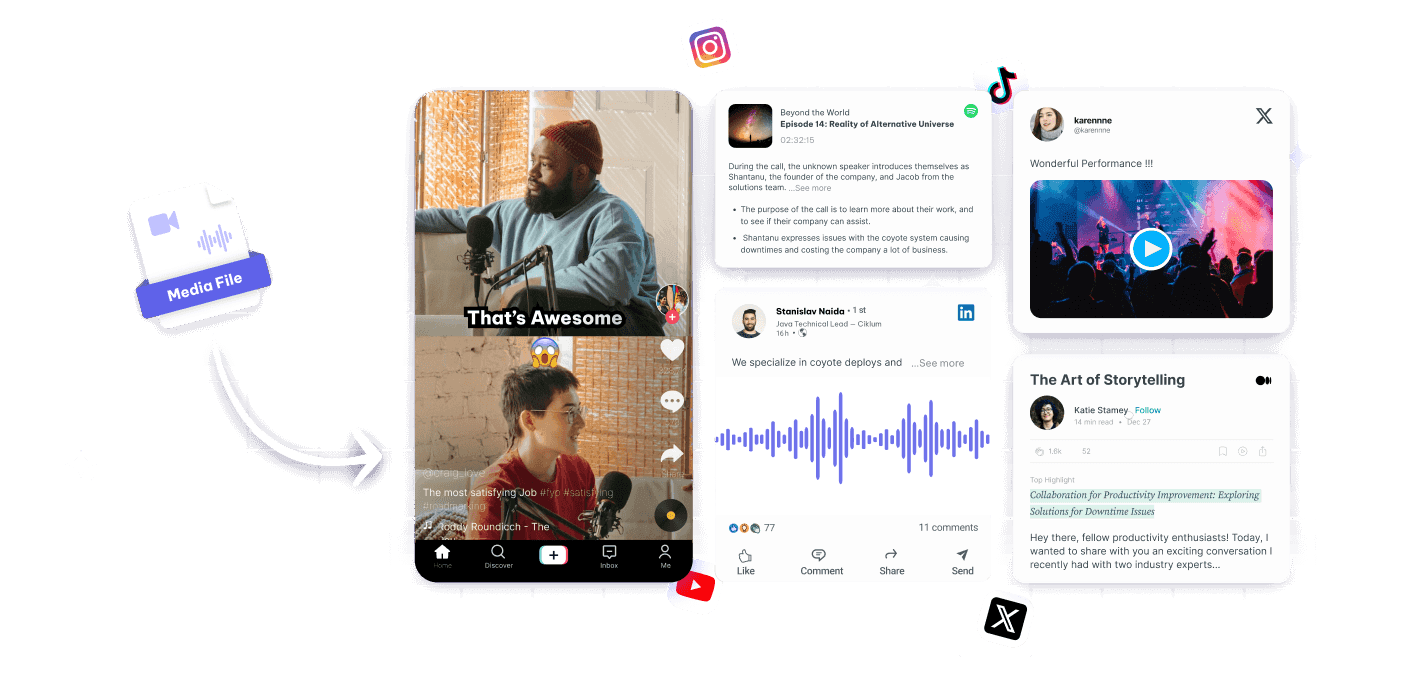
Fieldwork, interviews and events already produce footage. What is missing is the time and the money to turn it into something that moves people.
Every pound spent on editing is a pound not spent on the work, so video gets cut first.
A campaign that only exists in English reaches a fraction of the people who would give.
The people with the time to help rarely have the software or the training to cut video.
Interviews, field recordings and event footage turned into subtitled, shareable material.
Produce powerful video content that educates and inspires action.
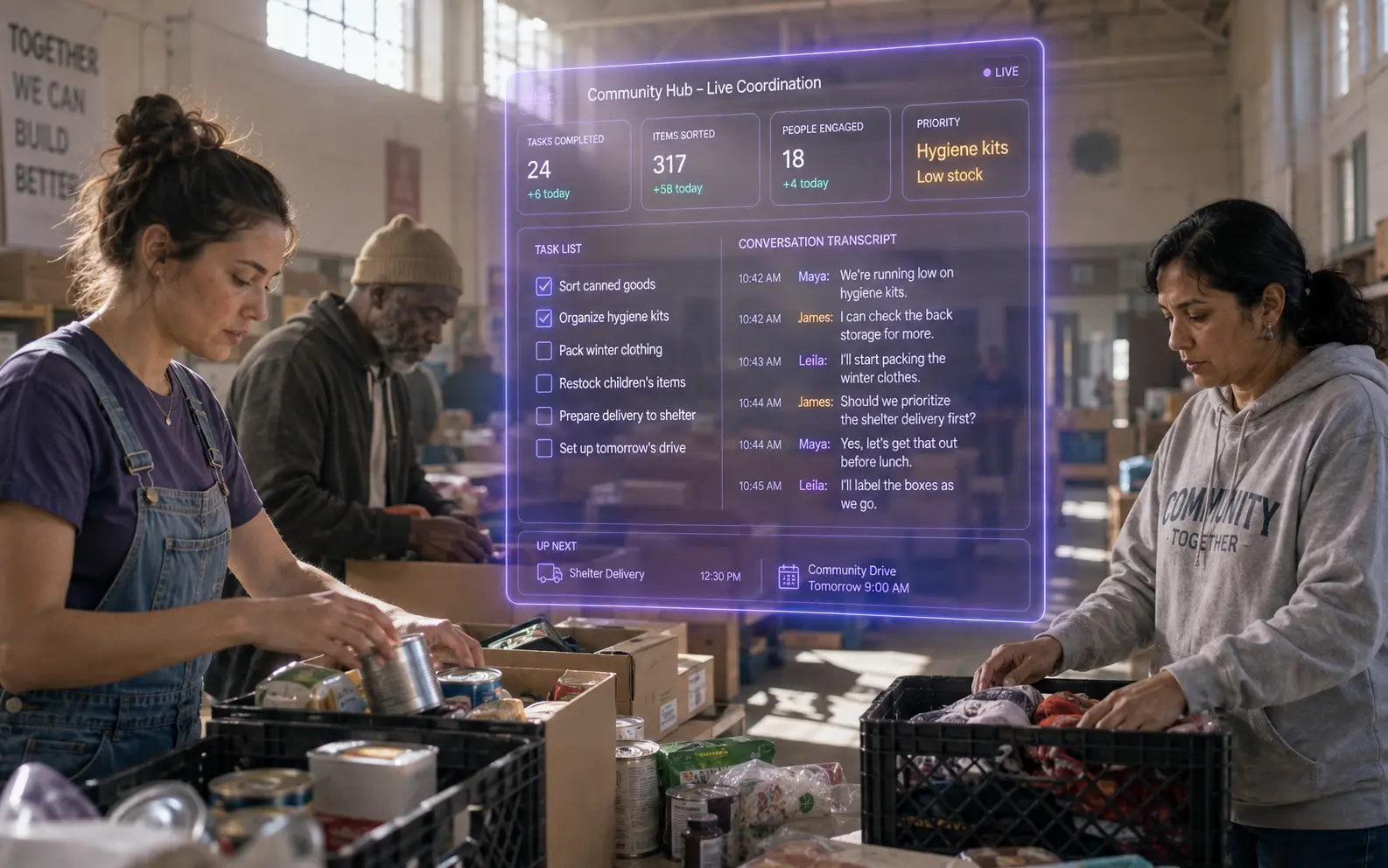
Use AI to create videos that drive donations and build community support.
Attract more volunteers with engaging videos that highlight your nonprofit's impact.
Tell your story effectively with AI storytelling tools that simplify video production.
Increase donations with captivating AI clips appeals that resonate with your audience.
Create compelling social media content that motivates people to join your cause.
No edit suite and no agency in the loop.
Interviews, event recordings, phone video from the field.
A full transcript, in the language it was spoken, that anyone on the team can read.
Edit from the transcript to pull the ninety seconds that carry the story.
Subtitles in the languages your community and your donors use.
Vertical clips with captions for social, plus the written appeal drawn from the same transcript.
The constraint is people and money, so those are what it has to save.
Editing from a transcript needs no video training, so producing a campaign stops being one person’s bottleneck.
Translated subtitles let a single interview reach the people it is about and the people funding the work.
Footage from the field is rarely studio-clean; captions make it watchable regardless of the audio conditions.
Drop in a recording and work from the transcript — clips, captions, chapters, show notes and posts all come from the same file.