01 / 03
Captions are a requirement, not a nicety
Accurate subtitles make a recording usable for deaf and hard-of-hearing students and for anyone studying somewhere they cannot play sound.
Create engaging, interactive online courses with multilingual subtitles and styles. Easily create lecture notes and learning resources to enhance learning outcomes.
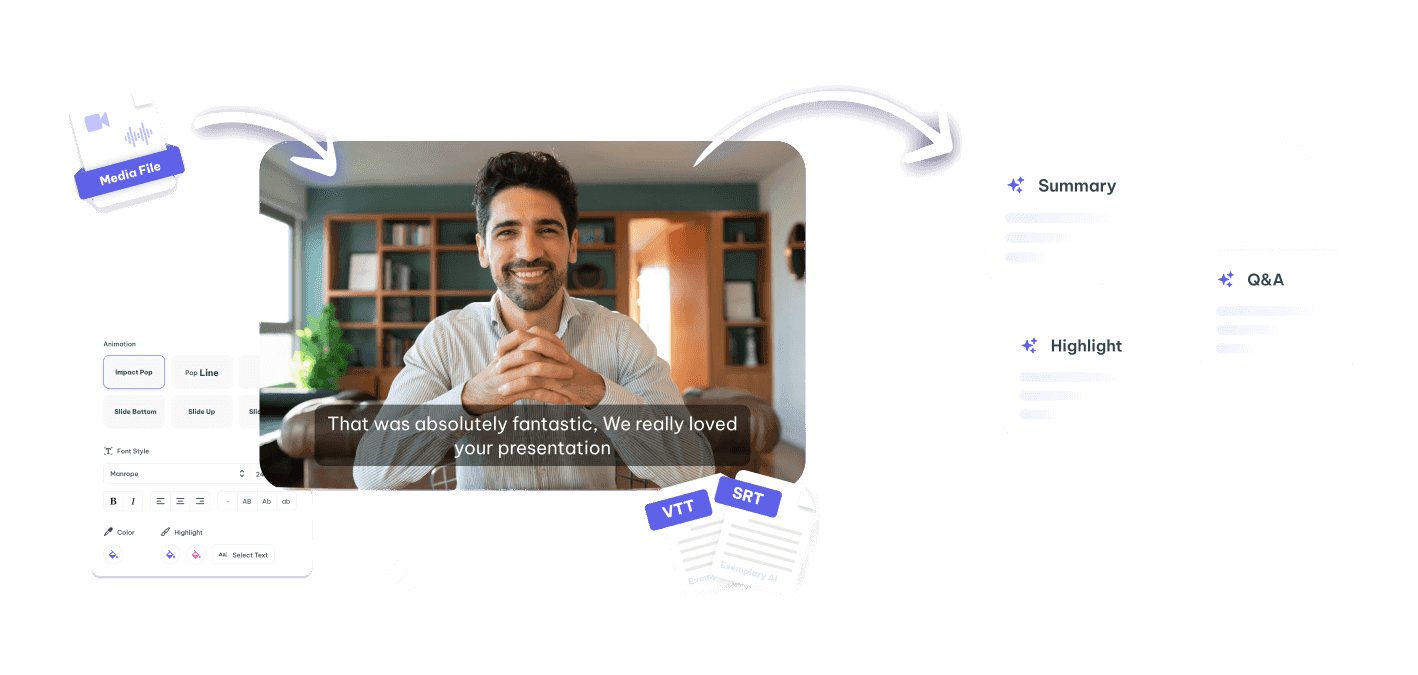
The recording is the easy part. Turning it into something a learner can navigate, search and revise from is where courses stall.
Without chapters or a transcript, a learner looking for one concept has to scrub through the whole session to find it.
Students who could follow the material in writing are excluded by an audio-only recording in a second language.
The summary, the handout and the quiz all restate what was already said out loud, from scratch.
Transcript, subtitles, chapters, summaries and short explainer clips — from the lecture you already recorded.
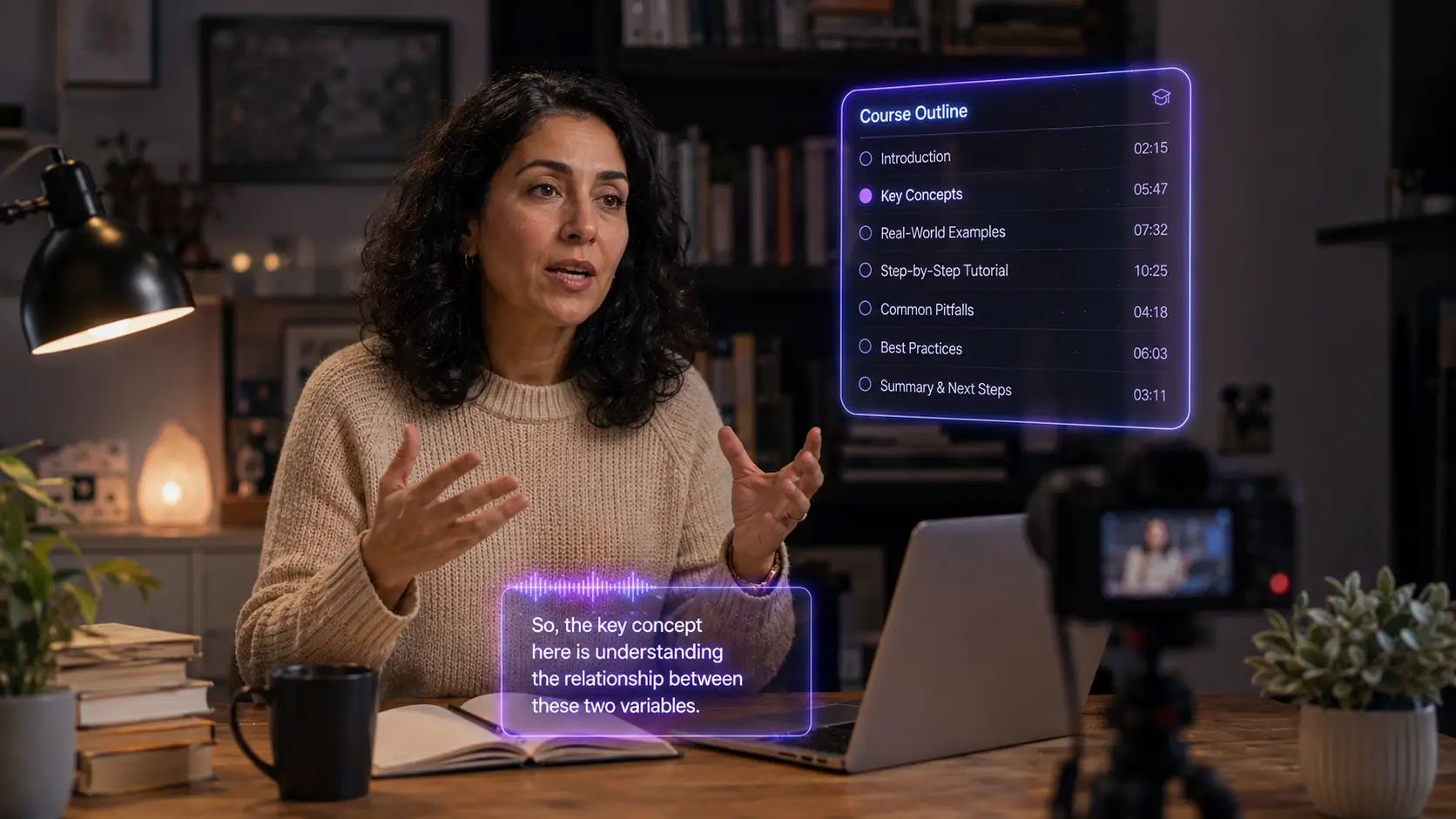
Make courses accessible with subtitles in any of 99 languages, translated into any of 116 languages for students who speak other languages.
Develop adaptive learning resources for personalized education experience and assistance.
Clips for dynamic lesson highlights and summary along with searchable transcriptions.
The same route for a live class, a screen recording or a studio session.
Upload the recording or record straight in the browser.
A full transcript that can be read, searched and corrected before anything else is generated from it.
Timestamped sections so a learner can jump to the concept they came for instead of scrubbing.
Subtitles in the languages your students actually use, with the timings preserved.
Summaries, handouts and revision notes come off the corrected transcript, so they match the lecture exactly.
Accessibility and comprehension are the same problem here.
Accurate subtitles make a recording usable for deaf and hard-of-hearing students and for anyone studying somewhere they cannot play sound.
A searchable transcript turns a term-long archive of recordings into something a student can revise from the night before.
Translating subtitles lets one recording serve students who would otherwise be reading along in a second language.
Drop in a recording and work from the transcript — clips, captions, chapters, show notes and posts all come from the same file.