01 / 04
Upload once
One recording feeds every tool on the site. A file you transcribed can be clipped, captioned and summarised without uploading it again.
Upload your media and our AI will quickly translate voices to text and add subtitles, making it simple to share your content worldwide.
Break language barriers with Advanced translation. Effortlessly translate your Transcript into 116 languages.
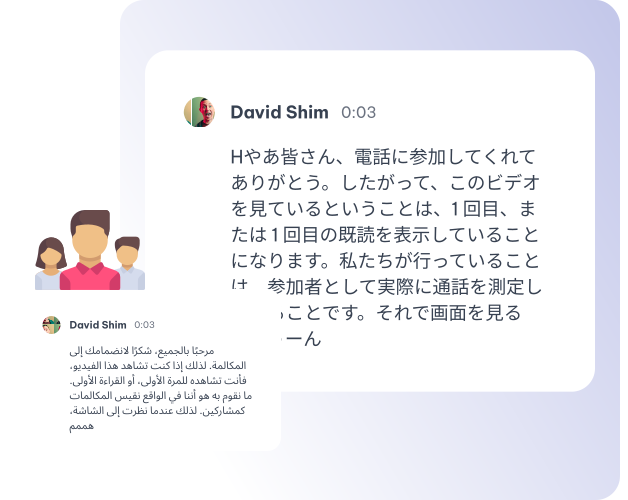
Quickly convert your audio to text in 99 languages with our AI audio translator, then translate it into 116 languages for effortless global communication.
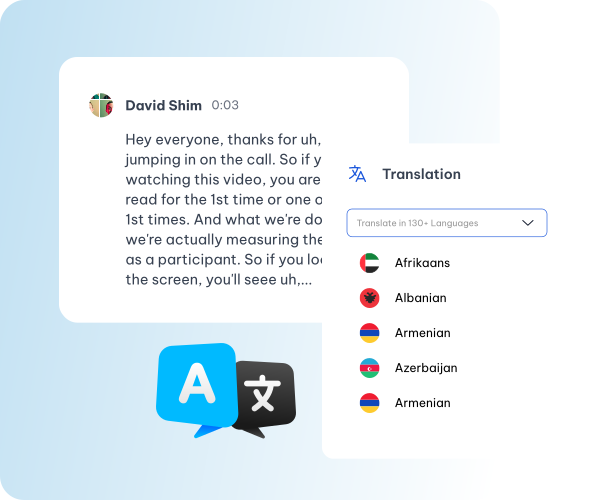
Automatically generate subtitles in various languages for your videos, making them accessible to a worldwide audience with ease.
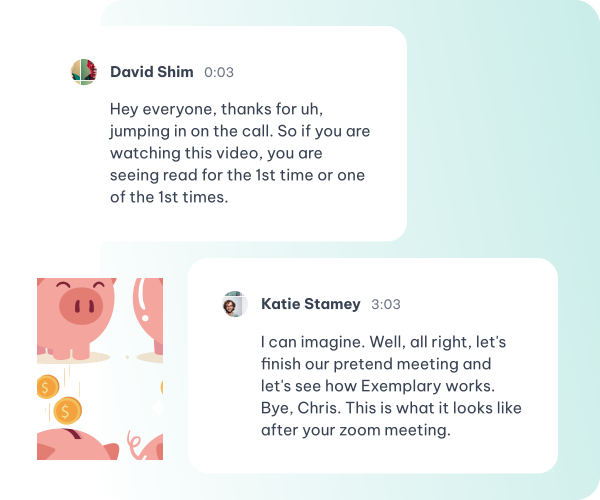
Leverage cutting-edge AI to translate spoken language in your content, offering a wide range of linguistic versatility for all your projects, including video translation.
Instantly Identify the Spoken Language, Streamlining Accurate and Contextual Translations.
Effortlessly Translate Your Content into 116 languages Instantly.
Personalize Your Content Using Custom Content. Craft Content with AI Content
Translate Your Content with Deep Understanding, Preserving Nuances Across Languages
Share Your Content Globally, Reach more people and break language barrier with the generated Social Media Posts.
Download Your Content as DOCX, TXT, SRT or VTT
Whatever you came here for, the rest is already available from the file you just uploaded — there is no second product to buy and nothing to export and re-import.
One recording feeds every tool on the site. A file you transcribed can be clipped, captioned and summarised without uploading it again.
Cut a sentence and the video cuts with it. Fix a name once and it is right in every caption, subtitle file and draft that follows.
Burned-in captions or subtitle files, in the spoken language or translated with the cue timings kept intact.
Clips, chapters, show notes, blog drafts and social posts all come off the one transcript.
Drop in a recording and work from the transcript — clips, captions, chapters, show notes and posts all come from the same file.