AI for nonprofits: practical uses and tools
Practical ways nonprofits use AI for content, transcription, translation and video, plus free Google and YouTube nonprofit programs and data safeguards.

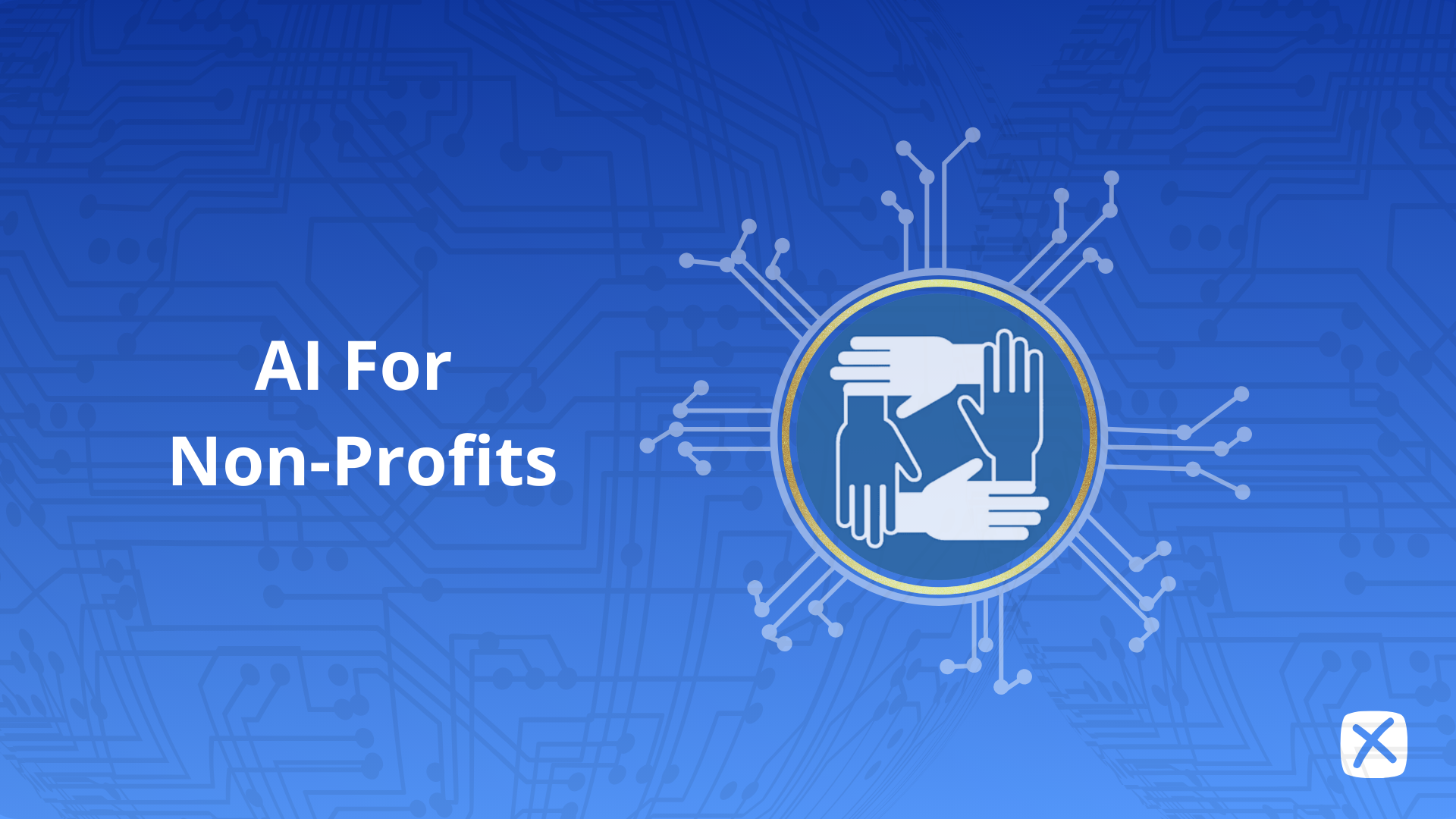
AI helps nonprofits most with the work that small teams never have time for: drafting appeals, newsletters and social posts; transcribing meetings, interviews and field recordings; captioning and translating videos for wider audiences; and turning one long video, such as a gala speech, a program story or a webinar, into short clips for social media. The best way to start is small. Pick one repetitive task, try a low-cost or free tool on it for a month, and keep a person reviewing everything that reaches donors or beneficiaries. This guide covers practical uses, the free programs large tech companies offer nonprofits (checked September 2026), and how to adopt AI without putting trust or data at risk.
The problems AI can actually help with
- Too much content, too few people. Social posts, newsletters, grant reports and donor updates all compete for the same few staff hours.
- Scattered knowledge. Decisions made in meetings and field calls often never get written down.
- Language barriers. Many nonprofits serve or fundraise across several languages.
- Reach. Good program stories stay buried in long videos that few people watch in full.
AI won't fix underfunding or replace relationships with donors and communities. It can take hours of mechanical work off your team's plate.
Practical uses of AI for nonprofits
| Task | How AI helps | Keep a human on |
|---|---|---|
| Meeting and interview notes | Transcribes recordings and drafts summaries and action items | Accuracy, confidentiality, what gets shared |
| Grant reports and documentation | Pulls quotes and facts from transcripts of program calls and site visits into a first draft | Every number and claim in the final report |
| Social media and newsletters | Drafts posts and email copy from existing material | Voice, tone, and consent for any beneficiary story |
| Video for advocacy and fundraising | Clips long videos into short vertical videos with captions | Choosing respectful, accurate moments |
| Multilingual outreach | Transcribes and translates subtitles | Review by a fluent speaker for sensitive content |
| Supporter questions | Chat assistants answer common questions from your own documents | Escalation to staff, and anything about money or safety |
Tell program stories with short video
A 20-minute program video or event recording can yield several 30- to 60-second clips, each built around one person, one moment or one result. Add captions so the clips work with the sound off and are accessible to deaf and hard-of-hearing supporters, and brand them with your logo and colors. Always get consent from anyone featured, and be especially careful with vulnerable people.
Document without typing
Recording and transcribing board meetings, program reviews and beneficiary interviews (with permission) gives you a searchable record. It also gives you source material for grant reports and impact updates, so staff aren't writing from memory.
Reach supporters in their language
Subtitles in your supporters' languages let one video serve several communities. For sensitive topics such as health, legal status or safety, have a fluent speaker review the translation before it goes out.
Free and discounted programs for nonprofits
Several large tech companies run nonprofit programs that can cover part of your stack. Eligibility rules apply and vary by country. Details as of September 2026:
| Program | What eligible nonprofits get |
|---|---|
| Google Workspace for Nonprofits | Workspace at $0 per user per month: email on your domain, video meetings of up to 150 participants, and shared storage |
| Google Ad Grants | "Up to $10,000 per month in search ads shown on Google.com" |
| YouTube Nonprofit Program | Link anywhere cards to external URLs, YouTube Giving fundraising features, and Creator Academy lessons for nonprofits |
Check each program's current terms before you apply. Free tiers of general AI tools can also go a long way for drafting and summarizing.
Where Exemplary AI fits
Disclosure: Exemplary AI is our product. It covers the video and audio side of the table above:
- Transcription of meetings, interviews and events in 99 languages
- Translation of subtitles for multilingual audiences
- AI Clips to turn long videos into short vertical clips, with animated captions, brand templates and automatic reframing to the active speaker, ready to download or schedule to social media
- AI Writer to draft newsletter sections, social posts, summaries and blog posts from transcripts
There's a free plan. See pricing for paid plans. It doesn't replace a donor CRM or fundraising platform. For video editing tips, see our AI video editing guide.
Turn program videos into short clips
Clip, caption and brand your long videos for social media.
How to adopt AI responsibly
- Start with one task. Choose something repetitive and low-risk, such as meeting notes or social captions, and measure the time saved.
- Protect data. Don't upload donor, beneficiary or health information to a tool until you've read how it stores and uses your data. Prefer tools that don't train models on your content by default.
- Get consent. Anyone who appears in a story, recording or clip should know how it will be used.
- Keep a human reviewer. AI drafts can include errors or invented details. Nothing goes to donors, funders or beneficiaries without a staff check.
- Be transparent. Tell supporters when content is AI-assisted where it matters, and follow platform rules for labeling realistic synthetic media.
- Train your team. A short internal guide covering which tools to use, for what, and what never to paste in prevents most problems.
FAQ
How can nonprofits use AI?
Nonprofits use AI mainly to save staff time on content and documentation. Common uses are drafting social posts and newsletters, transcribing and summarizing meetings, captioning and translating videos, and clipping long videos for social media. People should review anything that reaches donors or beneficiaries.
Are there free AI tools for nonprofits?
Yes. Many AI tools have free plans, including Exemplary AI, and large tech companies run nonprofit programs. Google Workspace for Nonprofits is offered at $0 per user per month, and Google Ad Grants provides eligible nonprofits up to $10,000 per month in search ads. Eligibility and terms vary, so check each program.
Is it safe for nonprofits to use AI with donor data?
Only with care. Read each tool's data and privacy terms, avoid uploading sensitive donor or beneficiary information to general-purpose tools, and prefer tools that don't use your content to train models. Set a written policy for staff.
What's a good first AI project for a small nonprofit?
Transcribing and summarizing your regular meetings, or turning one existing program video into captioned short clips, are good first projects. Both are low-risk, quick to measure, and produce something useful in the first week.