01 / 04
Upload once
One recording feeds every tool on the site. A file you transcribed can be clipped, captioned and summarised without uploading it again.
AI transcription for your audio and video, accurate on clear audio, with an editor to review and fix any errors, in 99 languages, ready to download as DOCX, TXT, SRT or VTT.
Free to start — no credit card required.


Speed up your workflow with AI transcription that is accurate on clear audio, with an editor to review and fix any errors.
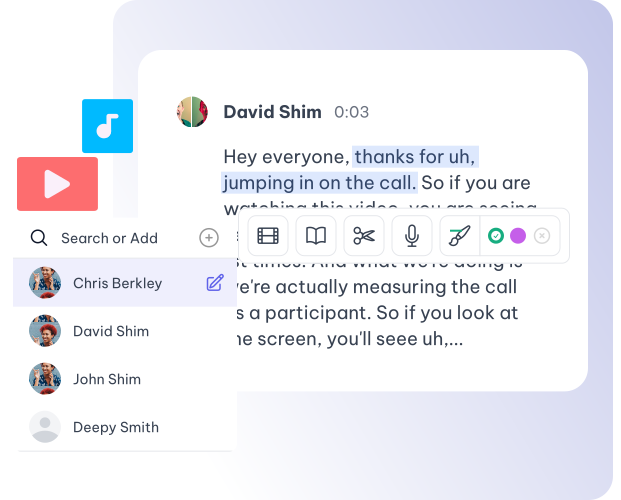
Fine-tune your transcripts effortlessly with our advanced editing tools designed for clarity and context. Also edit your video subtitles with our inbuilt subtitle editor.
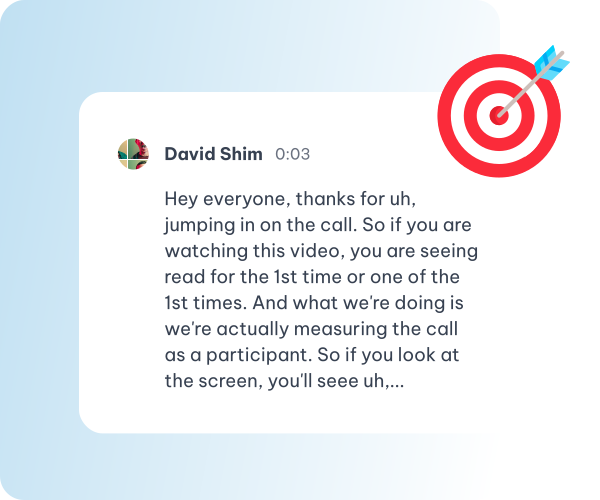
Accelerate your workflow with AI that turns talks into text. Upload MP3, WAV or M4A audio or MP4, WEBM, MOV or MKV video, or paste a YouTube, TikTok, Vimeo or X link.
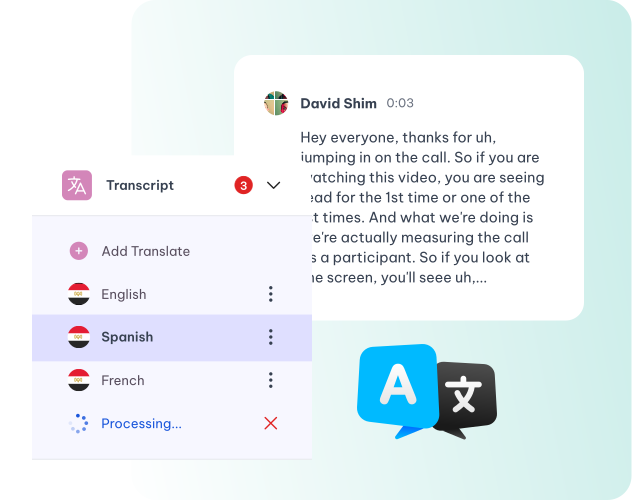
Transcribe in 99 languages and translate effortlessly into 116 languages. Ensures clear communication, fostering global collaboration and inclusivity.
Explore Advanced ASR for Seamless and Accurate Speech-to-Text Conversion
Enhanced System Ensures Accurate and Seamless Speaker Identification.
Seamlessly Transcribe Content in 99 languages, All in One Place!
Easily share transcripts anytime, anywhere, improving access and teamwork. Use AI to make summaries from long transcripts.
Simplify your workflow: upload a recording to the audio to text converter and get an accurate transcript quickly.
Download Your Transcripts as DOCX, TXT, SRT or VTT
Whatever you came here for, the rest is already available from the file you just uploaded — there is no second product to buy and nothing to export and re-import.
One recording feeds every tool on the site. A file you transcribed can be clipped, captioned and summarised without uploading it again.
Cut a sentence and the video cuts with it. Fix a name once and it is right in every caption, subtitle file and draft that follows.
Burned-in captions or subtitle files, in the spoken language or translated with the cue timings kept intact.
Clips, chapters, show notes, blog drafts and social posts all come off the one transcript.
Every language has its own page, with the language already selected.
Drop in a recording and work from the transcript — clips, captions, chapters, show notes and posts all come from the same file.