
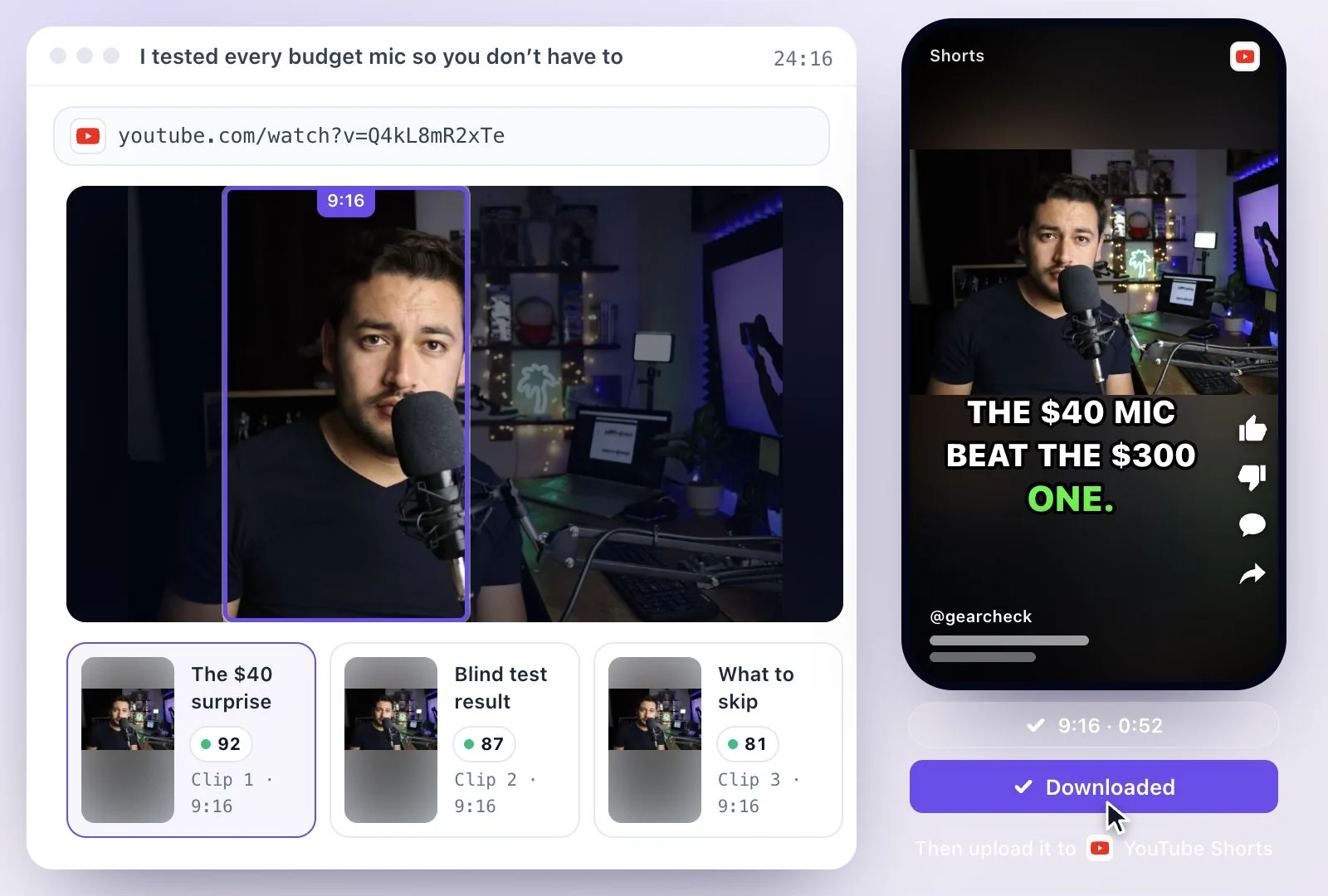
01 / 03
Upload the recording
Drop in a video or audio file, paste a link, or record straight in the browser. Every tool on this page starts from the same upload.
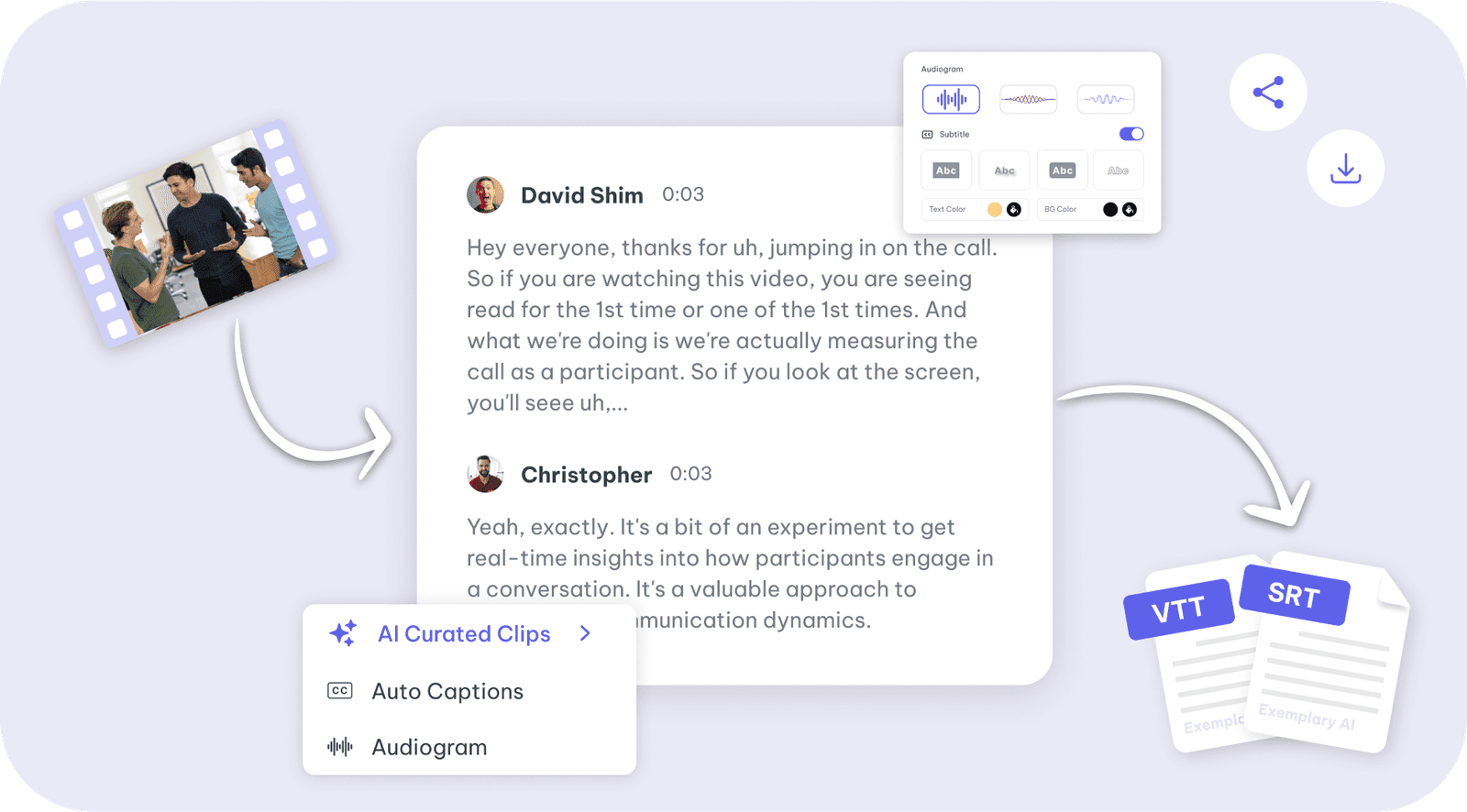
AI tools for podcasters and creators to easily create captivating content
Every entry below is a real tool with its own page, its own settings and its own output — not a marketing category.
The top-tier tools that do the most work — and the entry point to the rest of the library.
Filter by what you are trying to make, or search by name. Press / from anywhere on the page to jump to the search box.
29 tools

Convert video to text online: upload MP4, WEBM, MOV or MKV or paste a YouTube link, edit the…
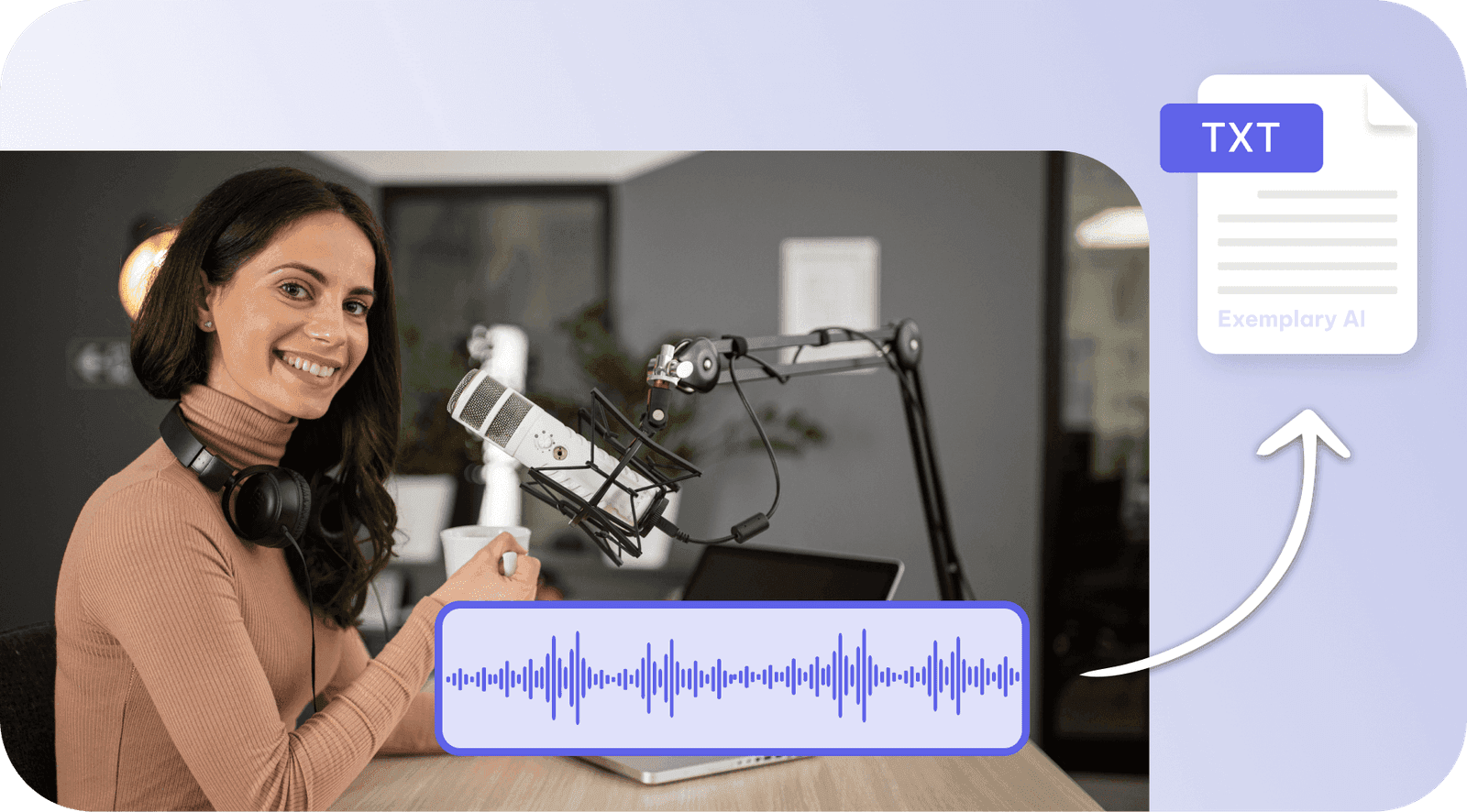
Convert audio to text online: upload MP3, WAV or M4A, get an editable transcript, and download…
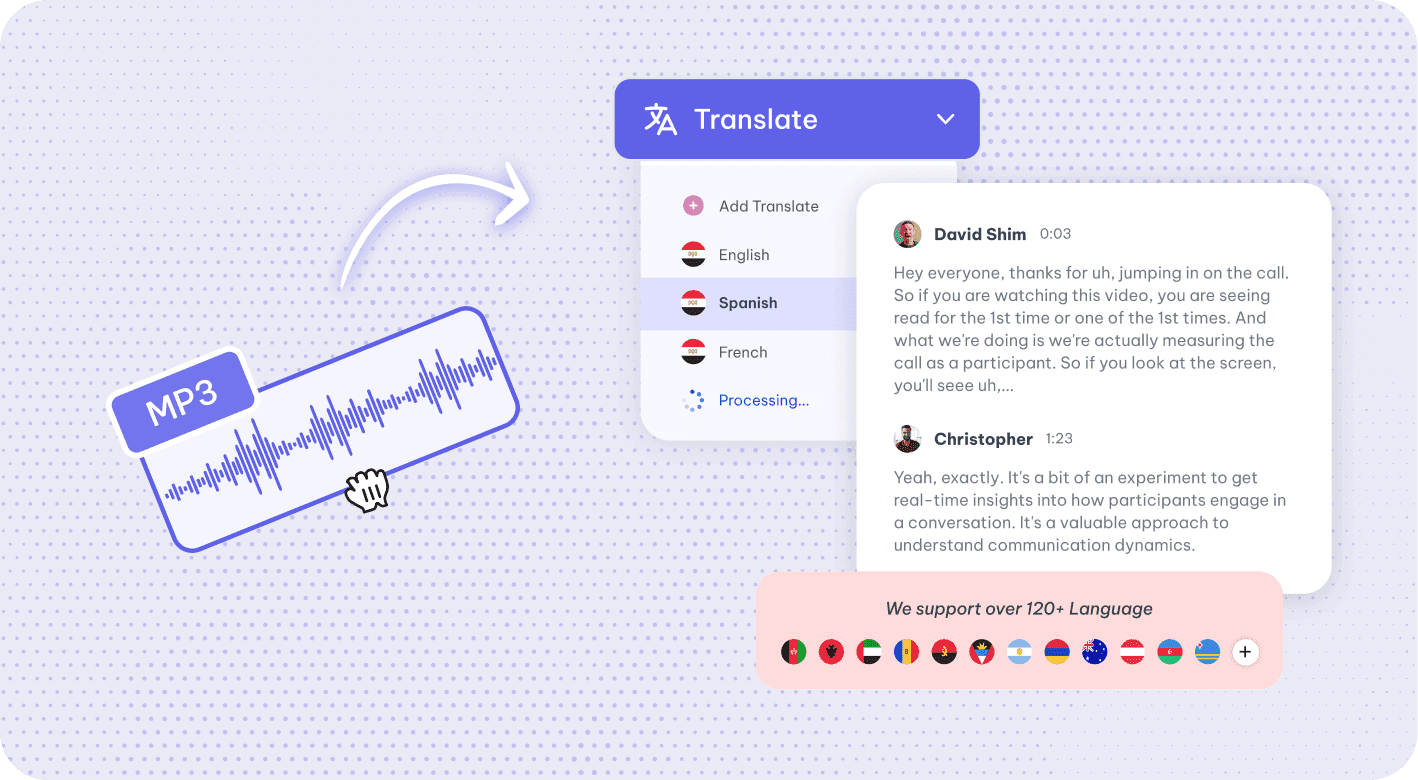
Translate audio online: AI transcribes your recording, then translates the transcript into 116…
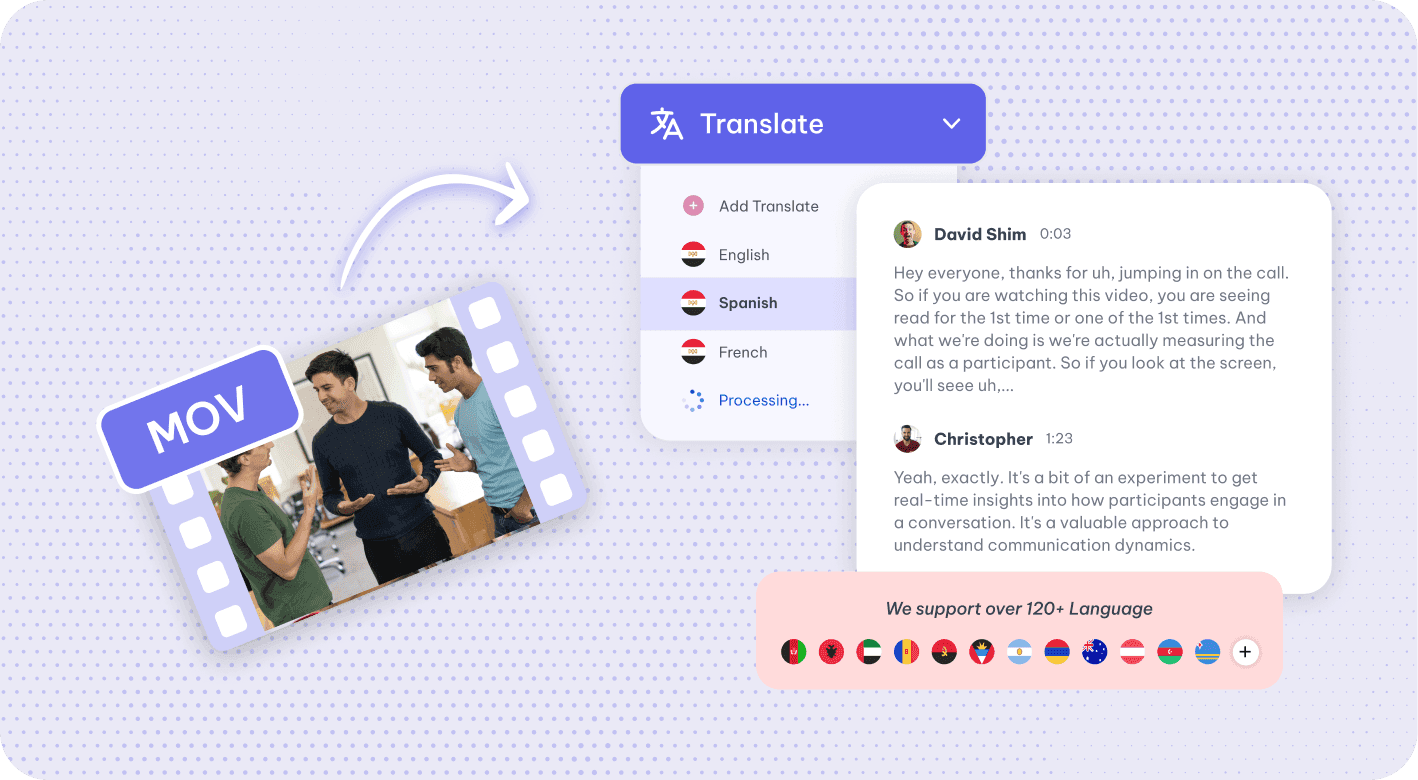
Translate video online: AI transcribes your video and translates the subtitles into 116…
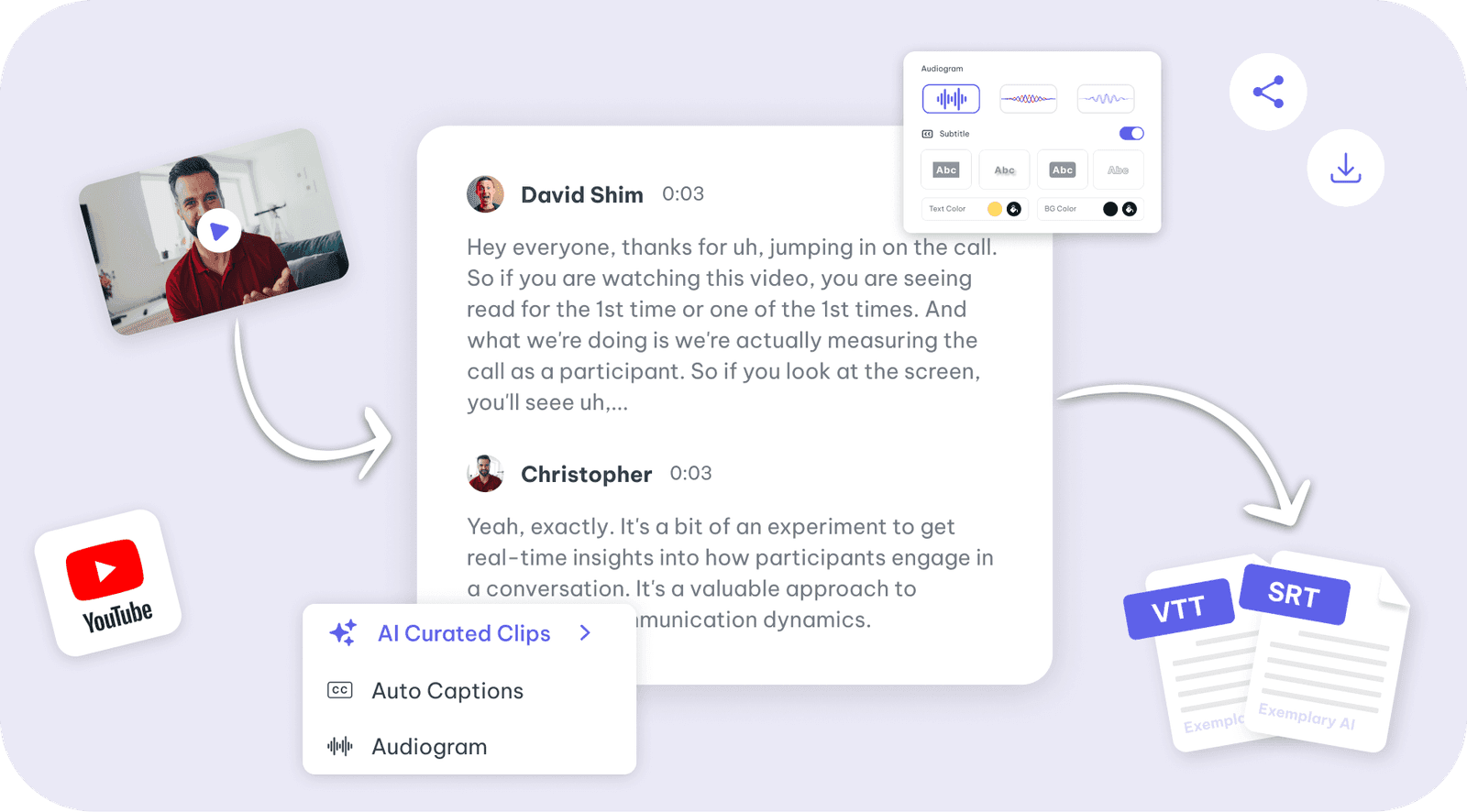
Paste a YouTube link or upload a video for a transcript in 99 languages.
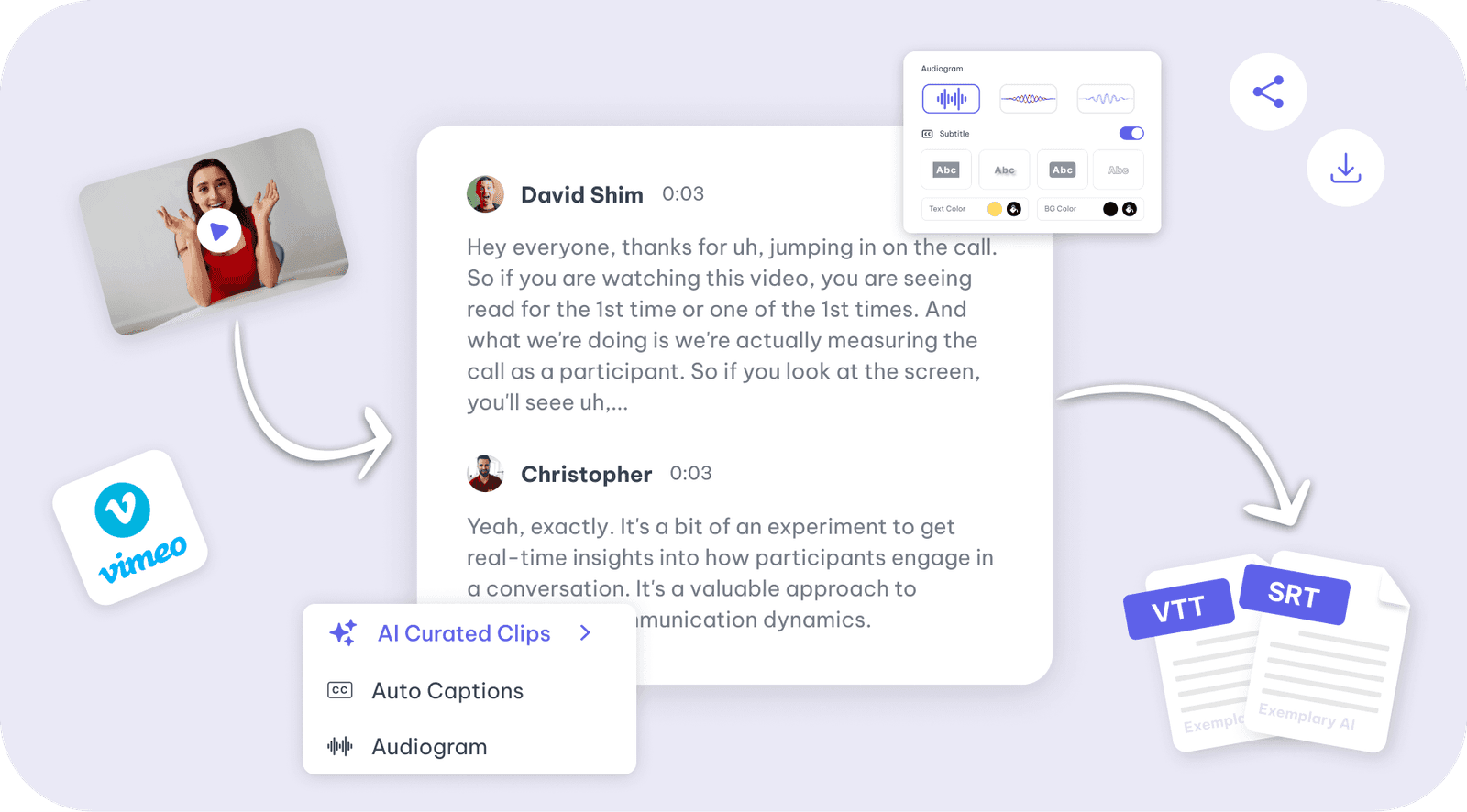
Paste a Vimeo link or upload a video for a transcript in 99 languages.
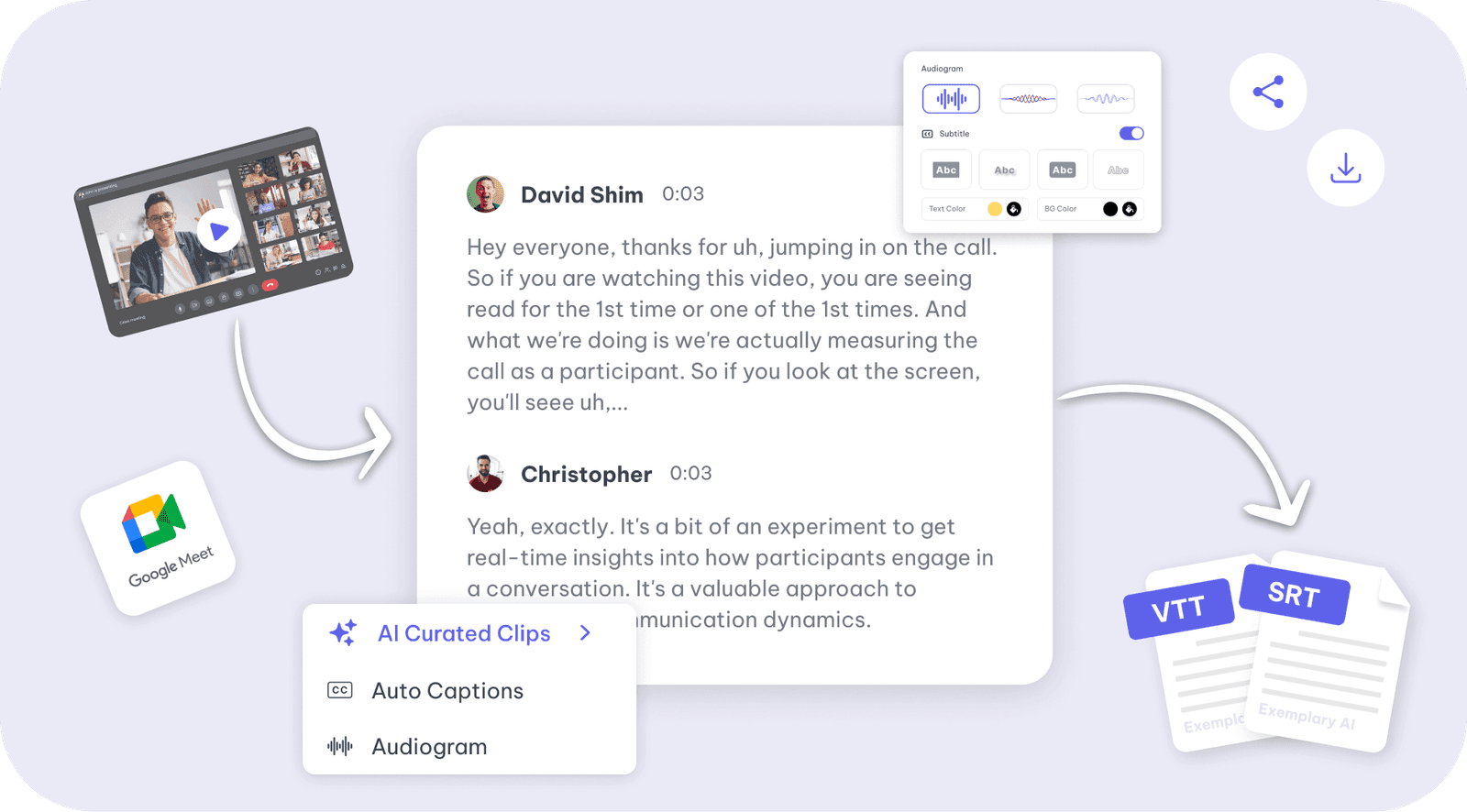
Generate accurate transcript of your Google Meet recording with Exemplary AI in minutes.
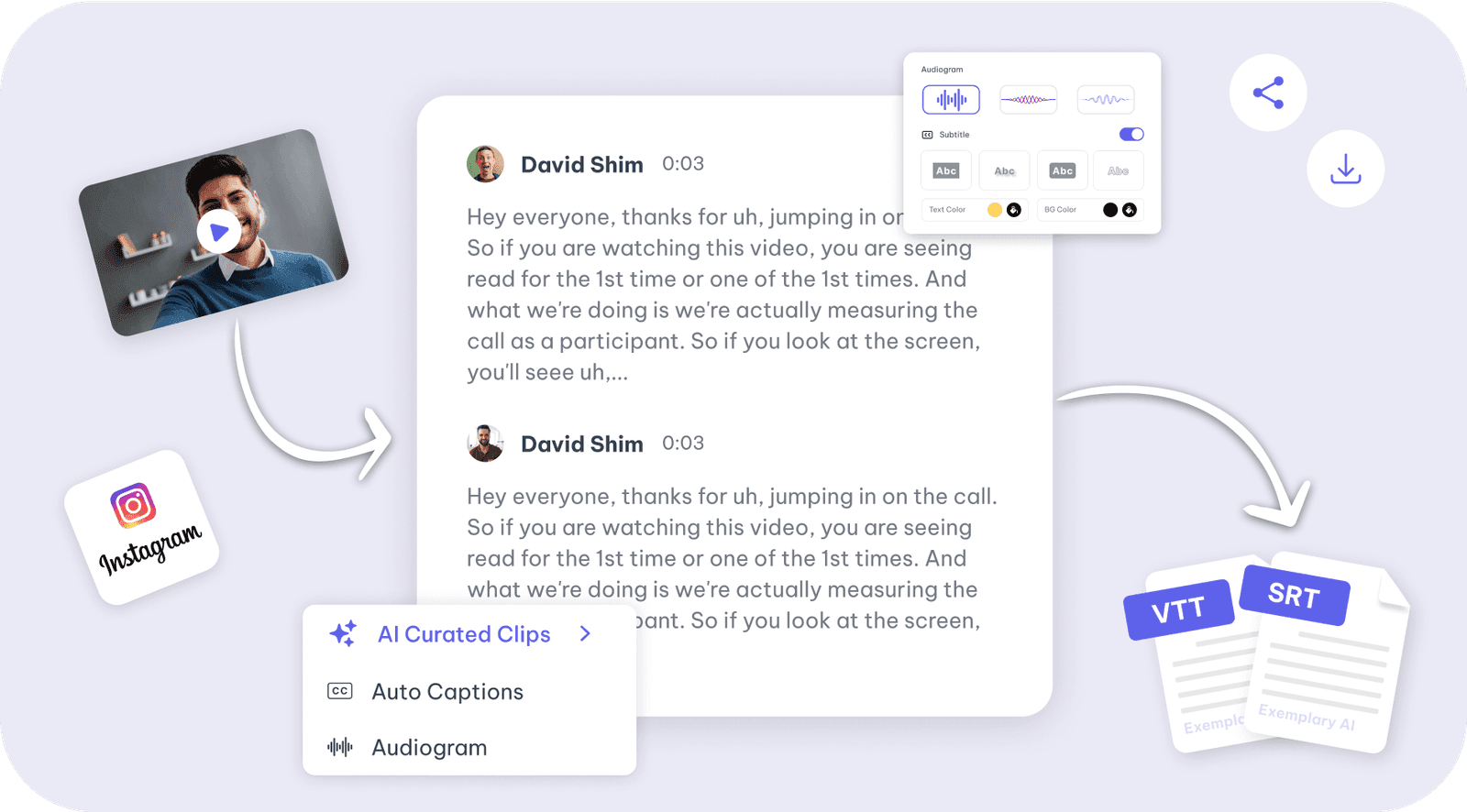
Generate accurate transcript from Instagram videos with Exemplary AI in minutes.
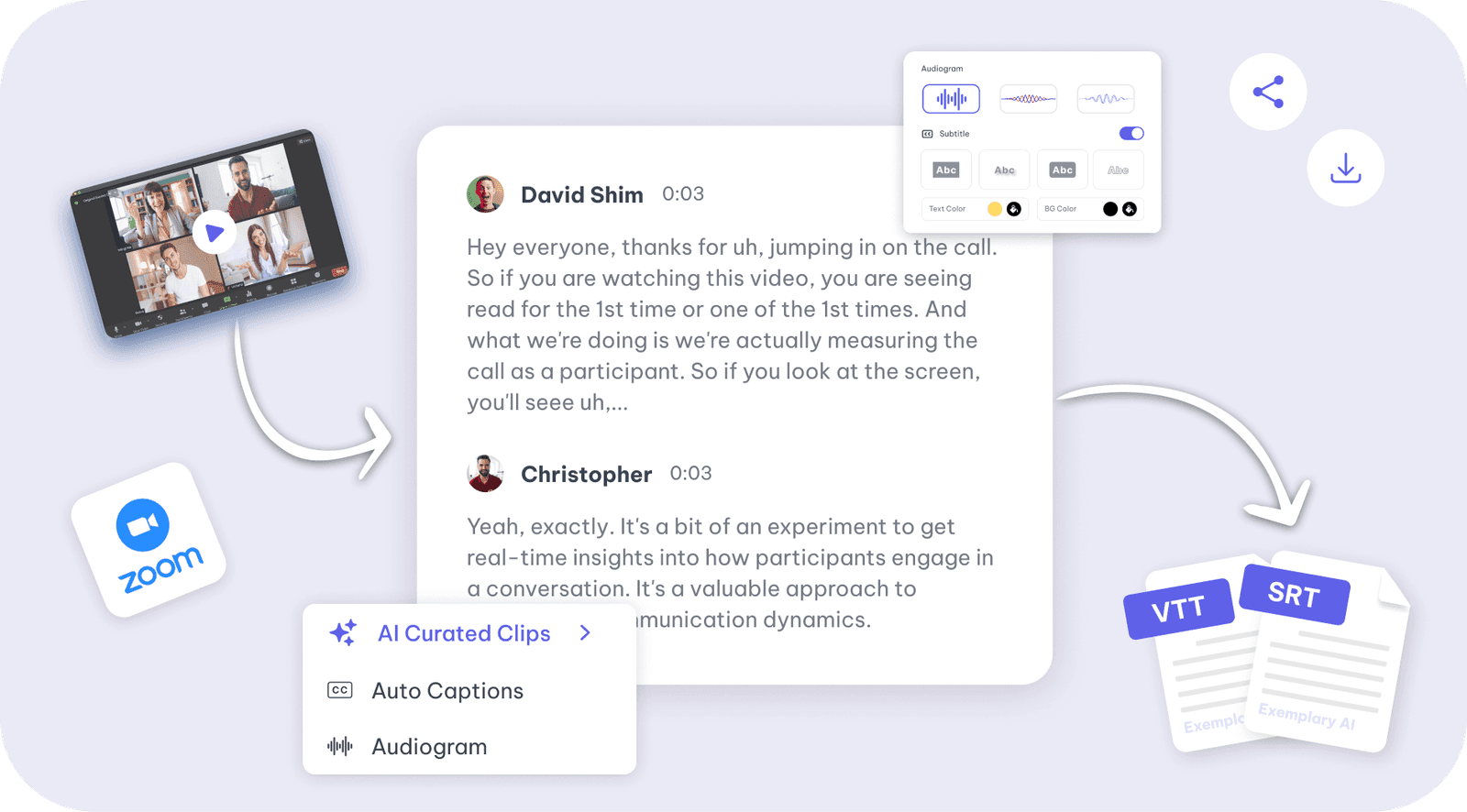
Generate accurate transcript of your Zoom Meet recording with Exemplary AI in minutes.
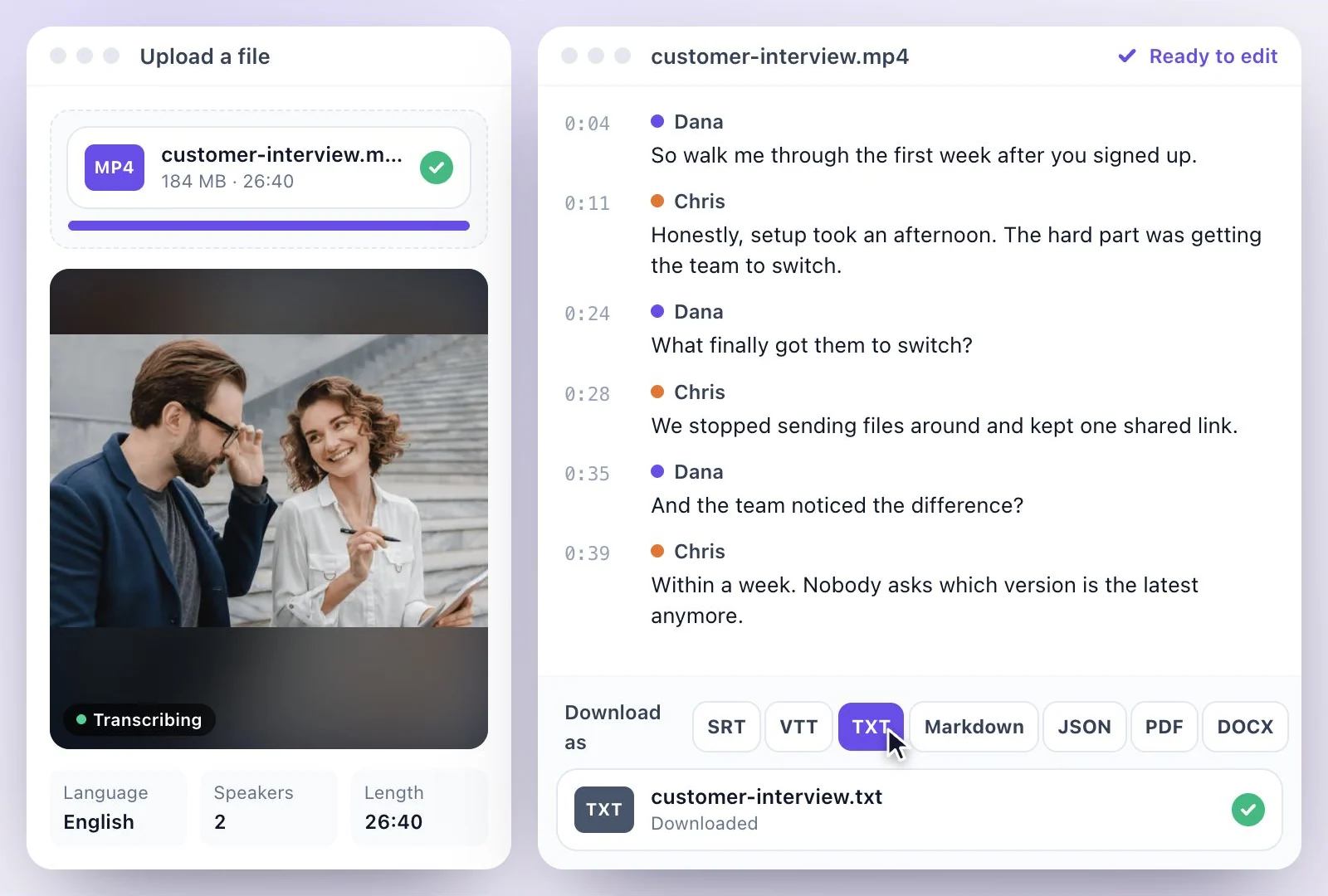
Convert MP4 to text online: upload an MP4 (or MOV or WEBM) video, edit the transcript and…
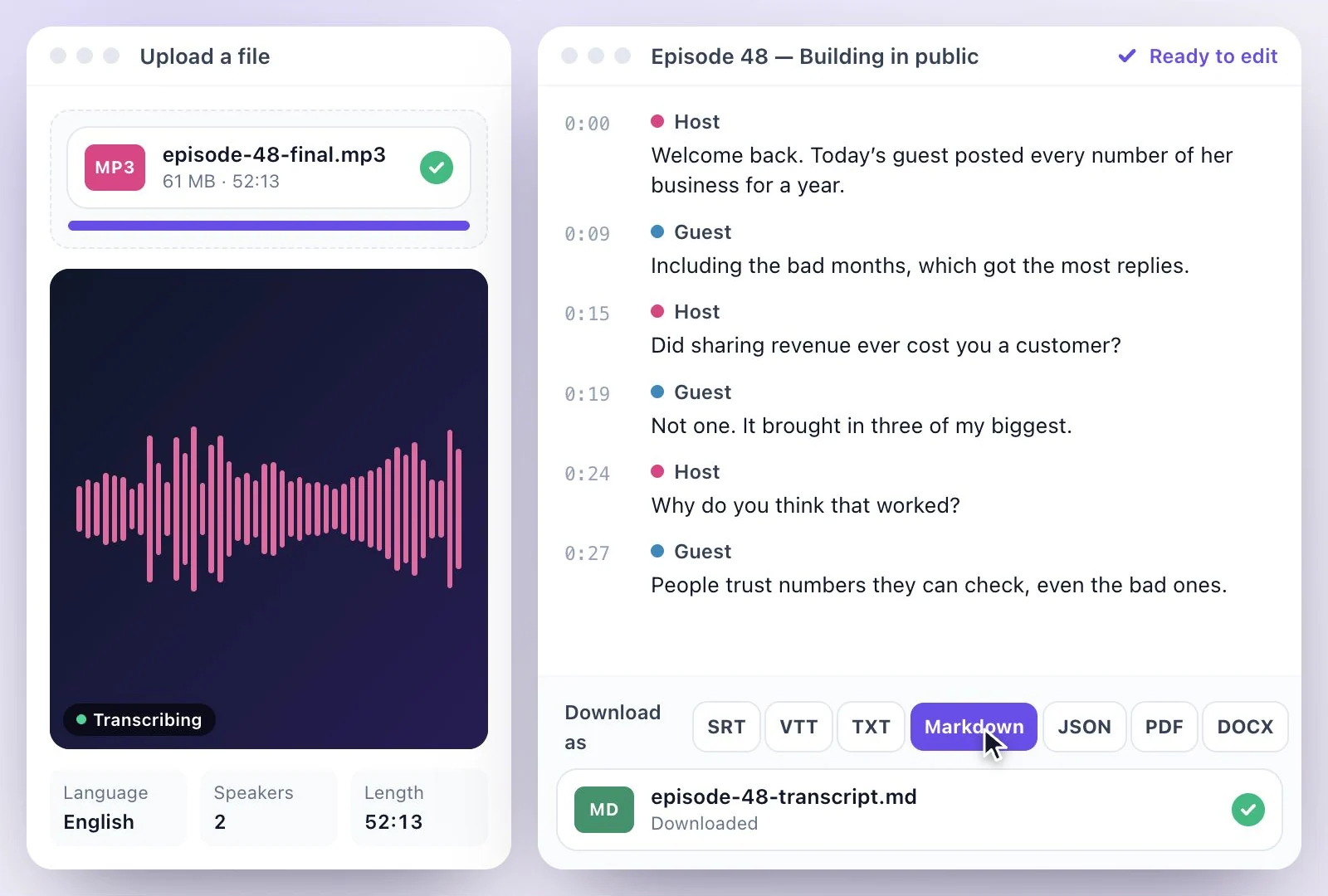
Convert MP3 to text online: upload an MP3 or other audio file, edit the transcript and download…
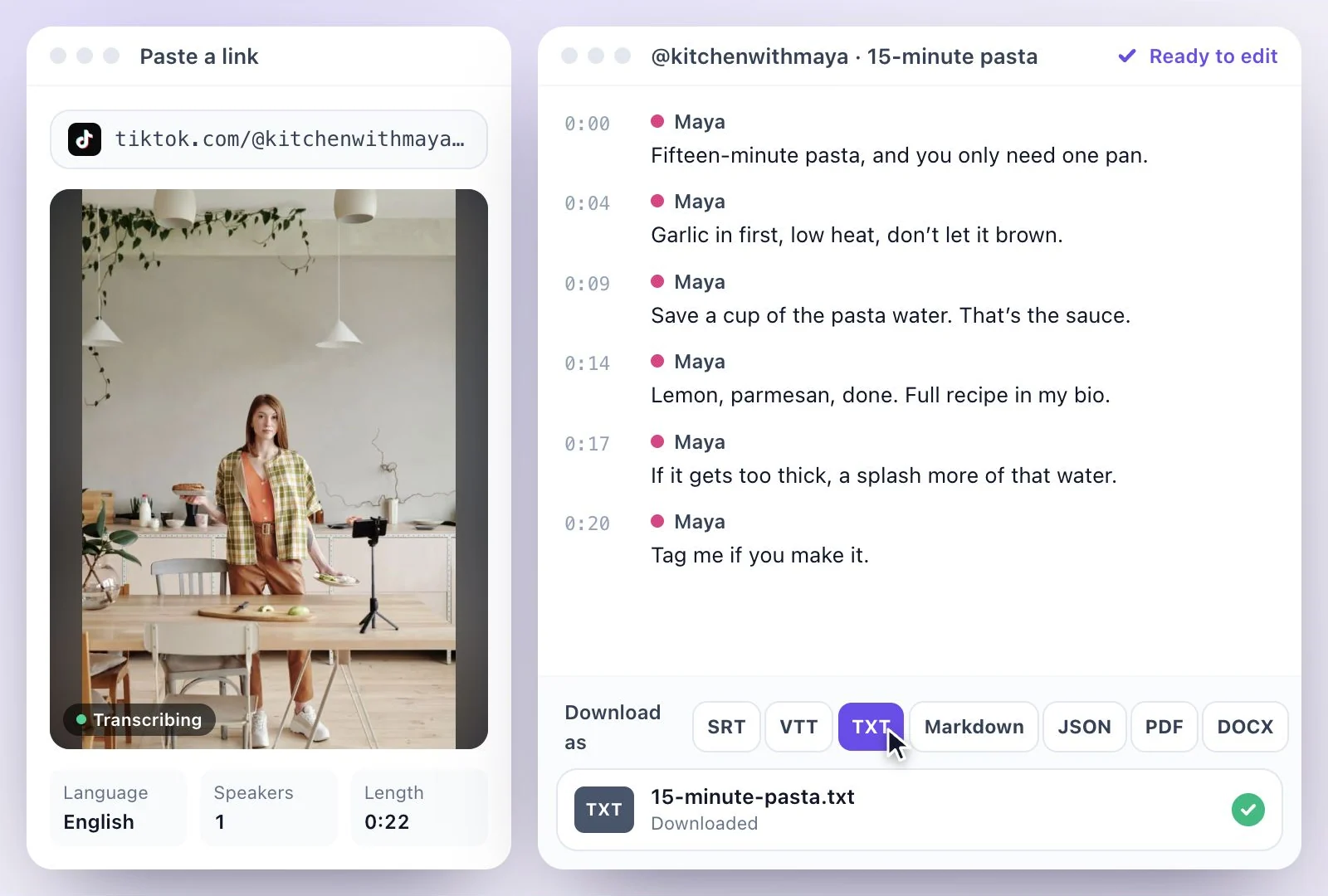
Paste a TikTok link and get its words as editable text with timestamps, in 99 languages.
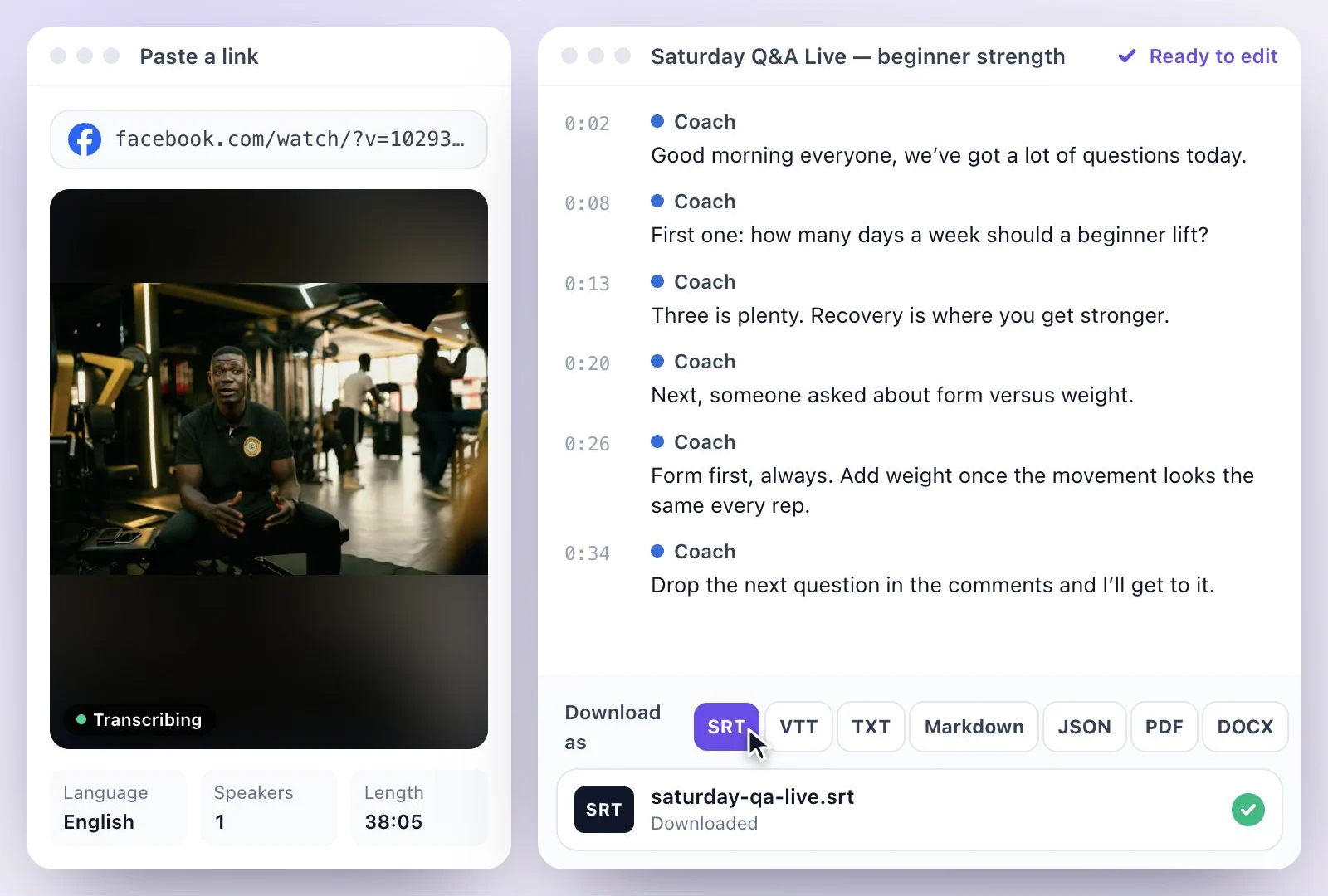
Facebook video to text: paste a public link or upload the file, edit the transcript and…
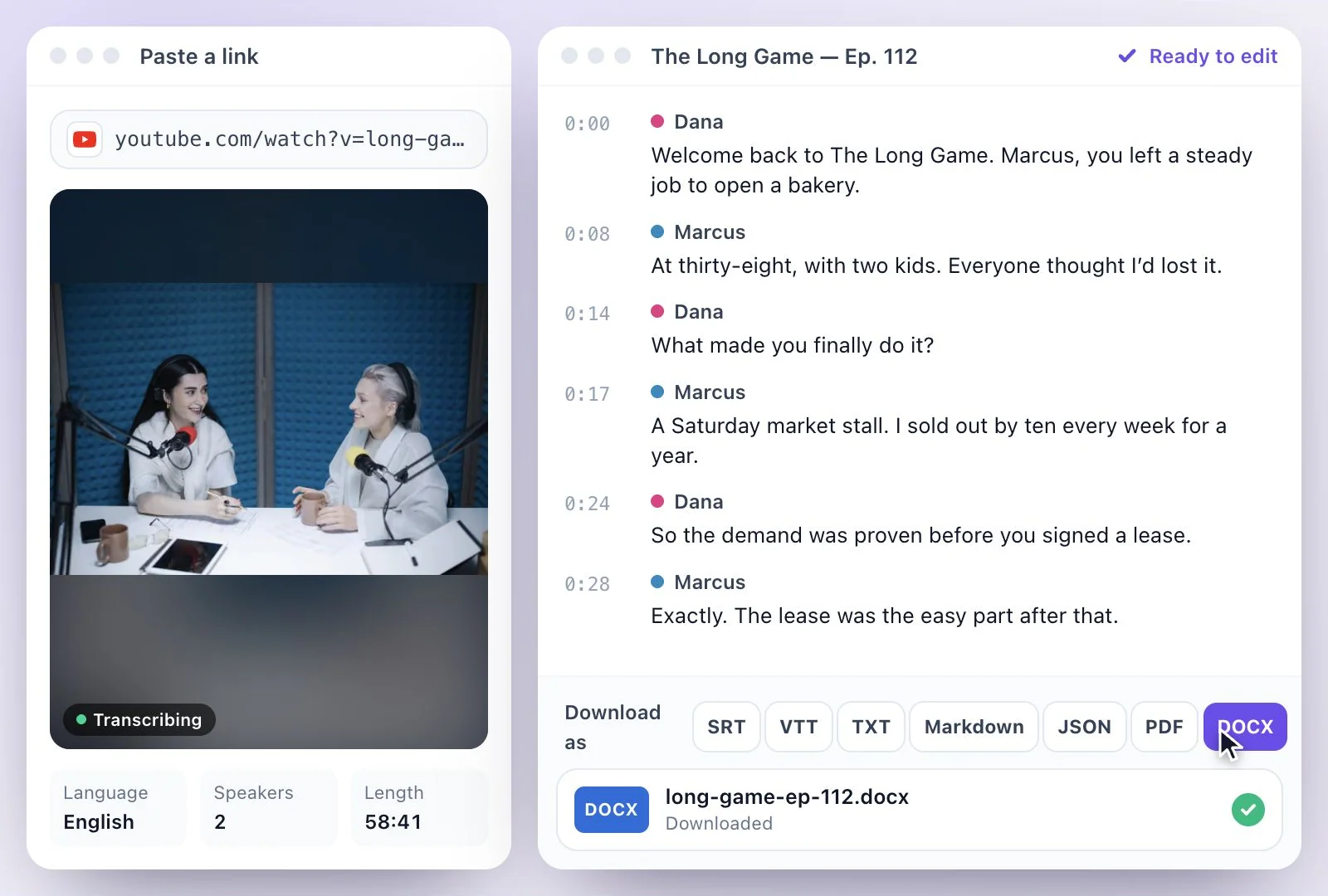
Upload a podcast episode or paste a YouTube link.
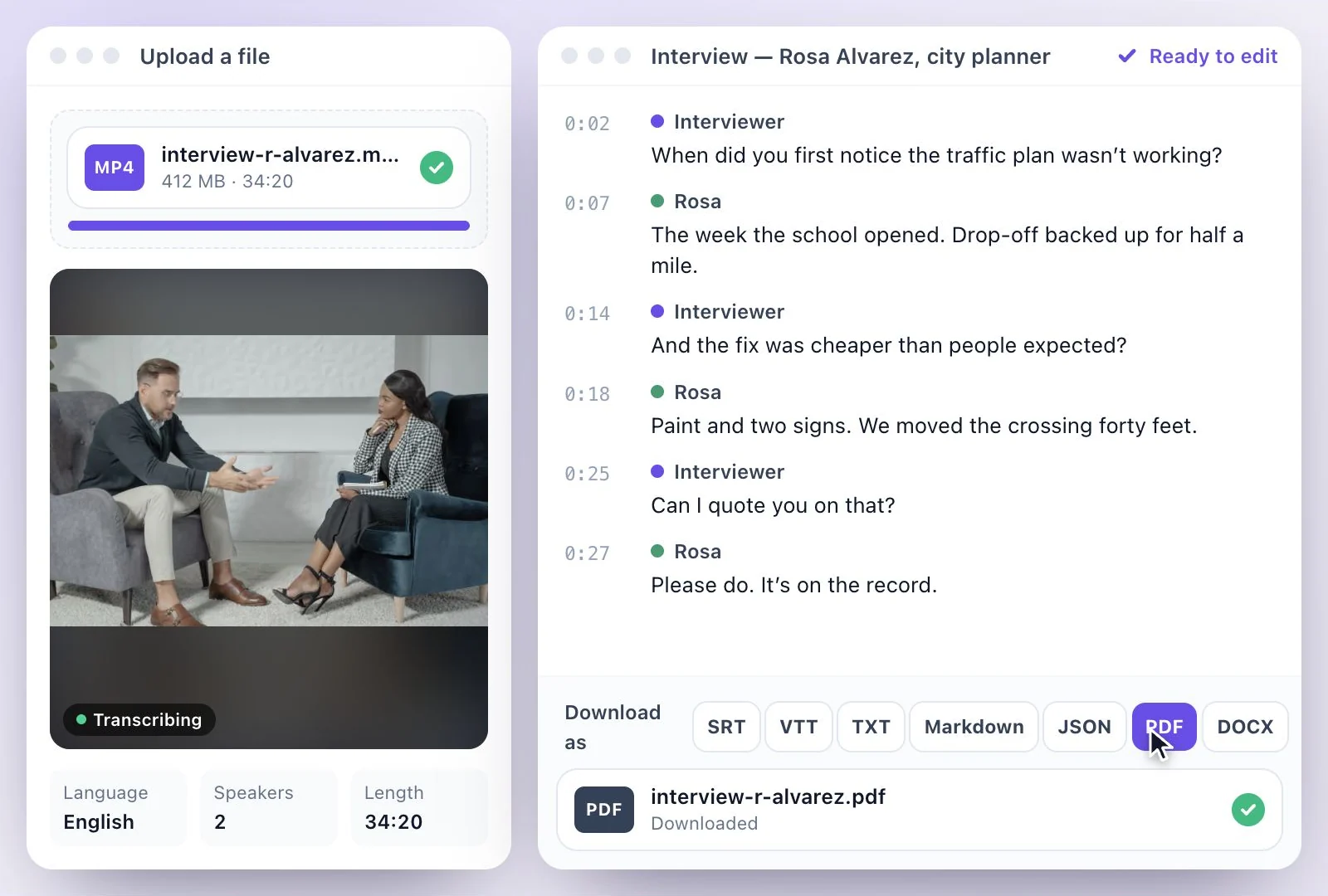
Transcribe an interview with each speaker separated and named.
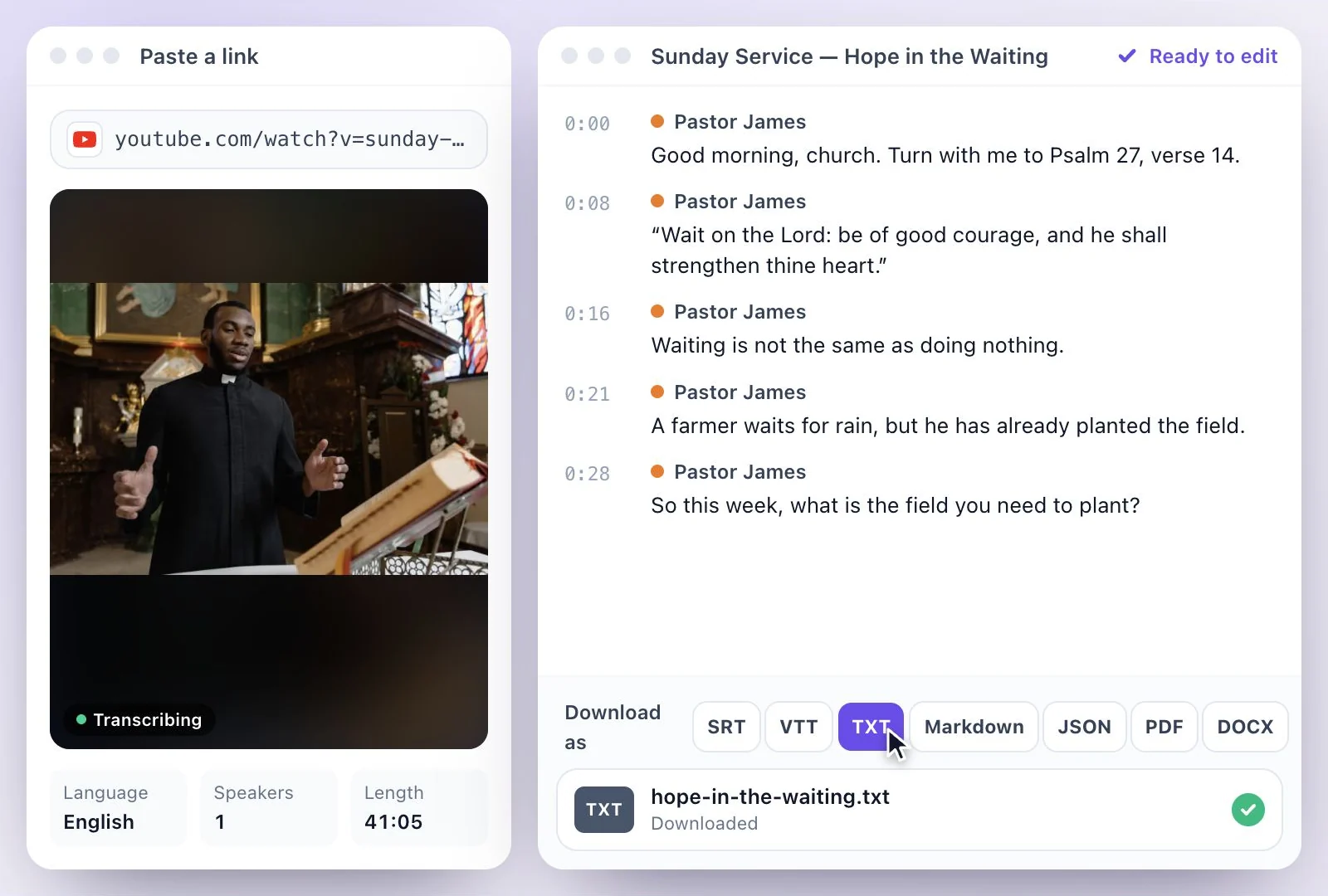
Transcribe a sermon from a YouTube or public Facebook link, or a file.
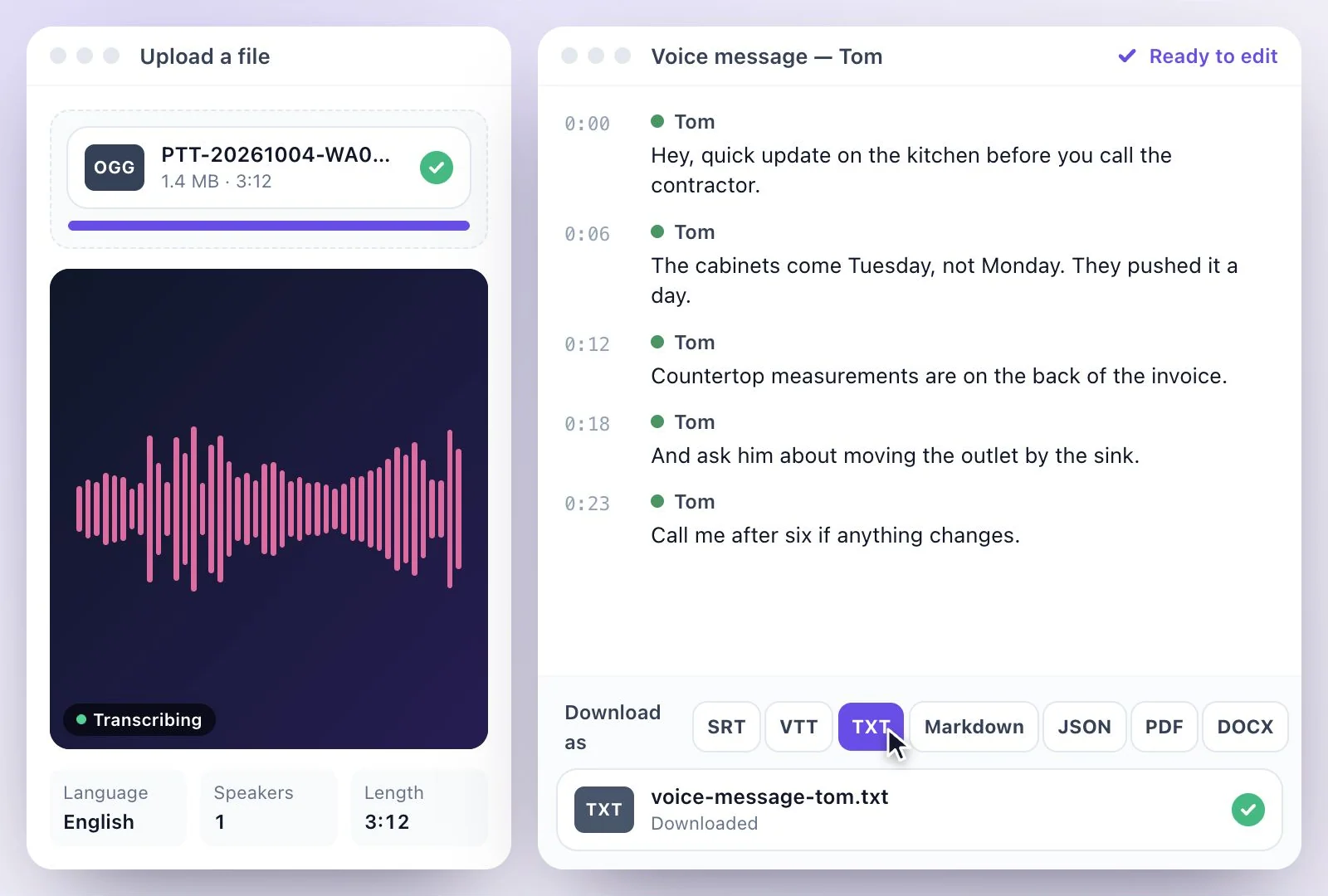
Save a WhatsApp voice message as a file, upload it and get a transcript you can edit, copy and…
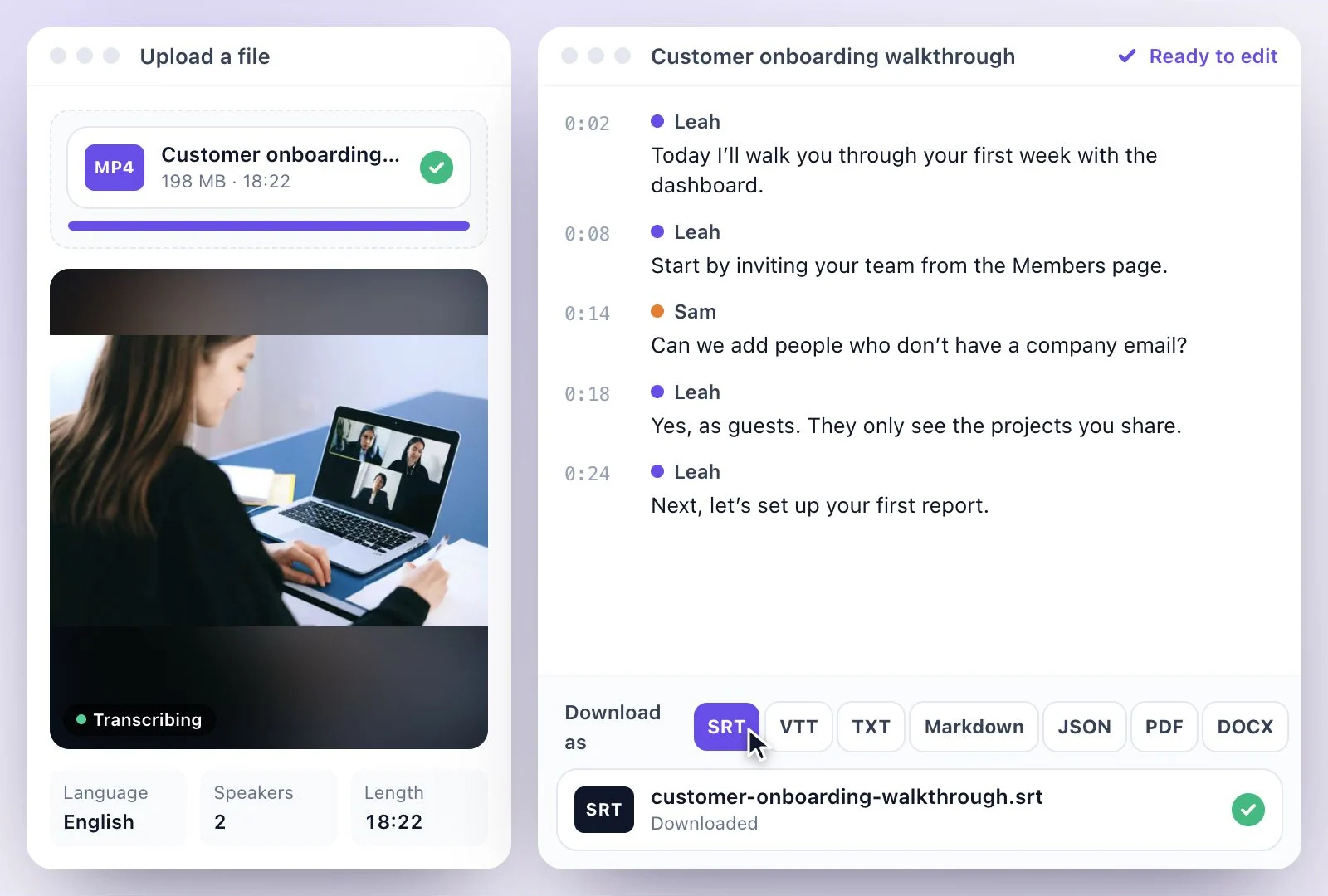
Google Drive video to text: download the video from Drive, upload it, then edit the transcript…
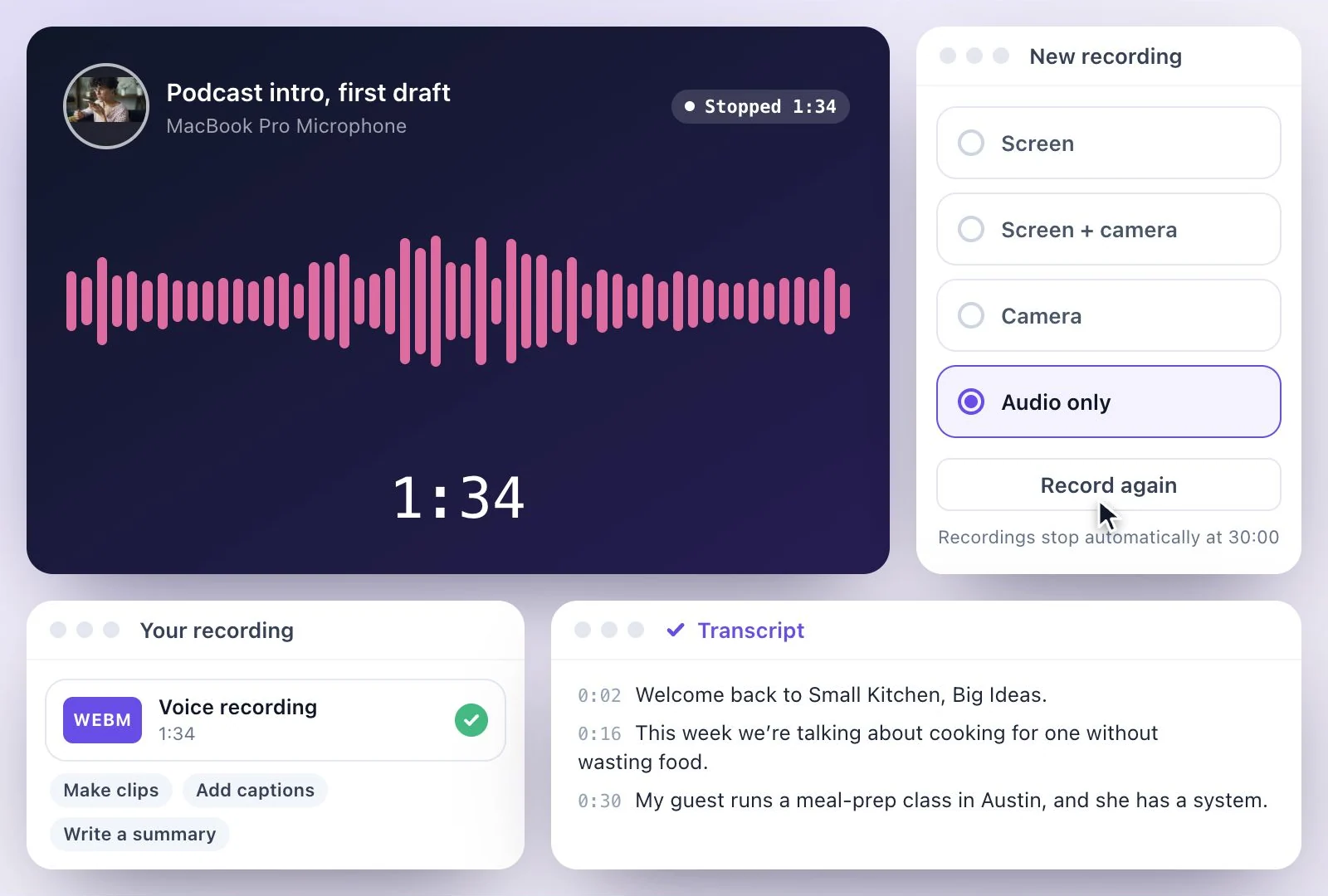
Record your voice in the browser, with a mic picker and live level bars.
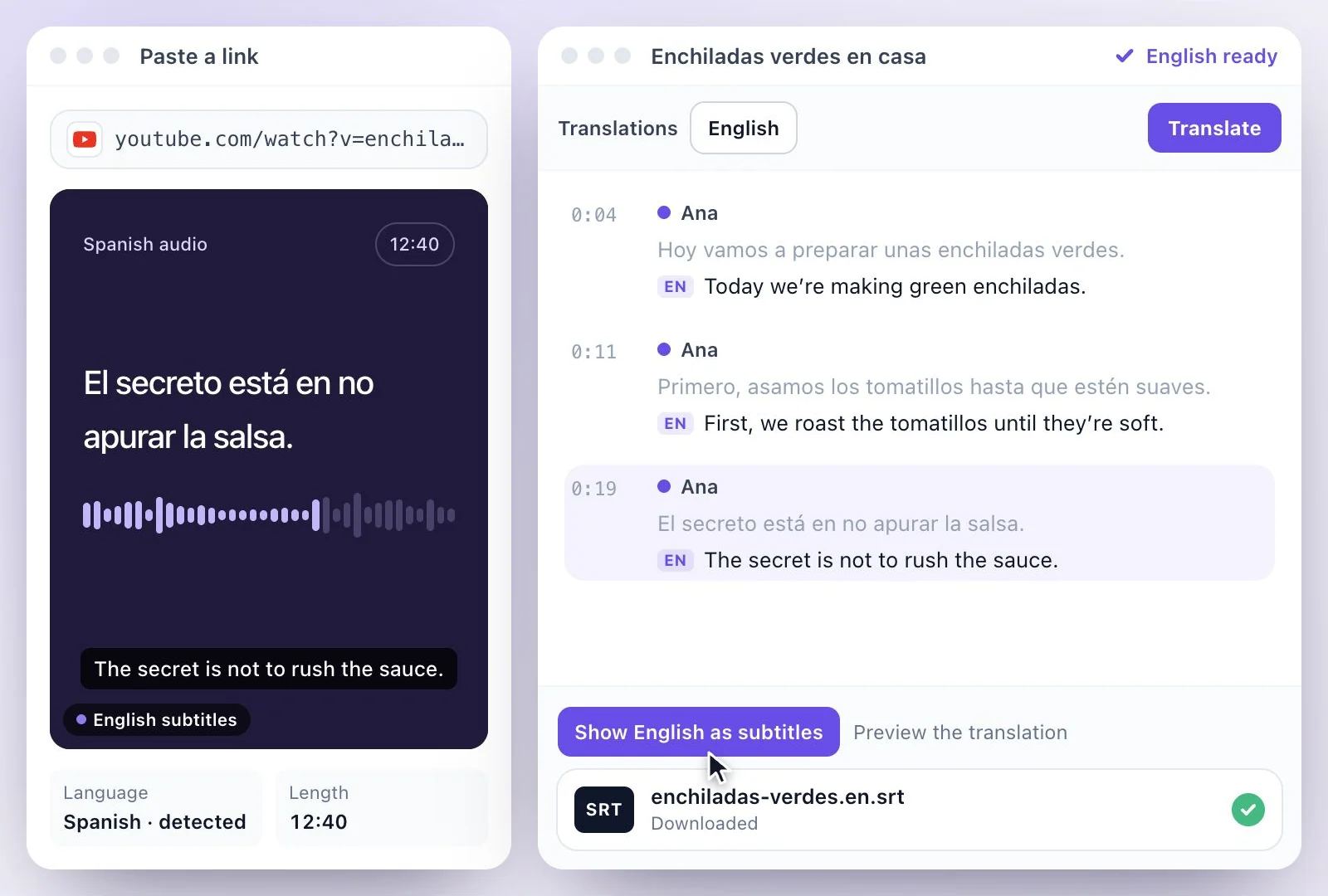
Upload a Spanish recording or paste a link.
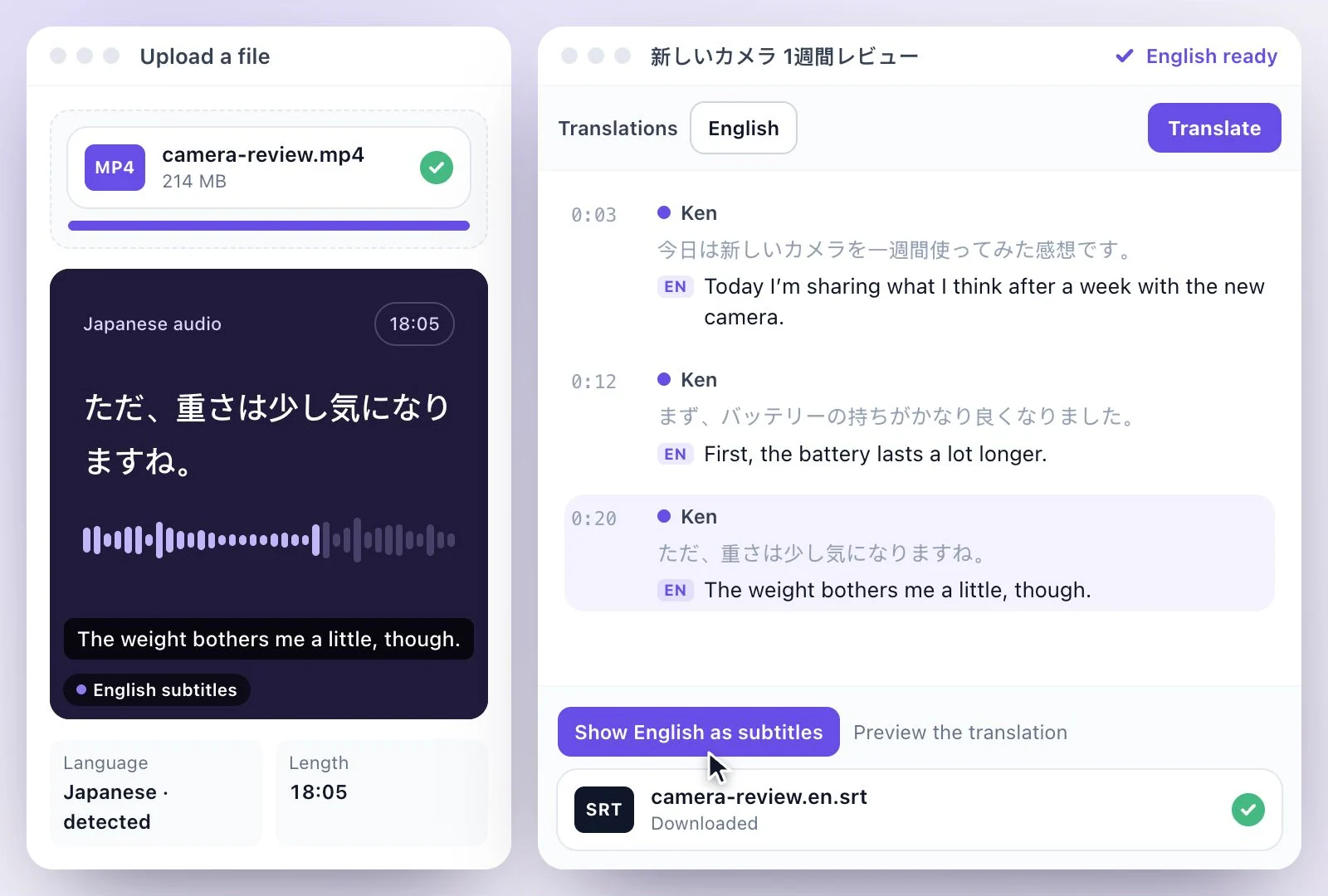
Upload a Japanese recording or paste a link.
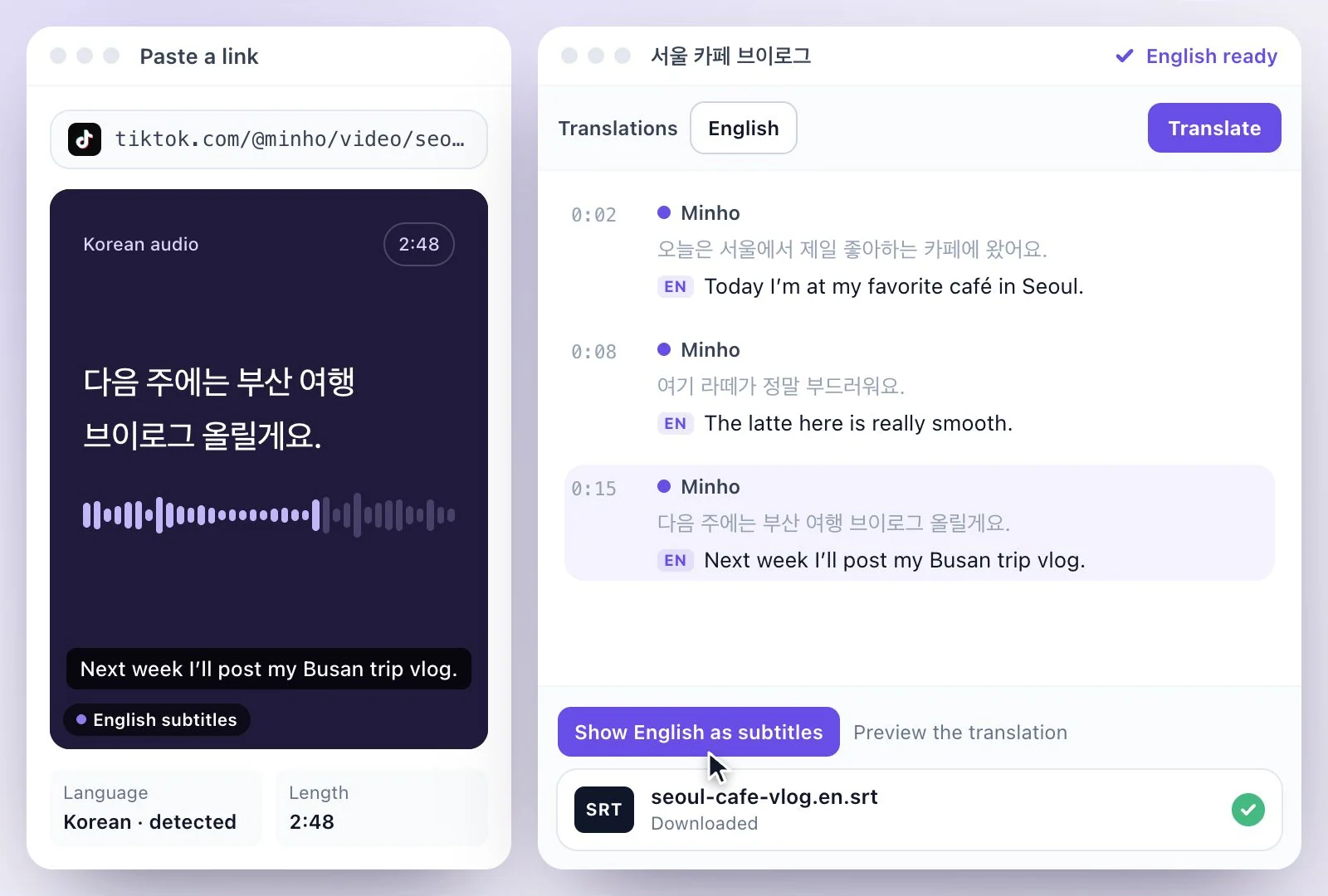
Upload a Korean recording or paste a link.
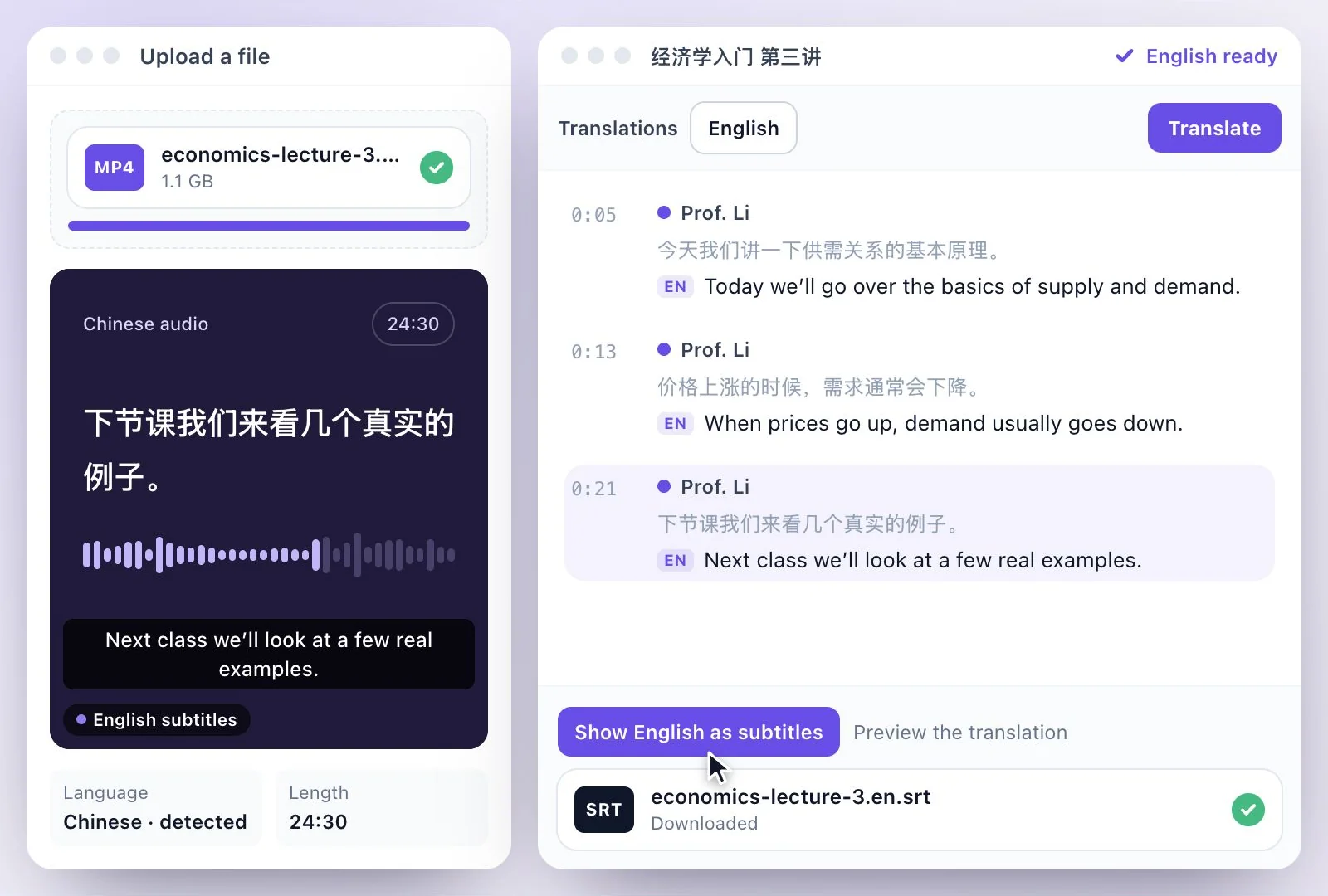
Upload a Chinese recording or paste a link.
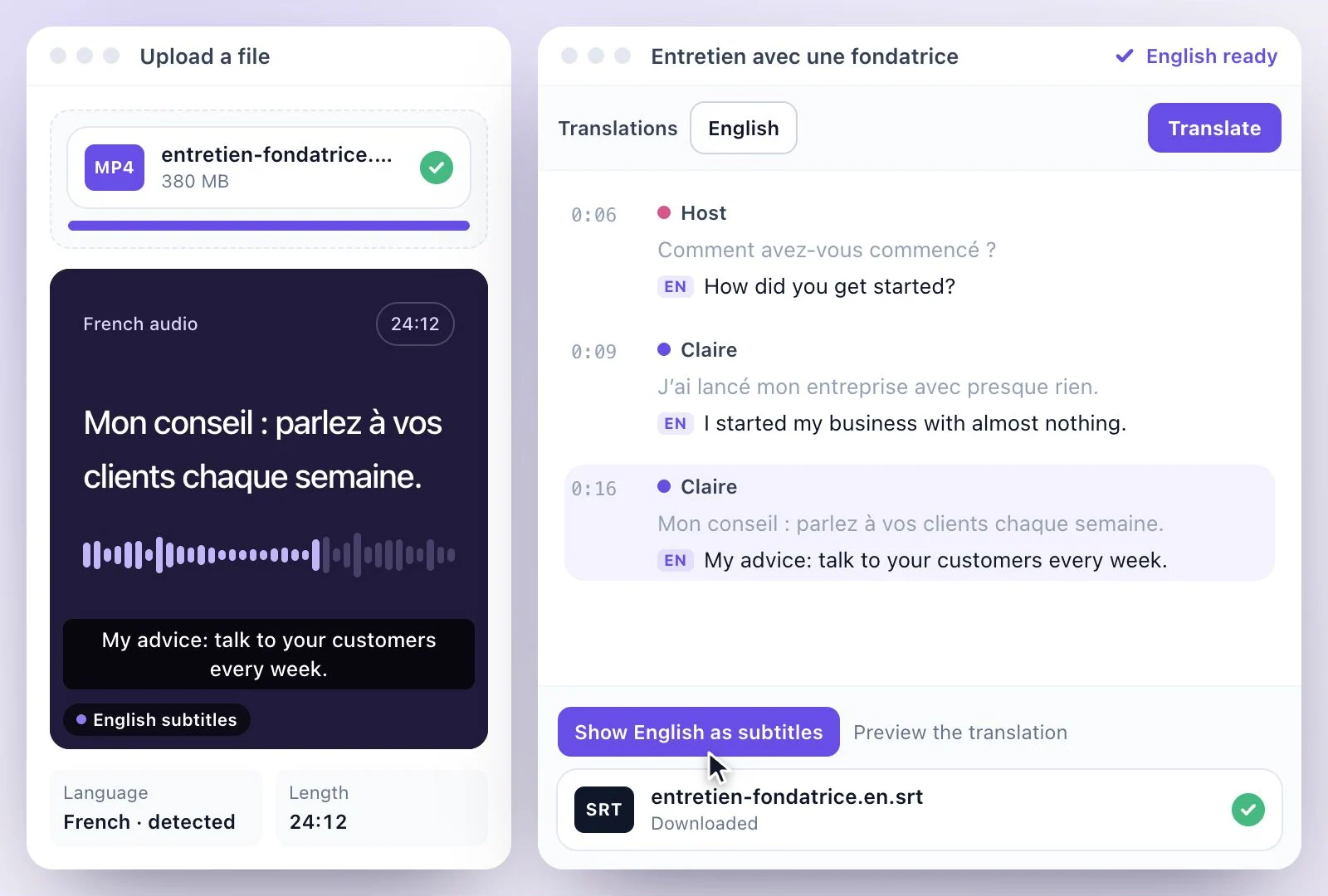
Upload a French recording or paste a link.
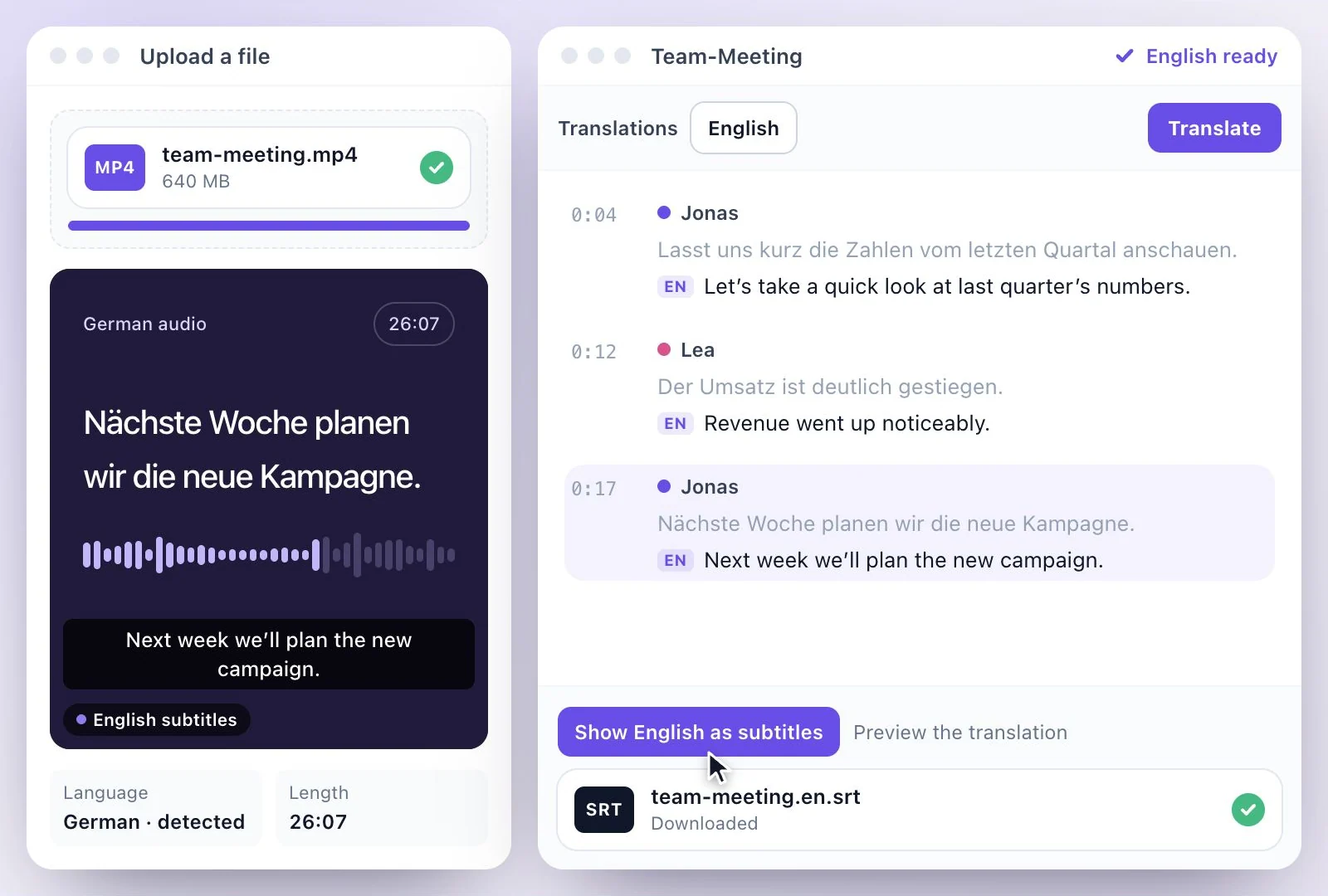
Upload a German recording or paste a link.
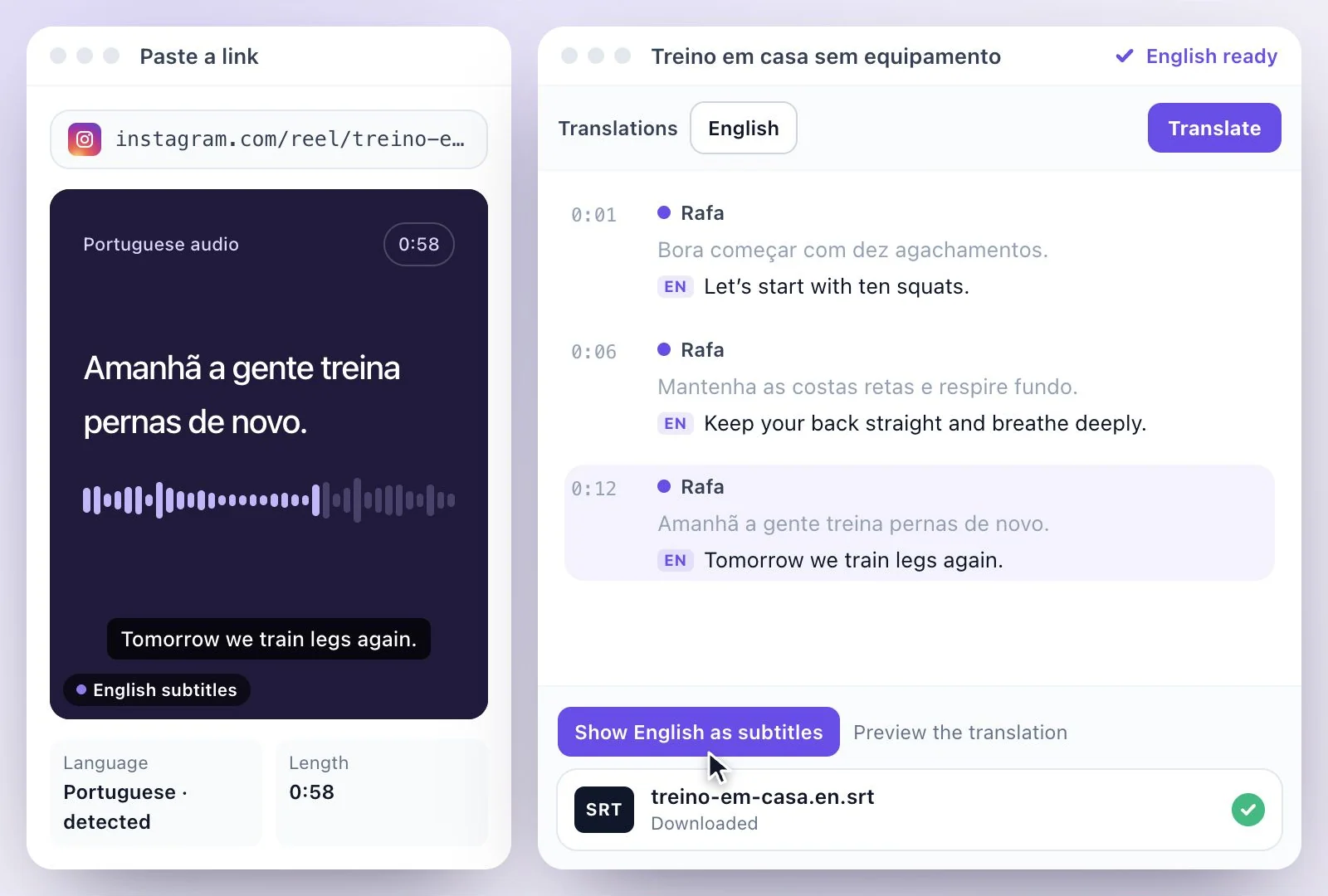
Upload a Portuguese recording or paste a link.
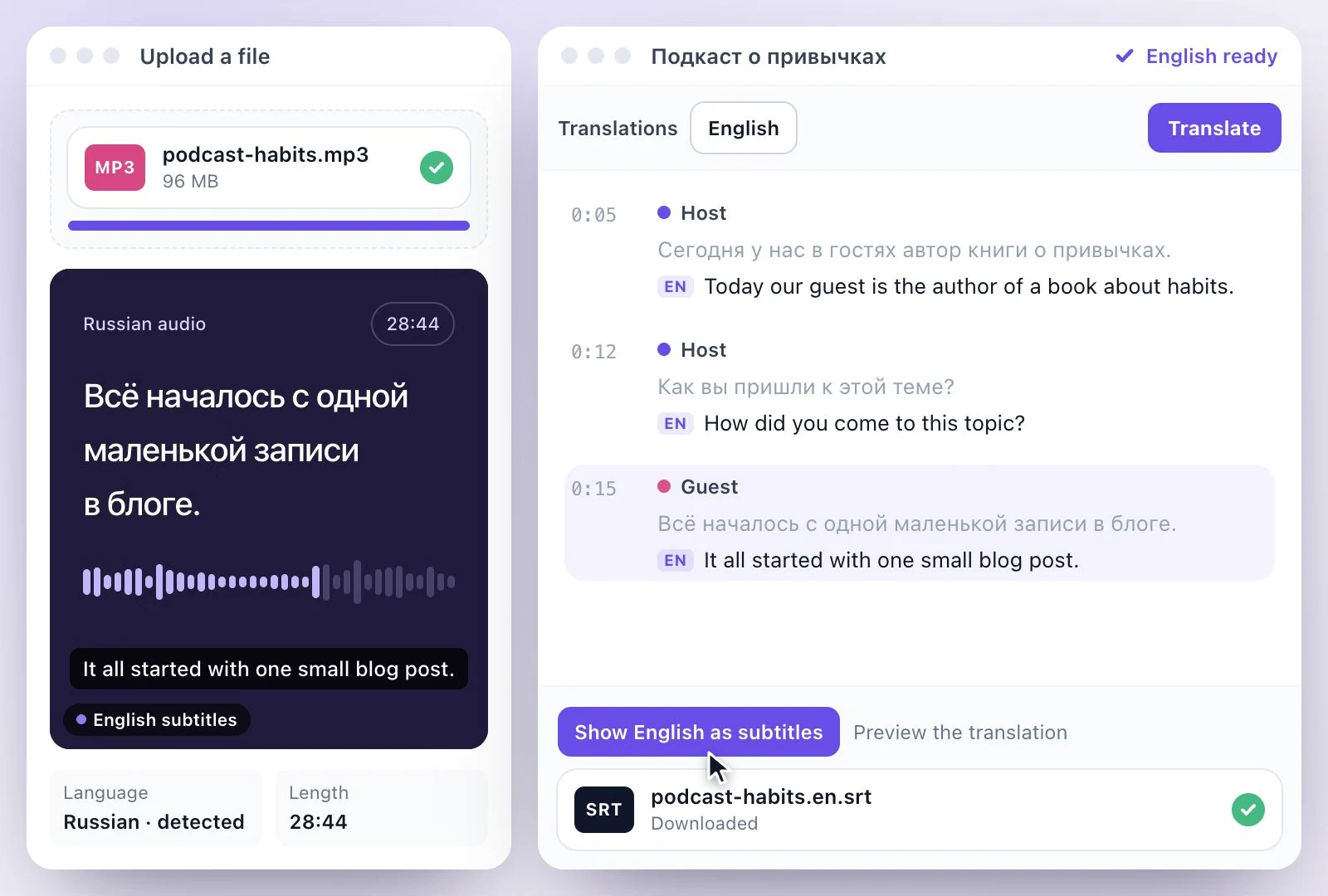
Upload a Russian recording or paste a link.
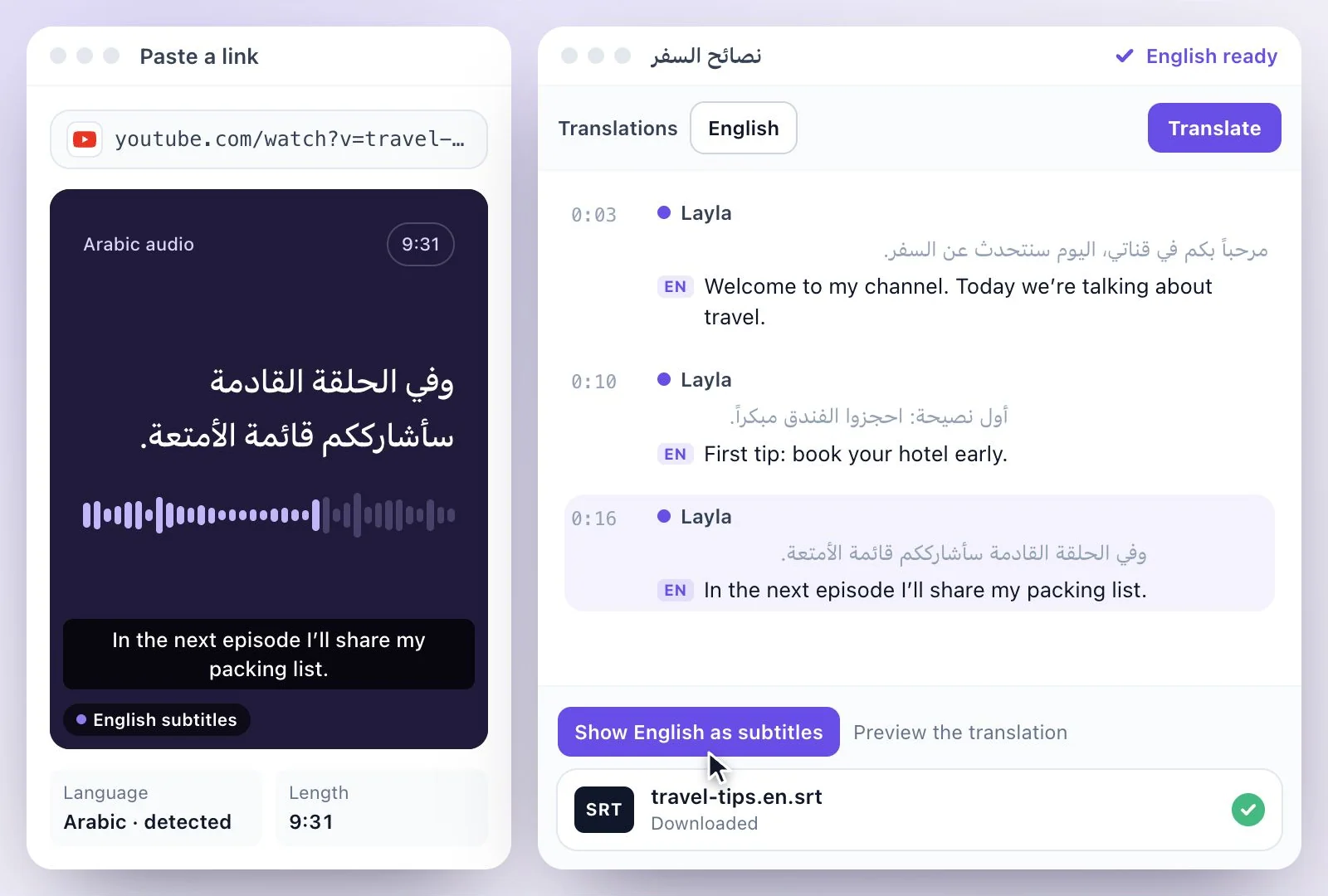
Upload an Arabic recording or paste a link.
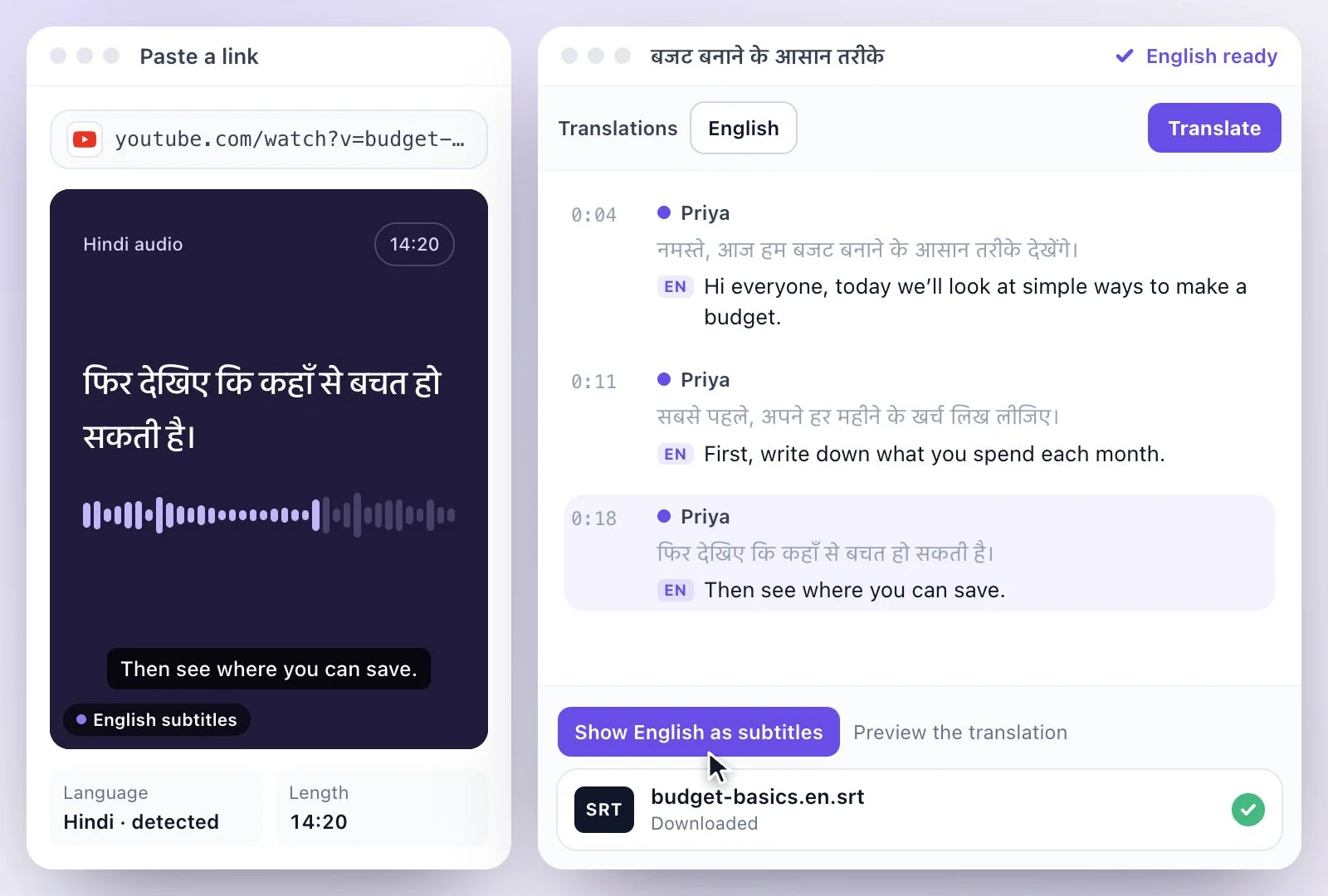
Upload a Hindi recording or paste a link.
The tools differ in what they hand back. Getting there is the same every time.
Drop in a video or audio file, paste a link, or record straight in the browser. Every tool on this page starts from the same upload.
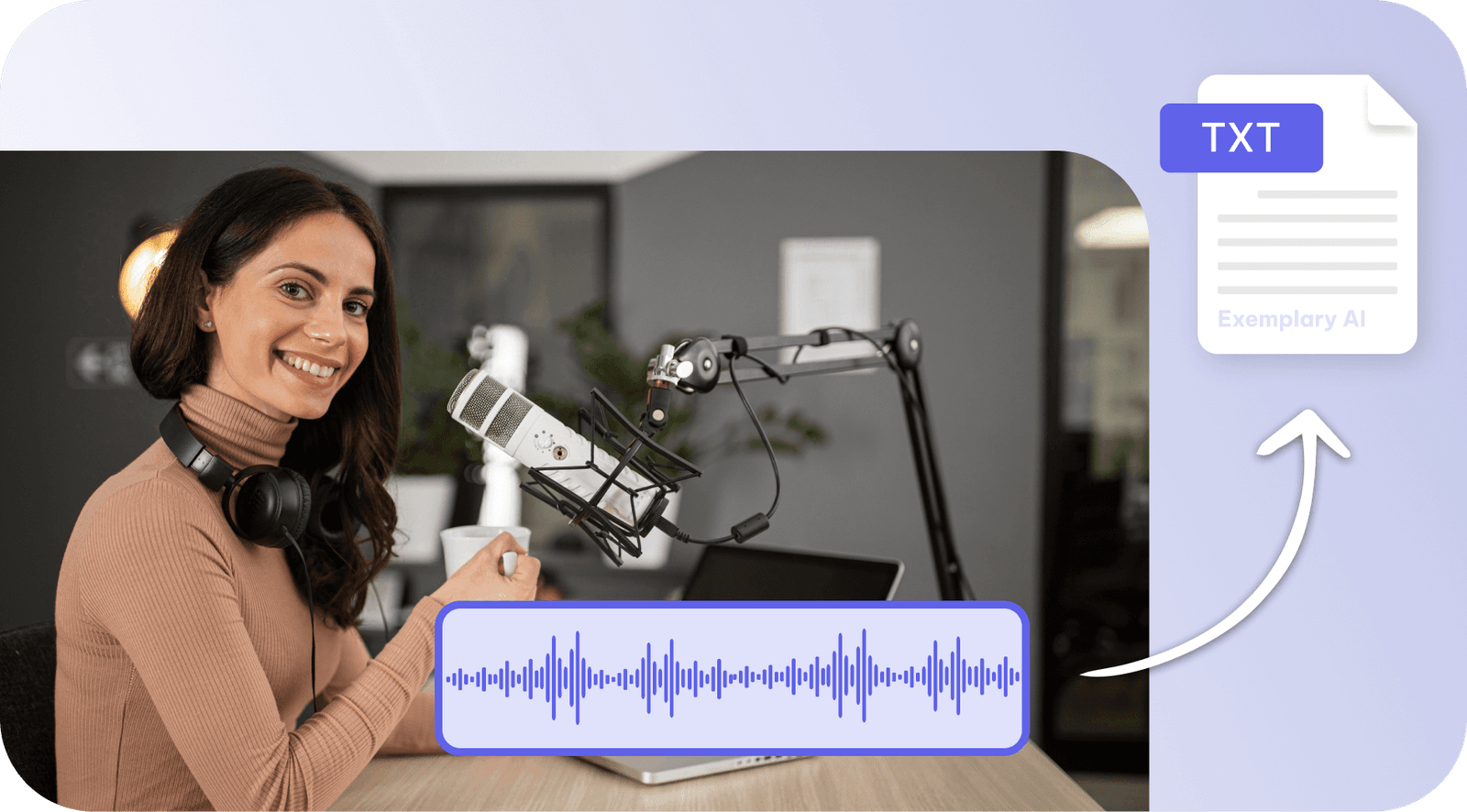
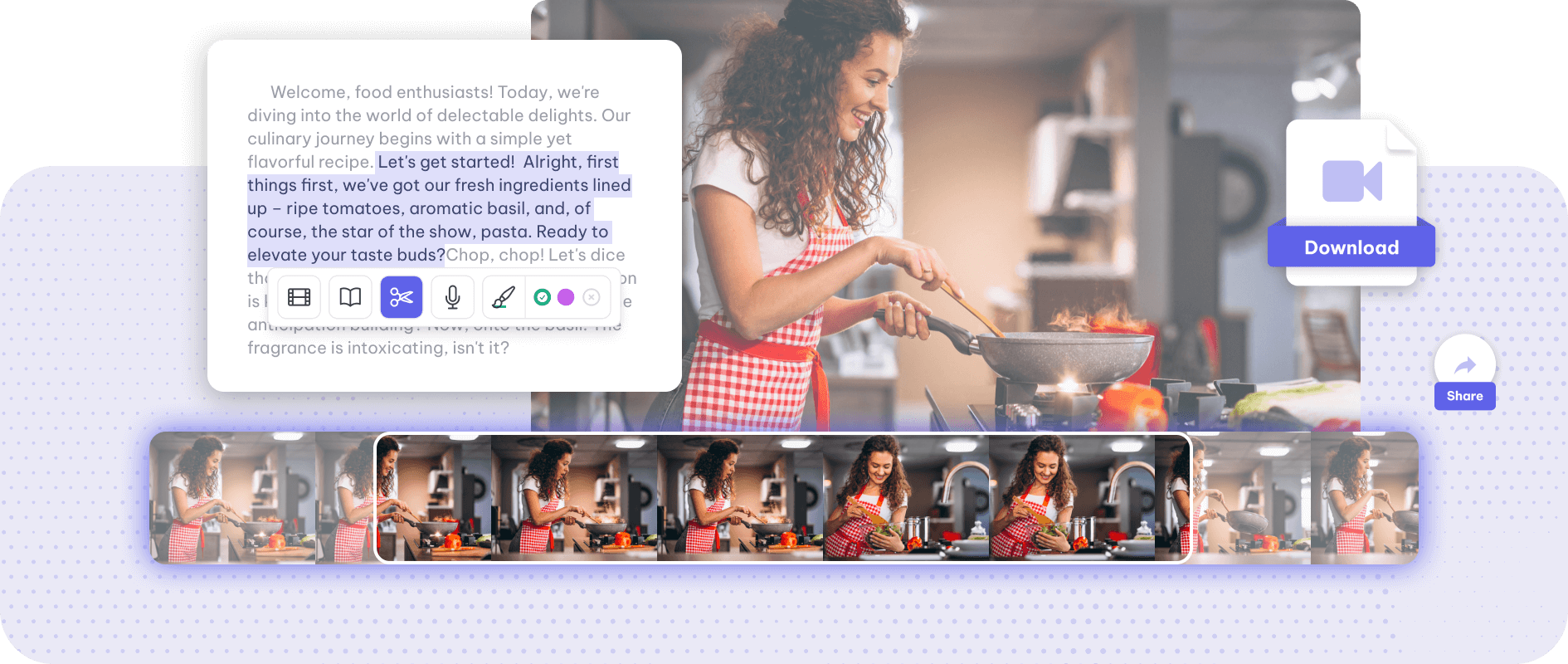
Exemplary transcribes it, then editing is text editing — cut a sentence and the video cuts with it. Silence and filler words come out in a click.
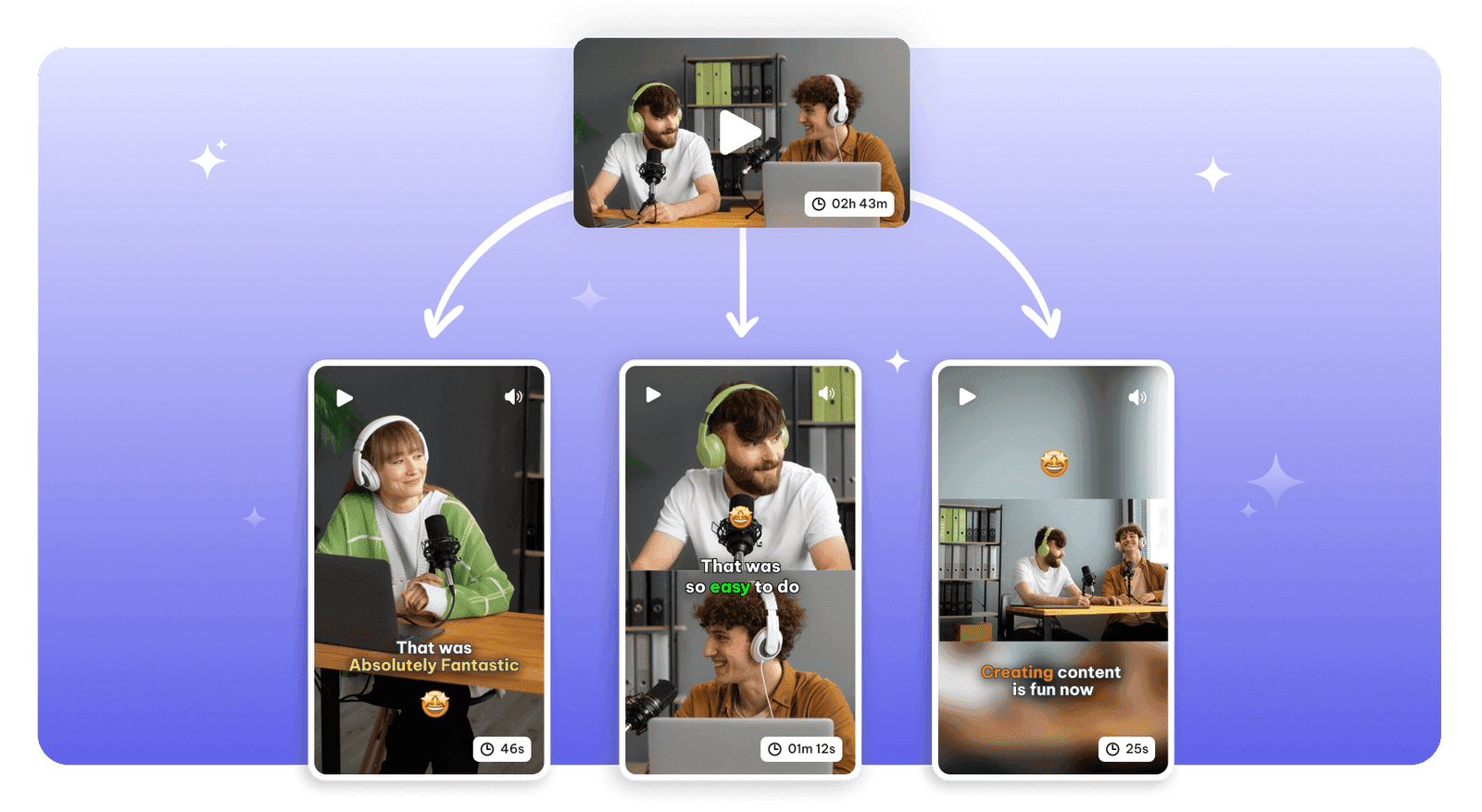
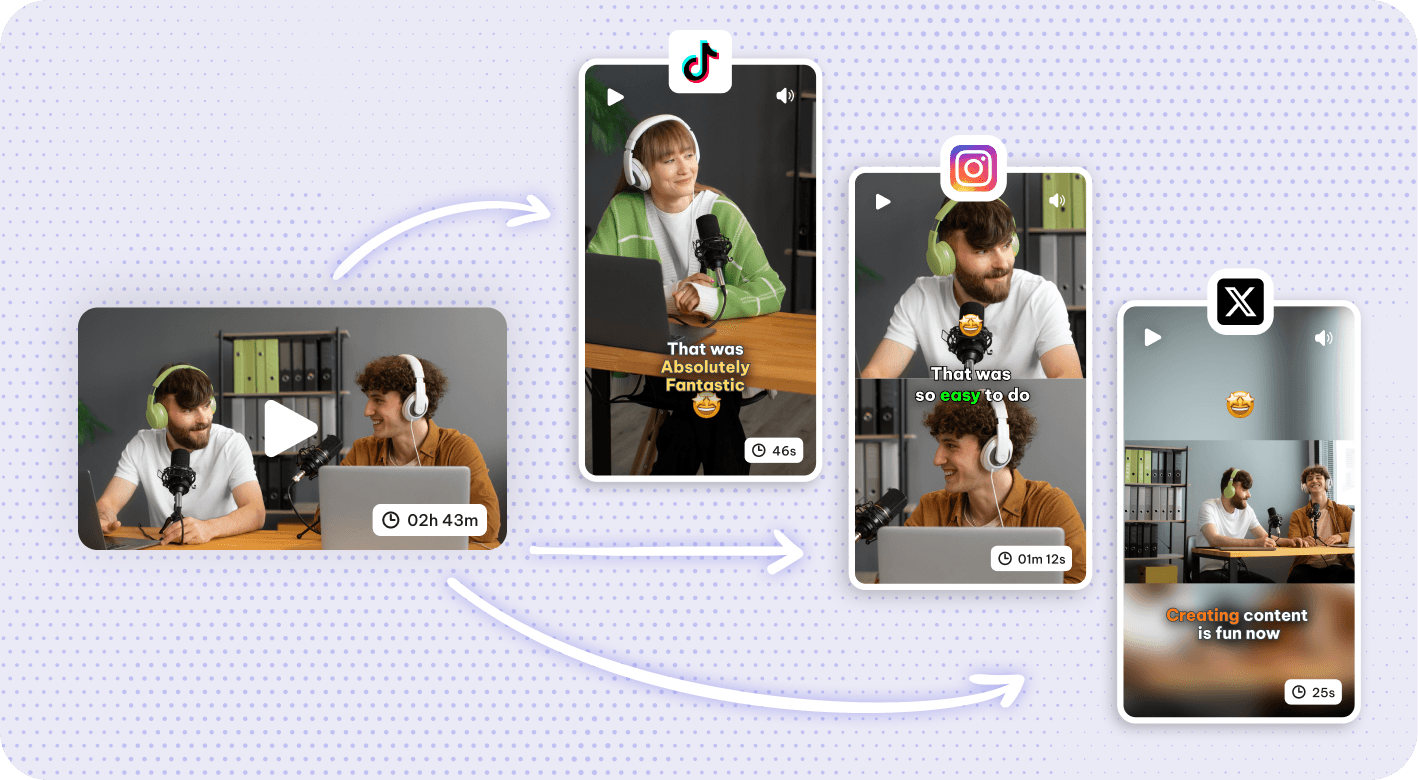
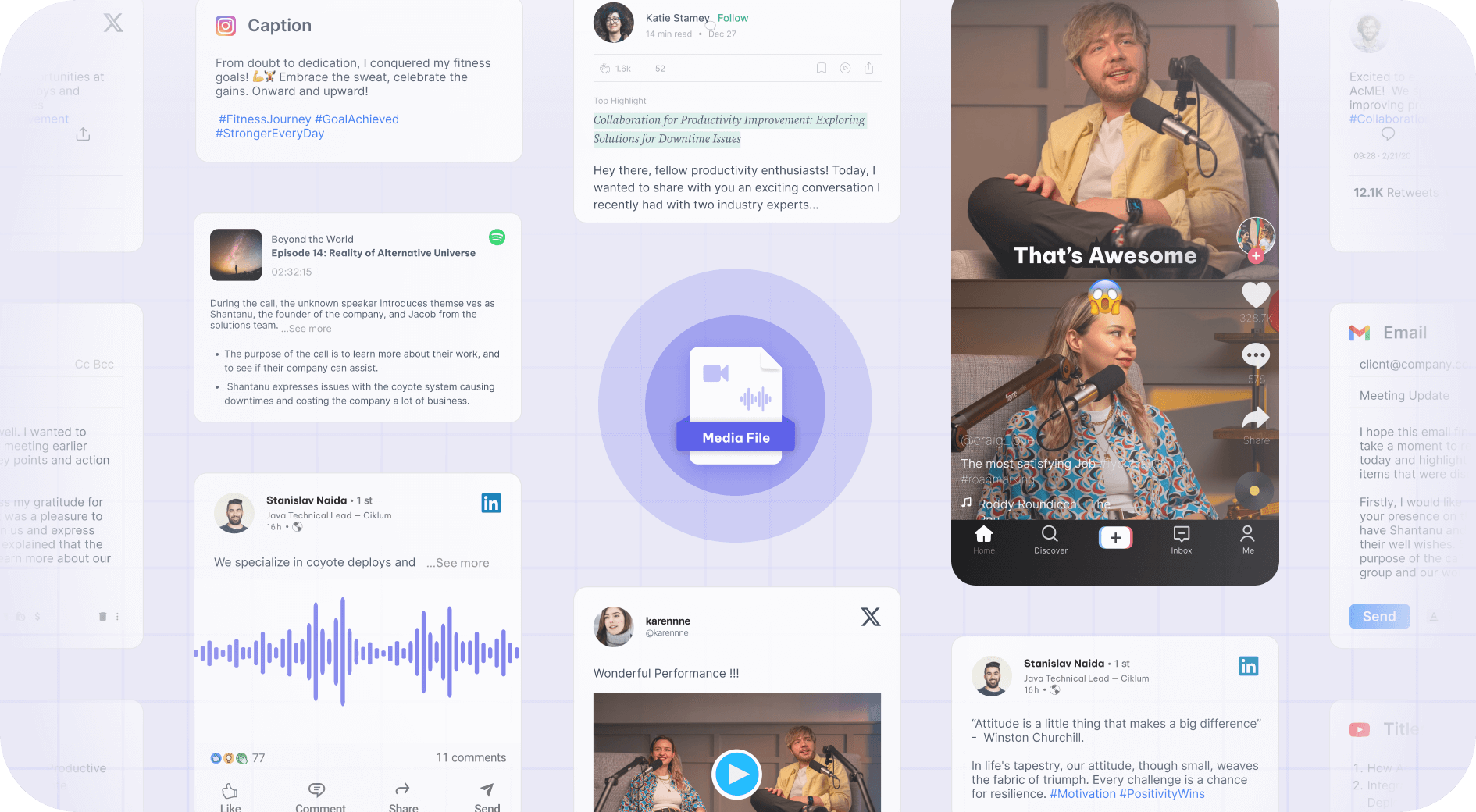
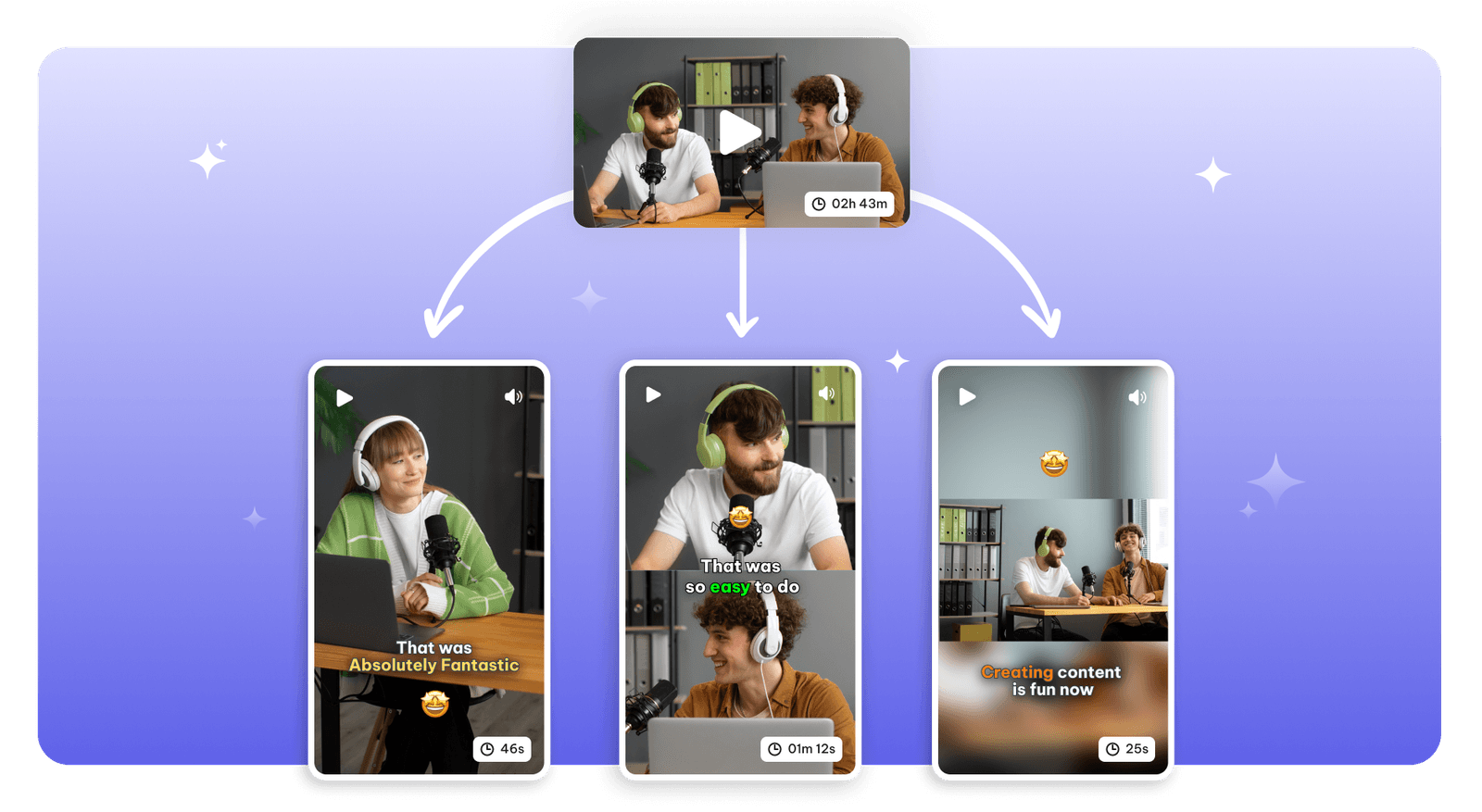
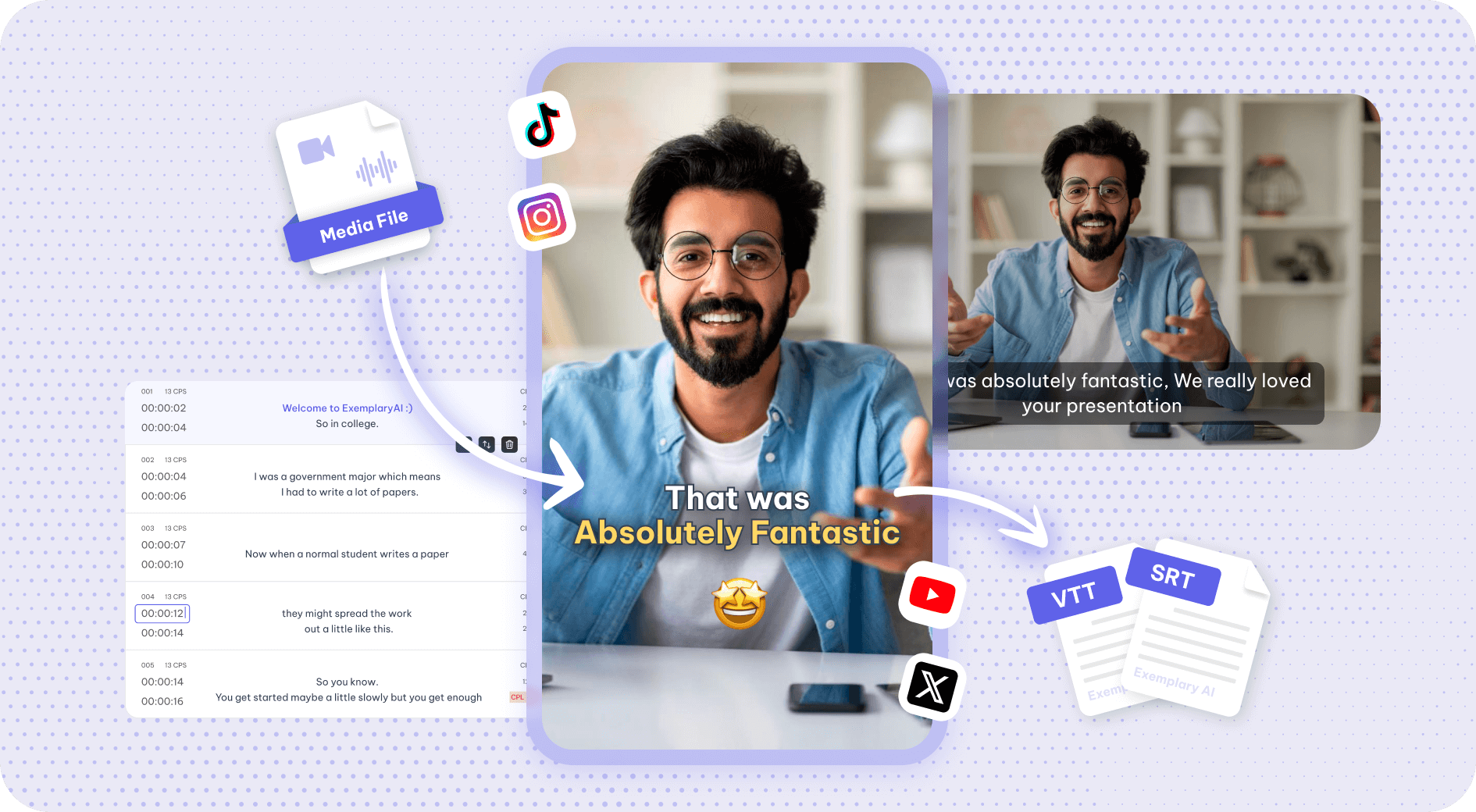
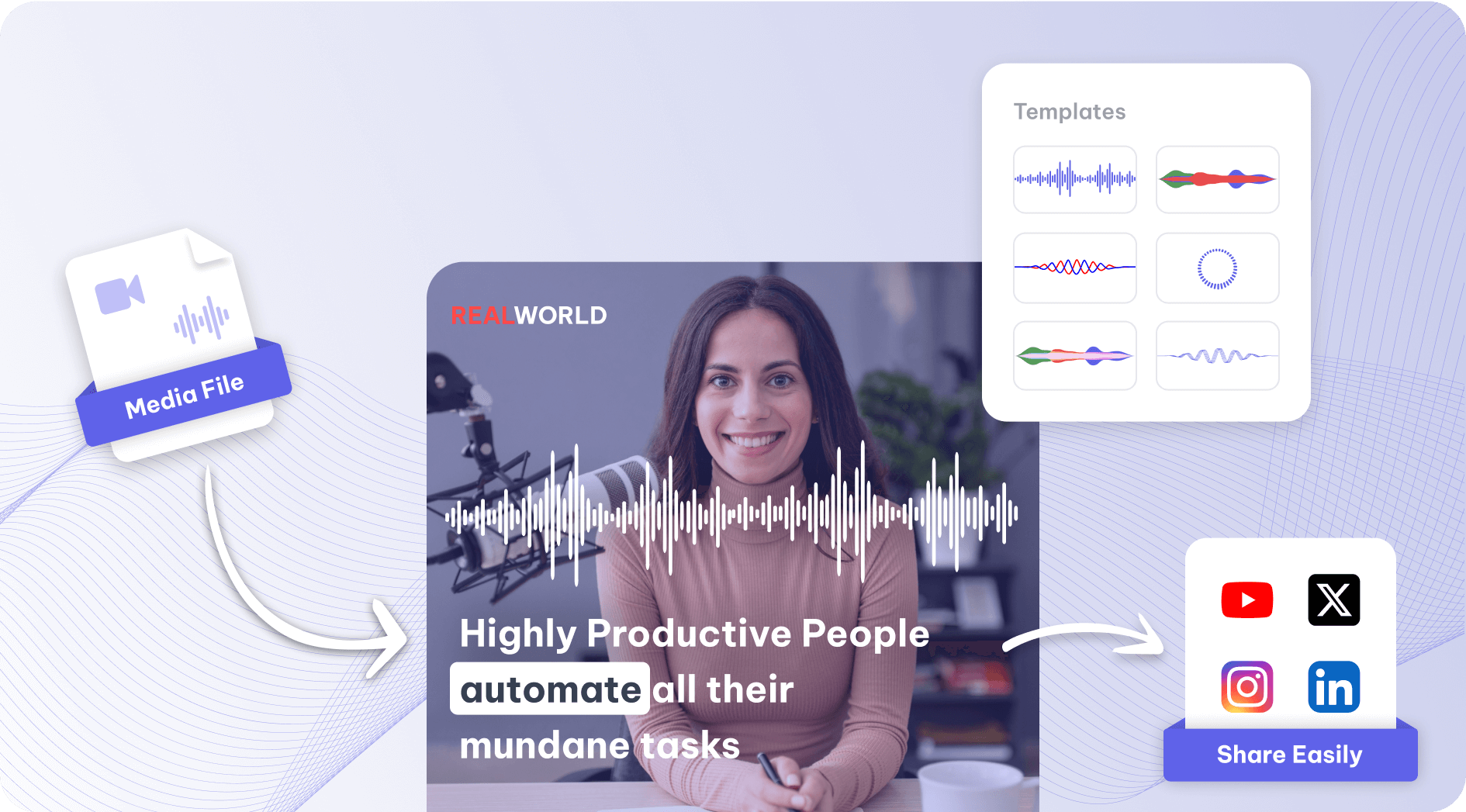
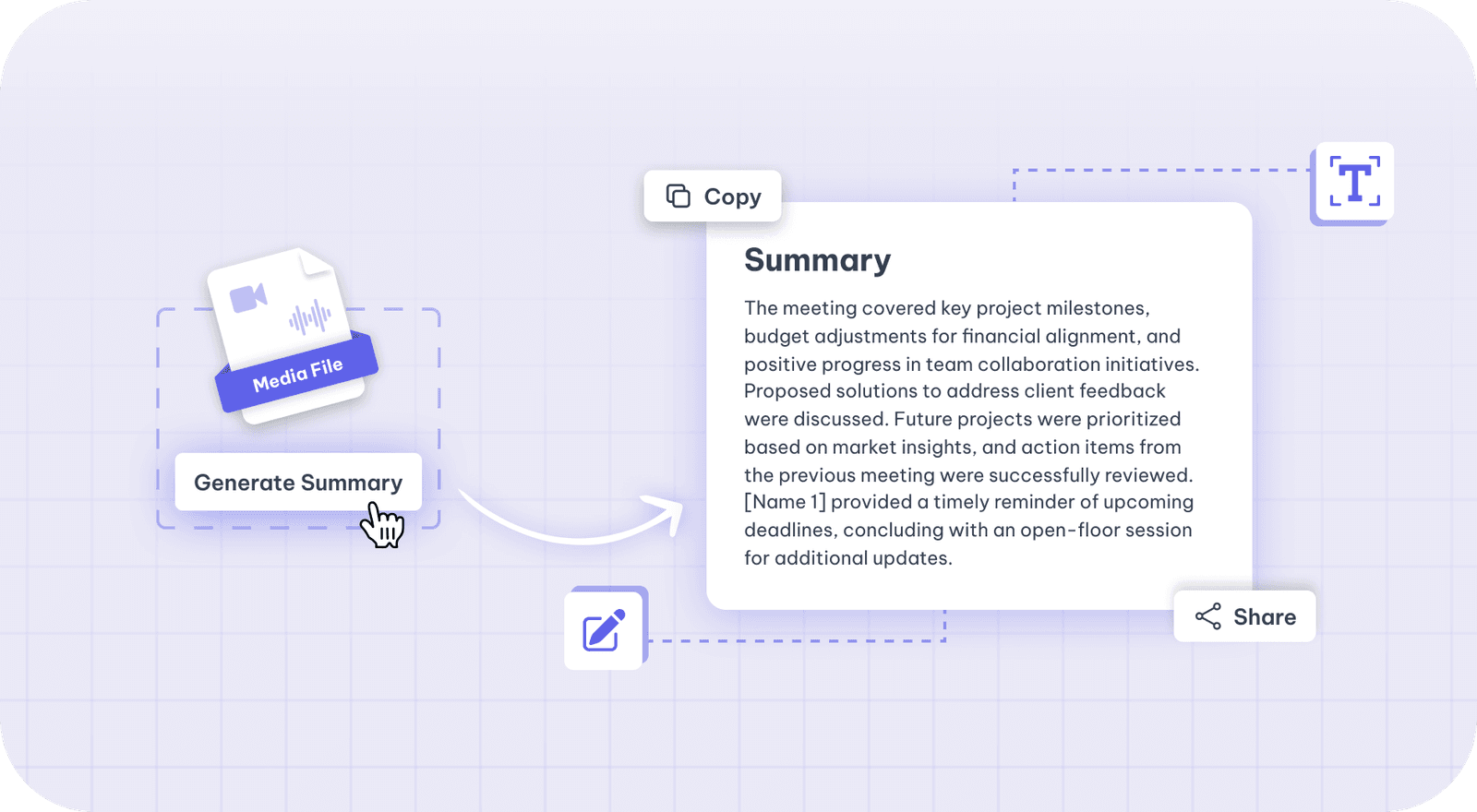
Clips, burned-in captions, subtitle files, chapters, show notes, blog drafts and social posts — all generated from the one recording.
The full list, in plain text — every tool page on one screen.
Drop in a recording and work from the transcript — clips, captions, chapters, show notes and posts all come from the same file.