 English
Auto English Subtitle Generator
Generate English subtitles from your video's speech, edit the text and timing in the subtitle editor, and download SRT or VTT files or burn styled captions into the video.
English Subtitles from Your Video's Speech
Upload an English video or paste a link, then edit, translate and export the subtitles.
Subtitles from speech
Exemplary AI transcribes the English speech in your video and splits it into timed captions.
Subtitle editor
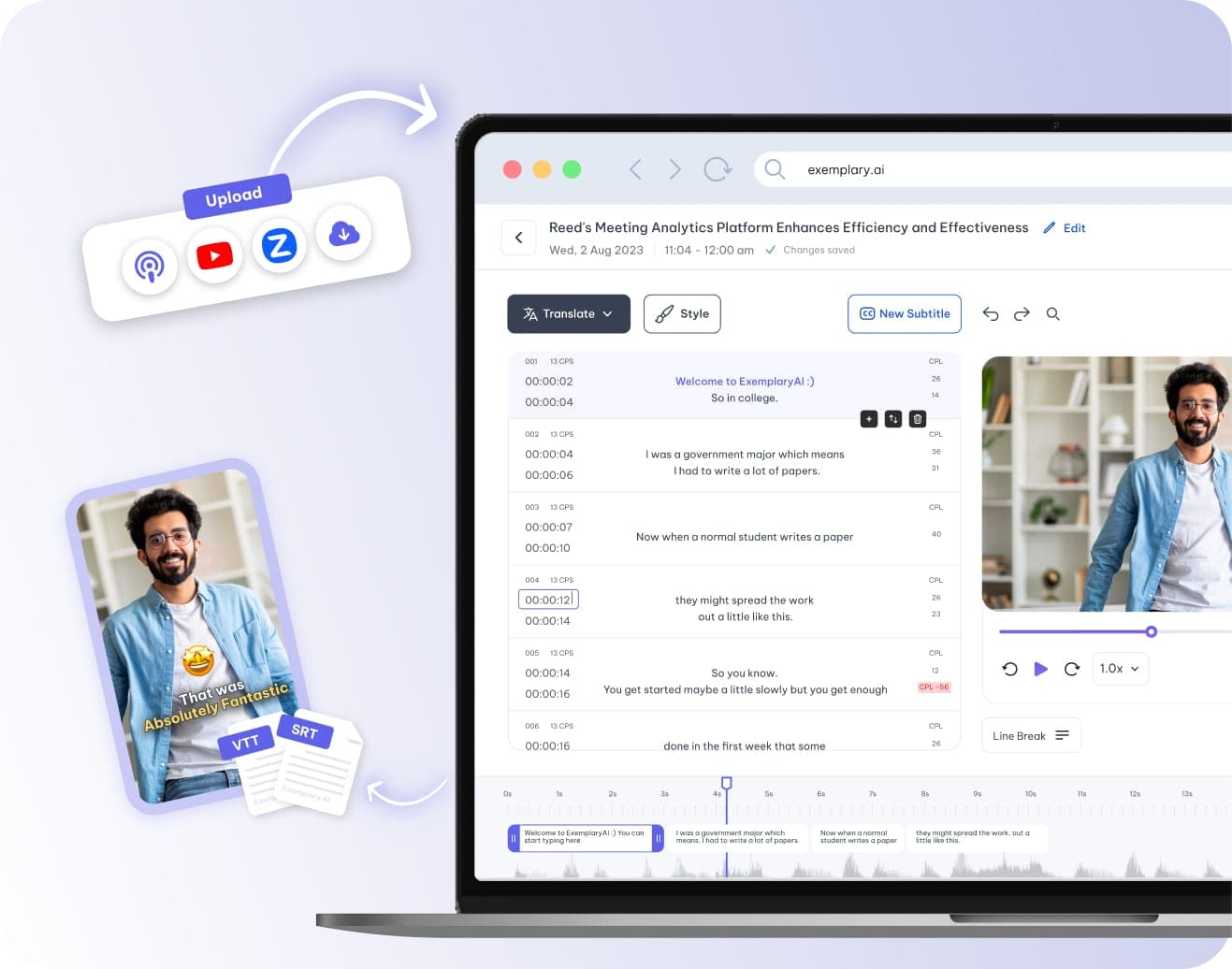
Correct the English text, drag captions on the timeline and set lines and characters per line. For a text transcript instead, see English transcription.
Translate or burn in
Translate the subtitles into any of 116 languages, or style them in the video editor and burn them into the video.
How to add English subtitles to a video
Add the video
Upload an English video or paste a YouTube, TikTok, Vimeo or X link.
Choose English
Pick English as the spoken language and start.
Edit the captions
Correct the words, drag each caption's start and end on the timeline, and set the maximum lines and characters per line.
Download or burn in
Download SRT, VTT or TXT files, or style the captions in the video editor and download the video with them burned in.
Common questions
Can Exemplary AI generate English subtitles?
Which subtitle files can I download?
Can I fix the timing of English subtitles?
Can I translate subtitles into English?
One upload. Every format you need.
Drop in a recording and work from the transcript — clips, captions, chapters, show notes and posts all come from the same file.