Can AI Edit Videos for You? Emmy vs Underlord vs Agent Opus
What AI video assistants can edit today, and what still needs you. Emmy, Descript's Underlord and OpusClip's Agent Opus compared from their own docs.

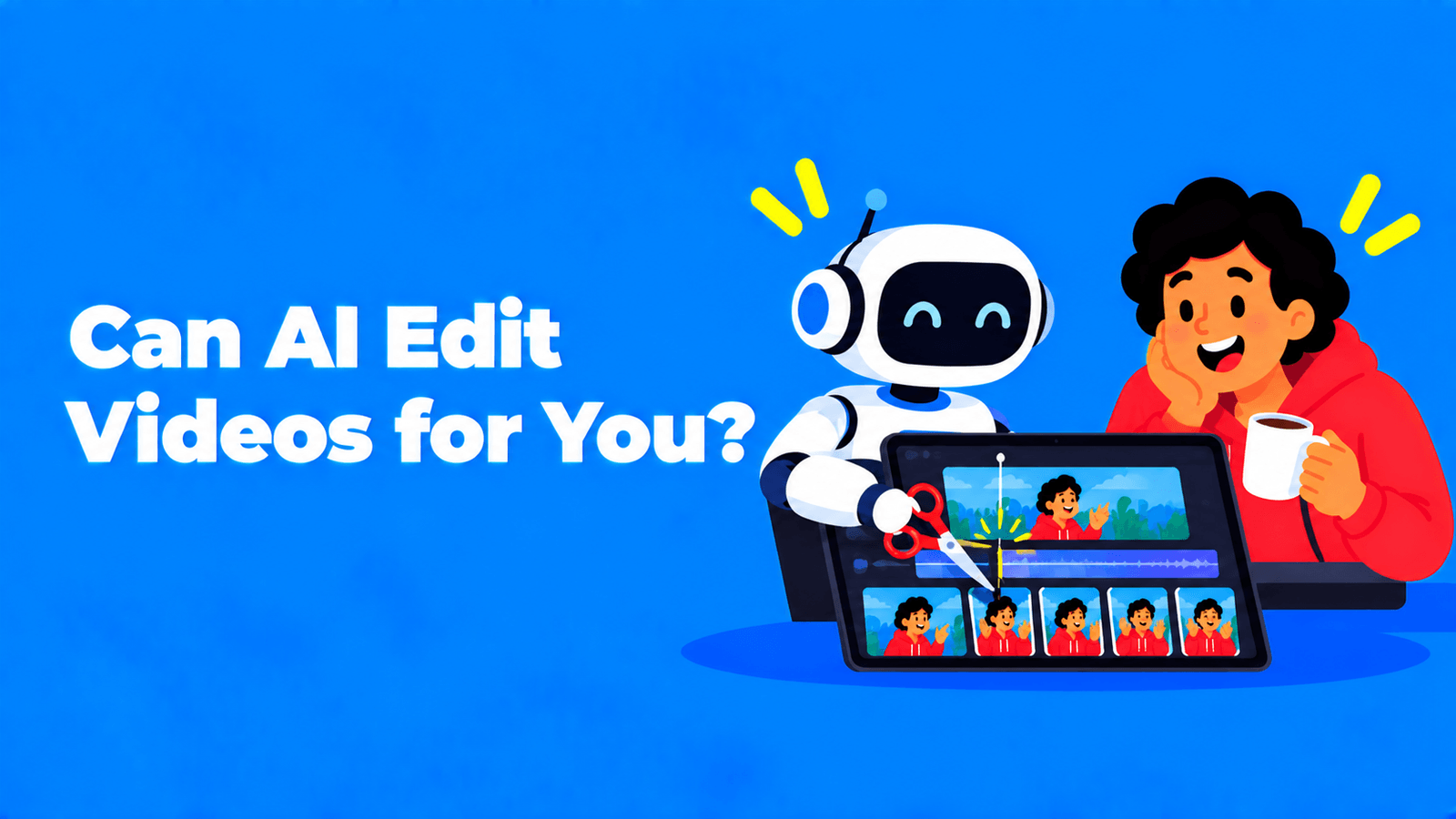
Partly. In 2026, AI assistants can make real edits when you ask in plain words: they can cut silences and filler words, pull clips from a long recording, add captions, B-roll and zooms, translate, and draft the posts that go with the video. What they can't do yet is decide what your video is about, judge the pacing a human editor would choose, or take responsibility for a mistake. So you still review every edit. Three assistants show the range: Emmy (Exemplary AI) works from your transcript and edits clips, Underlord (Descript) is a co-editor inside a full video editor, and Agent Opus (OpusClip) generates new videos from an idea, audio or brand assets rather than editing your footage.
Disclosure: Emmy is our product. We describe Underlord and Agent Opus only from Descript's and OpusClip's own pages, and we haven't run a head-to-head test, so there are no scores here.
Three kinds of "AI video editing"
It helps to separate three jobs that all get called AI editing:
- Editing your footage by instruction. You say "remove the pauses" or "add zooms on the key lines", and the assistant changes your timeline.
- Clipping. The assistant finds moments in a long video and turns them into short, captioned, vertical clips.
- Generating. The assistant makes a new video from a prompt, a script or audio, using generated or stock visuals.
Emmy covers the first two for talk-based recordings. Underlord covers the first two inside a complete editor. Agent Opus is mainly the third.
Emmy vs Underlord vs Agent Opus
| Emmy (Exemplary AI) | Underlord (Descript) | Agent Opus (OpusClip) | |
|---|---|---|---|
| What it is | A chat assistant beside every transcript | Descript's "AI co-editor", in beta | "An AI video generator and the first AI video agent for social media" |
| Starts from | Your recording and its transcript | Your Descript project | An idea, uploaded audio or your brand assets |
| Edits your footage | Yes, clip projects: cuts, silences and filler words, transitions, B-roll, music, zooms, caption emojis | Yes: captions, clip splitting, animations and transitions, translation, sound and music adjustments | Not its main job; it generates new videos |
| Where it lives | Beside each transcript, and in the clip editor | The right-hand sidebar of any Descript project | OpusClip |
| Access | Every plan, including Free; messages use credits | Limited use on Descript's Free plan, more on paid plans; prompts use AI credits | 90 free credits to start; AI video B-roll powered by Agent Opus is on OpusClip's Pro and Business plans |
Sources: Descript's Underlord page and help article; OpusClip's Agent Opus page and pricing. Emmy's capabilities are from our own product.
Emmy (our product)
Emmy sits next to every transcript; press Ask Emmy to open it. You ask in your own words, and it answers from the recording, citing the moment each answer came from so you can jump there. What it can do today:
- Answer and write. Summaries, quotable moments, and drafts of posts, show notes, titles, newsletters and other content, with 17 content types in all.
- Cut clips. It picks the time range from the transcript and makes a clip project in 9:16, 16:9, 1:1 or 4:5, with captions and automatic framing that aims to keep the speaker in shot.
- Make an audiogram from a quote.
- Finish a clip in the editor. Add B-roll from stock footage, background music from your own audio files, punch-in zooms on key phrases, and emojis in captions.
- Clean up the cut. Remove silences and filler words (it shows you the proposed cut first, then applies it), delete a stretch of the video by time, and add or remove transitions.
- Translate the transcript into another language.
What Emmy can't do yet: restyle caption fonts, reorder scenes, reframe a clip that already exists, or export and publish for you. Some editing tools, like silence removal, only work while the clip is open in the editor.
Best for: podcasts, interviews, webinars and other talk-based video, where the transcript is the fastest way to find and cut what matters. You can see Emmy on the Exemplary AI home page, and the AI clip maker covers clipping in more depth.
Underlord (Descript)
Descript describes Underlord as "Descript's AI co-editor built specifically for video editing," and it's still labelled beta (Descript Help). You open a project, click the Underlord icon in the right-hand sidebar, and chat. Descript lists work such as adding social captions, creating vertical clips, applying zooms to emphasised moments, translating subtitles, adjusting audio levels and turning slides into narrated videos. The product page adds examples like improving energy and pacing, hiding jump cuts with zooms, condensing footage to a topic and making trailers from longer recordings (Descript).
Descript is candid about the limits: Underlord "can do remarkable things, but they're still learning and sometimes get things wrong," and it may "overpromise, make incorrect assumptions, or follow you into workflows it's not equipped to complete." You can undo or roll back its changes. Each prompt uses AI credits, and the cost varies with the task.
Best for: people who want an assistant inside a full editor, especially for long-form video they'll finish in Descript. For more on Descript, see our text-based video editors guide.
Agent Opus (OpusClip)
OpusClip describes Agent Opus as "an AI video generator and the first AI video agent for social media, turning any idea into stunning videos instantly." You start with an idea or upload audio. OpusClip says you can remix viral formats, upload brand assets once to generate new ad variants, and feed in "brand assets, voice, and style" so every video "looks and sounds like you" (OpusClip). New users get 90 free credits. In the OpusClip clipping product, "AI video B-Roll (powered by Agent Opus)" is listed on the Pro and Business plans (OpusClip pricing).
Best for: brands and creators who want new videos, such as ads, explainers or audio-to-video pieces, without filming. It isn't the tool for tightening an interview you've already recorded. For OpusClip's clipping side, see our OpusClip alternatives guide.
What AI editing does well, and what still needs you
AI handles well:
- Finding moments in hours of talk, because it can search the transcript.
- Repetitive cleanup: silences, filler words, captions.
- First drafts: a rough cut, clip candidates, a caption file, a post.
- Fast variations: the same clip in three aspect ratios, or in another language.
Still needs you:
- The point of the video. An assistant can find "quotable" lines; it doesn't know which one serves your goal this week.
- Pacing and taste. When a pause is dramatic and when it's dead air is a judgement call.
- Facts and names. Check captions and translations for names, numbers and jargon.
- The final check. Use whatever preview, undo or regenerate options your tool gives you before anything goes live.
Which one should you use?
- You record conversations and publish clips and posts from them: Emmy.
- You edit full videos and want an assistant inside a complete editor: Underlord.
- You need new videos or ad variants without filming: Agent Opus.
- You want a broad view of editors first: our best AI video editors for YouTube.
More assistants are on the way. At Made on YouTube in September 2026, YouTube announced a conversational editing assistant for Shorts and the YouTube Create app (Social Media Today); we cover it in YouTube's coming AI editor for Shorts. Instagram's Edits app is also testing an AI assistant (Social Media Today).
FAQ
Can AI edit a whole video for me?
It can do a first pass: cut pauses and filler words, add captions, find clips, add B-roll and zooms. The structure, pacing and final check are still yours. Treat the result as a draft from a fast assistant, not a finished edit.
Is Descript's Underlord free?
Descript's Free plan includes limited use of Underlord; paid plans include more, and each prompt uses AI credits. It's still labelled beta.
Is Agent Opus a video editor?
OpusClip describes it as an AI video generator and agent. It makes new videos from ideas, audio or brand assets. For cutting clips from a video you've recorded, OpusClip's main clipping tool is the closer fit.
What can Emmy do?
Answer questions about a recording with timestamps, write posts and other content from it, cut captioned clips in four aspect ratios, make audiograms, translate the transcript, and in the clip editor remove silences and filler words, add B-roll, music, zooms, transitions and caption emojis.
Can I undo AI edits?
Descript says you can undo or roll back Underlord's changes. Emmy's silence and filler-word removal shows you the proposed cut before it's applied, and the applied cut can be undone as one step.