How to Make Podcast Clips for TikTok and Instagram
Find self-contained moments, cut to the hook, reframe to 9:16, add captions and post natively. Plus the 3-minute Reels rule and each app's caption tools.

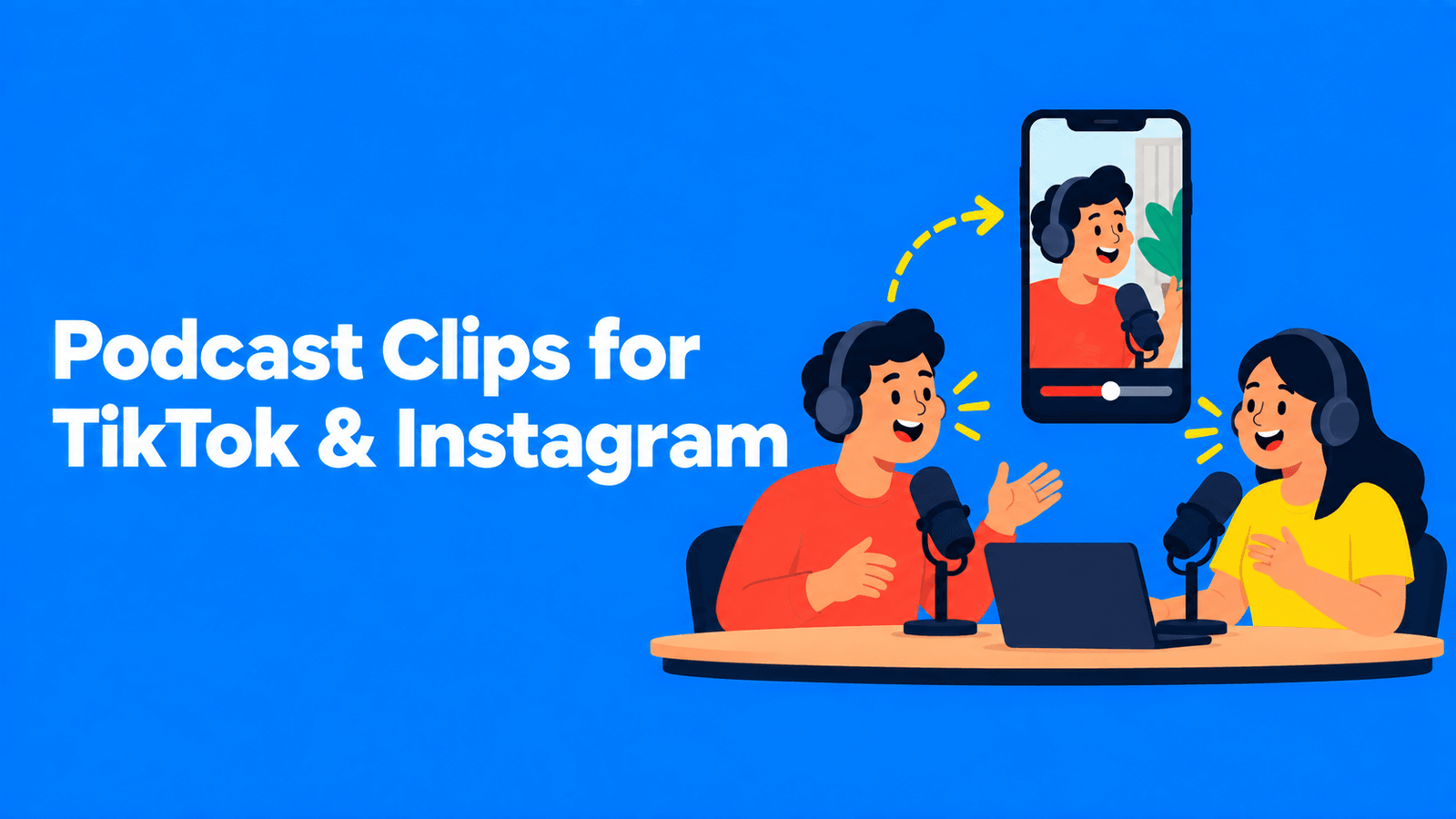
To make podcast clips for TikTok and Instagram, pick moments from the episode that make sense on their own, cut each one to start on its strongest line, reframe it to vertical 9:16, add captions, and post it natively to each app. Keep Instagram clips at 3 minutes or less: Reels can run up to 20 minutes, but Instagram says "Reels over 3 minutes won't be recommended to new audiences" (Instagram Help). The steps below work whether you edit by hand or use an AI clipping tool.
Checked against Instagram's help center on September 30, 2026. The TikTok caption steps are from TikTok's help center as published in February 2026.
What you need before you start
- The video recording of the episode, ideally the separate camera angles or the full-resolution export, not a compressed upload.
- A transcript. You'll find moments much faster by reading than by scrubbing a timeline.
- Permission from your guests to cut their words into short clips, if your guest agreement doesn't already cover it.
If your show is audio-only, you can still post to TikTok and Instagram with an audiogram: a waveform, captions and a background image (see the FAQ).
Step 1: Find the moments
Read the transcript and mark passages that a stranger could understand without hearing the rest of the episode. These tend to work:
- A clear opinion, stated in one or two sentences, then backed up.
- A short story with a beginning, a turn and an ending.
- An answer to a question your audience actually searches for, such as "how do I…" or "is it worth…".
- A surprising number or fact from the guest, with the context that makes it land.
- A disagreement between host and guest that resolves.
Skip anything that relies on "as I said earlier", inside jokes, or a slide the viewer can't see. One test: read the first line of the clip out loud. If it doesn't make sense without the previous minute, move the start point.
Step 2: Cut each clip
- Start on the hook. Open on the claim, the question or the payoff line. Cut the "yeah, so" and the host's long setup.
- End on the payoff. Stop right after the point lands. A clip that trails off into the next topic loses people at the end.
- Keep one idea per clip. If a passage makes two points, make two clips.
- Watch the length. There's no official ideal length. Our rule of thumb is to cut until the clip can't get shorter without losing the point, which for most podcast moments is somewhere between 30 and 90 seconds. On Instagram, stay at or under 3 minutes if you want the clip shown to people who don't follow you.
Step 3: Reframe for vertical
Most podcast video is recorded wide (16:9). TikTok and Reels are vertical, so you'll crop to 9:16, usually 1080 × 1920.
- One speaker on screen: crop to that person and keep their face in the upper half of the frame, where it won't be covered by captions or the app's buttons.
- Two people talking: use a split layout, host on top and guest below, or switch the crop to whoever is speaking.
- Wide shot only: fit the full frame in the middle with a blurred or branded background above and below.
More options are in how to convert horizontal video to vertical.
Step 4: Add captions
Captions make the clip work for people watching with the sound off, in a noisy place, or in a second language, and they help people who are deaf or hard of hearing. You have two routes:
Burn captions in before you post. Styled captions become part of the video, so they look the same on TikTok, Instagram and anywhere else you post. This is the usual choice for podcast clips, because you post the same file on several platforms.
Use each app's caption tools.
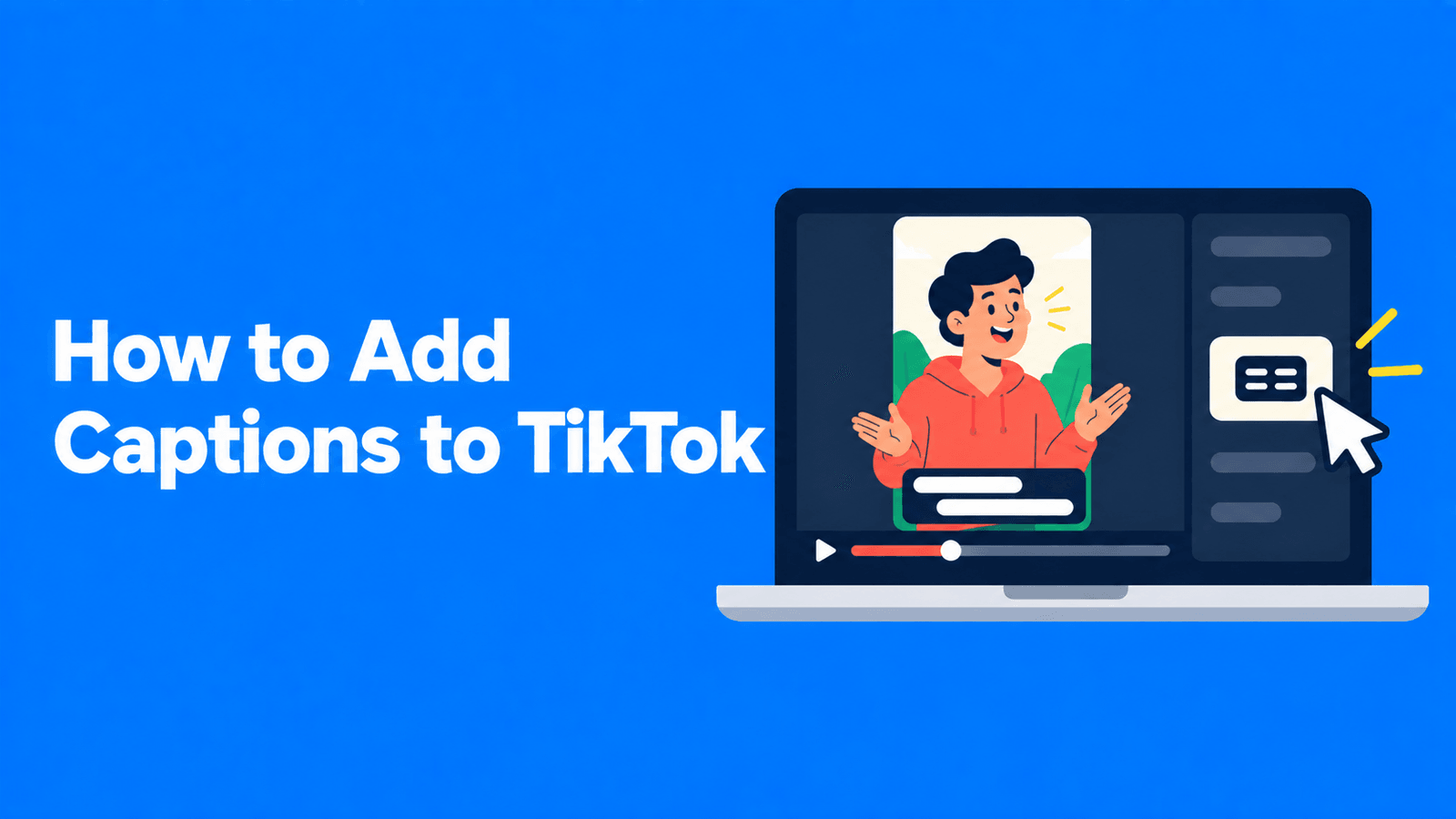
- TikTok automatically generates captions for videos you upload. You can pick the caption language under More options > Select video language on the post screen, and edit them later by tapping the caption on your video and choosing Edit captions. TikTok also has creator captions, which you style yourself: tap Captions on the side panel of the preview screen and the speech is transcribed for you to edit (TikTok Support).
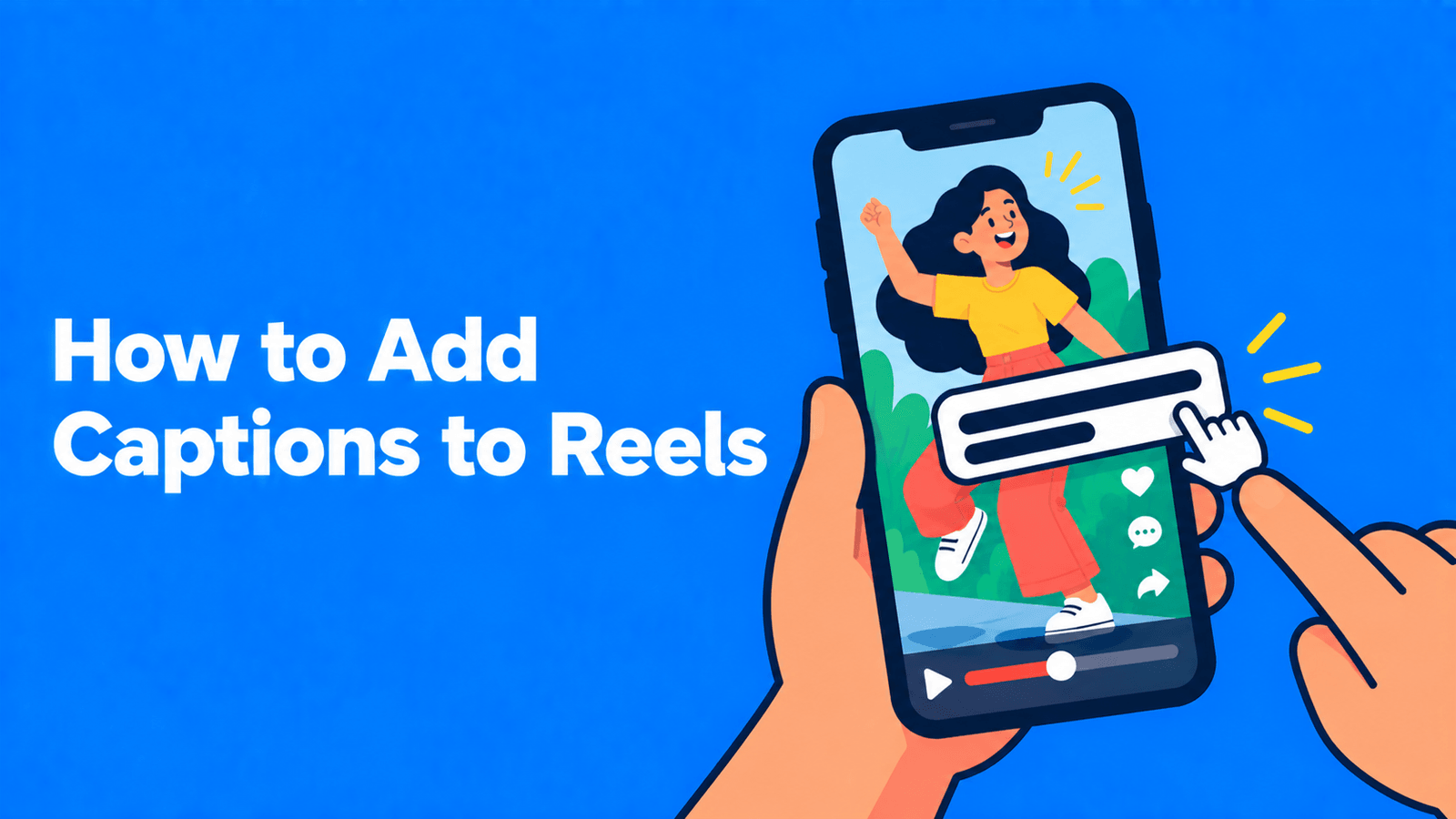
- Instagram has a captions sticker that "automatically transcribes your video's audio"; you can change its color and font and edit individual words (Instagram Help). Instagram's separate Edits app can also generate captions, with a choice of language and style (Instagram Help).
Whichever you use, proofread names, brand terms and numbers. Speech recognition gets these wrong more often than anything else. For platform-by-platform detail, see how to add captions to TikTok and how to add captions to Instagram Reels.
Step 5: Post natively and point back to the episode
- Upload to each app directly rather than sharing a link to YouTube or your podcast host.
- Write a caption (the post text) that gives context: who's speaking, what show it's from and why it matters.
- Point to the full episode through your profile link or a pinned comment.
- Post the best clip first. If a clip does well, cut a second one from the same part of the episode.
Doing it faster with an AI clipping tool
Cutting clips by hand takes time: finding, trimming, reframing and captioning each one. An AI clipping tool does the first pass for you. Disclosure: Exemplary AI is our product; other tools that do similar work are compared in our Opus Clip alternatives guide.
With Exemplary AI's podcast clip generator:
- Upload the episode (MP4, MOV, WEBM or MKV) or paste a YouTube link. The episode must be at least 10 minutes long for AI suggestions.
- Choose the "Podcast" category and a clip length: under 30 seconds, 30 to 45, 45 to 60, 60 to 90, or 90 seconds to 3 minutes.
- Review the suggested clips, which come sorted by a virality score (an estimate, not a promise).
- Switch to 9:16 and choose a layout: fill, fit, or a split screen for two, three or four speakers.
- Pick a caption style, fix any wrong words, and export each clip as an MP4.
You then post the clips yourself. The Free plan exports at 720p with a watermark; see pricing for paid plans. Treat the AI's picks as a shortlist and watch every clip before you post it.
For a wider plan on reusing each episode, including blog posts and newsletters, see how to repurpose podcast content.
FAQ
How long should a podcast clip be for TikTok and Instagram?
Neither app publishes an ideal length. Keep each clip as short as the point allows, which is usually under 90 seconds. On Instagram, stay at or under 3 minutes if you want the Reel recommended to people who don't follow you (Instagram Help).
What size should podcast clips be?
Vertical 9:16, which is 1080 × 1920 pixels at full HD. Keep faces and captions away from the very top and bottom of the frame, where the apps overlay their own buttons and text.
Can I post the same clip on TikTok and Instagram?
Yes. They're your own clips, so export one clean file and upload it to each app. Burning the captions in first means you don't have to redo them on each platform.
How many clips should I make from one episode?
There's no rule. Make one for each genuinely self-contained moment, post the strongest first, and see which topics your audience responds to before cutting more from the same episode.
Do I need video to post a podcast on TikTok or Instagram?
Both apps need a video file, but it doesn't have to be camera footage. An audiogram turns an audio clip into a video with a waveform and captions; Exemplary AI's audiogram maker is one way to make one.