Podcast Show Notes Template (With Examples)
A copy-ready podcast show notes template, four filled-in examples, and the Apple Podcasts, Spotify and YouTube rules for descriptions and chapters.

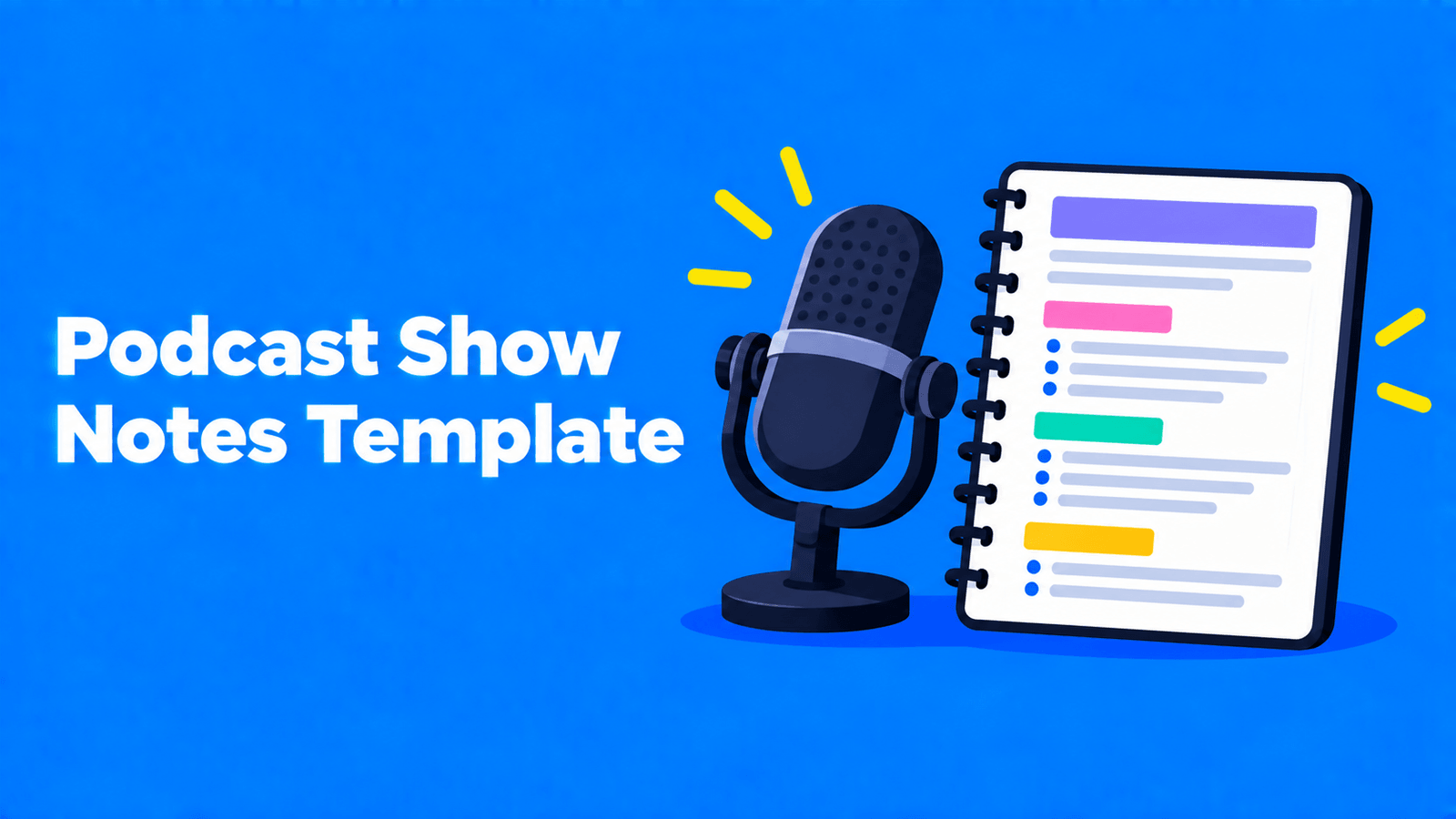
Good podcast show notes answer three questions fast: what is this episode about, who is in it, and where do I find the things that were mentioned? The template below covers that in eight parts: a one-line hook, a short summary, the guest, key points, chapters, links, where to find the guest, and credits with a call to action. Copy it, fill in the brackets, and cut any part that doesn't apply. There's plenty of room for it: Apple Podcasts Connect accepts episode descriptions of up to 10,000 characters (Apple Podcasts for Creators), and YouTube descriptions go up to 5,000 characters (YouTube Help). The real limit is how much a listener will read, so lead with the hook.
Platform rules below were checked against Apple Podcasts for Creators, Spotify for Creators and YouTube Help on September 30, 2026.
The show notes template
Copy this into your hosting platform's episode description field:
1[One-line hook: the most useful thing a listener gets from this episode.]2 3[Two or three sentences: who is talking, what they cover, and why it matters now.]4 5Guest: [Name], [role] at [organisation]. [One line on why they're worth hearing.]6 7In this episode:8- [Key point or question 1]9- [Key point or question 2]10- [Key point or question 3]11 12Chapters:1300:00 [Intro]14[mm:ss] [Topic 1]15[mm:ss] [Topic 2]16[mm:ss] [Topic 3]17 18Mentioned in this episode:19- [Resource name]: [https link]20- [Book, tool or article]: [https link]21 22Find [Guest]: [website] | [social handle]23 24Transcript: [link, if you publish one]25 26Hosted by [name]. Produced by [name]. Music: [track and licence].27[Sponsor disclosure, if there is one.]28[One call to action: follow, rate, join the newsletter.]What each part does
| Part | What to write | Tip |
|---|---|---|
| Hook | One sentence on the payoff | Write it last, once you know the best moment |
| Summary | Two or three sentences in plain language | Say who, what and why now. Skip "In this episode, we..." |
| Guest | Name, role, one line of credibility | Use the spelling and title the guest uses |
| Key points | Three to five bullets | Phrase them as takeaways or questions answered |
| Chapters | Timestamps with short titles | Follow the format rules below so apps turn them into chapters |
| Links | Everything named on the episode | Check each link works and uses https |
| Find the guest | One or two links | Ask the guest which ones they want listed |
| Credits and call to action | Host, producer, music, sponsor, one ask | Pick one ask, not five |
Four examples
These are illustrative. The shows, guests and links are invented to show the template in use.
1. Interview episode
1Why most small bakeries lose money on wholesale, and the one number that tells you if yours will.2 3Host Priya talks with bakery owner Tom Reyes about the year he nearly closed after signing three café contracts, and how he rebuilt his pricing from ingredient cost up.4 5Guest: Tom Reyes, owner of a two-shop bakery. He has run wholesale accounts for eight years.6 7In this episode:8- How to price wholesale when your retail margin is already thin9- The contract clause Tom now refuses to sign10- When to say no to a big account11 12Chapters:1300:00 Intro1401:40 The contracts that nearly closed the shop1512:05 Pricing from ingredient cost up1627:30 Contract terms to avoid1738:15 Listener questions18 19Mentioned in this episode:20- Tom's pricing worksheet: https://example.com/worksheet21 22Hosted by Priya. Produced by Sam. Music licensed from [library].23Follow the show so you don't miss next week's episode on hiring.2. Solo episode
1Three ways to plan a month of content in one afternoon, with the template I use.2 3A solo episode on batching: how I pick themes, outline ten episodes in two hours, and what I stopped doing after a year of trying.4 5In this episode:6- Picking a monthly theme from listener questions7- Outlining ten episodes in one sitting8- What to leave out of an outline9 10Chapters:1100:00 Intro1200:45 Why I batch1306:30 Picking the theme1415:10 The outline template1524:00 What I stopped doing16 17Mentioned in this episode:18- The outline template: https://example.com/template19 20Questions for a future episode? Reply to the newsletter: https://example.com/newsletter3. Narrative or serial episode
1Episode 4: The Letter. A box of letters turns up in the attic, and one of them is addressed to someone who was never supposed to exist.2 3Content note: this episode discusses a death in the family.4 5Chapters:600:00 Previously702:10 The attic811:45 The first letter923:30 The archive1034:00 What the date means11 12Sources and further reading: https://example.com/episode-4-sources13 14Written and produced by [name]. Original score by [name].15New episodes every Tuesday. Start from Episode 1 if you're new.For serial shows, Apple Podcasts makes episode numbers mandatory; for episodic shows they're optional but encouraged (Apple Podcasts for Creators). Put the number in the episode number field, not only in the text.
4. Video podcast on YouTube
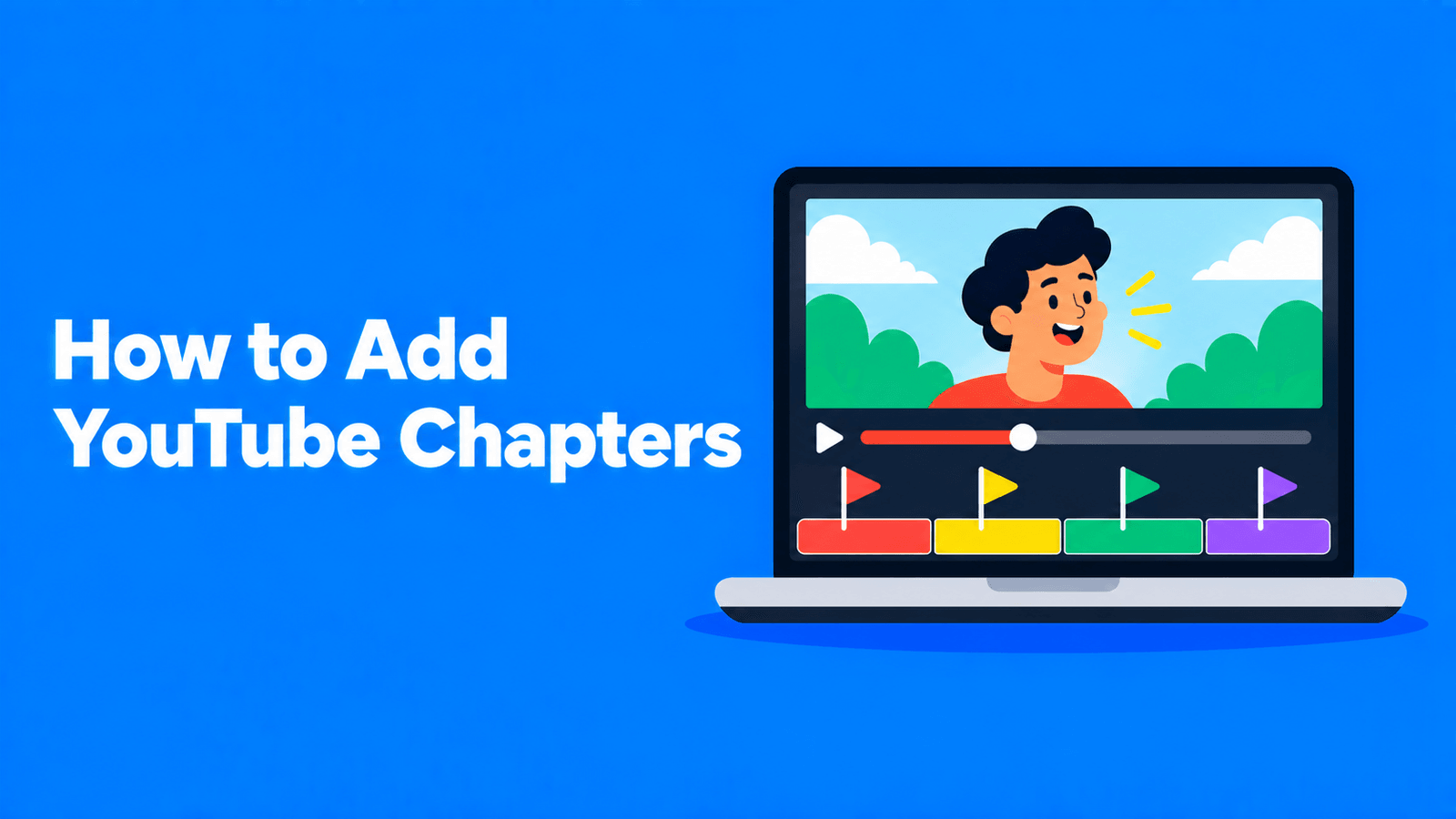
1We tested four budget microphones on the same voice. Here's the one we'd buy.2 3Side-by-side tests, noisy-room tests, and why the cheapest one surprised us.4 5Chapters:600:00 Intro701:10 How we tested804:30 Microphone 1909:45 Microphone 21015:20 Microphone 31120:05 Microphone 41225:40 Our pick13 14Gear mentioned: https://example.com/gear15Audio-only version: [podcast app link]16 17#podcasting #microphonesOn YouTube, the chapter list only becomes chapters if it follows YouTube's rules (below), and the description can't exceed 5,000 characters. For more on the YouTube side, see our YouTube description template and guide to YouTube timestamps and chapters.
Platform rules that affect your show notes
Apple Podcasts
- When you create an episode in Apple Podcasts Connect, the name can be up to 150 characters and the description up to 10,000 characters (Apple Podcasts for Creators).
- Titles and descriptions "must always accurately represent" the episode. Apple automatically censors certain explicit words in titles, so it asks creators not to self-censor language in titles or descriptions, and to mark explicit episodes with the Explicit tag (Apple Podcasts for Creators).
- Apple generates transcripts automatically after an episode is published, for podcasts in English, Danish, Dutch, Finnish, French, German, Italian, Norwegian, Portuguese, Spanish and Swedish, on iOS 17.4 or later. You can supply your own transcript as a VTT or SRT file instead (Apple Podcasts for Creators).
Spotify for Creators
- If Spotify hosts your show, the editor supports bold, italics, bulleted and numbered lists, and links, and you can switch to HTML. If you host elsewhere, Spotify supports a small set of HTML tags in your RSS description: links (https only), level-one and level-two headings, bulleted and numbered lists, paragraphs and line breaks (Spotify for Creators).
- Spotify warns that "your episode descriptions might look different on different platforms", so keep the formatting simple.
YouTube
- Titles can be up to 100 characters and descriptions up to 5,000 (YouTube Help).
- Chapters need a first timestamp of 00:00, at least three timestamps in ascending order, and chapters of at least 10 seconds (YouTube Help).
Chapter timestamps that work on Spotify and YouTube
Spotify and YouTube can both turn timestamps in the description into chapters, but their rules differ slightly. If you meet the stricter of each rule, one chapter list works on both:
- Start at 00:00. Both platforms require it (Spotify for Creators, YouTube Help).
- Use at least three chapters, in time order.
- Leave at least 30 seconds between chapters. Spotify needs 30 seconds; YouTube's minimum is 10.
- Put each chapter on its own line, written as "timestamp title", for example
12:05 Pricing from ingredient cost up. Spotify accepts MM:SS and HH:MM:SS, with or without brackets. - Keep titles in plain text. Spotify asks for no emojis or HTML, and suggests titles under 40 characters.
Spotify notes that description updates can take a few hours to show up across listening platforms.
Draft show notes from the transcript
Most of the template can be filled from a transcript: the key points, the chapter times, the links people mentioned. Exemplary AI (our product) transcribes an episode and drafts show notes, chapters, key quotes and title ideas from it, and the chapter generator turns an episode into timestamps. Treat the drafts as a first pass. Check every timestamp against the final edit, and check every link yourself.
For the SEO side of show notes, such as keywords, titles and linking, see podcast show notes that boost SEO. To turn an episode into a full article, see how to turn a podcast into a blog post.
Checklist before you publish
- The first line works on its own, without the rest of the notes.
- Guest name, title and links are spelled the way the guest wants.
- Chapters start at 00:00, are in order, are at least 30 seconds apart and match the final edit.
- Every link opens and uses https.
- Sponsor disclosures are included.
- Explicit episodes are marked as explicit.
- The episode number is set in its field (required for serial shows on Apple Podcasts).
FAQ
What should podcast show notes include?
A hook, a short summary, the guest's name and role, three to five key points, chapter timestamps, links to everything mentioned, and credits with one call to action. Leave out anything your show doesn't use.
How long should podcast show notes be?
Long enough to cover the episode, and no longer. The platform limits are generous: up to 10,000 characters in Apple Podcasts Connect and 5,000 on YouTube. Most of the value sits in the first line and the chapter list.
Are show notes the same as the episode description?
On most platforms, yes. You write them in the episode description field, and your host sends that text to the podcast apps. On Spotify, formatting can look different from app to app.
Do timestamps in show notes create chapters?
On Spotify and YouTube they can, if they follow each platform's format rules: start at 00:00, at least three chapters in order, and at least 30 seconds apart on Spotify (10 seconds on YouTube).
Should I paste the full transcript into the show notes?
You don't need to. Apple Podcasts generates transcripts for supported languages, and lets you supply a VTT or SRT file instead (Apple Podcasts for Creators). A link to a transcript page keeps the notes readable.