How to Add Timestamps and Chapters on YouTube
Add chapters by listing timestamps in the description: start at 00:00, at least three, each 10+ seconds. Fixes for missing chapters, auto chapters and Google.

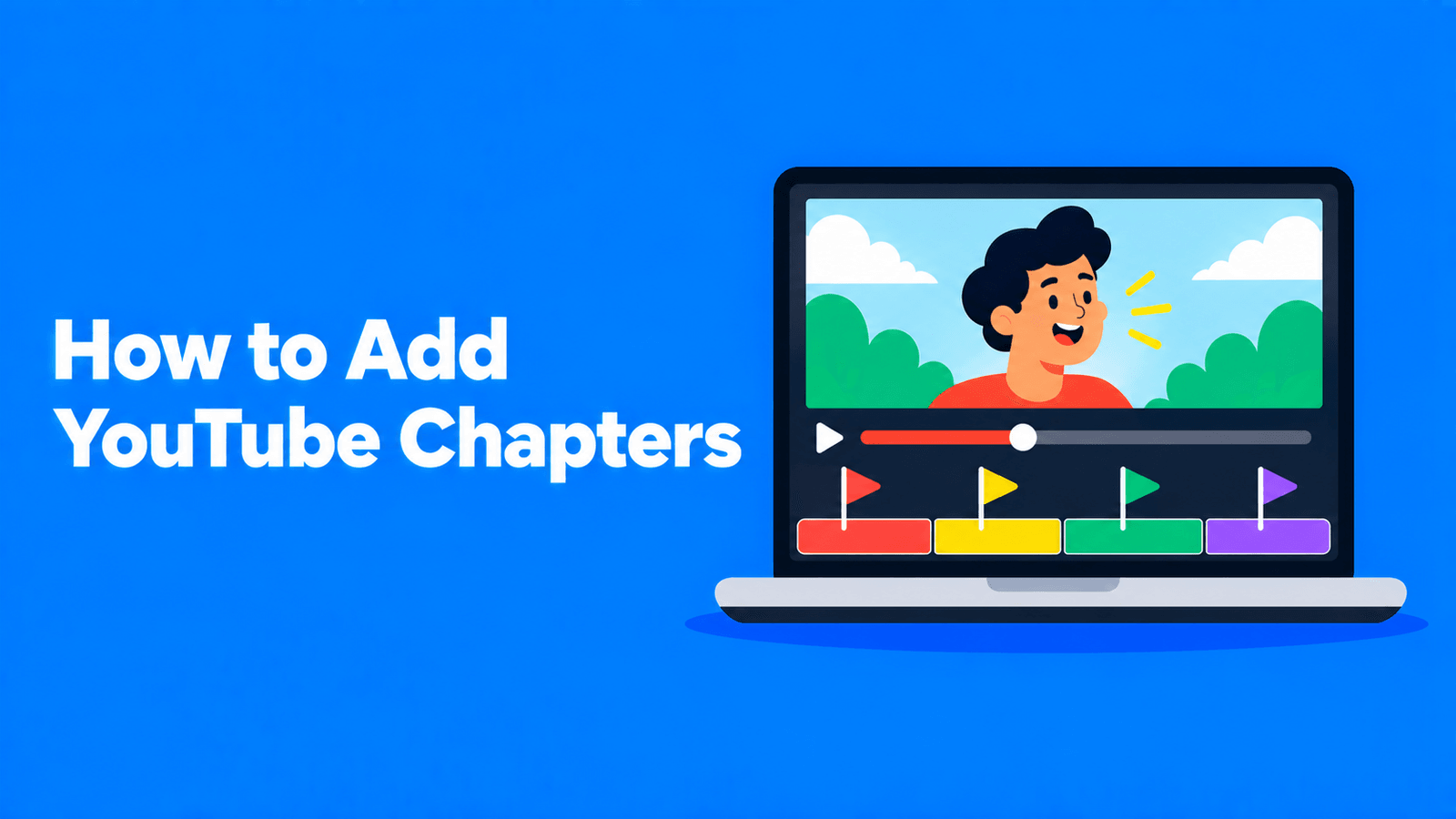
To add chapters to a YouTube video, open the video in YouTube Studio and type a list of timestamps with titles into the description. YouTube turns the list into chapters when three rules are met: the first timestamp is 00:00, there are at least three timestamps in ascending order, and every chapter is at least 10 seconds long. Then click Save (YouTube Help). If nothing appears, your channel may not have access to advanced features yet, or it has an active strike. Both are explained below, along with automatic chapters and how chapters show up in Google Search.
Checked against YouTube's and Google's help pages on September 30, 2026.
Step by step
- Sign in to YouTube Studio.
- Select Content in the left menu.
- Click the video you want to edit.
- In the Description, add a list of timestamps and titles, one per line.
- Click Save.
You can also add the list when you first upload the video. Chapters come from the description text, so the same rules apply wherever you edit it.
The format that works
100:00 Intro200:42 Why most home studios sound echoey302:15 Treating the room for under $100405:30 Choosing a microphone509:05 Recording settings612:40 Mistakes to avoidFor videos over an hour, add the hour: 1:05:30 Q&A. A common place for the list is right after the opening lines. If your description also has a "Correction:" section, YouTube says that section should come after any chapters (YouTube Help).
Why your chapters aren't showing
| Problem | Fix |
|---|---|
| The first timestamp isn't 00:00 | Start the list at 00:00, even if the first chapter is just "Intro" |
| Fewer than three timestamps | Add at least three |
| Timestamps are out of order | List them in ascending order |
| A chapter is shorter than 10 seconds | Merge it with the next one |
| Your channel doesn't have advanced features | Chapters are an advanced feature. Channels with enough history usually qualify automatically; you can also verify your identity with a valid ID or a video (YouTube Help) |
| The channel has an active strike, or the video may be inappropriate for some viewers | Chapters aren't available in these cases (YouTube Help) |
Also check you're editing the description itself. YouTube reads chapters from the description, so timestamps in a pinned comment won't create them.
Automatic chapters
YouTube can also create chapters for you. In YouTube Studio, open the video, click Show more, and under Automatic chapters make sure "Allow automatic chapters" is ticked. YouTube says this box is checked by default for new uploads, but "not all videos are eligible for automatic chapters, and not all eligible videos will have automatic chapters" (YouTube Help).
A few things to know:
- Your own timestamps win. Adding timestamps to the description overrides automatic chapters.
- You can opt out for one video by unticking the box, or for all future uploads under Settings > Upload defaults > Advanced settings by unticking "Allow automatic chapters (when available and eligible)".
- Chapters may also appear in the transcript.
Automatic chapters are a reasonable fallback, but they're not written by someone who knows which moments matter. If you care about how viewers navigate the video, write your own.
Chapters and Google Search
Google Search can show "key moments" for videos, which let people jump to a section from the search results. Google says it tries to detect segments automatically, but "will prioritize key moments set by you, either through structured data or the YouTube description" (Google Search Central).
Google's guidelines for YouTube descriptions are close to YouTube's own:
- Write timestamps as [hour]:[minute]:[second], leaving out the hour if there isn't one.
- Put the label on the same line as its timestamp, and each timestamp on a new line.
- Make sure each label has at least one word.
- List the timestamps in chronological order.
How to write good chapter titles
- Describe the content, not the structure. "Choosing a microphone" beats "Part 3".
- Use the words people search for. Chapter titles are part of your description, and YouTube matches search terms with description text (YouTube Help).
- Keep them short. A few words each, so they fit on the progress bar preview.
- Split at real topic changes, not at fixed intervals.
- Don't over-chapter. Lots of tiny chapters make the progress bar hard to use, so merge anything that isn't a real section.
The fast way to get timestamps
Finding the start time of each section by scrubbing through the video takes a while. It's quicker from a transcript: open the video's transcript (see how to get the transcript of a YouTube video), read down it, and note the timestamp wherever the topic changes. You can also paste the transcript into ChatGPT and ask for sections with their start times, using the study-notes prompt in how to summarize a YouTube video with ChatGPT, then check each time against the video.
Or generate a first draft. Disclosure: Exemplary AI is our product. The YouTube timestamp generator transcribes your video and returns up to 10 chapter start times with short titles. It splits the transcript into sections of similar length, so a chapter can start mid-topic: check each start time against the video and move any that fall in the wrong place before you paste the list in.
Chapters are one part of a good description. For the rest, see our YouTube description template.
FAQ
How do I add timestamps to a YouTube video?
In YouTube Studio, open the video, add a list of timestamps and titles to the description starting at 00:00, with at least three timestamps in order and each chapter at least 10 seconds long, then save.
Why are my YouTube chapters not showing?
The usual causes are a first timestamp that isn't 00:00, fewer than three timestamps, a chapter under 10 seconds, timestamps out of order, no access to advanced features, or an active strike on the channel.
Can I add chapters to someone else's video?
No. Chapters come from the video's own description or YouTube's automatic chapters, and only the channel can edit the description. You can post timestamps in a comment to help other viewers, but they won't create chapters.
Do chapters help SEO?
They can help people find the right part of your video. Google says it prioritizes key moments that creators set in the YouTube description (Google Search Central), and YouTube matches search terms against description text.
How do I turn off automatic chapters?
Untick "Allow automatic chapters" under Show more for a single video, or under Settings > Upload defaults > Advanced settings for future uploads.