Instagram Edits vs CapCut vs AI Clip Makers (2026)
Edits is free with 4K, watermark-free export; CapCut has the templates; AI clip makers cut long videos into many clips. Which to use and when.

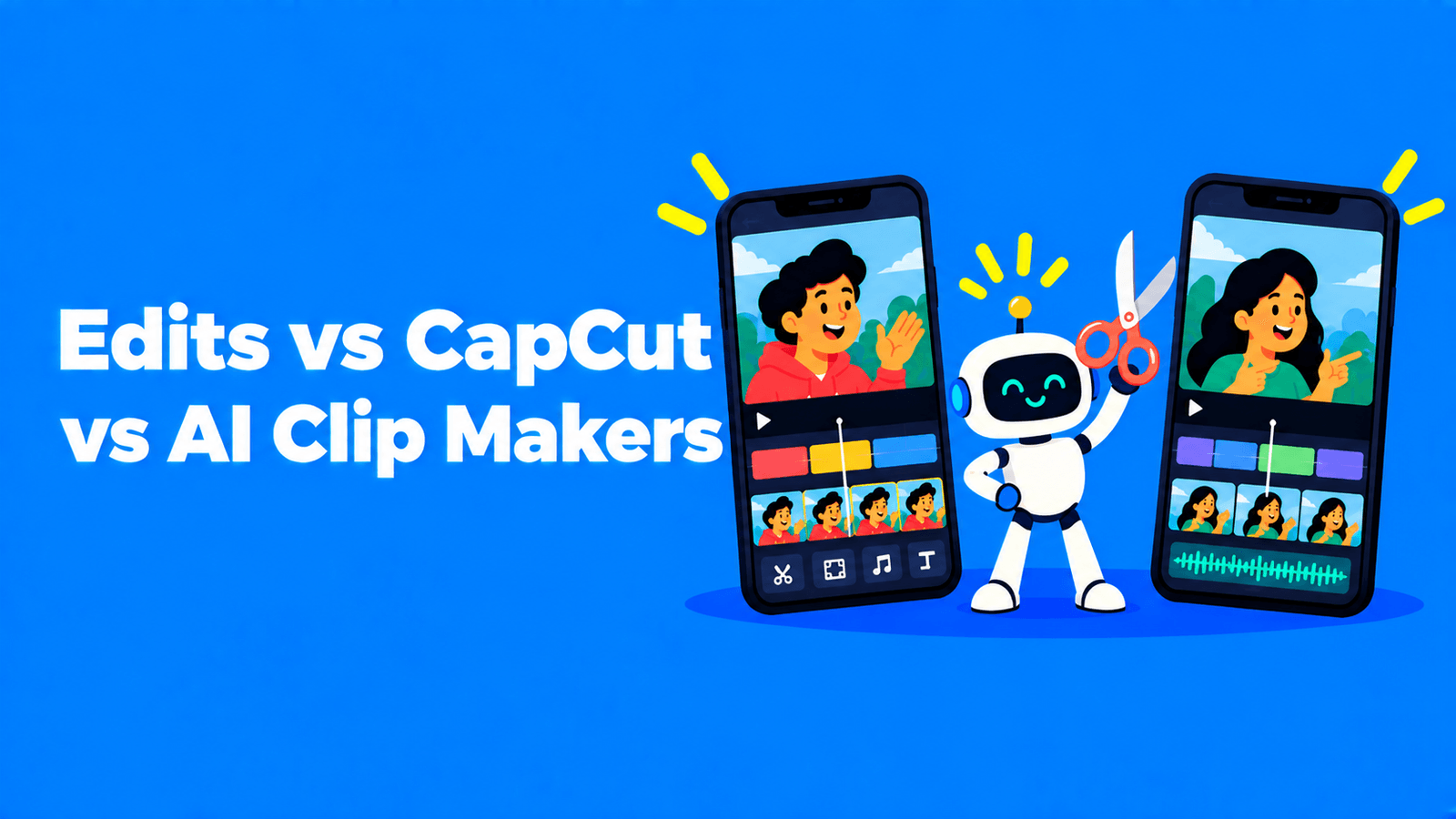
Pick Instagram's Edits if you make Reels on your phone and want a free editor with auto captions, watermark-free 4K export and Instagram insights in the same app. Pick CapCut if you want its large library of templates and effects, and you're fine paying for the advanced features. Pick an AI clip maker when your raw material is long video, such as podcasts, webinars or streams, and you need many short clips from it rather than one carefully edited video. Many creators use two of the three: an AI clip maker to find and cut the moments, then Edits or CapCut to finish the ones worth polishing.
Edits vs CapCut vs AI clip makers at a glance
| Instagram Edits | CapCut | AI clip makers (e.g. OpusClip, Exemplary AI) | |
|---|---|---|---|
| Made by | Instagram (Meta) | ByteDance | Independent companies |
| Price | Free | Free, with paid subscriptions | Free tiers with limits, then paid plans |
| Watermark | None on export | Not stated on its App Store listing | Varies by tool and plan |
| Starts from | Clips you shoot or import on your phone | Clips you import | A long video you upload or link |
| Captions | Automatic, customisable | Automatic | Automatic, animated |
| AI features | AI animation of images, AI video generation from a prompt | Background removal, text-to-speech and more | Finding clip-worthy moments, reframing to vertical, captioning in bulk |
| Best for | Polished Reels from your own footage | Effects-heavy edits and templates | Turning one long video into many clips |
Sources for Edits and CapCut: their App Store listings (Edits, CapCut) and Meta's launch post (Meta for Creators).
Instagram Edits
Instagram launched Edits on April 22, 2025 on the App Store and Google Play. It's free, and you sign in with an Instagram account. At launch Meta promised "high quality, watermark-free export", auto-captions, a frame-accurate timeline, video overlays, AI image animation and a built-in green screen (Meta for Creators). The App Store listing says you can capture clips up to 10 minutes long and export in 4K with no watermark.
What changed in spring 2026:
- AI video generation. Edits added an option to generate a clip from a text description, optionally using photos or videos from your camera roll (Social Media Today, April 26, 2026).
- More insights and caption controls. A May 2026 update added engagement-rate data, peak engagement moments within clips, follower vs non-follower views, and caption options such as censoring profanity (Social Media Today).
- A hint about pricing. At an event for Edits' first anniversary, Meta said it may eventually need to charge for some features, especially AI ones, because of their cost (Social Media Today, April 20, 2026).
Strengths: free, no watermark, 4K export, captions, and Reels insights right next to your projects.
Limits: it's a phone app built around Instagram, and it isn't designed to find the best moments in a long recording.
CapCut
CapCut is ByteDance's editor. The US App Store lists it as free with in-app purchases. Its features include auto captions, text-to-speech, background removal, keyframe animation, chroma key, templates, trending effects, a music and sound-effects library, and 4K 60 fps export (App Store). Some advanced effects and tools are locked to the paid tiers.
In the US, CapCut is covered by the same safeguards as TikTok under the TikTok USDS Joint Venture set up in January 2026 (Variety). See is TikTok still banned? for what that deal means.
Strengths: templates, trending effects, keyframe animation and chroma key in one app.
Limits: paid tiers for advanced features, and like Edits it edits the footage you give it; it doesn't pick clips out of an hour-long video for you. For captions in CapCut, see how to add subtitles in CapCut.
AI clip makers
AI clip makers solve a different problem. You give them a long video and they:
- Transcribe it.
- Suggest the moments most likely to work as standalone clips.
- Reframe each clip to vertical, following the person speaking.
- Add animated captions.
- Let you download a batch of clips for Reels, Shorts and TikTok.
OpusClip, for example, offers AI clipping with ClipAnything, reframing, captions, AI B-roll and clip scheduling (OpusClip Help). Exemplary AI (our product) suggests clips from long videos, reframes them around the speaker, adds animated captions, and lets you edit a clip by editing its transcript. You can try it with the Instagram Reel maker.
Where they're weaker: fine creative control. Effects, transitions and trend templates are Edits' and CapCut's home turf. One workflow that works: cut 10 clips with an AI clip maker, post most of them as they are, and polish the best two in Edits or CapCut.
Which should you use?
- You film short videos on your phone for Instagram: Edits. It's free, doesn't watermark, and shows your Reels insights.
- You want trendy effects and templates, and you post to TikTok too: CapCut.
- You have podcasts, webinars, interviews or streams: an AI clip maker first, then a phone editor for finishing touches. See how to make podcast clips for TikTok and Instagram.
- You mostly edit full YouTube videos: none of these; see our AI video editors for YouTube.
Whatever you use, check the length rules before you export. Our guide to the Instagram Reels length limit has the current numbers.
Update: what happened to Edits after May 2026
- Desktop version and an AI assistant. In June 2026 Meta said a desktop version of Edits is coming, along with a test of an AI assistant that suggests ideas based on post performance (Social Media Today).
- Bilingual captions. In July 2026 Edits added auto-generated bilingual captions in 15 languages (Social Media Today).
- A paid tier. On September 15, 2026 Meta announced Edits Plus, a subscription with more storage and more access to AI tools. Meta hasn't shared the price yet (Social Media Today).
FAQ
Is Instagram Edits free?
Yes. Edits is free on iPhone and Android, and its App Store listing showed no in-app purchases in September 2026. Meta has announced a paid Edits Plus tier with more storage and AI tools but hasn't published its price.
Does Edits add a watermark?
No. Meta built Edits for "watermark-free export", so you can post your videos anywhere, including TikTok and YouTube Shorts.
Is Edits better than CapCut?
For Instagram-first creators, Edits covers most needs for free and adds Reels insights. CapCut has more templates and effects. Neither is built to find clips in a long video; that's what AI clip makers do.
How long can an Edits video be?
The App Store listing says you can capture clips up to 10 minutes long in the app. Instagram's own Reels length rules apply when you post.
Is CapCut still available in the US?
Yes. CapCut is on the US App Store and is covered by the TikTok USDS Joint Venture's safeguards, along with TikTok and Lemon8.