LinkedIn Vertical Video Size and Specs (2026)
LinkedIn vertical video specs: 1080x1920 or 1080x1350 MP4, up to 15 min and 5 GB for posts, 30 min and 500 MB for ads. Checked on LinkedIn Help.

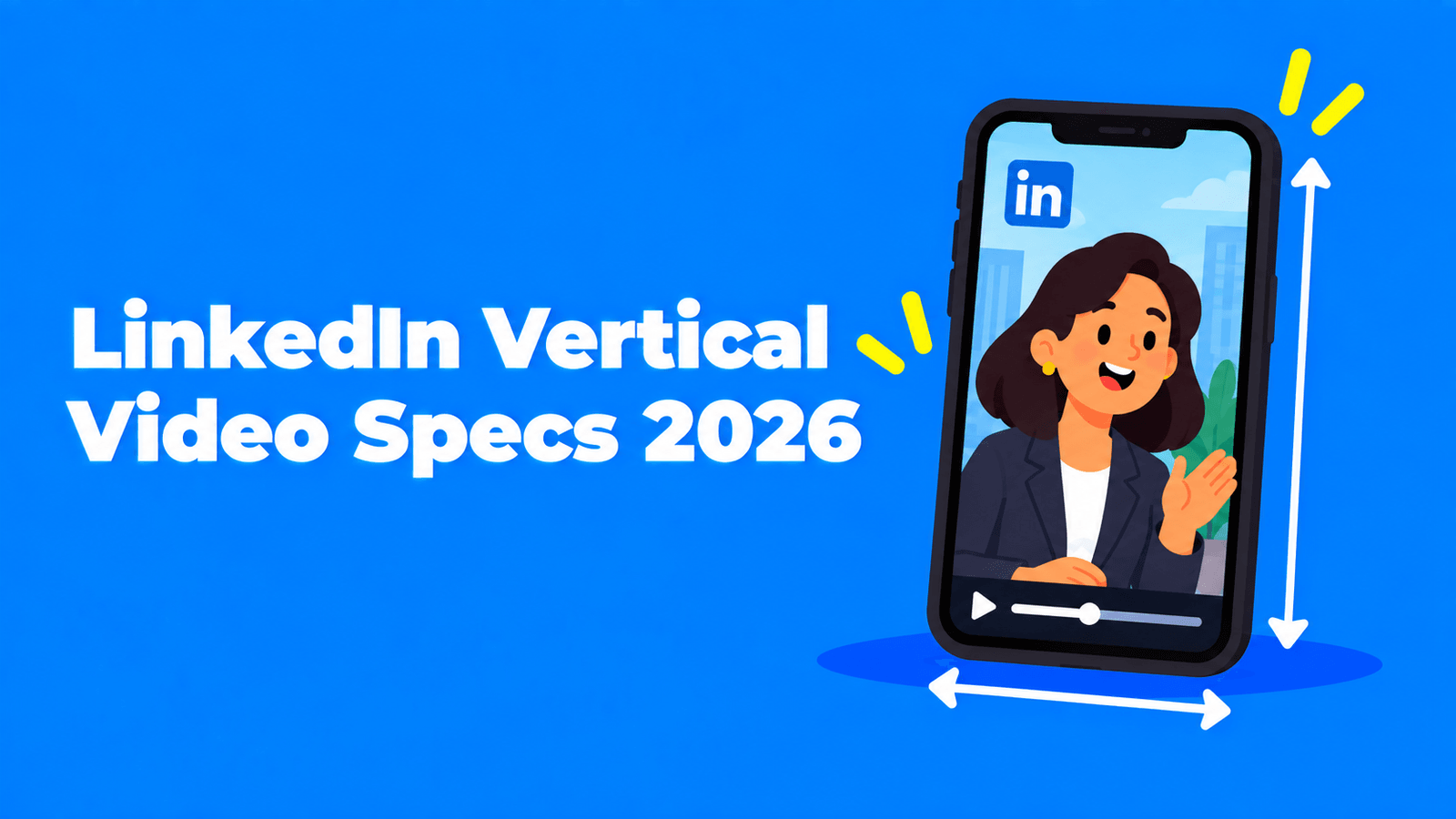
For a vertical LinkedIn video, export an MP4 at 1080 × 1920 (9:16) or 1080 × 1350 (4:5). For a regular post, LinkedIn accepts files up to 5 GB and videos from 3 seconds to 15 minutes, with aspect ratios anywhere from 1:2.4 to 2.4:1 and frame rates from 10 to 60 fps (LinkedIn Help). Video ads have tighter limits: MP4 only, 75 KB to 500 MB, 3 seconds to 30 minutes, and a maximum of 1080 × 1920 for 9:16 (LinkedIn Marketing Solutions Help). Specs below were checked on LinkedIn's help pages in September 2026.
LinkedIn video specs at a glance
| Spec | Regular post (organic) | Video ad |
|---|---|---|
| File format | MP4, MOV, AVI, WEBM, MKV, WMV and others | MP4 |
| File size | 75 KB to 5 GB | 75 KB to 500 MB |
| Length | 3 seconds (desktop) or 2 seconds (mobile app) to 15 minutes | 3 seconds to 30 minutes |
| Aspect ratio | 1:2.4 to 2.4:1 | 16:9, 1:1, 4:5 or 9:16 |
| Resolution | 256 × 144 to 4096 × 2304 | 9:16: 360 × 640 to 1080 × 1920; 4:5: 360 × 450 to 1080 × 1350 |
| Frame rate | 10 to 60 fps | 30 fps recommended |
| Bit rate | 192 Kbps to 30 Mbps | Not listed |
| Audio | Not listed | AAC or MPEG4, under 64 kHz |
| Captions | Not listed | Optional, SRT file |
Sources: organic limits from LinkedIn's video sharing troubleshooting page; ad limits from LinkedIn's video ads specifications and ads guide.
The best vertical size for LinkedIn
9:16 at 1080 × 1920 is the full-screen phone format, the same shape as Shorts, Reels and TikTok. It's the largest 9:16 size LinkedIn lists for ads, and it sits well inside the organic limits. Use it when the video is made to be watched full screen on a phone.
4:5 at 1080 × 1350 is shorter and takes less of the feed. It's also an official LinkedIn ad size. Use it if your audience mostly scrolls the main feed, or if you want one file that works as both a post and an ad.
Whichever you choose, keep faces, captions and on-screen text away from the edges. LinkedIn's full-screen player says that "uploaded videos with a larger aspect ratio may be cropped on the sides as well as at the top and bottom," while wider videos "may be fitted to the screen" (LinkedIn Help). A centred safe area keeps the important parts on screen either way.
How vertical videos get into LinkedIn's video feed
LinkedIn has a full-screen vertical video feed on mobile. You open it by tapping Video in the navigation bar, or by tapping any video in your feed. You can't post into it directly. LinkedIn says "any video you post to LinkedIn may be eligible to appear in the video feed, tab, or carousel based on relevance and performance" (LinkedIn Help).
Two things to know:
- It's mobile only. LinkedIn says the video tab and carousel "aren't currently available on the desktop site."
- Quality affects reach. Visibility depends on "content relevance, quality, and member feedback," and creators whose videos keep getting strong negative feedback may be shown less often to people who don't follow them (LinkedIn Help).
Captions: burn them in
LinkedIn videos "may play automatically without sound" as people scroll (LinkedIn Help). A muted video without captions loses most of its message in the first seconds.
- For ads, LinkedIn accepts captions as a separate SRT file.
- For regular posts, burned-in (open) captions are the safe choice. They show on every device and in every player, whatever the viewer's settings. Our guide to open vs closed captions explains the trade-off, and how to burn subtitles into a video covers the steps.
Keep captions away from the very top and bottom of the frame, since the full-screen player may crop those edges.
How to turn a horizontal video into a vertical LinkedIn video
Most LinkedIn video starts as a webinar, a podcast or a 16:9 talk. To make it vertical without losing the speaker:
- Pick one idea. Cut a single point or story of 30 to 90 seconds. It should make sense to someone who hasn't seen the rest.
- Reframe to 9:16 or 4:5. Crop around the person speaking, not the centre of the frame. If two people talk, stack them or switch between them.
- Add captions and a short on-screen title in the first frame.
- Export an MP4 at 1080 × 1920 or 1080 × 1350, 30 fps.
- Write the post text with the key point first, because longer post text is collapsed in the feed.
Exemplary AI (our product) does steps 1 to 4 for long recordings: it suggests clips, reframes them to vertical around whoever is speaking, and adds animated captions. See the AI clip maker or the video resizer. For a manual method, see how to convert horizontal video to vertical.
What changed on LinkedIn video in 2026
- Playback speed. In April 2026 LinkedIn added playback speed controls for in-stream videos, from 0.5x to 2x (Social Media Today).
- The video tab is returning to more countries. In May 2026, LinkedIn's Creator Video newsletter said it was bringing the video tab and carousel back to more markets, starting with Canada, the UK and Australia (Social Media Today).
- Video keeps growing. With Microsoft's October 2025 earnings, LinkedIn CEO Ryan Roslansky reported three straight quarters of double-digit growth in video uploads (Social Media Today).
Upload checklist
- MP4, H.264, 1080 × 1920 or 1080 × 1350.
- Under 15 minutes and 5 GB for a post; under 30 minutes and 500 MB for an ad.
- Captions burned in for posts; SRT file ready for ads.
- Faces and text inside the centre of the frame.
- A clear first frame and a hook in the first three seconds.
- Post text that works on its own, with the point up front.
For the rest of your LinkedIn routine, see our LinkedIn marketing checklist and our B2B social content checklist.
FAQ
What is the best video size for LinkedIn?
For vertical video, 1080 × 1920 (9:16) or 1080 × 1350 (4:5). For landscape, 1920 × 1080 (16:9). Square 1080 × 1080 also works. All four shapes are inside LinkedIn's accepted range of 1:2.4 to 2.4:1.
Can I post 9:16 video on LinkedIn?
Yes. LinkedIn accepts aspect ratios from 1:2.4 to 2.4:1 for regular posts, which includes 9:16, and lists 9:16 as an ad format up to 1080 × 1920.
How long can a LinkedIn video be?
Up to 15 minutes for a regular post and up to 30 minutes for a video ad. The minimum is 3 seconds on desktop and 2 seconds from the mobile app.
What is the maximum file size for LinkedIn video?
5 GB for a regular post and 500 MB for a video ad.
Does LinkedIn support 4K video?
LinkedIn lists a maximum resolution of 4096 × 2304 for regular posts. For vertical video, 1080 × 1920 is enough, and it's the largest 9:16 size LinkedIn lists for ads.
Does LinkedIn add captions automatically?
LinkedIn's video specification pages don't cover automatic captions for regular posts. Burning captions into the video is the reliable option. For ads, you can upload an SRT file.